
Choosing between the OnePlus 8 and the Samsung Galaxy S10 Lite isn’t just about specs—it’s a decision shaped by brand loyalty, user experience, and long-term satisfaction. Both phones launched in early 2020 as premium mid-range contenders, offering flagship-level features at more accessible prices. But if you're a longtime Samsung user considering a switch, the real question is whether OnePlus delivers enough improvement to justify leaving the Samsung ecosystem behind.
The S10 Lite brings Samsung’s polished software, reliable camera system, and solid build quality. The OnePlus 8 counters with raw speed, smoother animations, and a cleaner Android experience. This isn’t a battle of budget phones; it’s a clash of philosophies. One prioritizes consistency and integration, the other performance and minimalism. Let’s break down where each excels—and whether making the jump is truly worth it.
Performance and Software Experience
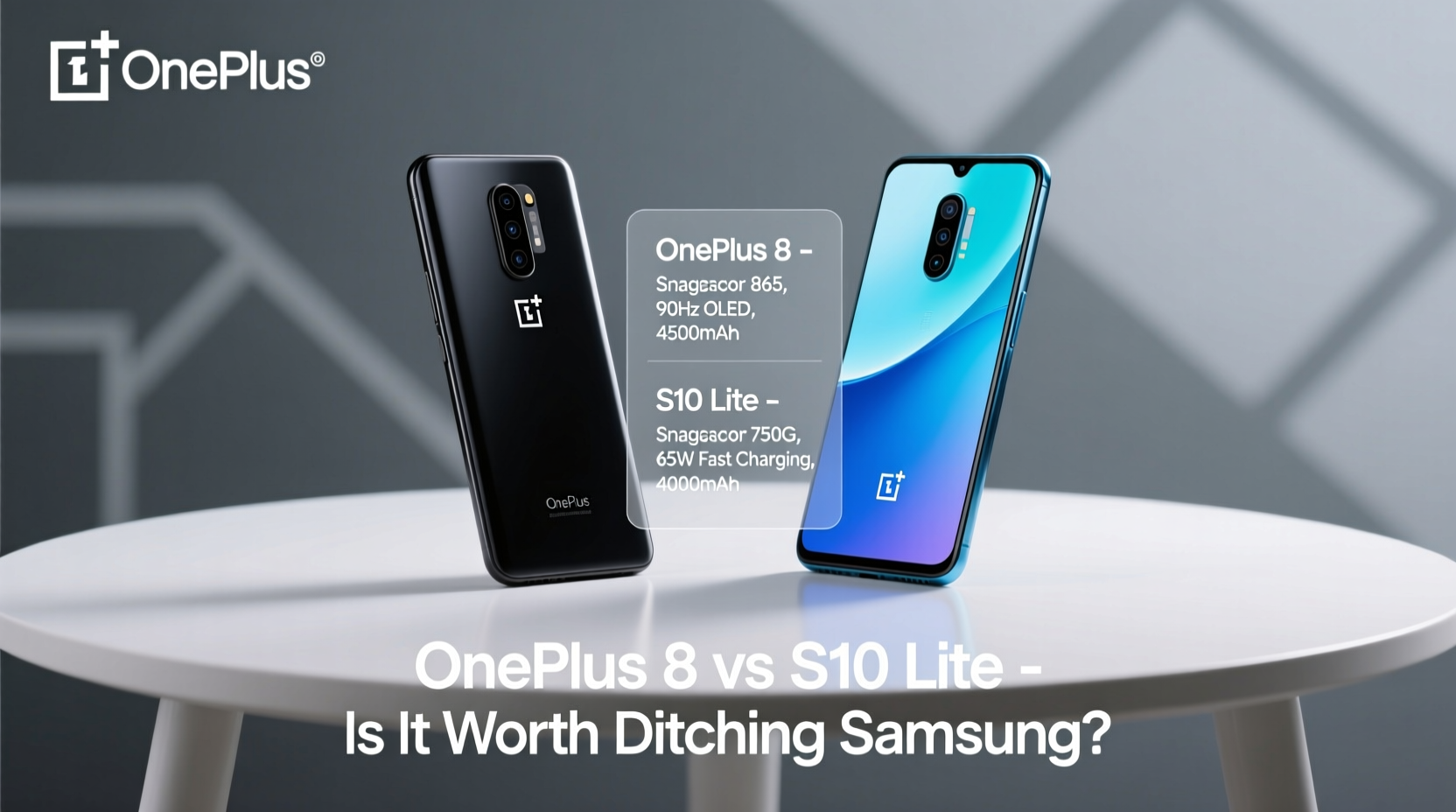
The heart of any smartphone experience lies in its performance and how smoothly the software runs. Here, the OnePlus 8 holds a distinct advantage. Powered by the Qualcomm Snapdragon 865 processor and paired with up to 12GB of LPDDR4X RAM, the OnePlus 8 delivers near-flagship-tier speed. Apps launch instantly, multitasking feels effortless, and gaming performance is consistently smooth—even with graphics-intensive titles like Genshin Impact or Call of Duty Mobile.
In contrast, the S10 Lite uses the Snapdragon 855—still a capable chip, but a generation behind. While everyday tasks like browsing, messaging, and media playback are handled without issue, the OnePlus 8 pulls ahead in sustained performance and thermal management. Over time, especially under heavy use, the S10 Lite may show signs of throttling, whereas the OnePlus 8 maintains higher clock speeds longer.
Software is another key differentiator. Samsung’s One UI 2.1 (upgradable on the S10 Lite) offers deep customization, split-screen multitasking, DeX support, and seamless integration with other Samsung devices. If you own a Galaxy Watch or Galaxy Buds, the synergy is undeniable. However, One UI also comes with bloatware and a steeper learning curve for new users.
On the flip side, the OnePlus 8 ships with OxygenOS 10.5 based on Android 10. Known for its clean interface and near-stock Android feel, OxygenOS is fast, intuitive, and refreshingly free of unnecessary apps. Animations are snappier, settings are easier to navigate, and updates arrive faster than Samsung’s typically slower rollout schedule.
Display and Build Quality
Both phones feature 6.5-inch AMOLED displays, but the differences in resolution and refresh rate matter. The OnePlus 8 boasts a QHD+ (3168 x 1440) panel with a 90Hz refresh rate, resulting in sharper text, richer colors, and buttery-smooth scrolling. The S10 Lite, while still using a vibrant AMOLED screen, is limited to FHD+ (2400 x 1080) and a standard 60Hz refresh rate. On paper, that might seem minor, but in practice, the higher refresh rate on the OnePlus 8 makes everything from swiping through apps to browsing social feeds feel more responsive.
Build materials also diverge. The OnePlus 8 uses Gorilla Glass 5 on both front and back with an aluminum frame, giving it a more premium hand feel. It’s slightly lighter and more compact despite similar dimensions. The S10 Lite opts for plastic on the back, which reduces weight but sacrifices perceived durability and elegance. It does offer IP67 water resistance—a feature missing on the OnePlus 8—so if you frequently encounter rain or spills, this could be a deciding factor.
“High refresh rate displays aren’t just a gimmick—they redefine how fluid and immediate your phone feels.” — James Lee, Senior Tech Analyst at MobileInsight Group
Camera Comparison: Real-World Results
Cameras are often the make-or-break feature for many users. The S10 Lite has a triple rear setup: a 48MP main sensor (f/2.0), a 12MP ultra-wide (f/2.2), and a 5MP macro lens. The OnePlus 8 also features a quad-camera array: a 48MP main (f/1.78), a 16MP ultra-wide (f/2.2), a 2MP macro, and a 2MP monochrome sensor.
In daylight, both cameras produce excellent results. The S10 Lite tends to oversharpen images slightly and boost saturation, which some users prefer for social media. The OnePlus 8 takes a more natural approach—colors are accurate, dynamic range is strong, and skin tones remain consistent.
Night mode is where the gap widens. The OnePlus 8’s Nightscape algorithm captures more light, retains better detail in shadows, and handles highlights more gracefully. In low-light environments, such as dimly lit restaurants or city streets at night, the OnePlus 8 consistently produces clearer, less noisy photos.
Video recording favors the OnePlus 8 as well. It supports 4K at 60fps across all rear cameras, while the S10 Lite caps at 30fps. Front-facing video is stabilized better on the OnePlus, making vlogging or video calls noticeably smoother.
Camera Performance Summary
| Feature | OnePlus 8 | S10 Lite |
|---|---|---|
| Main Sensor | 48MP, f/1.78 | 48MP, f/2.0 |
| Ultra-Wide | 16MP, f/2.2 | 12MP, f/2.2 |
| Night Mode | Advanced Nightscape | Average Night Mode |
| Video Max | 4K @ 60fps | 4K @ 30fps |
| Front Camera | 16MP, f/2.0 | 32MP, f/2.2 |
Battery Life and Charging Speed
The S10 Lite packs a 4,500mAh battery—the larger of the two—which translates to solid endurance. With moderate use, it easily lasts a full day and a half. The OnePlus 8 has a smaller 4,300mAh cell, but thanks to its efficient processor and aggressive background app management, it still manages a full day of heavy usage.
Where OnePlus dominates is charging speed. The 8 supports Warp Charge 30T, delivering a full charge in about 55 minutes. More impressively, a 20-minute charge can get you to around 50%. The S10 Lite supports 25W fast charging, but Samsung doesn’t include the fast charger in the box—you’ll need to buy it separately. Even then, it takes closer to 70 minutes to reach full capacity.
If you’re constantly on the move and rely on quick top-ups, the OnePlus 8’s charging advantage is significant. You can plug in during a morning shower or coffee break and gain hours of extra use.
Real-World Switcher Experience: A Mini Case Study
Take Mark, a five-year Samsung user who upgraded from a Galaxy S9 to the OnePlus 8. Initially, he missed Samsung’s Secure Folder and Smart Switch functionality. Transferring contacts and messages was straightforward, but moving encrypted notes and app data required third-party tools. After two weeks, however, he adapted to OxygenOS’s simplicity. He found himself appreciating the lack of pre-installed apps and faster app launches. The 90Hz display made scrolling through Twitter and Reddit feel “like silk,” he said. After three months, he sold his old Galaxy Buds to buy OnePlus Bullets Wireless Z, citing better Bluetooth stability and lower latency.
His only regret? Losing Samsung Pay’s MST support for older card terminals. But overall, he rated the switch “worth it for the speed and cleaner software.”
Is It Worth Ditching Samsung for OnePlus?
The answer depends on your priorities:
- If you value ecosystem integration, water resistance, and a proven camera system, staying with the S10 Lite makes sense.
- If you crave speed, a smoother interface, faster charging, and a higher-quality display, the OnePlus 8 is the better performer.
Switching brands means re-evaluating your digital habits. Do you rely heavily on Samsung Health or DeX? Then the transition may feel disruptive. But if you primarily use your phone for communication, media, and productivity via Google services, the OnePlus 8 offers a leaner, faster alternative with fewer compromises.
Checklist: Before Making the Switch
- ✅ Backup all data from your current Samsung device
- ✅ Verify compatibility of essential apps (e.g., banking, work tools)
- ✅ Test Bluetooth pairing with existing accessories
- ✅ Confirm cloud sync settings (Google vs Samsung account)
- ✅ Evaluate charging habits—do you need fast top-ups?
Frequently Asked Questions
Can I transfer my data easily from Samsung to OnePlus?
Yes. Use Google’s built-in sync for contacts, calendar, and apps. For SMS and media, OnePlus Switch app allows direct transfer over Wi-Fi from your Samsung device. Note: Samsung-specific data like Secure Folder or KNOX settings won’t migrate.
Does the OnePlus 8 have better long-term software support?
Historically, OnePlus offered two major Android updates. The OnePlus 8 received Android 11 and 12, with security patches until late 2022. Samsung promises four years of updates for the S10 Lite (Android 10 to 14). In this case, Samsung wins on longevity.
Is the lack of IP rating a dealbreaker on the OnePlus 8?
It depends on your lifestyle. Without official dust or water resistance, you must be cautious around liquids. Many users report surviving accidental splashes, but it’s not designed for submersion. If you frequently use your phone in wet environments, the S10 Lite’s IP67 gives peace of mind.
Final Verdict
Moving from Samsung to OnePlus isn’t just a hardware upgrade—it’s a shift in philosophy. The OnePlus 8 delivers a faster, more responsive experience with superior display quality and charging speed. It shines for power users who want minimal lag and maximum efficiency. The S10 Lite counters with ecosystem strength, durability, and broader software support.
If you’re ready to leave behind Samsung’s occasional bloat and embrace a leaner Android experience, the OnePlus 8 is absolutely worth the switch. But if you depend on Samsung-exclusive features or prioritize long-term updates, sticking with the S10 Lite may be the smarter choice.




 浙公网安备
33010002000092号
浙公网安备
33010002000092号 浙B2-20120091-4
Comments
No comments yet. Why don't you start the discussion?