
Choosing between the OnePlus Nord N200 5G and the Samsung Galaxy A53 5G isn’t just about specs—it’s about real-world value, longevity, and whether an upgrade truly enhances your daily experience. The Nord N200, released in mid-2021, was positioned as an affordable entry into 5G connectivity. In contrast, the Galaxy A53 5G, launched in 2022, targets the upper mid-range segment with stronger performance and long-term software support. For users currently on the Nord N200 wondering if jumping to the A53 makes sense, the answer depends on usage patterns, budget, and expectations from a smartphone.
Performance and Hardware Comparison
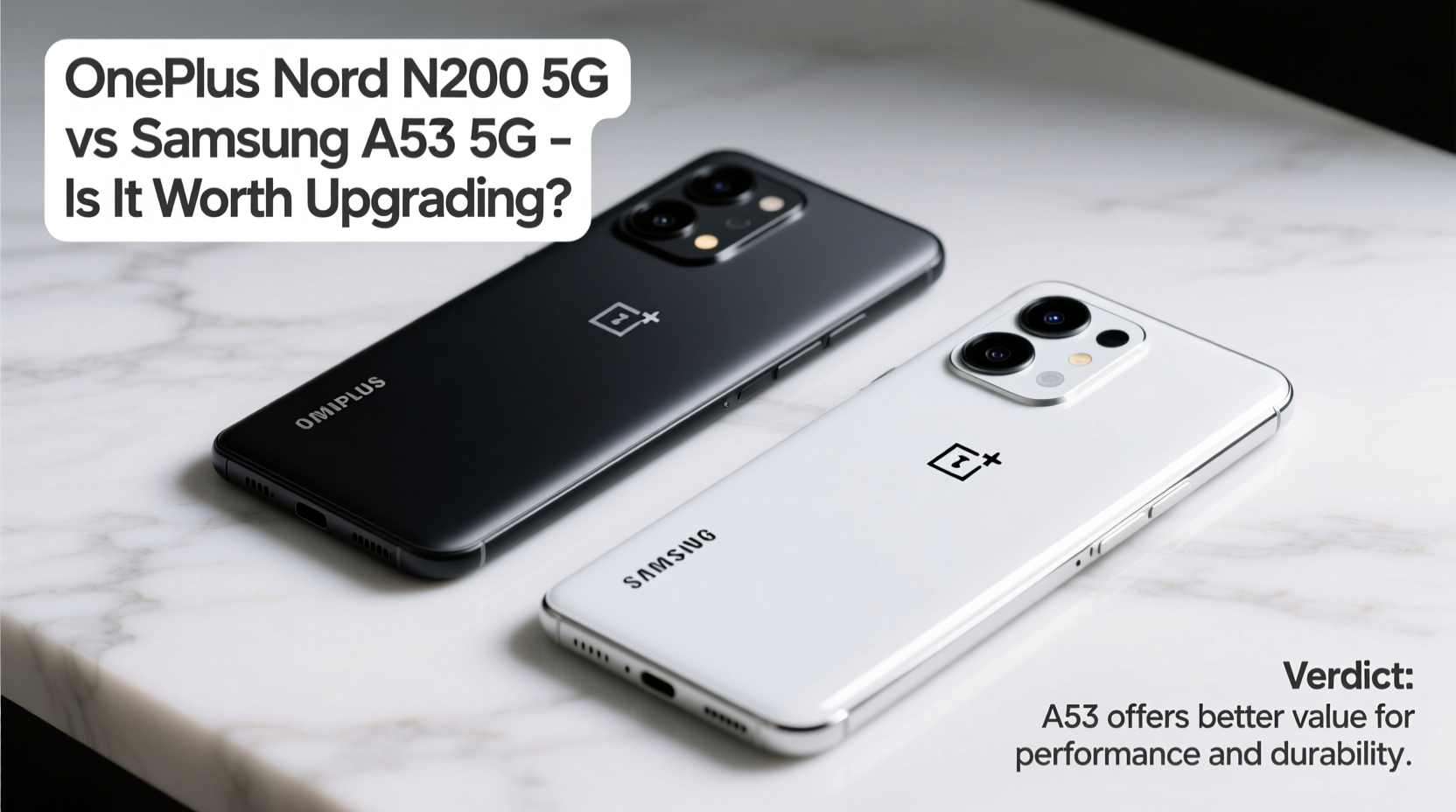
The core difference between these two phones lies in their processing power and overall hardware capabilities. The OnePlus Nord N200 runs on the Qualcomm Snapdragon 480 5G chipset, paired with either 4GB or 6GB of RAM. While this chip supports 5G and handles basic tasks like web browsing, messaging, and streaming, it struggles with multitasking and heavier apps such as photo editors or modern mobile games.
On the other hand, the Samsung Galaxy A53 5G uses the Exynos 1280 processor, which delivers significantly better CPU and GPU performance. With 6GB or 8GB RAM options, it manages app switching more smoothly and maintains stability during prolonged use. Real-world benchmarks show the A53 outperforming the Nord N200 by nearly 70% in multi-core tests and over 100% in graphics rendering.
Display and Build Quality
Both devices feature 6.5-inch displays, but the quality diverges sharply. The Nord N200 has a 1080p IPS LCD panel with a 90Hz refresh rate—decent for its time but limited in brightness and color accuracy. Outdoor visibility is mediocre, and blacks appear grayish due to LCD limitations.
The A53 5G steps up with a 6.5-inch Super AMOLED display, also at 1080p resolution but with a brighter output (up to 800 nits), deeper blacks, and vibrant colors. Its 120Hz refresh rate ensures smoother scrolling and animations. Additionally, the A53 includes an IP67 rating for dust and water resistance—a rare feature in this price range—while the Nord N200 lacks any official ingress protection.
| Feature | OnePlus Nord N200 5G | Samsung Galaxy A53 5G |
|---|---|---|
| Processor | Qualcomm Snapdragon 480 5G | Exynos 1280 |
| RAM Options | 4GB / 6GB | 6GB / 8GB |
| Display | 6.49\" FHD+ IPS LCD, 90Hz | 6.5\" FHD+ Super AMOLED, 120Hz |
| Battery | 5000mAh | 5000mAh |
| Charging Speed | 18W | 25W |
| Rear Cameras | 13MP + 2MP + 2MP | 64MP + 12MP + 5MP + 5MP |
| Software Support | 1 major OS update | 4 Android OS updates, 5 years security |
| Water Resistance | No | IP67 rated |
Camera Capabilities and Photo Quality
Photography is where the gap widens considerably. The Nord N200’s triple rear setup includes a 13MP main sensor, a 2MP macro, and a 2MP depth sensor. In good lighting, photos are acceptable for social media, but low-light performance is poor, with excessive noise and loss of detail. The lack of optical image stabilization (OIS) means shaky hands result in blurry shots.
The A53 5G features a 64MP main sensor with OIS, enabling sharper images even in dim environments. Its ultra-wide lens (12MP) captures more scenery, while the dedicated macro and depth sensors add versatility. Samsung’s image processing applies natural color tuning and effective HDR, making point-and-shoot photography more reliable. Front-facing video calls benefit from improved selfie sharpness and background blur in portrait mode.
“Mid-range phones now offer near-flagship camera experiences. The A53’s stabilized 64MP sensor sets a new benchmark for consistent photo quality.” — David Lin, Mobile Imaging Analyst at TechPulse Weekly
Battery Life and Charging Experience
Both phones pack 5000mAh batteries, so all-day endurance is achievable on either device under moderate use. However, differences in efficiency and charging speed matter. The Nord N200 supports only 18W fast charging, taking over two hours to reach full capacity. It does not support wireless charging.
The A53 5G charges faster with 25W support (charger sold separately in some regions), reducing charge time to about 90 minutes. Although it also lacks wireless charging, its optimized software extends standby life. With Adaptive Battery technology, the phone learns usage patterns and reduces background drain, often lasting well into a second day with light use.
Real-World Example: Daily Use After Upgrade
Consider Maria, a freelance graphic designer using her Nord N200 for client communication, light editing via mobile apps, and portfolio sharing. Over time, she noticed delays when switching between design tools and frequent app reloads. After upgrading to the A53 5G, she reported immediate improvements: smoother transitions between Adobe Express and Canva, faster gallery loading, and clearer video calls with clients thanks to the upgraded front camera. The AMOLED screen also helped her assess color accuracy more confidently during on-the-go edits.
For users like Maria whose work relies on responsiveness and visual clarity, the upgrade pays off in productivity gains—even if both phones have similar battery sizes.
Software, Updates, and Longevity
This is perhaps the most decisive factor. The Nord N200 shipped with Android 11 and received one major OS update to Android 12. No further upgrades are expected, leaving it vulnerable to future security threats and incompatible with newer app requirements.
In contrast, Samsung promises four generations of Android OS updates and five years of monthly security patches for the A53 5G. That means it will likely run Android 16 through 2027. This extended support ensures compatibility with banking apps, enterprise tools, and emerging services that demand recent OS versions.
Is Upgrading Worth It? A Step-by-Step Decision Guide
If you're still unsure, follow this practical timeline to evaluate your needs:
- Assess current pain points: Does your Nord N200 lag during calls, freeze when opening apps, or struggle with camera quality?
- Evaluate your usage: Are you using productivity tools, gaming, or relying on photography? Higher demands favor the A53.
- Check remaining lifespan: If your Nord N200 is over 18 months old, component wear may increase failure risk.
- Compare prices: The A53 often retails around $350 refurbished or discounted, making it a reasonable step up.
- Test in person: Visit a retailer to feel the A53’s build, view the AMOLED screen, and test camera focus speed.
- Decide based on long-term value: If you plan to keep a phone for 3+ years, the A53’s update policy offers peace of mind.
Frequently Asked Questions
Can the Samsung A53 5G run modern mobile games smoothly?
Yes. Thanks to the Exynos 1280 and 6GB+ RAM, the A53 handles games like Genshin Impact (at medium settings), Call of Duty: Mobile, and Asphalt 9 at stable frame rates. The Nord N200 stutters even at low settings.
Does the A53 5G support expandable storage?
No, unlike the Nord N200, the A53 does not have a microSD slot. Choose the 128GB or 256GB model depending on your media storage needs.
Is the OnePlus Nord N200 obsolete?
Not entirely. It still functions for basic tasks, but limited software support and aging hardware make it less secure and efficient. It’s best suited for secondary use or as a temporary device.
Final Verdict and Recommendation
Upgrading from the OnePlus Nord N200 5G to the Samsung Galaxy A53 5G is absolutely worth it for most users. The improvements in display quality, processing power, camera performance, and—critically—software support represent a generational leap. You’re not just getting a faster phone; you’re investing in three additional years of reliable updates, better durability with IP67, and a more enjoyable multimedia experience.
While the upfront cost may seem steep compared to holding onto an older device, consider the hidden costs of inefficiency, frustration, and eventual forced replacement. The A53 strikes a rare balance: premium features without flagship pricing.




 浙公网安备
33010002000092号
浙公网安备
33010002000092号 浙B2-20120091-4
Comments
No comments yet. Why don't you start the discussion?