
In an era defined by digital transformation, many professionals still wrestle with a surprisingly analog question: should they reach for a paper notebook or a tablet when entering a meeting? While both tools serve the same fundamental purpose—capturing ideas, decisions, and action items—their impact on focus, retention, organization, and long-term usability differs significantly. The choice isn’t merely about preference; it’s about aligning your note-taking method with how you think, work, and retrieve information. This article examines the strengths and limitations of each option, backed by cognitive research, real-world usage patterns, and practical insights from professionals across industries.
Cognitive Impact: How Note-Taking Affects Memory and Comprehension
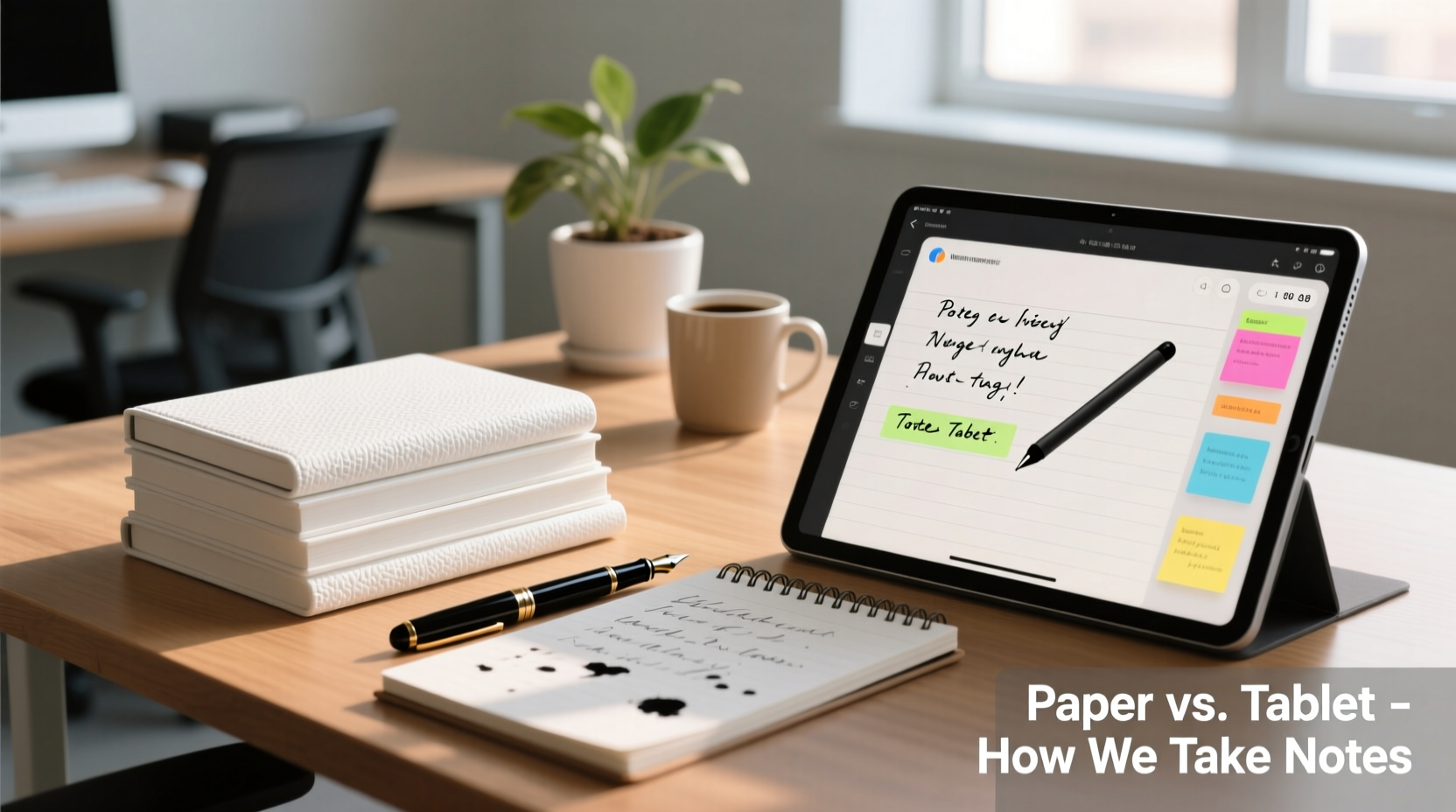
The way we record information directly influences how deeply we process it. Research from Princeton University and UCLA has consistently shown that people who take notes by hand tend to have better conceptual understanding and recall than those who type verbatim on a device. When writing manually, the brain must engage in summarization and synthesis due to slower input speed, which promotes deeper cognitive processing.
In contrast, typing allows users to transcribe speech almost word-for-word, often leading to passive recording rather than active engagement. While this may seem beneficial for completeness, it can reduce comprehension. One 2014 study published in Psychological Science found that students who used laptops performed worse on conceptual questions than those who wrote notes by hand—even when told not to transcribe.
“Writing by hand forces selective attention. You can’t write everything, so you must listen, interpret, and reframe ideas in your own words.” — Dr. Pam Mueller, Cognitive Psychologist and co-author of the laptop note-taking study
This distinction is particularly relevant in meetings, where the goal is often not just documentation but also participation and insight generation. Handwriting encourages presence, while typing risks turning participants into stenographers.
Practical Comparison: Paper vs. Tablet Features
Beyond cognitive science, daily usability determines which tool wins in practice. Below is a detailed comparison of key factors influencing note-taking efficiency:
| Feature | Paper Notebook | Tablet (with Stylus) |
|---|---|---|
| Setup Time | Instant – open and write | Requires charging, boot-up, app launch |
| Durability & Reliability | Unaffected by battery, software, or connectivity | Vulnerable to crashes, low power, or syncing issues |
| Distraction Level | Negligible – no notifications | High risk if email, messages, or apps are active |
| Searchability | None unless manually indexed | Full-text search across all notes |
| Sharing & Collaboration | Requires scanning or photo sharing | Instant export, cloud sync, team access |
| Organization | Chronological or section-based only | Folders, tags, cross-linking, backups |
| Annotation Flexibility | Limited to drawing and text | Supports diagrams, audio clips, screenshots, hyperlinks |
| Longevity & Archival | Physical storage required; vulnerable to damage | Digital backup options; cloud redundancy |
This table reveals a clear trade-off: paper excels in simplicity and cognitive focus, while tablets dominate in retrieval, scalability, and integration with modern workflows.
Real-World Use Case: The Hybrid Executive
Consider Sarah Lin, a product manager at a mid-sized tech firm. She initially switched to a tablet with a stylus to digitize her workflow and share notes instantly with her remote team. However, she noticed she was less engaged during strategy sessions—often distracted by calendar alerts or tempted to multitask. After three months, she reverted to using a Moleskine notebook during meetings.
But she didn’t abandon technology entirely. After each meeting, she spent five minutes transferring key decisions and action items into her digital task manager. She also snapped a photo of her handwritten page and saved it to her cloud drive, tagged by project and date.
Sarah’s hybrid approach gave her the best of both worlds: undistracted thinking during the meeting, followed by searchable, shareable records afterward. Over time, her team adopted a similar rhythm—using paper in-session, then digitizing outcomes post-meeting. Meeting effectiveness improved, and follow-through increased by nearly 30%, according to internal surveys.
When to Choose Paper Notebooks
Paper remains the superior choice in several scenarios:
- Creative brainstorming: Freeform sketching, mind mapping, and nonlinear thinking benefit from the tactile freedom of pen on paper.
- High-focus environments: In critical discussions—such as negotiations, therapy sessions, or confidential planning—minimizing digital distractions is essential.
- Limited technical infrastructure: Not every conference room has reliable power or Wi-Fi. A notebook never runs out of battery.
- Personal reflection: Journaling thoughts after a meeting feels more authentic on paper, encouraging introspection without the pressure of permanence or sharing.
Additionally, some executives report a psychological boundary between “analog” and “digital” work. Writing by hand signals intentionality, helping them mentally separate strategic thinking from operational tasks.
When Tablets Are the Better Option
Despite their drawbacks, tablets shine in contexts where speed, collaboration, and integration matter most:
- Fast-paced, data-heavy meetings: Technical reviews, sprint planning, or financial forecasting often require inserting charts, referencing prior documents, or capturing complex formulas—tasks far easier on a digital canvas.
- Distributed teams: When attendees are remote, having notes appear in real-time via shared apps like Notion, OneNote, or Google Docs ensures alignment and reduces follow-up emails.
- Regulated industries: In healthcare, legal, or finance sectors, audit trails, version control, and secure archiving are non-negotiable. Digital notes offer metadata, timestamps, and encryption that paper cannot match.
- Recurring note structures: Templates for agendas, meeting minutes, or decision logs can be reused effortlessly on tablets, improving consistency and saving time.
Modern note-taking apps now support handwriting recognition, voice-to-text transcription, and even AI-powered summaries—features that blur the line between analog intuition and digital utility.
Step-by-Step: Building Your Optimal Note-Taking System
Instead of choosing one tool exclusively, consider designing a system that leverages the strengths of both. Follow these steps to create a personalized workflow:
- Assess your meeting types: Categorize your meetings into brainstorming, decision-making, status updates, and client calls. Identify which demand creativity versus precision.
- Match tools to context: Use paper for exploratory or high-concentration meetings. Reserve tablets for collaborative, fast-moving, or compliance-sensitive sessions.
- Standardize capture format: Whether analog or digital, adopt a consistent structure—e.g., Objective, Key Points, Decisions, Actions (with owners and deadlines).
- Create a digitization routine: If using paper, schedule time immediately after the meeting to scan notes and extract action items into your digital task manager.
- Review and archive: Weekly, review past notes to track progress and identify recurring themes. Archive completed projects systematically.
This flexible framework prevents rigidity and adapts to evolving needs without sacrificing reliability.
Checklist: Choosing the Right Tool for Your Workflow
Use this checklist to evaluate your current note-taking method or decide between paper and tablet:
- ✅ Do I frequently get distracted during meetings when using a device?
- ✅ Do I need to share notes with others in real time?
- ✅ Am I missing follow-ups because I can’t find old notes?
- ✅ Do I value deep thinking over rapid documentation?
- ✅ Is my workspace conducive to digital use (power, privacy, stability)?
- ✅ Do I already use a digital task management system?
- ✅ Are my notes subject to compliance or audit requirements?
- ✅ Do I enjoy the physical act of writing?
If most checked items lean toward focus, simplicity, and personal processing, paper may be ideal. If collaboration, searchability, and integration dominate, a tablet is likely the better investment.
Frequently Asked Questions
Can I effectively combine paper and digital note-taking?
Absolutely. Many professionals use paper during meetings for focus, then transfer key points to a digital system afterward. Apps like Microsoft Lens or Adobe Scan can convert handwritten pages into searchable PDFs, which can be stored and tagged in cloud services like Evernote or Dropbox.
Do tablets improve productivity compared to paper?
They can—but only if used intentionally. Tablets offer powerful features, but unchecked notifications and multitasking can reduce attention. Productivity gains come not from the device itself, but from disciplined usage and integration into existing workflows.
Are there environmental concerns with either option?
Paper production has a measurable ecological footprint, especially with frequent disposal. However, tablets require rare earth minerals, energy-intensive manufacturing, and eventual e-waste. The most sustainable approach is longevity: use one durable notebook per quarter or extend your tablet’s life with protective cases and repairs.
Conclusion: Tools Serve Purpose—Choose Wisely
The debate between paper notebooks and tablets isn’t about which is universally better—it’s about alignment with your goals, environment, and cognitive style. Paper fosters mindfulness, reduces distraction, and enhances memory through active engagement. Tablets enable speed, scalability, and seamless collaboration in connected workplaces. The most effective professionals don’t dogmatically favor one over the other; they understand the strengths of each and apply them strategically.
Start by experimenting. Try paper for your next three creative meetings. Then switch to a tablet for your next project review. Reflect on which method left you feeling more present, organized, and productive. Over time, you’ll develop an intuitive sense of when to write and when to tap.




 浙公网安备
33010002000092号
浙公网安备
33010002000092号 浙B2-20120091-4
Comments
No comments yet. Why don't you start the discussion?