
In an age of constant notifications and cloud-based syncing, the debate between paper planners and digital calendars isn’t just nostalgic—it’s practical. Both tools promise organization, but they deliver in fundamentally different ways. The choice isn’t about which is “better” in a vacuum; it’s about which system aligns with your brain, your lifestyle, and your goals. Some thrive on tactile engagement, while others rely on automation and reminders. Understanding how each tool supports focus, memory retention, task completion, and long-term planning can help you make a decision that doesn’t just look good on paper—but works in real life.
The Cognitive Impact of Writing by Hand
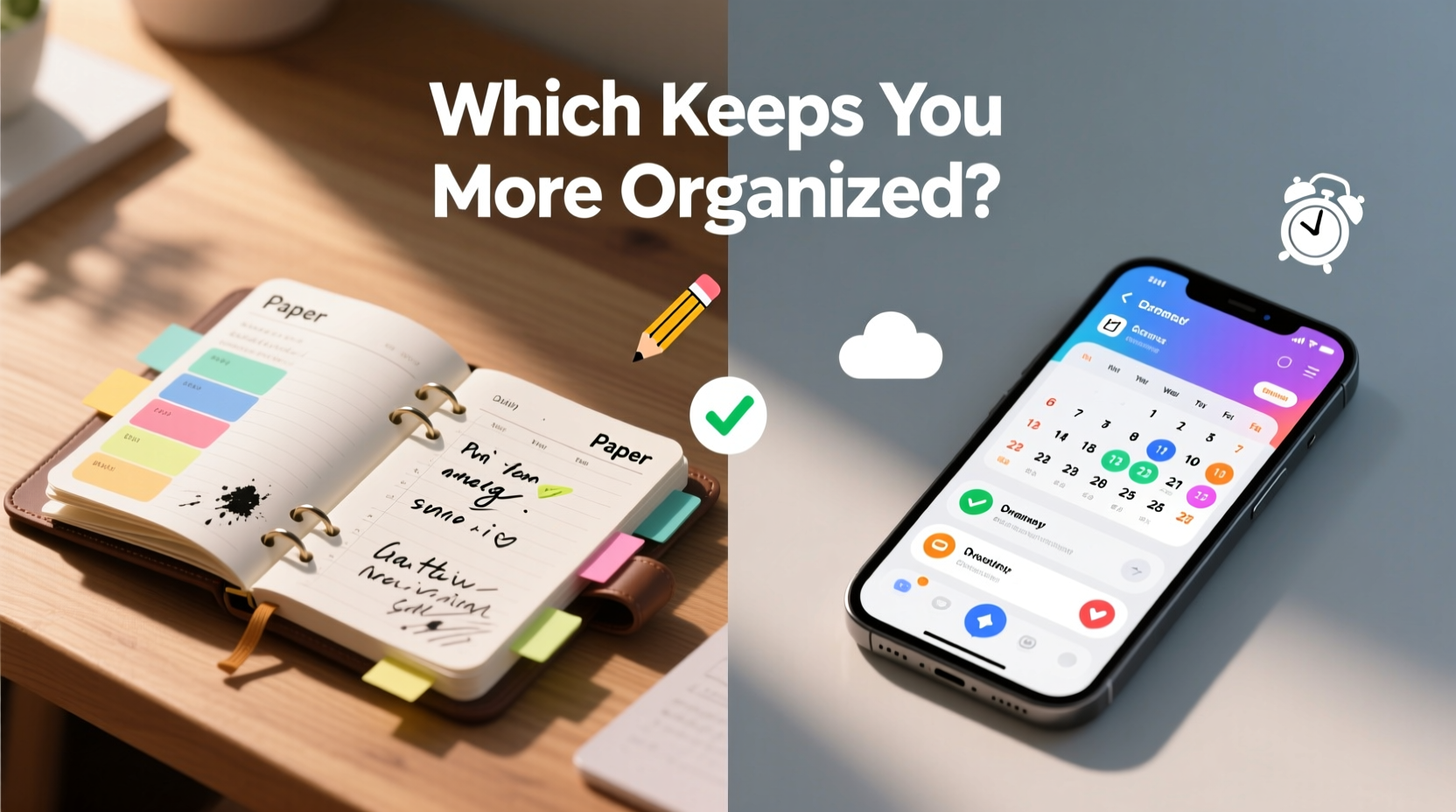
One of the most compelling arguments for paper planners lies in cognitive science. When you write something down—especially by hand—you engage multiple areas of the brain involved in memory encoding, comprehension, and emotional connection. Studies have shown that handwriting notes leads to better recall than typing them. This principle extends to planning. Transferring tasks from mind to paper forces prioritization, reflection, and intentionality.
Digital calendars, while efficient, often encourage passive input. You tap a few keys, set a reminder, and move on. There’s little friction—meaning less mental processing. Over time, this can result in tasks being entered without true commitment or understanding. In contrast, writing a meeting in a paper planner requires you to slow down, visualize the day, and consider context. That extra second of engagement builds stronger neural pathways around your schedule.
Functionality and Flexibility: Where Digital Excels
Digital calendars offer features that paper simply cannot match. Real-time syncing across devices, automated reminders, integration with email and task managers, and the ability to share availability are game-changers for professionals, remote teams, and busy families. Need to reschedule a meeting? Most platforms suggest alternative times based on attendees’ availability—a feature no paper planner can replicate.
Additionally, digital systems excel at handling dynamic schedules. If your day changes frequently—due to client calls, emergencies, or shifting deadlines—digital tools adapt instantly. Drag-and-drop rescheduling, color-coded categories, and search functions make managing complexity far easier than flipping through pages or erasing smudged ink.
Platforms like Google Calendar, Outlook, and Apple Calendar also support recurring events, time zone conversions, and location-based alerts. For example, you can set a reminder to call a colleague when you arrive at the office, triggered automatically by GPS. These micro-automations reduce cognitive load and prevent missed actions.
“Digital calendars don’t just track time—they anticipate needs. When used intentionally, they act as personal assistants.” — Dr. Lena Patel, Cognitive Technologist & Productivity Researcher
A Side-by-Side Comparison
| Feature | Paper Planner | Digital Calendar |
|---|---|---|
| Mobility & Access | Requires physical carry; limited to one device | Accessible from any synced device (phone, laptop, tablet) |
| Customization | Highly customizable layout and design | Templates available; limited by app constraints |
| Reminders & Alerts | None unless self-imposed | Push notifications, emails, pop-ups, sounds |
| Searchability | Manual page flipping; no keyword search | Instant search by event, date, or keyword |
| Data Longevity | Physical archive; risk of loss/damage | Cloud backup; nearly indestructible with proper setup |
| Cognitive Engagement | High—engages motor memory and focus | Low to moderate—quick entry, less reflection |
| Collaboration | Not possible without sharing photos or notes | Real-time sharing, group scheduling, visibility settings |
Real-World Example: How a Freelancer Found Balance
Sophie, a freelance graphic designer based in Portland, spent years bouncing between tools. She started with a bullet journal, loving the creative freedom but struggling when last-minute client requests disrupted her flow. She switched to Google Calendar, appreciating the reminders and shared project timelines—but soon felt overwhelmed by notifications and found herself skipping over scheduled work blocks.
Her breakthrough came when she adopted a hybrid approach. She now uses a weekly paper planner for high-level weekly intentions, mood tracking, and goal setting. Each Sunday evening, she writes out her top priorities, energy peaks, and creative windows. Then, she transfers fixed appointments and deadlines into her digital calendar, enabling gentle reminders 15 minutes before each task.
This dual system gave her the structure of digital efficiency without sacrificing the reflective clarity of analog planning. Within two months, her project delivery rate improved by 30%, and she reported feeling more in control of her time.
Step-by-Step Guide to Choosing Your System
Choosing between a paper planner and a digital calendar shouldn’t be arbitrary. Follow this sequence to build a personalized system:
- Assess your schedule type: Is it predictable (e.g., office hours) or fluid (e.g., freelancer, parent)? Fluid schedules benefit more from digital flexibility.
- Evaluate your memory habits: Do you forget appointments without reminders? If yes, digital alerts are essential.
- Test handwriting endurance: Can you commit to writing daily? If not, digital entry may be more sustainable.
- Consider collaboration needs: Do others need to see or edit your schedule? Shared digital calendars are necessary here.
- Experiment for one month: Use only paper. Then switch to only digital. Compare stress levels, missed tasks, and satisfaction.
- Refine or combine: Many find success blending both—using paper for planning and digital for tracking.
Common Pitfalls to Avoid
- Over-relying on notifications: Too many alerts lead to habituation—ignoring them altogether.
- Underutilizing features: Not using color-coding, recurring events, or time blocking wastes potential.
- Forgetting backups: Losing a paper planner with no copy means losing weeks of data.
- Inconsistent entry: Switching between tools without synchronization creates confusion.
- Chasing aesthetics over function: Beautiful spreads don’t equal productivity if they’re not practical.
Expert Insight: The Psychology of Planning Tools
Dr. Alan Torres, a behavioral psychologist specializing in habit formation, emphasizes that the effectiveness of a planning tool depends on alignment with personality and workflow.
“The best organizer isn’t the fanciest or fastest—it’s the one you actually use consistently. People who value mindfulness often prefer paper because it feels intentional. Those focused on efficiency lean toward digital. But mismatched tools create friction, and friction kills consistency.” — Dr. Alan Torres, Behavioral Psychologist
He adds that the key predictor of success isn’t the medium—it’s ritual. Whether you open your laptop every morning or grab your notebook with coffee, consistency matters more than the tool itself.
Checklist: Building Your Ideal Planning System
Use this checklist to evaluate and implement your optimal setup:
- ☐ I’ve assessed my daily routine and identified fixed vs. flexible tasks
- ☐ I understand whether I need reminders or can self-manage accountability
- ☐ I’ve tested both paper and digital methods for at least five days each
- ☐ I’ve chosen a primary tool (or hybrid model) based on real experience
- ☐ I’ve set up a daily ritual for reviewing and updating my planner/calendar
- ☐ I’ve backed up critical data (photos of paper planner pages or cloud sync enabled)
- ☐ I’ve minimized distractions (e.g., disabled non-essential notifications)
- ☐ I review weekly to refine my system and remove inefficiencies
Frequently Asked Questions
Can I use both a paper planner and a digital calendar?
Absolutely—and many high performers do. Use paper for weekly planning, reflection, and goal setting, and digital for time-sensitive reminders, meetings, and shared schedules. Just ensure you sync key items to avoid duplication or omissions.
Which is better for students: paper or digital?
It depends on learning style. Students who benefit from visual mapping and doodling may prefer paper. Those juggling multiple classes, group projects, and exams often gain more from digital calendars with integrated syllabi and alert systems. A study at UCLA found that students using digital calendars were 22% less likely to miss deadlines.
What if I lose my paper planner?
This is a legitimate risk. Mitigate it by photographing key pages weekly or maintaining a lightweight digital duplicate of major deadlines. Alternatively, treat the paper planner as a working draft and keep master dates in a secure digital calendar.
Conclusion: Organization Is Personal—Choose With Intention
The question isn’t whether paper planners or digital calendars are superior overall—it’s which one helps you stay organized consistently. Paper offers mindfulness, creativity, and deep cognitive engagement. Digital delivers speed, scalability, and seamless integration. The most effective organizers aren’t wedded to one format; they understand their own rhythms and design systems accordingly.
Start by observing how you currently manage time. Notice where you drop the ball—forgetting meetings, overcommitting, or failing to prioritize. Then, choose a tool that addresses those gaps. Test it rigorously. Adjust. Repeat. True organization isn’t about perfection; it’s about progress, awareness, and sustainable habits.




 浙公网安备
33010002000092号
浙公网安备
33010002000092号 浙B2-20120091-4
Comments
No comments yet. Why don't you start the discussion?