
Digital artists constantly seek tools that enhance precision, comfort, and authenticity in their creative process. One of the most debated accessories among iPad and tablet users is the screen protector—specifically, whether a Paperlike film or a matte glass protector delivers better performance for drawing, sketching, and inking. Both options promise to reduce glare and simulate paper texture, but they differ significantly in feel, durability, and impact on stylus performance. Understanding these differences is essential for artists who rely on tactile feedback and visual clarity to produce high-quality work.
Understanding the Core Differences
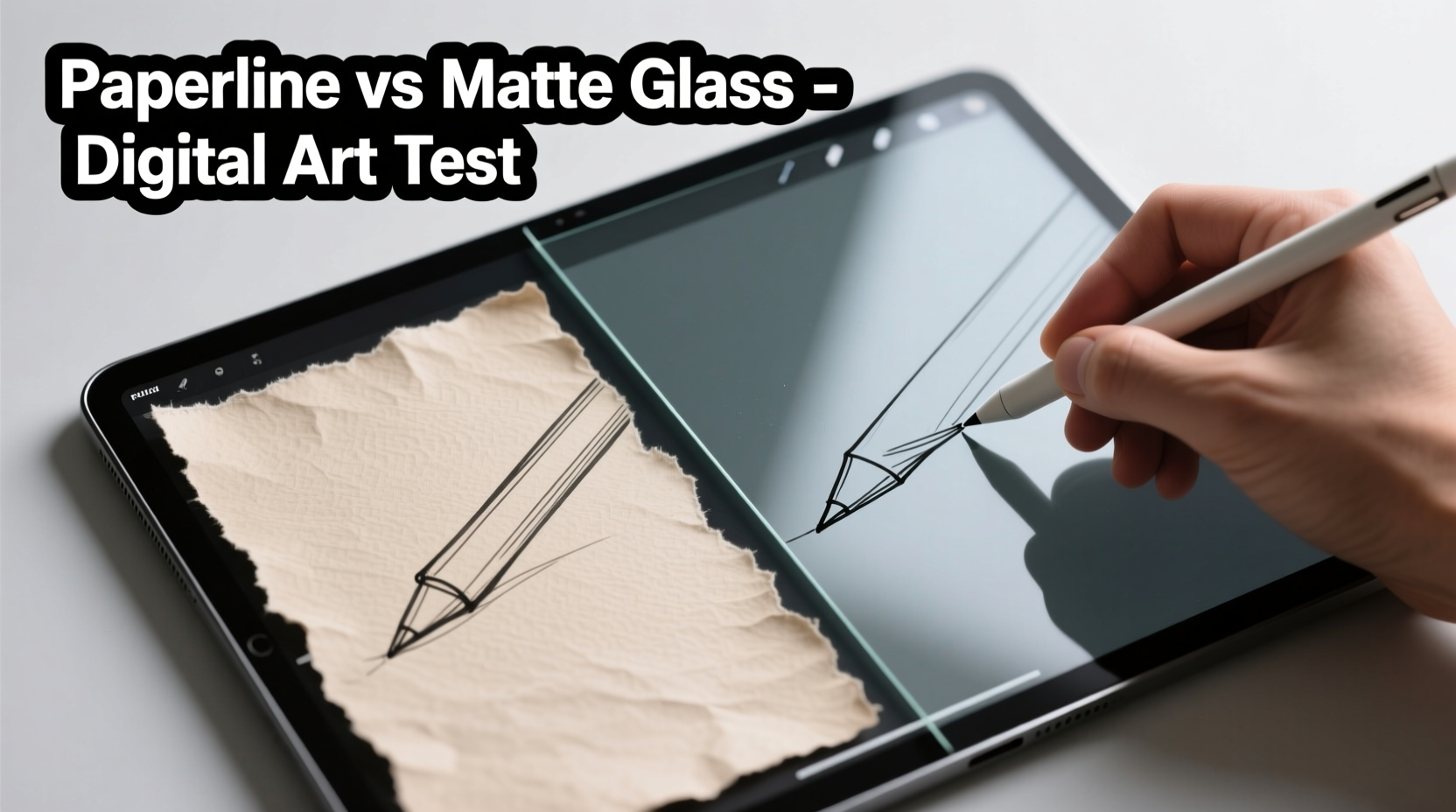
The fundamental distinction between Paperlike screen protectors and matte glass lies in material composition and surface texture. Paperlike is a premium PET (polyethylene terephthalate) film designed to mimic the roughness of actual paper. It’s thin, lightweight, and engineered to diffuse light while increasing friction between the Apple Pencil or other styluses and the screen. Matte glass, on the other hand, is tempered glass with a chemically etched surface that scatters reflections without adding significant texture.
While both aim to improve the drawing experience, they achieve this through different physical properties. Paperlike increases grip and reduces slippage, giving the sensation of pen-on-paper. Matte glass maintains a smoother glide but still cuts down on fingerprint smudges and ambient glare. The choice between them ultimately depends on how much texture an artist wants and how sensitive they are to changes in line precision and palm rejection.
“Many professional illustrators prefer textured films because they engage muscle memory more effectively—there’s a subtle resistance that helps control stroke weight.” — Jordan Lee, Digital Art Instructor at Creative Pixel Academy
Performance Comparison: Key Factors for Artists
To determine which option suits your workflow, consider several technical and experiential factors. These include tactile response, visual clarity, durability, compatibility with styluses, and maintenance needs.
| Feature | Paperlike Screen Protector | Matte Glass Protector |
|---|---|---|
| Texture Level | High – noticeable grain, simulates paper | Low to Medium – slight frosted feel |
| Grip & Friction | Strong – excellent for detailed linework | Moderate – closer to bare glass glide |
| Visual Clarity | Reduced – slight haze due to micro-texture | High – retains sharpness and color accuracy |
| Durability | Medium – susceptible to scratches over time | High – scratch-resistant and impact-absorbing |
| Fingerprint Resistance | Good – less oily buildup | Excellent – easy to wipe clean |
| Stylus Tip Wear | Higher – accelerates nib degradation | Lower – gentler on pencil tips |
| Palm Rejection | Potentially affected by static interference | Rarely impacted |
Tactile Feedback and Drawing Experience
The way a surface feels under your stylus directly influences control and confidence. Artists accustomed to traditional media often find the Paperlike’s resistance comforting—it provides auditory and sensory cues similar to pencil on sketchbook paper. This can be especially helpful when shading or cross-hatching, where subtle variations in pressure matter.
However, the increased friction may hinder fast gestures like sweeping curves or fluid brushwork. Some users report fatigue during extended sessions due to the extra effort required to move the stylus across the textured surface. In contrast, matte glass offers a balance: reduced glare without sacrificing too much glide. It allows for quick strokes while still minimizing fingerprints and reflections—a benefit in brightly lit environments.
Impact on Visual Accuracy
One of the trade-offs with Paperlike protectors is the diffusion effect caused by the micro-etched surface. While this reduces glare, it also softens image details slightly. Colors may appear less vibrant, and fine pixel-level edits become harder to judge accurately. For concept artists or those working in photo editing alongside illustration, this loss of clarity can be problematic.
Matte glass typically preserves more of the original screen quality. High-end versions use anti-reflective coatings that scatter light without degrading resolution. However, cheaper matte glass options may introduce a \"waxy\" look or cloudiness, particularly around dark gradients. Always opt for reputable brands if visual fidelity is a priority.
Real Artist Experience: A Mini Case Study
Sophia Tran, a freelance illustrator based in Vancouver, switched from a standard glossy screen protector to a Paperlike model after struggling with stylus slippage during tight deadline projects. “I was doing a lot of editorial ink drawings,” she explains, “and my lines kept sliding out of place. The Paperlike gave me back that sense of control.”
After three months of daily use, however, Sophia noticed two issues: her Apple Pencil tips were wearing down twice as fast, and she had difficulty judging color values when preparing files for print. She eventually transitioned to a premium matte glass protector from ZAGG, citing improved longevity and consistent display performance. “It’s not as ‘grippy,’ but I’ve adapted my grip and now use textured brushes in Procreate to simulate paper feel digitally.”
Her experience highlights a growing trend: many artists start with Paperlike for its immediate tactile benefits but later shift toward matte glass for long-term practicality and device protection.
Step-by-Step Guide to Choosing the Right Option
Selecting the ideal screen protector isn’t just about preference—it should align with your artistic goals, hardware investment, and usage patterns. Follow this decision-making process:
- Assess Your Primary Use Case: Are you focused on sketching, inking, painting, or mixed media? Heavy linework favors texture; color work demands clarity.
- Evaluate Your Environment: Work near windows or under bright lights? Glare reduction becomes critical—matte finishes help regardless of type.
- Test Stylus Compatibility: Try both types with your current stylus. Note any lag, inconsistent pressure response, or palm rejection errors.
- Consider Long-Term Costs: Factor in replacement frequency. Paperlike films last ~6–12 months with regular use; matte glass can endure years.
- Budget for Quality: Avoid no-name brands. Poorly applied films cause bubbles, uneven texture, or poor adhesion that disrupts drawing.
- Read User Reviews Focused on Art Apps: Look for feedback from artists using Procreate, Adobe Fresco, or Clip Studio Paint—not general consumers.
- Start with a Trial Period: Purchase one type first. Live with it for at least two weeks before deciding.
Common Misconceptions Debunked
- Myth: All matte surfaces feel like paper. Reality: Only textured films like Paperlike provide significant friction. Most matte glass remains smooth.
- Myth: Matte protectors damage your stylus. Reality: While abrasive, quality products are designed to minimize wear. Regularly inspect and rotate nibs instead of blaming the surface.
- Myth: You can’t remove a Paperlike without residue. Truth: Modern adhesives are silicone-based and leave minimal trace when peeled slowly at a 45-degree angle.
- Myth: Glossy screens are unusable for art. Actually, some professionals prefer them for maximum responsiveness and clarity, relying on ambient lighting adjustments instead.
Checklist: Before Buying Any Screen Protector for Digital Art
- ✅ Confirm compatibility with your device model (e.g., iPad Pro 12.9” 6th Gen)
- ✅ Check if the product includes an alignment frame for bubble-free installation
- ✅ Verify return policy—some sellers allow exchanges between textures
- ✅ Research brand reputation (look for reviews mentioning drawing performance)
- ✅ Ensure anti-fingerprint and anti-static properties are advertised
- ✅ Compare thickness—ideal range is 0.3mm to 0.6mm for responsiveness
- ✅ Decide whether you prioritize texture or screen fidelity
Frequently Asked Questions
Does a Paperlike screen protector affect palm rejection?
Occasionally. Some users report minor interference, especially with older iPad models or third-party styluses. The textured surface can generate static electricity, tricking the device into detecting unintended touches. Newer iPads with advanced touch algorithms handle this better, but testing in your typical grip position is recommended.
Can I switch back to a glossy screen after using Paperlike?
Absolutely. Once removed, clean the screen with a microfiber cloth and alcohol-free wipe. Many artists alternate based on project needs—using Paperlike for sketching and switching to bare glass for coloring or final touches.
Which lasts longer: Paperlike or matte glass?
Matte glass generally lasts longer. Tempered glass resists scratches and impacts far better than plastic films. Paperlike can degrade within a year due to constant stylus contact, especially if used aggressively with hard nibs. However, some artists replace Paperlike intentionally every 6–8 months to maintain optimal texture.
Final Verdict: Is It Actually Good for Digital Art?
The answer depends on what kind of digital artist you are. If you value realism in hand-drawn feel and spend hours on detailed illustrations, a Paperlike screen protector can significantly elevate your experience. Its textured surface bridges the gap between analog and digital, offering resistance that improves line control and reduces slip.
On the other hand, if you prioritize screen clarity, device protection, and long-term cost efficiency, matte glass is the smarter choice. Advances in coating technology have narrowed the tactile gap, and many artists now compensate for reduced friction through software settings—such as enabling texture overlays in Procreate or adjusting brush stabilization.
Ultimately, neither solution is universally superior. The best approach may even involve owning both and switching depending on the phase of your project. Sketch freely on Paperlike, then remove it for precise color grading on clear glass. Flexibility beats dogma in creative workflows.
“The right tool doesn’t impose limitations—it expands possibilities. Whether you choose film or glass, what matters is how it serves your vision.” — Dr. Marcus Reed, Human-Computer Interaction Researcher, MIT Media Lab
Take Action Today
Your screen protector shouldn’t be an afterthought—it’s part of your creative toolkit. Experiment thoughtfully. Start with one high-quality option, track how it affects your speed, accuracy, and comfort over a full week of real work, and adjust accordingly. Share your findings with fellow artists; personal experiences fuel better collective decisions. The perfect drawing surface isn’t found—it’s built through informed choices and continuous refinement.




 浙公网安备
33010002000092号
浙公网安备
33010002000092号 浙B2-20120091-4
Comments
No comments yet. Why don't you start the discussion?