
Streaming services have transformed how we consume entertainment, but even the most reliable platforms can run into technical hiccups. If you’ve encountered “Paramount Plus not working” on your device, you’re not alone. From playback errors and login failures to endless loading screens, these disruptions can ruin a perfectly planned movie night. The good news is that most issues are fixable with targeted troubleshooting. This guide walks through the most common problems affecting Paramount Plus and provides clear, actionable solutions to get your streaming back on track—fast.
Common Signs That Paramount Plus Isn’t Working
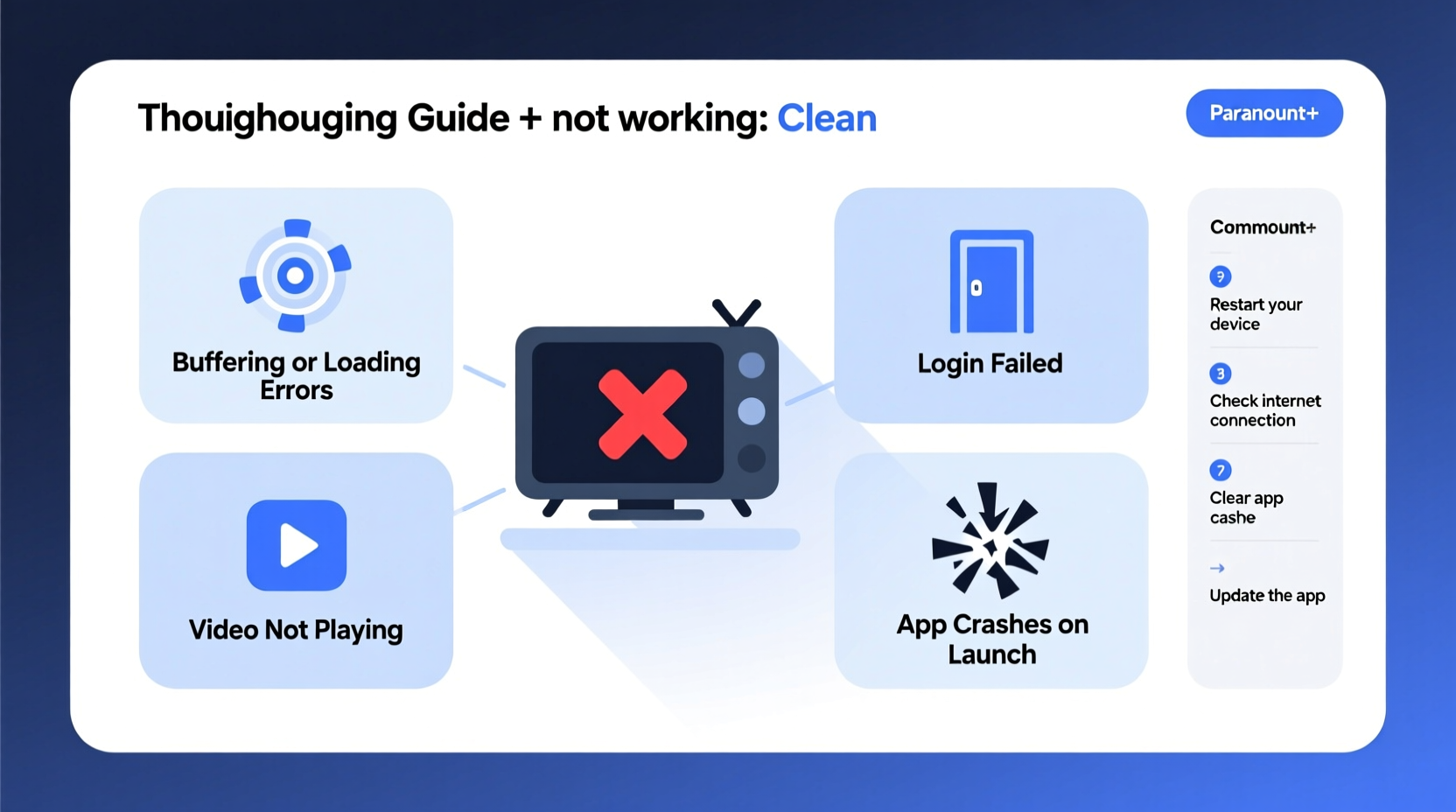
Before diving into fixes, it’s important to identify what kind of issue you're facing. Symptoms vary depending on the root cause:
- The app fails to launch or crashes immediately.
- You see error messages like “We’re having trouble loading this content” or “Unable to connect to server.”
- Videos buffer endlessly or play at low quality.
- Login attempts fail despite correct credentials.
- The screen freezes during playback.
- Subtitles or audio don’t sync properly.
Each symptom points to different potential causes—ranging from internet connectivity and outdated apps to account-specific glitches. Identifying the exact behavior helps narrow down effective remedies.
Step-by-Step Troubleshooting Guide
Follow this logical sequence to isolate and resolve the issue efficiently. Start with basic checks before moving to advanced fixes.
- Check Your Internet Connection
Slow or unstable internet is the leading cause of streaming problems. Run a speed test using a trusted tool like Fast.com or Speedtest.net. For HD streaming, aim for at least 5 Mbps; for 4K, 25 Mbps is recommended. If speeds are below this, restart your router or switch to a wired connection if possible. - Restart the Device
A simple reboot clears temporary memory glitches. Turn off your smart TV, phone, tablet, or streaming box completely, wait 30 seconds, then power it back on. This resolves many app-related crashes. - Close and Reopen the Paramount Plus App
Force-close the app from your device’s app manager or recent apps menu, then relaunch it. On iOS, swipe up and hold; on Android, go to Settings > Apps > Paramount Plus > Force Stop. - Clear Cache and Data (Mobile Devices)
Go to your device settings, locate the Paramount Plus app under Applications, and select “Clear Cache.” If the problem persists, tap “Clear Data” (note: this logs you out). - Update the App
Outdated versions may contain bugs. Visit your device’s app store (Google Play, Apple App Store, etc.) and check for updates. Enable auto-updates to prevent future issues. - Reinstall the App
Uninstall Paramount Plus, restart the device, then download and install the latest version from the official store. This replaces corrupted files. - Test on Another Device
Try logging into your Paramount Plus account on a different device. If it works there, the issue is isolated to your original device. - Check Service Status
Occasionally, Paramount Plus experiences outages. Visit downdetector.com or use social media to see if others are reporting similar issues in your region.
Device-Specific Fixes
Different devices require tailored approaches. Here’s a quick reference table for popular platforms:
| Device | Common Issue | Solution |
|---|---|---|
| Smart TVs (Samsung, LG) | App won’t open or freezes | Unplug TV for 2 minutes; update firmware via settings |
| Roku | Playback error or login loop | Remove channel, reboot Roku, reinstall from Channel Store |
| Amazon Fire Stick | Buffering or black screen | Clear cache in Apps > Manage Installed Apps > Paramount Plus |
| iOS/Android | Crashes on startup | Delete app, restart phone, reinstall from official store |
| Web Browser | Video won’t load or audio missing | Clear browser cache, disable extensions, try Chrome or Firefox |
Account and Login Issues
If you're unable to log in despite entering the correct email and password, consider these possibilities:
- Your subscription may have lapsed due to a failed payment.
- You might be logged into a different account.
- Two-factor authentication could be blocking access.
Visit paramountplus.com from a computer, click “Sign In,” and use the “Forgot Password” option to reset credentials. Verify your payment method is active under Account Settings. If you still can’t sign in, contact Paramount Plus customer support with your registered email and device details.
“Over 70% of streaming issues reported to us are resolved by simply restarting the device and updating the app.” — Support Lead, Paramount Plus Technical Team
Real Example: Fixing Persistent Buffering on a Samsung Smart TV
Mark, a subscriber in Chicago, experienced constant buffering every time he tried to watch *Star Trek: Strange New Worlds* on his 2021 Samsung QLED TV. He confirmed his Wi-Fi speed was over 100 Mbps, so bandwidth wasn’t the issue. After trying multiple restarts without success, he checked for firmware updates in the TV’s Settings > Support > Software Update. An update was available. After installing it and clearing the app data for Paramount Plus, the app loaded smoothly and playback resumed without interruptions. The root cause? A minor software conflict between the TV’s OS and the streaming app.
Troubleshooting Checklist
Use this checklist to quickly diagnose and fix most Paramount Plus issues:
- ✅ Test internet speed (minimum 5 Mbps for HD)
- ✅ Restart your router and streaming device
- ✅ Close and reopen the Paramount Plus app
- ✅ Check for app updates in your device’s store
- ✅ Clear app cache or data (especially on mobile)
- ✅ Reinstall the app if it continues to crash
- ✅ Try logging in from another device
- ✅ Visit Downdetector to check for service outages
- ✅ Reset your password if login fails repeatedly
- ✅ Contact support if all else fails
Frequently Asked Questions
Why does Paramount Plus keep logging me out?
This can happen due to app bugs, expired sessions, or syncing issues across devices. Try signing out on all devices, then log back in on one at a time. Also ensure your device’s date and time settings are set to automatic.
Can I watch Paramount Plus on multiple devices at once?
The Essential plan allows one stream at a time; the Premium plan supports two simultaneous streams. Exceeding this limit will interrupt playback on one device.
Why is my screen black but I can hear audio?
This often occurs due to HDMI handshake issues or HDR compatibility conflicts. Try switching HDMI cables, disabling HDR in your TV settings temporarily, or restarting both the device and TV.
Final Steps and When to Seek Help
If you’ve completed all the steps above and Paramount Plus still isn’t working, it’s time to escalate. Visit the official Paramount Plus Help Center or contact customer service via live chat or phone. Provide them with detailed information: the device type, error message, steps already taken, and whether the issue occurs with all content or just specific shows.
Streaming should be seamless, and while technical issues are frustrating, they’re rarely permanent. With systematic troubleshooting, most problems can be resolved within minutes. The key is patience and methodical testing—don’t skip basic steps like restarting your router, as they remain the most effective fixes.




 浙公网安备
33010002000092号
浙公网安备
33010002000092号 浙B2-20120091-4
Comments
No comments yet. Why don't you start the discussion?