
When you adopt or bring a new pet into your home, one of the most responsible steps you can take is having them microchipped. Unlike collars or tags that can fall off or become unreadable, a microchip provides a permanent form of identification embedded beneath your pet’s skin. But a microchip is only effective if the contact information linked to it is current. Too often, pets go missing—only to be found and scanned—yet owners are never contacted because the phone number or address on file is outdated.
Moving, changing your phone number, or even switching email addresses might seem like routine life updates. However, failing to update your pet’s microchip registry with this new information can have serious consequences. Thousands of lost pets are reunited with their families each year thanks to microchips—but only when the data behind them is accurate.
Why Updating Your Pet’s Microchip Info Matters
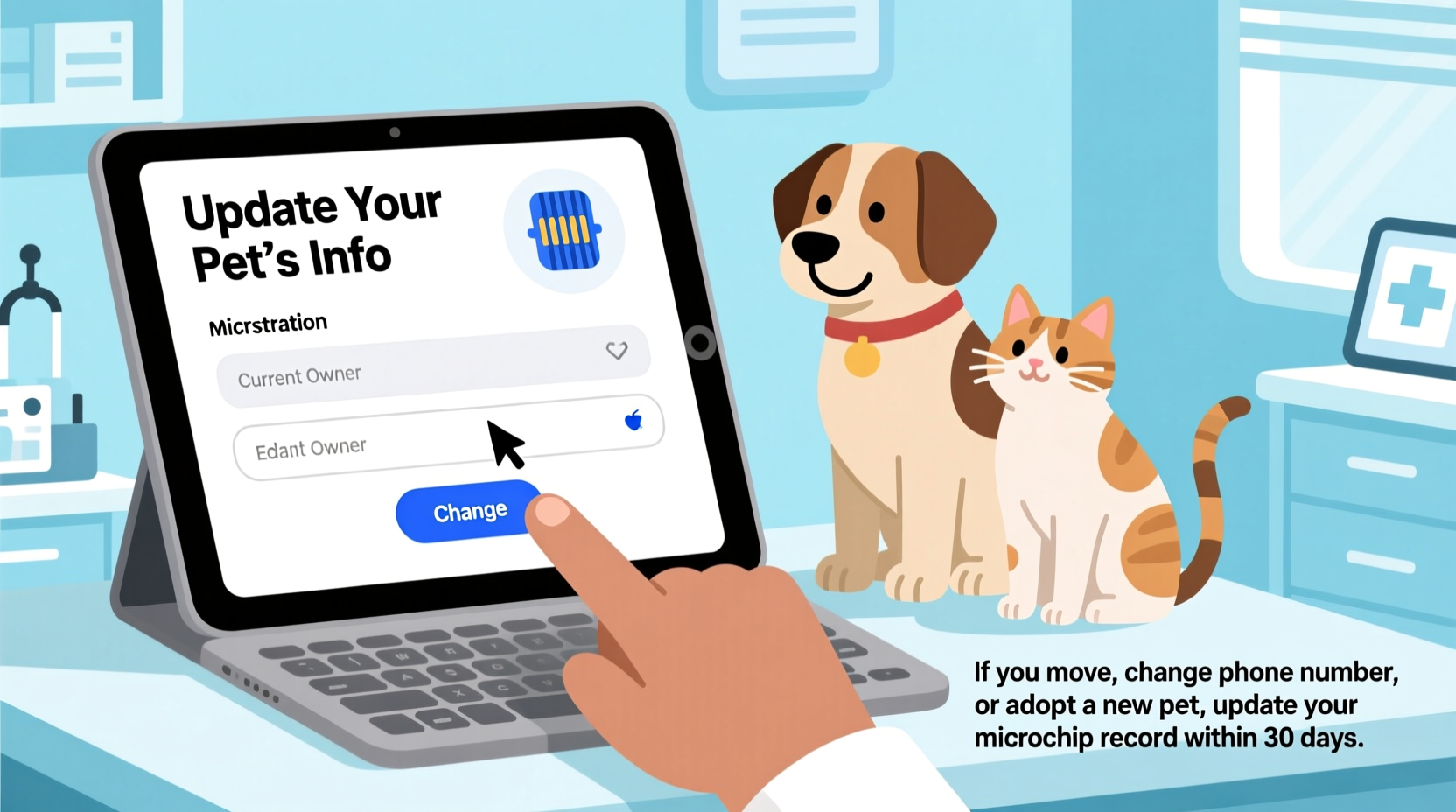
A microchip is useless without accessible, up-to-date owner details. When a shelter, rescue organization, or veterinarian scans a lost pet, they rely entirely on the information stored in the microchip database. If your old phone number no longer works or your previous address leads to a vacant house, the chances of reunion drop dramatically.
The American Veterinary Medical Association (AVMA) reports that microchipped dogs are over 52 times more likely to be returned to their owners than those without chips. For cats, the odds increase by more than 38 times. Yet, among microchipped pets who aren’t reunited, nearly half have outdated or incorrect registration details.
“Microchips save lives, but only if the owner keeps their contact information current. A chip with expired data is as good as no chip at all.” — Dr. Linda Wilson, DVM, American Animal Hospital Association
Step-by-Step: How to Update Your Pet’s Microchip Information
Updating your pet’s microchip record doesn’t require a trip to the vet or any technical expertise. It typically takes less than ten minutes and can be done online. Follow these steps to ensure your pet remains traceable no matter where life takes you.
- Identify the microchip brand or registry. Not all microchips use the same database. The most common brands include HomeAgain, AKC Reunite, Banfield, 24PetWatch, and Datamars. If you’re unsure which registry your pet is enrolled in, ask your veterinarian or use the AAHA Universal Pet Microchip Lookup tool at microchiplookup.org.
- Visit the official website of the registry. Never rely on third-party links or search engine results. Type the registry name directly into your browser to avoid phishing scams.
- Log in to your account. Use the email address associated with the original registration. If you’ve forgotten your password, most sites offer a “Forgot Password” option to reset access.
- Locate your pet’s profile. Once logged in, find the correct animal from your list of registered pets. Each should display its microchip number, species, and initial registration date.
- Edit contact information. Update your current phone number, mailing address, and email. Some registries allow emergency contacts—consider adding a trusted friend or relative who lives nearby.
- Save and confirm changes. After submission, look for a confirmation message or email. Keep this for your records.
- Verify success. Wait 24–48 hours, then use the AAHA lookup tool again to confirm the updated details now appear correctly.
Common Mistakes to Avoid When Updating Microchip Records
Even well-meaning pet owners make errors that compromise the effectiveness of microchip protection. Being aware of these pitfalls can prevent unnecessary delays during a crisis.
| Mistake | Why It’s a Problem | How to Prevent It |
|---|---|---|
| Assuming the vet automatically updates the registry | Vets implant chips but rarely register or update them unless explicitly asked. | Always confirm whether registration was completed—and whether updates require owner action. |
| Using an inactive email address | If you lose access to the email used for registration, you may not receive alerts or verification messages. | Use a primary, active email and update it immediately if you change providers. |
| Failing to update after moving | Relocation is the most common reason for outdated records. | Treat updating your pet’s info as part of your moving checklist—right alongside forwarding mail. |
| Not checking multiple registries | Some pets end up registered in more than one system due to clinic transfers or rescues. | Use the universal lookup tool to see all associated registries and update each one. |
Real-Life Example: A Missed Call That Could Have Been Avoided
Sarah adopted Bella, a mixed-breed terrier, from a local shelter three years ago. The dog was already microchipped and initially registered under the shelter’s temporary contact info. Sarah assumed the shelter had transferred ownership to her name. She updated her phone number and moved twice over the next few years but never thought to check the microchip status.
One evening, Bella slipped out during a thunderstorm and went missing. Two days later, a neighbor spotted her wandering near a highway and brought her to a veterinary clinic. The staff scanned Bella, found the microchip, and called the number on file—an old cell number Sarah had canceled two years prior. No one answered.
Luckily, the clinic also checked the AAHA lookup tool and noticed a secondary registration under Sarah’s current email through a different provider. They reached out via email, and Sarah was able to reclaim Bella within hours. Relief turned to regret when she realized how close she came to losing her dog forever—all because of outdated contact data.
This scenario plays out far too often. Had Sarah simply spent five minutes updating her information after each move, the process would have been seamless.
Checklist: What to Do When Your Contact Info Changes
- ☐ Confirm your pet’s microchip number (usually provided at implantation or available through your vet)
- ☐ Use the AAHA Universal Microchip Lookup to identify all associated registries
- ☐ Visit each registry’s official website to log in and update personal details
- ☐ Replace old phone numbers, addresses, and email addresses with current ones
- ☐ Add an emergency contact if the option is available
- ☐ Save confirmation emails or receipts for future reference
- ☐ Test the update by using the lookup tool again after 48 hours
Frequently Asked Questions
Do I need to pay to update my pet’s microchip information?
It depends on the registry. Some companies charge a one-time fee for lifetime registration, while others offer free updates. For example, AKC Reunite includes free lifetime updates with enrollment. HomeAgain may require a small annual fee for full services. Always review the terms of your specific provider.
Can I transfer ownership of a microchip if I rehome my pet?
Yes. Most registries allow you to transfer ownership electronically. Log into your account, locate the pet’s profile, and follow the transfer instructions. The new owner will receive an email prompting them to accept responsibility and update their own contact details.
What happens if I don’t know the microchip number?
Your veterinarian can scan your pet to retrieve the unique ID. Once obtained, enter it into the AAHA Universal Pet Microchip Lookup tool to see which databases contain the record. This is especially important for adopted or rescued animals whose history may be unclear.
Staying Proactive: Making Microchip Maintenance Part of Pet Care
Just as you schedule annual wellness exams and vaccinations, microchip verification should be part of your pet’s routine health maintenance. Think of it as digital insurance—a small effort today that could prevent heartbreak tomorrow.
Many pet insurance plans and wellness packages now include reminders for microchip checks. You can also link the task to other meaningful dates: tax season, daylight saving time changes, or national observances like National Pet ID Week in April.
Additionally, consider sharing this knowledge with friends and family. A single conversation could prompt someone else to update their records and ultimately reunite with a lost companion.
“Every microchip represents hope. But that hope only becomes reality when people take the simple step of keeping their information current.” — Jennifer Johnson, Executive Director, Found Animals Foundation
Take Action Today—Before You Need To
You never know when your pet might get loose. A sudden noise, an open gate, or a crowded event can lead to separation in seconds. In that moment, your best chance of a swift return lies in a tiny device and the accuracy of the data behind it.
Don’t wait until your pet is missing to realize your contact info hasn’t been updated in years. Take five minutes now to log in, verify, and refresh your details across every registry your pet appears in. Set a recurring reminder. Share this article with fellow pet owners. Turn awareness into action.




 浙公网安备
33010002000092号
浙公网安备
33010002000092号 浙B2-20120091-4
Comments
No comments yet. Why don't you start the discussion?