
When you're away from Wi-Fi, turning your smartphone into a portable internet source is often the only option. Whether you're working remotely, traveling, or just need a quick connection for a tablet or laptop, two primary methods exist: USB tethering and mobile hotspot. While both deliver internet access from your phone to other devices, they differ significantly in how much data they consume, how efficiently they transfer it, and what toll they take on your battery. Understanding these differences can help you make smarter choices—especially when you're on a limited data plan.
How Tethering and Hotspot Work Differently
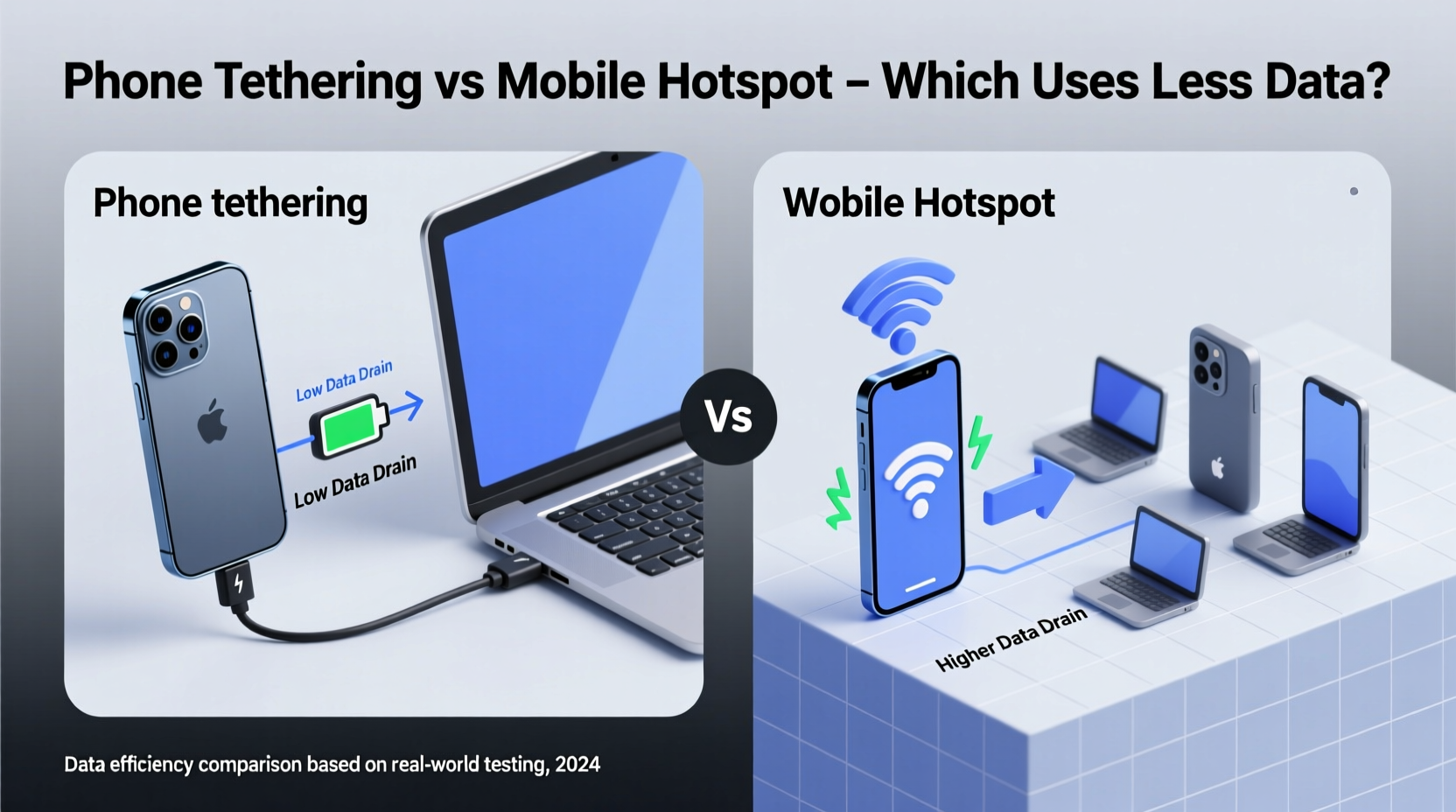
At their core, both USB tethering and mobile hotspot use your phone’s cellular data to provide internet access to another device. However, the way they transmit that data varies fundamentally.
USB tethering connects your phone directly to a computer via a cable. The internet signal travels through the physical USB connection, using the phone as a modem. This method bypasses wireless transmission entirely, relying instead on a direct data pathway.
Mobile hotspot, on the other hand, turns your phone into a Wi-Fi router. It broadcasts a wireless network that other devices connect to, just like a home router. This process involves converting cellular data into a Wi-Fi signal, which then gets received by your connected device.
The key difference lies in the transmission medium: one is wired, the other wireless. While this may seem minor, it affects not only speed and stability but also data integrity and energy consumption—all of which indirectly influence how much data appears to be \"drained.\"
Data Efficiency: Is One Method More Economical?
A common misconception is that one method inherently uses more data than the other. In reality, the amount of data consumed depends primarily on what you're doing online—not the tethering method itself. Streaming a 10-minute YouTube video will use roughly the same amount of data whether done over USB tethering or hotspot.
However, subtle inefficiencies can cause slight data overhead with mobile hotspots:
- Signal encoding overhead: Converting data into a Wi-Fi signal adds a small layer of protocol management, including encryption (WPA2/WPA3), beacon signals, and packet retransmissions in weak signal areas.
- Background services: Hotspots often run additional services like DHCP assignment, DNS handling, and network discovery, which generate minimal background traffic.
- Multiple device connections: If more than one device is connected to the hotspot, cumulative data usage increases—not because of inefficiency, but due to expanded activity.
In contrast, USB tethering operates with lower protocol overhead. Since it functions like a direct network interface, there's no need for wireless encryption or broadcast signals. This results in slightly more efficient data transfer with fewer lost packets and retransmissions.
Performance and Battery Impact Comparison
Battery usage plays an indirect role in perceived data drainage. A rapidly draining battery may force you to disconnect sooner, interrupting downloads or streams and requiring them to restart later—potentially increasing total data used due to incomplete transfers or buffering.
Here’s how the two methods compare:
| Feature | USB Tethering | Mobile Hotspot |
|---|---|---|
| Data Transfer Efficiency | High – direct connection, minimal overhead | Moderate – wireless protocols add slight overhead |
| Battery Drain | Low to moderate – charging possible during use | High – Wi-Fi radio, processor, and heat generation increase load |
| Connection Stability | Excellent – no interference, consistent speed | Variable – affected by distance, obstacles, interference |
| Device Compatibility | Limited to USB-connected devices | Supports multiple devices simultaneously |
| Security | High – physical connection required | Moderate – vulnerable to nearby eavesdropping if poorly secured |
Because mobile hotspots require the phone’s Wi-Fi module to remain active and broadcasting, they typically consume 20–40% more battery than USB tethering under similar usage conditions. This increased power draw can shorten session times, especially on older phones or when signal strength is poor.
“From a network efficiency standpoint, wired connections always have an edge. USB tethering reduces latency and packet loss, making it ideal for productivity tasks.” — Dr. Lena Torres, Network Engineer at MobileConnect Labs
Real-World Example: Remote Worker on a Data-Limited Plan
Sophia, a freelance graphic designer, travels frequently and relies on her smartphone for internet access while working from cafes and co-working spaces. She has a 15GB monthly data cap and uses video conferencing tools daily.
Initially, she relied solely on her phone’s mobile hotspot. After two weeks, she noticed her data was nearly depleted, despite careful monitoring. Upon reviewing her usage logs, she found that background apps on her tablet were syncing automatically, and her laptop was downloading system updates over the connection—neither of which she had intended.
She switched to USB tethering for her laptop sessions, disabling the hotspot entirely. Not only did her battery last longer, but she also gained better control over what devices accessed the internet. Over the next month, her data usage dropped by 27%, even with similar workloads. The tighter connection reduced idle signaling and eliminated accidental multi-device drains.
This case illustrates that while neither method “uses” significantly more data inherently, real-world factors like device behavior, signal quality, and user control amplify the efficiency of USB tethering.
Best Practices to Minimize Data Usage Regardless of Method
No matter which tethering method you choose, smart habits are essential for conserving data. Follow this checklist to stay within limits:
- Disable automatic updates on connected devices (OS, apps, cloud backups).
- Use browser data-saving modes (e.g., Chrome Lite Mode).
- Stream videos in standard definition unless necessary.
- Close unused apps that may sync in the background (Dropbox, iCloud, etc.).
- Set up data usage warnings or hard caps on your phone.
- Prefer USB tethering for long sessions to reduce battery stress and improve efficiency.
- Turn off the hotspot when not in use—don’t leave it running “just in case.”
Frequently Asked Questions
Does USB tethering use less data than hotspot?
Not significantly in raw volume, but it is more efficient due to lower protocol overhead and fewer retransmissions. The actual data saved is small per session, but over time, improved stability can prevent wasted data from interrupted downloads or buffering.
Can I charge my phone while tethering?
Yes, especially with USB tethering. You can plug your phone into a wall charger or laptop while connected, helping offset battery drain. This is highly recommended for extended sessions.
Is USB tethering faster than hotspot?
Often, yes. Because it avoids wireless interference and compression, USB tethering typically offers lower latency, higher consistency, and slightly faster effective speeds—particularly in areas with marginal signal.
Final Recommendation: Choose Based on Context
If your priority is minimizing data waste and maximizing reliability, USB tethering is the better choice for single-device use, especially with laptops. It’s more secure, energy-efficient, and delivers cleaner data transmission.
However, the mobile hotspot remains indispensable when connecting multiple devices—like a tablet, laptop, and smartwatch—or when mobility is key. Just be mindful of battery life and background data hogs.
The most effective strategy isn’t choosing one method exclusively, but knowing when to use each. Reserve hotspot mode for convenience and multiple users, and default to USB tethering whenever you’re settled in for focused work.




 浙公网安备
33010002000092号
浙公网安备
33010002000092号 浙B2-20120091-4
Comments
No comments yet. Why don't you start the discussion?