
Moving from a Google Pixel 3 to an iPhone 12 mini represents more than just a hardware upgrade—it’s a full ecosystem shift. The Pixel 3, released in 2018, was once a benchmark for clean Android, computational photography, and timely software updates. But nearly five years later, its performance, battery life, and security support have begun to show their age. Meanwhile, the iPhone 12 mini, though discontinued, remains a compelling compact flagship with modern hardware, long-term iOS support, and a refined user experience.
The question isn’t just whether the iPhone 12 mini is better on paper—but whether that improvement translates into meaningful gains for your daily use. And perhaps more importantly: are you ready to leave behind the flexibility of Android for the curated world of iOS?
Performance and Hardware: A Night-and-Day Difference
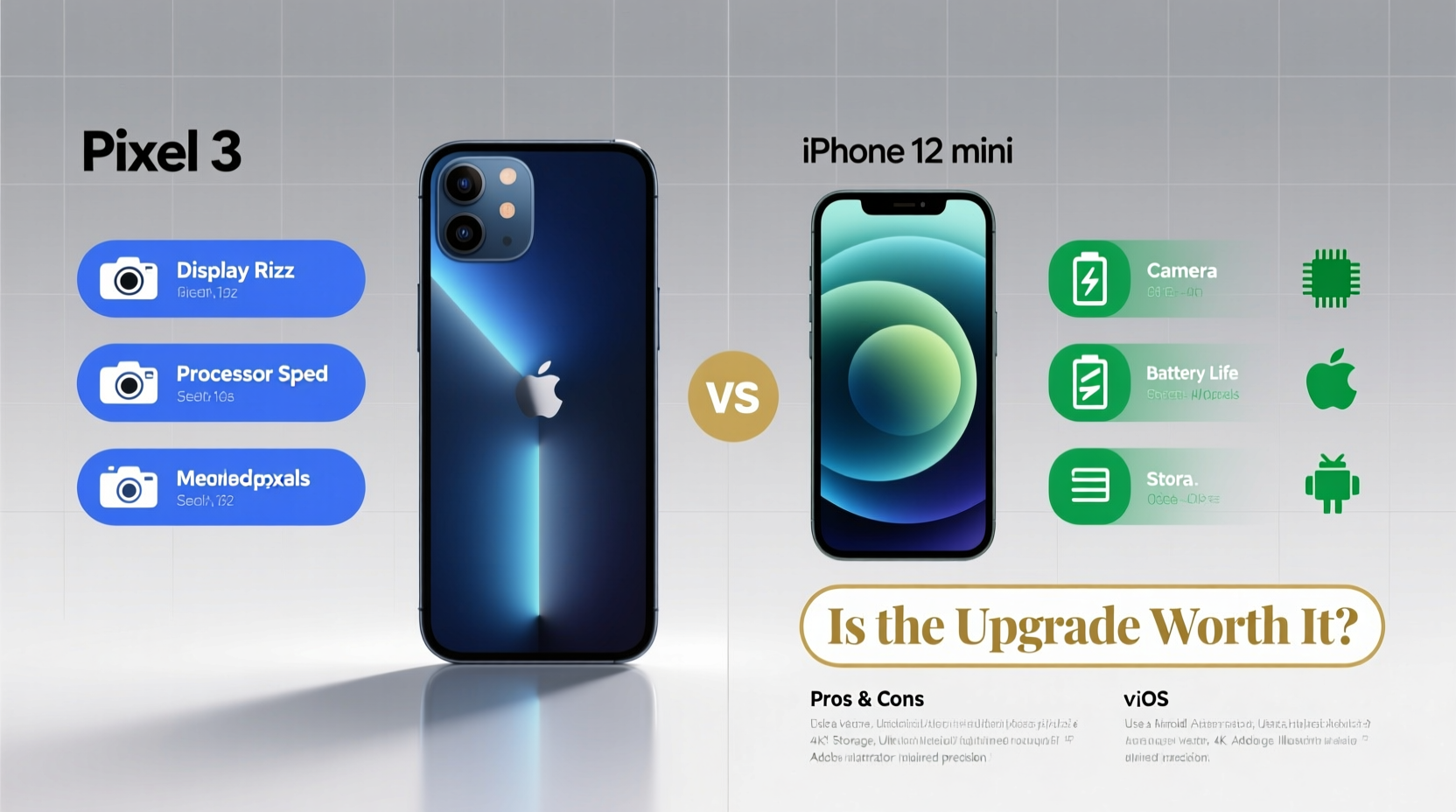
Under the hood, the gap between these two devices is staggering. The Pixel 3 runs on the Qualcomm Snapdragon 845, a capable chip in its time but now outpaced by even mid-range processors. In contrast, the iPhone 12 mini features Apple’s A14 Bionic chip—the first smartphone processor built on a 5nm process. This gives it not only superior CPU and GPU performance but also dramatically better energy efficiency.
In practical terms, this means faster app launches, smoother multitasking, and far better longevity. Apps that stutter or reload constantly on the Pixel 3 will run seamlessly on the 12 mini. Games like Genshin Impact or Call of Duty Mobile may be borderline playable on the older device but run at high settings on the iPhone.
Hardware Comparison Overview
| Feature | Pixel 3 | iPhone 12 mini |
|---|---|---|
| Processor | Snapdragon 845 | A14 Bionic |
| RAM | 4GB | 4GB (managed differently) |
| Storage Options | 64GB / 128GB | 64GB / 128GB / 256GB |
| Battery Capacity | 2915 mAh | 2227 mAh |
| Charging | 18W wired, no reverse | 20W wired, MagSafe support |
| Display | 5.5” OLED, 1080p, 60Hz | 5.4” Super Retina XDR, 1080p, 60Hz |
| Water Resistance | IP67 | IP68 |
Despite having a smaller battery, the iPhone 12 mini often matches or exceeds the Pixel 3 in daily endurance due to the efficiency of iOS and the A14 chip. However, heavy users may still find themselves reaching for a charger by late evening—especially since both phones lack fast charging by today’s standards.
Camera: Computational Photography vs. Consistency
The Pixel 3 set a new standard for smartphone photography in 2018, particularly in low light and portrait mode. Its Night Sight and HDR+ algorithms were revolutionary. But software alone can’t compensate forever. Sensor degradation, lens wear, and aging processing pipelines mean photos today don’t look as sharp or dynamic as they once did.
The iPhone 12 mini improves across the board. It has dual cameras (wide and ultra-wide), better sensors, sensor-based stabilization, and Deep Fusion technology. While it doesn’t match Pixel-level point-and-shoot magic in every lighting condition, it delivers more consistent results—especially in video.
“iOS devices tend to produce more predictable color science, which professionals appreciate when editing across multiple shots.” — Daniel Reyes, Mobile Photographer & Tech Reviewer
If you shoot a lot of video, the iPhone is a clear winner. It supports Dolby Vision HDR recording up to 4K/60fps—a feature no Android phone matched at the time. The Pixel 3 caps out at 4K/30fps with no advanced color grading.
Photo Use Case: Travel Snapshot
Imagine you're traveling through Kyoto in autumn. You snap a photo of a temple surrounded by red maple trees. On the Pixel 3, the image might over-saturate the reds and struggle with dynamic range if part of the scene is in shadow. The iPhone 12 mini captures a more balanced exposure, retains detail in highlights, and produces a JPEG that requires less post-processing.
For social media sharing, especially on platforms like Instagram that compress images heavily, the iPhone’s consistency often wins out—even if the Pixel occasionally captures a more dramatic shot.
Software and Ecosystem: The Real Decision Point
This is where personal preference dominates. Android offers deep customization, sideloading, file system access, and integration with Google services. iOS offers tighter privacy controls, longer software support (the iPhone 12 mini will likely receive updates until 2025–2026), and seamless integration with Macs, iPads, and AirPods.
If you rely on Google Photos, Gmail, Google Drive, and Chrome, switching to iPhone doesn’t mean abandoning those apps—they’re all available on iOS. But you’ll lose some native integrations, like default assistant behavior and automatic call screening (a Pixel hallmark).
Conversely, moving to iPhone opens doors to Apple-specific benefits: iMessage encryption, FaceTime reliability, iCloud Keychain, and continuity features like Handoff and Universal Clipboard.
Checklist: Preparing for Your Switch
- Back up all data from your Pixel 3 to Google Drive and Google Photos
- Download Apple’s “Move to iOS” app on your Pixel
- Deactivate Find My Device and lock your SIM (if applicable)
- Ensure your Google account passwords are updated and 2FA is enabled
- Set up two-factor authentication on your new Apple ID
- Transfer WhatsApp chats using the built-in transfer tool
- Reinstall essential apps from the App Store
User Experience: Form Factor and Daily Feel
The iPhone 12 mini stands out for one reason: size. At 5.4 inches, it's one of the last true pocketable flagships. If you value one-handed use, reduced hand fatigue, and ease of carrying, the 12 mini shines. The flat aluminum edges and ceramic shield glass give it a premium feel absent from the aging Pixel 3’s polycarbonate body.
However, iOS’s interface is designed for larger screens. Some apps don’t optimize well for the mini’s display, and typing may feel cramped if you have larger fingers. The lack of a home button also introduces a learning curve—swipe gestures replace physical navigation.
On the flip side, Face ID is generally faster and more secure than the Pixel 3’s rear-mounted fingerprint sensor. But it struggles with masks or low-light angles—something Touch ID users still miss.
Frequently Asked Questions
Will my Google apps work the same on iPhone?
Most Google apps—including Gmail, Maps, Drive, and YouTube—work well on iOS. However, some features like background location accuracy, notification handling, and voice actions may be limited due to iOS restrictions. For example, Google Assistant isn’t as deeply integrated as Siri.
Is the iPhone 12 mini still supported?
Yes. Although Apple discontinued the model in 2022, it continues to receive iOS updates. As of 2024, it runs iOS 17 and is expected to get iOS 18. Security patches will likely continue into 2025 or beyond.
Can I keep using my old accessories?
Not directly. The iPhone uses Lightning (not USB-C), so your Pixel’s cables won’t work. Wireless chargers are compatible if they support Qi, but MagSafe offers stronger alignment and faster charging. Headphones require Bluetooth or a Lightning-to-3.5mm adapter—Apple removed the headphone jack.
Final Verdict: Should You Make the Leap?
Upgrading from a Pixel 3 to an iPhone 12 mini makes sense if:
- You want significantly better performance and future-proofing
- You value compact design without sacrificing flagship specs
- You’re already invested in Apple products (Mac, iPad, Watch)
- You prioritize video quality, ecosystem consistency, and long-term software support
But you should think twice if:
- You rely heavily on Android-exclusive features (e.g., sideloading, custom launchers)
- You prefer stock Android and Google’s AI-driven features (e.g., Recorder, Call Screen)
- You’re happy with your current workflow and only need basic functionality
The iPhone 12 mini isn’t perfect—its battery life is modest, and Apple no longer sells it new—but it represents a major leap forward from the aging Pixel 3. For users seeking a fresh, responsive experience in a small form factor, the switch is absolutely worth it.
“The best phone is the one that disappears into your life. If iOS helps you do more with less friction, the transition pays for itself in time saved.” — Lena Torres, UX Designer & Cross-Platform Developer
Take Action: Decide Based on Your Needs, Not Hype
Don’t switch ecosystems because of FOMO or marketing. Instead, audit how you use your phone today. List your top five apps, daily frustrations, and must-have features. Try using an iPhone at a store or borrow one from a friend for a day. See how it feels to navigate Messages instead of WhatsApp, Safari instead of Chrome, and Face ID instead of swipe unlocking.
Technology should serve you—not the other way around. Whether you stay with Android or embrace iOS, make the choice that aligns with your lifestyle, values, and long-term needs.




 浙公网安备
33010002000092号
浙公网安备
33010002000092号 浙B2-20120091-4
Comments
No comments yet. Why don't you start the discussion?