
Switching from a flagship Samsung device like the Galaxy Note 9 to a mid-range Google Pixel 3a might seem counterintuitive at first glance. After all, the Note 9 was a powerhouse in 2018—large display, S Pen, massive battery, and top-tier specs. The Pixel 3a, released a year later, offered a fraction of that hardware on paper. Yet, thousands made the move. Why? Because raw specs don’t tell the whole story. This article dives into a real-world comparison between these two phones, exploring whether the upgrade from Samsung to Google was truly worth it—not just in features, but in daily usability, longevity, and user satisfaction.
Hardware Showdown: Power vs Practicality
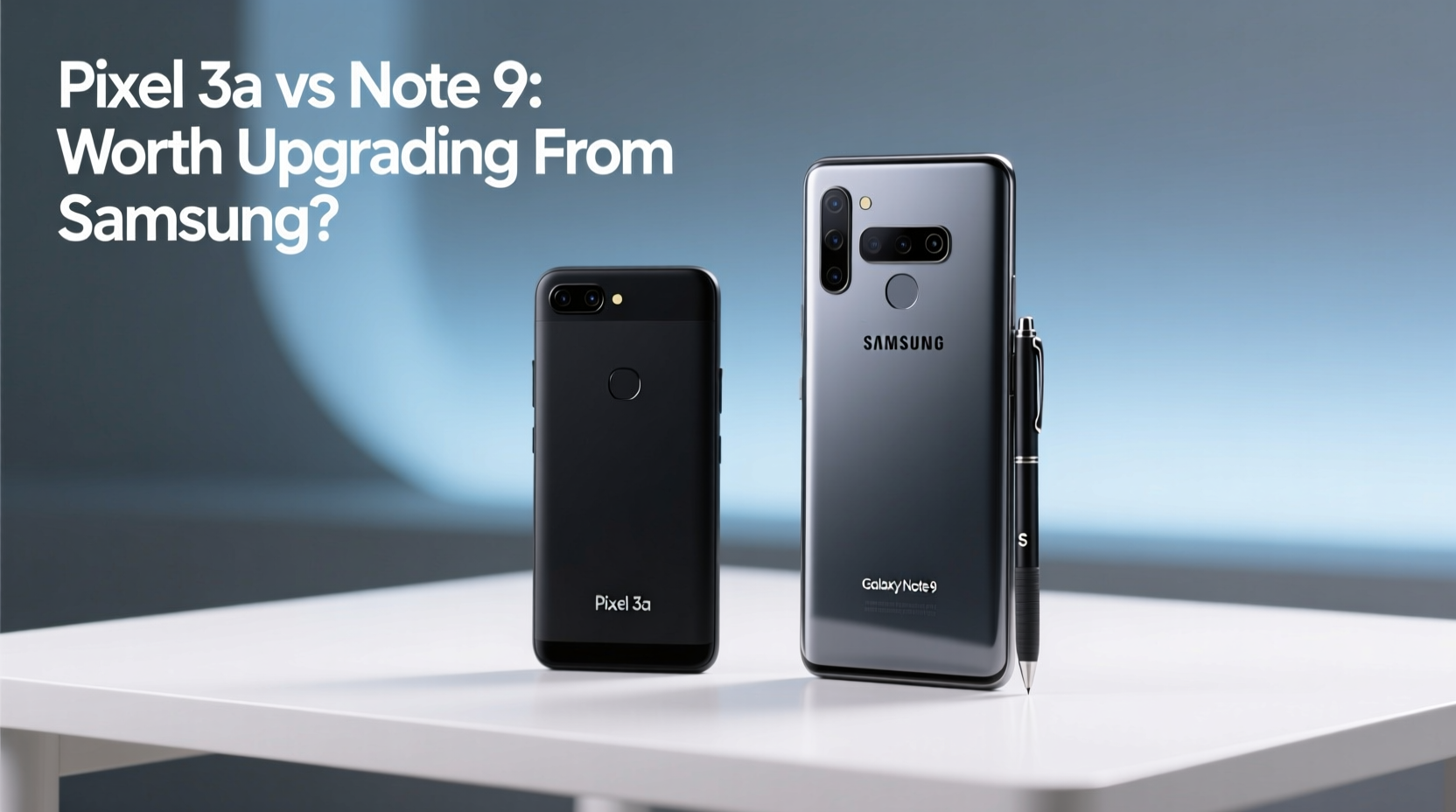
The Galaxy Note 9 was built for performance. With its Snapdragon 845 (or Exynos 9810 depending on region), 6GB or 8GB of RAM, and a 4,000mAh battery, it handled multitasking, gaming, and media consumption with ease. Its 6.4-inch Quad HD+ AMOLED display delivered vibrant visuals, ideal for watching videos or using the S Pen for notes and sketches.
In contrast, the Pixel 3a packed a modest Snapdragon 670, 4GB of RAM, and a 3,000mAh battery. On paper, it looked outdated before launch. But here’s where practicality begins to outweigh power. The 3a featured a 5.6-inch OLED display with excellent color accuracy and brightness—smaller, yes, but far more manageable for one-handed use. It also launched with Android 9 Pie and promised three years of OS and security updates, a commitment that mattered.
While the Note 9 could run heavier apps longer, the Pixel 3a’s clean Android experience meant smoother day-to-day performance. Apps opened quickly, animations were fluid, and background processes were efficiently managed. For users not tethered to stylus functionality or multimedia editing, the 3a proved that optimized software could compensate for lower-end hardware.
“Sometimes, less is more. A phone doesn’t need flagship specs if the experience feels fast and responsive.” — David Kim, Mobile Software Analyst at TechPulse Insights
Camera: One Sensor, One Winner?
If there’s one area where the Pixel 3a shocked critics and users alike, it’s the camera. Despite having a single 12.2MP rear sensor compared to the Note 9’s dual 12MP setup (wide + telephoto), the 3a consistently outperformed its Samsung rival in real-world conditions.
Google’s computational photography magic—HDR+, Night Sight, and superior image processing algorithms—meant better dynamic range, accurate colors, and dramatically improved low-light shots. Night Sight, introduced with the Pixel 3 series, allowed the 3a to capture detailed, noise-free photos in near-darkness, something the Note 9 struggled with despite its larger sensor.
The front camera was another win for Google. The 3a’s 8MP selfie shooter produced natural-looking portraits with excellent skin tone rendering, while the Note 9 often oversharpened or over-smoothed faces.
Software & Updates: The Long-Term Advantage
This is where the Pixel 3a pulled ahead decisively. Running stock Android, it delivered a clean, bloat-free interface with timely updates directly from Google. Security patches arrived monthly, and major Android upgrades were guaranteed until 2022—a rare promise in the Android world.
Samsung, at the time, had a spottier update record. While the Note 9 eventually received Android 10 and 11, updates were slower and often bundled with heavy UI changes through One UI. Bloatware remained an issue, and some pre-installed apps couldn’t be uninstalled.
For users who value stability, speed, and long-term support, the Pixel experience was refreshing. Features like Live Caption, Recorder with search, and seamless Google Assistant integration felt more integrated and useful than Samsung’s add-ons.
Update Comparison Timeline
| Feature | Pixel 3a | Note 9 |
|---|---|---|
| Android 10 Release | September 2019 (immediate) | March 2020 |
| Android 11 Release | December 2020 | February 2021 |
| Security Patches | Monthly until May 2022 | Irregular after 2021 |
| Bloatware | Minimal (only Google apps) | Multiple pre-installed apps |
Real User Experience: A Mini Case Study
Take Mark, a freelance writer and long-time Samsung user. He’d owned every Note series phone since the Note 3. When his Note 9 started lagging in late 2019—apps crashing, slow boot times, bloated settings menu—he considered upgrading to the Note 10. Instead, he tried the Pixel 3a on a friend’s recommendation.
Within a week, he sold his Note 9. “I missed the S Pen at first,” he admitted, “but I didn’t miss the 20 preloaded apps I never used, or waiting 30 seconds for the camera to open.” The 3a booted faster, notifications were less intrusive, and the battery lasted all day despite being smaller. Most importantly, his photos finally looked good without editing.
After 18 months of daily use, the 3a still ran smoothly. When Android 11 launched, it updated overnight. Mark called it “the first phone in years that didn’t feel like it was fighting me.”
What You Should Consider Before Switching
Moving from Samsung to Pixel isn’t just about hardware—it’s a shift in ecosystem philosophy. Here’s a checklist to help you decide if the switch makes sense for your needs:
- Evaluate your need for the S Pen: If you take handwritten notes, annotate PDFs, or sketch, the Note 9’s stylus is irreplaceable.
- Assess your app usage: Heavy gamers or power users may miss the Note 9’s performance headroom.
- Consider screen size: The 3a’s compact form is easier to handle but less immersive for video.
- Check cloud reliance: Pixel works best when paired with Google services (Photos, Drive, Gmail).
- Think long-term: Pixels receive faster updates and cleaner software, which extends usable life.
Frequently Asked Questions
Did the Pixel 3a have better battery life than the Note 9?
No, the Note 9 had a larger battery and generally lasted longer under heavy use. However, the Pixel 3a’s lighter software and adaptive battery management made it last a full day for most moderate users, which was sufficient for many.
Can the Pixel 3a replace the productivity features of the Note 9?
Not entirely. You lose the S Pen and DeX desktop mode. However, Google’s AI-powered features—like Recorder with transcription, Smart Compose in Gmail, and Lens integration—offer different kinds of productivity gains focused on automation and simplicity.
Was the upgrade worth it for former Note users?
For those prioritizing camera quality, software cleanliness, and long-term updates, yes. For creative professionals relying on the S Pen or multimedia creators needing high-end specs, the trade-offs were harder to accept.
Conclusion: Value Beyond Specs
Upgrading from the Samsung Galaxy Note 9 to the Pixel 3a wasn’t about getting more power—it was about getting smarter functionality. The 3a proved that a well-designed, software-first approach could deliver a superior daily experience even with mid-tier hardware. For users tired of bloat, slow updates, and diminishing returns from ever-larger phones, the switch was not only worth it but liberating.
The lesson here transcends any single device. As smartphones mature, the differences between brands are less about gigahertz and gigabytes, and more about how thoughtfully a phone serves its user. In that respect, the Pixel 3a redefined what \"upgrade\" means—not bigger, but better.




 浙公网安备
33010002000092号
浙公网安备
33010002000092号 浙B2-20120091-4
Comments
No comments yet. Why don't you start the discussion?