
If you’ve been using a Samsung Galaxy S10 since its 2019 release, you might be wondering whether it’s time to upgrade. The Google Pixel 8 has entered the market with bold promises of AI-powered photography, longer software support, and refined design. But does that mean your trusty S10 is obsolete? Not necessarily. This breakdown compares real-world performance, features, and value to help you decide if the jump to the Pixel 8 is truly worthwhile—or if your Samsung is still more than capable.
Performance: Raw Power vs Everyday Usability
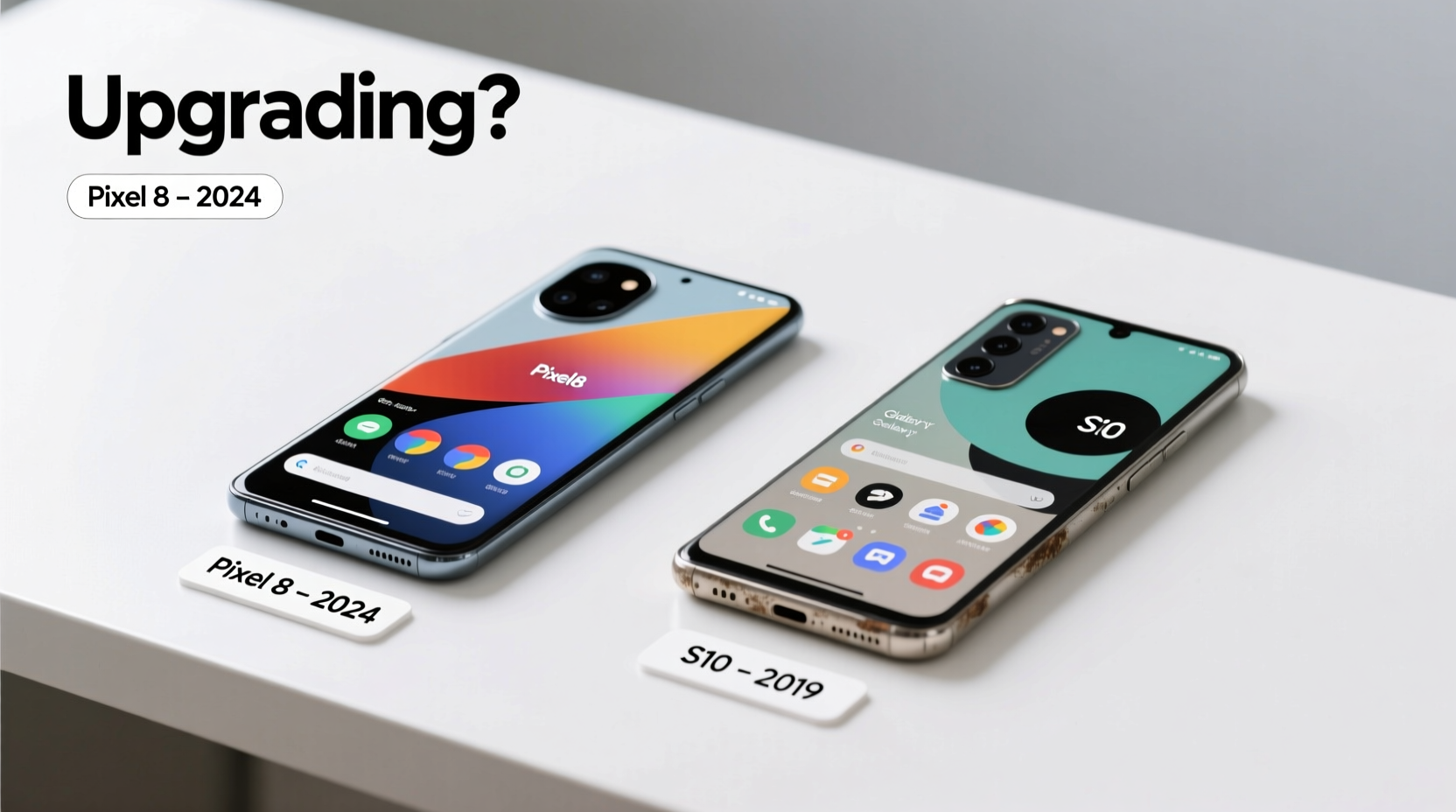
The Galaxy S10 launched with Qualcomm’s Snapdragon 855 (or Exynos 9820 in some regions), which was top-tier at the time. Today, while it handles basic tasks like messaging, web browsing, and social media without issue, it struggles with heavier multitasking, modern gaming, and complex photo editing apps. Apps take longer to load, and occasional stutters are common when switching between memory-intensive applications.
In contrast, the Pixel 8 runs on Google’s Tensor G3 chip—a custom silicon built for machine learning and AI integration. While not always faster in benchmark tests than flagship Qualcomm chips, the G3 delivers smoother overall system responsiveness, especially in AI-driven features like call screening, voice typing, and photo enhancement. It also benefits from full hardware optimization with Android 14, resulting in quicker app launches and fluid animations.
Camera Comparison: Computational Photography vs Optical Quality
The S10 featured a triple rear setup: 12MP main, 12MP telephoto, and 16MP ultra-wide. For its era, it delivered excellent dynamic range and color accuracy, particularly in daylight. Low-light performance was decent but lacked the aggressive noise reduction and detail recovery seen in today’s flagships.
The Pixel 8 takes a different approach. Its dual-camera system (50MP main + 12MP ultra-wide) relies heavily on computational photography. Features like Magic Eraser, Best Take, and Photo Unblur leverage AI to fix common photo issues after capture. Night Sight has evolved significantly, producing brighter, cleaner low-light images than the S10 could ever achieve—even in pitch darkness.
Front-facing cameras show an even starker difference. The S10’s 10MP selfie shooter was strong in 2019, but the Pixel 8’s 10.5MP sensor with Face Unblur and improved HDR handling captures sharper, more natural selfies, especially in backlit conditions.
“Google’s camera processing has redefined what smartphone photography can do post-capture. It’s not just about better lenses—it’s about smarter software.” — David Kim, Mobile Imaging Analyst at TechLens Review
Software & Longevity: Android Updates and Security
This is where the gap widens dramatically. Samsung promised four years of OS updates and five years of security patches for select devices, but the S10 series only received updates up to Android 12 (with security patches ending in 2024). You’re likely stuck on an outdated version of One UI with no further major upgrades coming.
The Pixel 8, however, comes with a guarantee of seven years of OS and security updates—until 2030. That means Android 14 now, and potentially Android 20 later. For users who prioritize long-term usability, privacy, and access to new features, this is a game-changer. Regular monthly security patches ensure protection against emerging threats, something increasingly important as mobile banking and digital IDs become standard.
Detailed Feature Comparison
| Feature | Samsung Galaxy S10 | Google Pixel 8 |
|---|---|---|
| Release Year | 2019 | 2023 |
| Processor | Snapdragon 855 / Exynos 9820 | Google Tensor G3 |
| RAM | 8GB | 8GB |
| Storage Options | 128GB–512GB (expandable) | 128GB–256GB (non-expandable) |
| Rear Cameras | 12MP + 12MP + 16MP | 50MP + 12MP |
| Front Camera | 10MP | 10.5MP |
| Display | 6.1” Dynamic AMOLED, 3088x1440 | 6.2” OLED, 2400x1080, 120Hz refresh rate |
| Battery | 3400mAh | 4575mAh |
| Charging | Fast charging (15W), Wireless, Reverse wireless | 30W wired, 23W wireless, USB-C |
| Software Support | Ended (Android 12) | Until 2030 (Android 14 → Android 20+) |
| Water Resistance | IP68 | IP68 |
Real-World Example: Sarah’s Upgrade Dilemma
Sarah has used her Galaxy S10 daily since 2019. She’s careful with her devices—uses a case, avoids drops, and keeps it clean. Over the past year, she’s noticed slower performance when using Instagram Reels, delays in WhatsApp message delivery, and difficulty editing photos for her small business Instagram page. Her battery lasts only half a day with moderate use.
She considered the Pixel 8 after seeing friends’ AI-enhanced photos. After testing one in-store, she was impressed by how quickly the camera focused, how smooth scrolling felt, and how much brighter the screen appeared outdoors. Most importantly, the 120Hz display made everything feel more responsive. She upgraded—and found her productivity improved immediately. The longer update promise also gave her peace of mind; she plans to keep the phone for at least five years.
Sarah’s experience highlights a key truth: if your usage has evolved beyond basic functions—if you rely on your phone for work, content creation, or smart home control—an upgrade can meaningfully improve your daily life.
When to Stick With Your S10
Not everyone needs the latest tech. If your S10 still powers through your routine without frustration, upgrading may not be cost-effective. Consider holding onto it if:
- You primarily use your phone for calls, texts, and light web browsing.
- You're satisfied with current camera quality for casual snapshots.
- You don’t use AI tools or advanced photo editing.
- You're on a tight budget and don’t want to spend $699+ on a new device.
However, if you’re experiencing frequent app crashes, poor battery life (under 4 hours screen-on time), or missing out on newer app features due to OS limitations, the time may have come.
Upgrade Checklist: Are You Ready?
- Evaluate battery health: Does it die before lunch even with light use?
- Check software version: Are you on Android 12 or lower with no updates available? <3> Test camera performance: Do night photos look grainy or out-of-focus?
- Assess speed: Do apps take more than 3 seconds to open?
- Consider future needs: Will you need better video calling, note-taking, or AI assistance soon?
- Review pricing: Can you afford the Pixel 8 outright or via a payment plan?
Frequently Asked Questions
Can the Pixel 8 replace my S10 seamlessly?
Yes. Google’s Switch App makes transferring contacts, messages, photos, and accounts from Samsung to Pixel straightforward. Most Google services sync automatically, and Samsung data migrates smoothly via Wi-Fi or cable.
Is the Pixel 8 waterproof like the S10?
Yes, both phones have IP68 ratings, meaning they can survive submersion in up to 1.5 meters of water for 30 minutes. However, water resistance degrades over time, so avoid regular exposure regardless of model.
Will my old accessories work with the Pixel 8?
Most Bluetooth headphones, speakers, and smartwatches will pair fine. However, the Pixel 8 doesn’t support reverse wireless charging, so you can’t power up earbuds on the back. Also, older Samsung DeX docks won’t work.
Final Verdict: To Upgrade or Not?
The answer depends on your needs. If you're still happy with your S10 and use it lightly, there's no urgent reason to upgrade. It remains a functional device for everyday communication and entertainment.
But if you want faster performance, vastly superior photography (especially in low light), cutting-edge AI features, and guaranteed software support until 2030, the Pixel 8 is a compelling upgrade. It’s not just about having a newer phone—it’s about gaining a smarter, more secure, and future-proof tool.




 浙公网安备
33010002000092号
浙公网安备
33010002000092号 浙B2-20120091-4
Comments
No comments yet. Why don't you start the discussion?