
In recent years, a quiet but significant shift has taken place in the mobile photography world. Once considered leaders in hardware innovation, Samsung flagships are increasingly being replaced by Google Pixel phones in the kits of amateur and professional photographers alike. While Samsung continues to pack high-megapixel sensors and advanced zoom lenses into its Galaxy S and Z series, users are voting with their preferences—opting for Pixel devices known more for computational photography than raw specs. The question arises: what’s driving this migration?
The answer lies not in megapixels or lens count, but in consistency, color science, dynamic range, and the seamless integration of hardware and software—a domain where Google has quietly perfected its craft.
Image Quality: Beyond Megapixels
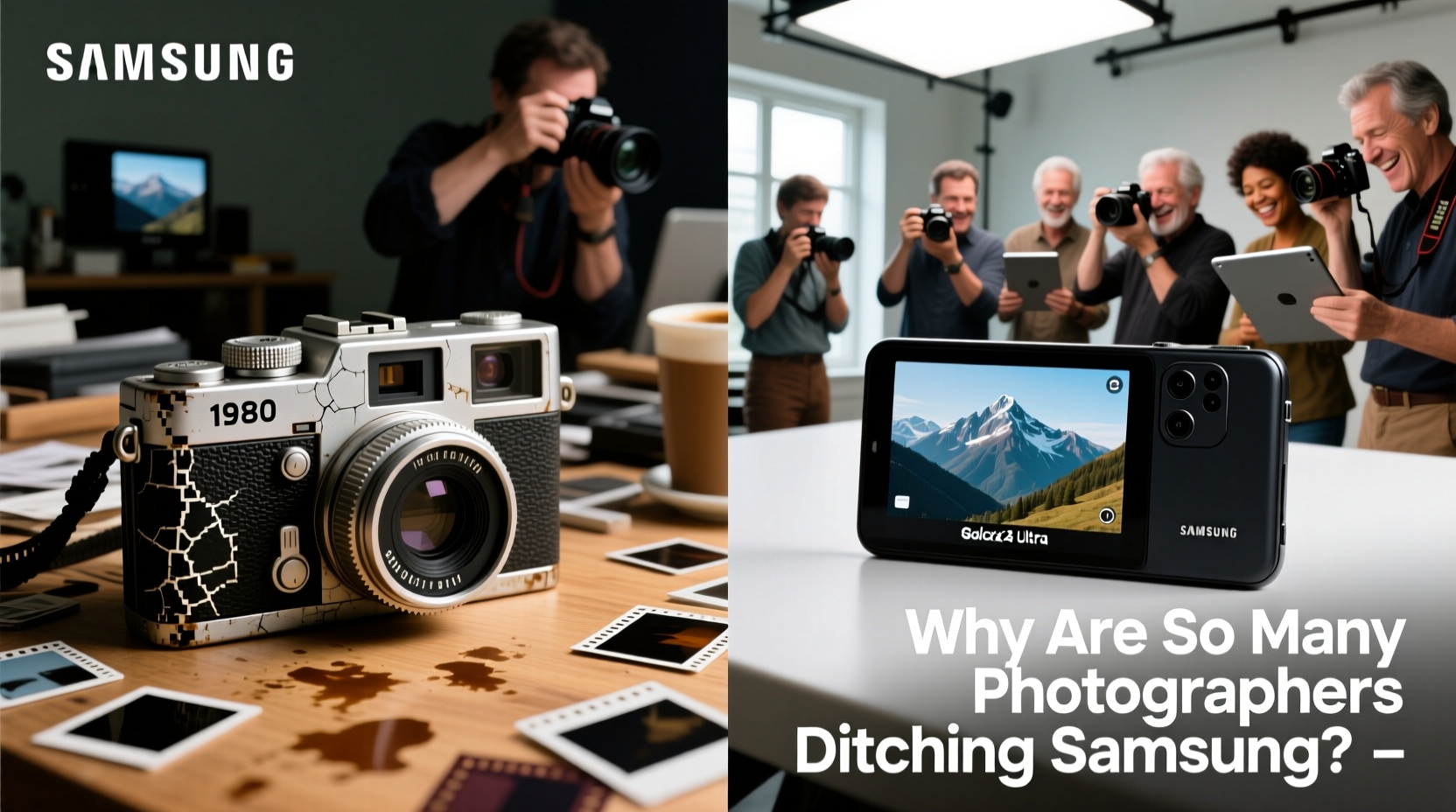
Samsung has long emphasized hardware superiority: 200MP main sensors, dual telephoto lenses, and periscope zoom systems that rival compact cameras. On paper, these features sound unbeatable. Yet in real-world conditions—especially mixed lighting, backlit scenes, or low light—many users report inconsistent results. Over-sharpened textures, exaggerated HDR halos, and unpredictable color tones plague even the latest Galaxy models.
Google, by contrast, prioritizes pixel processing over pixel count. The Pixel’s smaller 50MP sensor is paired with the Tensor chip and decades of machine learning expertise. This allows Google to process images with superior tone mapping, natural skin tones, and accurate white balance—without relying on aggressive post-processing.
“Photography isn’t about how many megapixels you capture—it’s about how true the image feels. That’s where Pixel consistently wins.” — David Lin, Mobile Photographer & Tech Reviewer
Software & Computational Photography: The Hidden Edge
The core reason behind the Pixel’s rise—and Samsung’s gradual decline in photographer favor—is software intelligence. Google’s HDR+ with Bracketing, Night Sight, and Real Tone technologies work together to produce balanced, lifelike photos across environments. These algorithms don’t just brighten dark areas; they preserve highlights, reduce noise naturally, and maintain depth without artificial contrast.
Samsung’s Scene Optimizer, while feature-rich, often misidentifies subjects and applies overly saturated enhancements. Greens become neon, skies turn unnaturally blue, and faces lose texture due to aggressive smoothing. Worse, settings can change automatically between shots, making it difficult to achieve a cohesive visual style.
Pixel’s approach is minimalist: take one shot, process it intelligently, deliver a reliable result. There’s less need to manually tweak settings because the defaults are optimized for realism.
Key Software Advantages of Pixel Over Samsung
- Natural dynamic range without blown-out skies
- Better shadow recovery in indoor and twilight scenes
- Superior facial rendering with accurate skin tones (Real Tone)
- Fewer artifacts and ghosting in HDR mode
- Consistent behavior across lighting conditions
Camera UX and Reliability: Less Friction, Better Results
A camera is only as good as its usability. Samsung’s camera app, while full-featured, suffers from clutter. Modes like “Adaptive Pixel,” “Single Take,” and “Director’s View” add complexity without clear benefits for most users. Navigating between modes often leads to missed shots or unintended settings.
Pixel’s camera interface is famously minimal. Open the app, point, and shoot. Advanced tools like Astrophotography or Motion Mode are tucked away but accessible when needed. The shutter response is faster, focus acquisition is more predictable, and the viewfinder reflects final output more accurately.
This simplicity translates to reliability—critical for street photographers, travelers, and parents capturing fleeting moments.
Mini Case Study: Travel Photographer Switches Brands
Lena Torres, a freelance travel photographer based in Barcelona, used Samsung flagships exclusively for five years. Her switch to the Pixel 8 Pro during a trip to Morocco revealed immediate advantages. In Marrakech’s bustling souks, where light shifts rapidly from deep shade to harsh sun, her Samsung often produced underexposed shadows or clipped highlights. Post-processing was required on nearly every shot.
With the Pixel, she found that 90% of her images were usable straight out of the camera. “I spent less time editing and more time observing,” she said. “The colors felt truer, especially in markets with vibrant textiles. I didn’t have to second-guess whether the white balance would drift.”
Zoom and Low-Light Performance: Reassessing the Hype
Samsung promotes its 10x optical zoom as a game-changer, but in practice, such lenses are fragile, narrow in aperture, and require perfect stillness. Digital zoom beyond 5x often degrades into soft, noisy images—even with AI upscaling.
Pixel takes a different route: no extreme optical zoom, but exceptional computational super-resolution. Using its Magic Eraser and Best Take features, the Pixel enhances cropped images with surprising clarity. Its Night Sight works across all lenses, including ultrawide, whereas Samsung disables night modes on secondary cameras.
| Feature | Google Pixel (e.g., Pixel 8 Pro) | Samsung Galaxy (e.g., S24 Ultra) |
|---|---|---|
| Main Sensor Size | 1/1.31\" | 1/1.3\" |
| Primary Lens Aperture | f/1.68 | f/1.7 |
| Optical Zoom Range | 5x (periscope) | 5x & 10x (dual periscope) |
| Night Mode on All Lenses | Yes | No (limited on ultrawide) |
| HDR Consistency | High – minimal halo effects | Variable – prone to overprocessing |
| Skin Tone Accuracy | Excellent (Real Tone) | Fair – occasional orange cast |
Long-Term Support and Updates: A Photographer’s Peace of Mind
Photographers rely on long-term device support. Google guarantees five years of OS and security updates for Pixel phones, ensuring camera algorithms continue to improve over time. Features like Photo Unblur and Audio Eraser were added post-launch via software alone.
Samsung offers four years of major Android upgrades, which is strong—but Pixel users receive faster, more frequent camera-specific updates. Google rolls out new photography tools quarterly, often inspired by user feedback and real-world usage patterns.
Checklist: What to Evaluate Before Choosing a Phone Camera
- Test dynamic range in backlit outdoor scenes
- Compare skin tones in natural daylight and shade
- Shoot in low light with no flash—check noise and color fidelity
- Evaluate consistency across multiple shots of the same scene
- Try zoom at 5x and 10x—compare sharpness and detail retention
- Assess ease of use: shutter lag, focus speed, UI clutter
- Check long-term update policy for camera improvements
Frequently Asked Questions
Is the Pixel camera better than Samsung in daylight?
Yes, in most cases. The Pixel delivers more natural colors, better highlight preservation, and consistent exposure without oversaturation. Samsung often boosts contrast and saturation aggressively, which may look impressive initially but lacks subtlety.
Can the Pixel compete with Samsung’s 10x zoom?
Not in pure optical reach, but in practical use, the difference is smaller than expected. The Pixel’s 5x periscope lens produces sharper results than Samsung’s 10x at equivalent distances due to better stabilization and processing. For distant subjects, cropping a well-exposed Pixel image often yields cleaner results than Samsung’s digitally extended zoom.
Why do photographers prefer Pixel for social media?
Because Pixel photos require little to no editing before posting. Accurate skin tones, balanced exposure, and natural bokeh mean creators can upload directly. Samsung images often need tone correction or saturation reduction to look authentic online.
Conclusion: It’s Not About Specs—It’s About Results
The growing preference for Pixel over Samsung among photographers isn’t driven by marketing, but by daily experience. While Samsung focuses on pushing hardware boundaries, Google refines the entire imaging pipeline—from sensor tuning to machine learning—to deliver trustworthy, beautiful photos every time. For creatives who value consistency, authenticity, and simplicity, the choice is becoming clearer.
If you’re frustrated with unpredictable results, excessive editing, or unnatural colors from your current phone, it may be worth testing a Pixel. You might find that fewer megapixels, when paired with smarter software, actually give you more.




 浙公网安备
33010002000092号
浙公网安备
33010002000092号 浙B2-20120091-4
Comments
No comments yet. Why don't you start the discussion?