
For decades, holiday lighting meant one thing: strings of identical bulbs—warm white or cool white, steady-on or blinking in unison. You plugged them in, draped them over eaves, and hoped they lasted through New Year’s. That era is ending—not with a flicker, but with a precisely timed, full-spectrum pulse. Pixel Christmas lights—individually addressable LEDs controlled by microprocessors—are no longer niche novelties for tech enthusiasts. They’re becoming the functional, expressive, and economically rational choice for homeowners, municipalities, and commercial display designers alike. This shift isn’t about flashiness. It’s about control, efficiency, durability, and creative agency—qualities that analog strings simply cannot replicate, no matter how many times manufacturers tweak their plastic housings or fuse designs.
How Pixel Lights Actually Work (and Why “Analog” Is a Misnomer)
Calling traditional incandescent or even basic LED strings “analog” is technically imprecise—but it’s useful shorthand. What we mean is *non-addressable*: every bulb on the string receives the same voltage at the same time. A single controller might cycle between red, green, and blue modes, but all 100 bulbs change together. There’s no variation in timing, brightness, or color per bulb. The circuit is simple, robust, and cheap to manufacture—but fundamentally static.
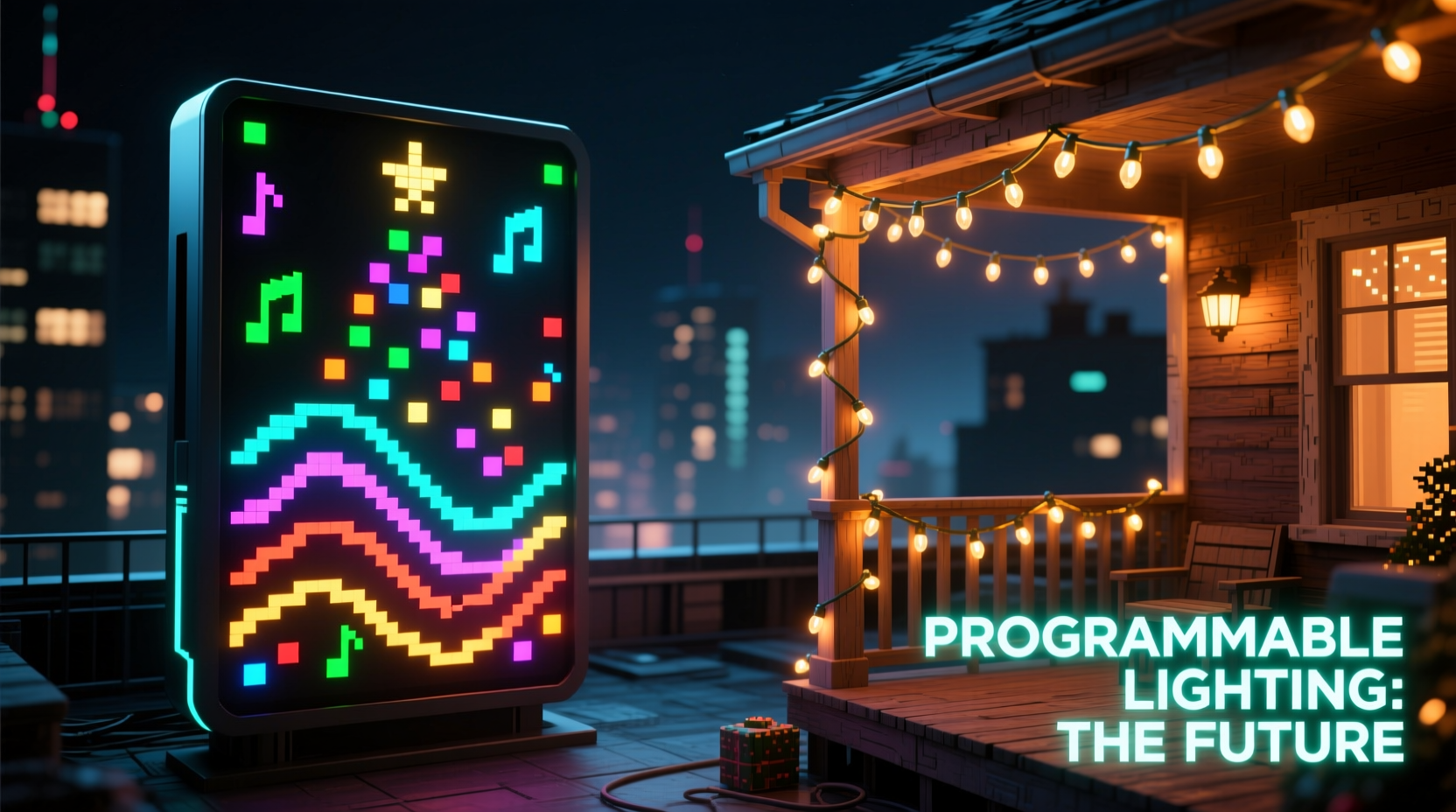
Pixel lights operate on a different principle. Each LED (or small group of LEDs) contains an integrated driver chip—most commonly WS2812B, SK6812, or APA102—that accepts digital data packets. A controller sends instructions down the line: “Bulb #1: RGB 255, 0, 128 (magenta), brightness 80%,” “Bulb #2: RGB 0, 200, 200 (teal), brightness 40%,” and so on. These commands travel at nearly light speed, enabling frame-perfect synchronization across hundreds—or thousands—of points. The result isn’t just “lights that change color.” It’s dynamic visual storytelling: snowfall cascading down a roofline, a pulsing heartbeat across a tree, or scrolling text across a garage door.
The Real-World Cost Breakdown: Upfront vs. Lifetime Value
Yes, pixel lights cost more upfront. A 100-count analog LED string retails for $12–$22. A comparable 100-pixel string—often sold in 50- or 100-pixel segments with controllers—starts around $45 and climbs past $120 for premium waterproof, high-CRI versions. But focusing only on sticker price ignores three critical financial realities.
First, longevity. Analog strings suffer from “cascading failure”: one dead bulb breaks the circuit, killing the entire section. Even with shunt resistors, cold weather, moisture ingress, and voltage spikes degrade filaments or solder joints rapidly. Industry field data shows average analog string lifespan at 2–4 seasons. Pixel strings, by contrast, use solid-state LEDs rated for 50,000 hours (over 17 years at 8 hours/night). Their digital architecture isolates failures—bulb #47 dies? The rest keep shining flawlessly.
Second, energy use. A 100-bulb analog LED string draws 4.8–6 watts. A 100-pixel string uses 12–18 watts *at full white brightness*—but that’s rarely needed. In practice, most sequences run at 20–40% brightness with rich color palettes, averaging 5–9 watts. Crucially, pixels eliminate wasted energy: no “blinking” means cycling power on/off 60 times per second. Instead, they dim digitally—reducing draw without flicker or stress on components.
Third, labor and replacement costs. Replacing a failed analog string takes 5–15 minutes—and you’ll likely do it multiple times per season. Pixel installations are “set and refine.” Once wired and secured, you update effects via software—not ladder work.
| Factor | Analog LED Strings | Pixel Light Strings |
|---|---|---|
| Avg. Seasonal Lifespan | 2–4 seasons | 8–12+ seasons |
| Typical Power Draw (100 units) | 4.8–6 W (steady) | 5–9 W (dynamic average) |
| Failure Mode | Cascading (whole section fails) | Isolated (single pixel fails) |
| Effect Customization | 3–5 factory presets | Unlimited (user-programmed) |
| Installation Flexibility | Rigid spacing; fixed length | Modular; cut-to-length; custom topologies |
A Mini Case Study: The Henderson Family, Portland, OR
The Hendersons installed their first pixel display in 2021—a 24-foot roofline run using 300 WS2812B pixels, a Falcon F16v3 controller, and a Raspberry Pi running xLights. Their goal wasn’t spectacle; it was simplicity. Their previous analog setup required three separate controllers, tangled extension cords, and annual bulb checks that consumed a Saturday each November. With pixels, they built a single sequence titled “Winter Solstice”—a 90-second loop featuring slow color shifts (deep indigo to soft gold), gentle simulated snowfall, and a subtle pulse mimicking candlelight in their front windows.
In year one, they spent 8 hours setting up hardware and learning sequencing basics. In year two, they updated the sequence in under an hour. In year three, they added 50 more pixels to their tree—plugged them into the same controller, and extended the animation seamlessly. No rewiring. No new power supplies. Just drag-and-drop in software. “It stopped feeling like maintenance,” says Sarah Henderson, who manages their display. “It feels like composing. We get compliments all season—not because it’s flashy, but because it breathes.” Their electricity bill increased by $1.87/month during December. Their analog setup had added $4.20/month—and required $38 in replacement strings last year alone.
What You Need to Get Started (Without Overcomplicating)
Transitioning doesn’t require a degree in embedded systems. Here’s what actually matters for a functional, expandable home setup:
- Choose Your Pixel Type: For outdoor use, prioritize IP65-rated or higher strips/strings. WS2812B is affordable and widely supported; SK6812 offers better color consistency; APA102 handles high-speed updates better (critical for large displays).
- Select a Controller: Beginners should start with an ESP32-based controller (like the PixelController Pro) or a FPP (Falcon Player) device. Both support Wi-Fi configuration and run industry-standard protocols (E1.31/sACN).
- Power Supply Matters: Pixels draw current proportionally to brightness and count. A 100-pixel string at full white needs ~7.2A at 5V (36W). Use regulated, UL-listed supplies—and inject power every 50–75 pixels for long runs to prevent voltage drop and color shift.
- Software Stack: xLights (free, Windows/macOS/Linux) is the gold standard for sequencing. Its visual editor lets you map physical pixels to virtual models—drag a slider to make “pixel row 3, column 12” fade from crimson to ivory over 2 seconds. No coding required.
- Mounting & Protection: Use UV-stabilized zip ties, aluminum mounting channels for strips, and silicone-sealed connectors. Avoid PVC conduit—it becomes brittle in cold weather. Seal all outdoor connections with dielectric grease and heat-shrink tubing.
“Five years ago, pixel lighting was for theme parks and universities. Today, a motivated homeowner can achieve broadcast-quality effects for less than the cost of a mid-tier TV. The barrier isn’t technical—it’s conceptual. People still think in terms of ‘strings.’ The future belongs to those who think in terms of ‘canvases.’” — Dr. Lena Torres, Lighting Systems Engineer, Illumination Design Group
FAQ: Addressing Practical Concerns
Can I mix pixel lights with my existing analog strings?
Not directly on the same circuit—but yes, functionally. Use separate controllers and power supplies. Many modern controllers (like the SanDevices E68x) support both E1.31 (for pixels) and DMX (for analog controllers), letting you synchronize timing across both types. Just don’t wire them in series.
Are pixel lights harder to troubleshoot when something goes wrong?
Initially, yes—because the failure modes differ. A dead analog string is obvious: total darkness. A pixel issue might be a single misbehaving bulb, a data line short, or incorrect channel mapping in software. However, diagnostic tools are mature: xLights includes real-time pixel testing, and most controllers have status LEDs indicating signal health. Once you learn to read the patterns (“all pixels after #87 are stuck red” = data line break), troubleshooting becomes faster than chasing phantom bulb failures.
Do I need a dedicated computer running all season?
No. Modern controllers embed full sequencing engines. Load your show file onto an SD card or internal storage, set a schedule (e.g., “play nightly 4:30–10:00 PM”), and disconnect the computer entirely. Updates require reconnection—but operation is fully autonomous.
Why This Isn’t Just About Christmas—It’s About Infrastructure
Calling this a “Christmas lights comparison” undersells its significance. Pixel technology represents the first mass-market adoption of distributed, networked, user-programmable lighting infrastructure in residential settings. Every pixel string is a node in a local IoT network—capable of receiving timecode, reacting to audio input, integrating with smart home platforms (via MQTT), or even feeding occupancy data to energy management systems. Cities are deploying pixel-based street lighting that dims when no motion is detected and brightens selectively along pedestrian paths. Architects specify pixel-integrated façades that respond to weather data or air quality indexes. What begins as a holiday upgrade trains homeowners in skills transferable to home automation, energy literacy, and digital fabrication.
Analog strings are passive objects. Pixels are active participants in a responsive environment. They turn decoration into dialogue—with the season, with neighbors, with technology itself. That shift—from consumption to co-creation—is why programmable lighting isn’t merely “the future.” It’s the present, unfolding one precisely addressed LED at a time.




 浙公网安备
33010002000092号
浙公网安备
33010002000092号 浙B2-20120091-4
Comments
No comments yet. Why don't you start the discussion?