
In 2025, the battle between Google’s Pixel UI and Samsung’s One UI has intensified. What was once a discussion about personal preference has evolved into a broader debate about innovation, bloat, long-term support, and user-centric design. As Google tightens its grip on the Android ecosystem with cleaner software, faster updates, and AI-driven features, Samsung faces increasing scrutiny over whether its flagship skin still delivers value—or if it’s becoming a liability.
One UI, built on Android, has long been praised for its customization depth and feature richness. But as users prioritize speed, consistency, and update reliability, Pixel UI—natively integrated with Android—has gained momentum. The question now isn’t just which interface is better; it’s whether Samsung is losing ground in the very ecosystem it helped popularize.
The Evolution of Pixel UI: Simplicity Meets Intelligence
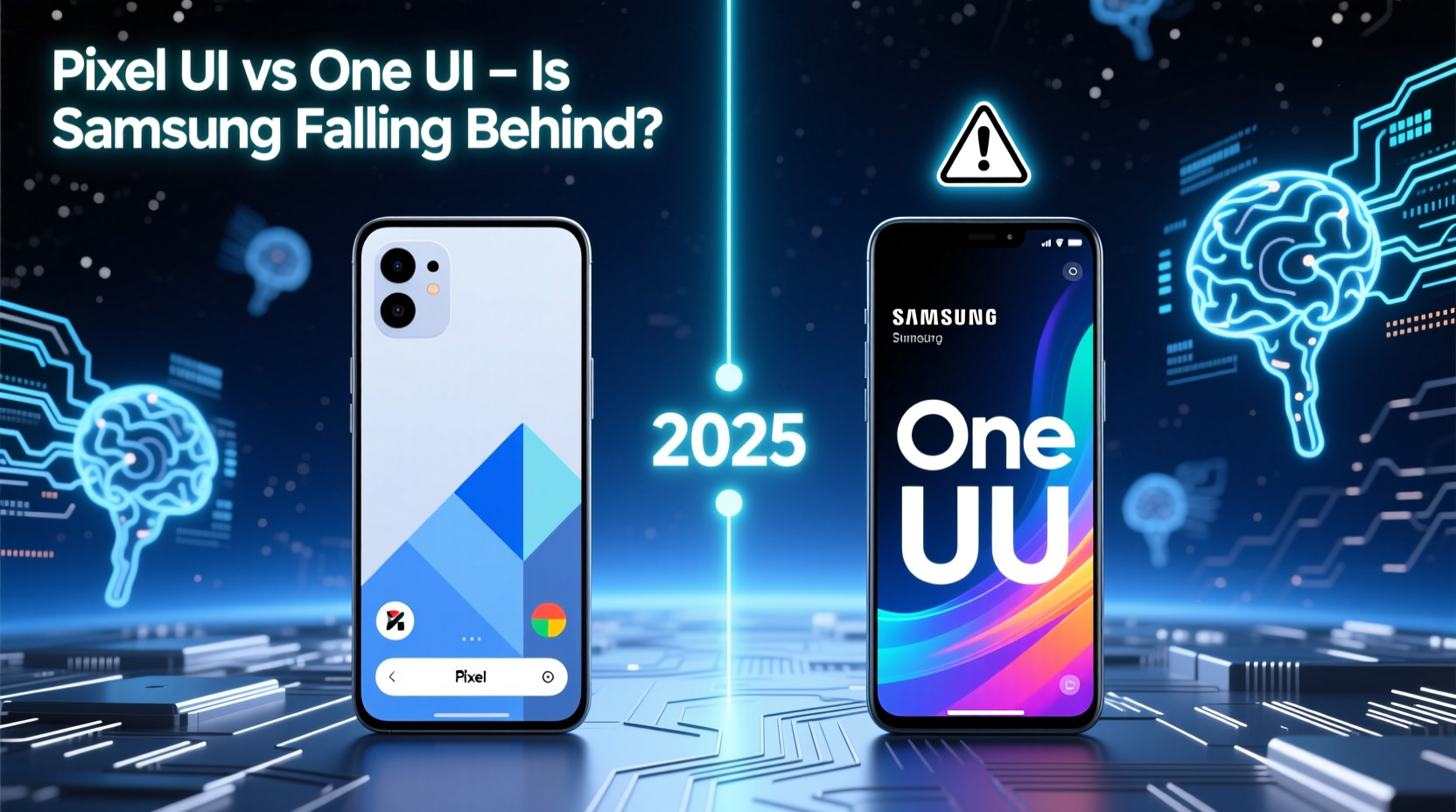
Google’s Pixel UI, formerly known as Stock Android or “vanilla” Android, has matured significantly since its early days. In 2025, it stands as a benchmark for clean, efficient, and future-ready mobile interfaces. With Material You design fully optimized, dynamic theming, gesture-first navigation, and deep AI integration, Pixel UI offers a seamless experience that feels both intuitive and personalized.
What sets Pixel UI apart is its tight integration with Google’s ecosystem. Features like Magic Compose, Call Screen, and real-time language translation are not add-ons—they’re baked into the OS. These tools work out of the box, require minimal setup, and benefit from monthly security and feature drops that arrive the same day they’re released.
“Pixel UI isn’t just about aesthetics—it’s about reducing friction. Every tap, swipe, and voice command should feel effortless.” — David Kim, Senior UX Researcher at Android Central
Google’s minimalist philosophy ensures that nothing gets in the way of performance. There’s no redundant app drawer clutter, no duplicate utilities, and no delayed updates. For users who want their phone to simply work, Pixel UI delivers.
One UI in 2025: Feature-Rich but Overburdened?
Samsung’s One UI remains one of the most powerful Android skins ever developed. It offers unparalleled customization, multitasking capabilities (like DeX and split-screen enhancements), advanced camera controls, and robust privacy tools. In 2025, One UI 7.0 introduces new productivity widgets, improved foldable optimization, and deeper Bixby integrations.
Yet, despite these advancements, many users report a growing sense of fatigue. The sheer number of pre-installed apps, duplicated services (such as Samsung Browser alongside Chrome), and inconsistent update rollouts have led to criticism. While Samsung promises four years of OS updates, flagship Pixels receive seven—nearly double the support window.
Moreover, Samsung’s design language, though refined, often feels fragmented. Themes don’t always sync across third-party apps, and system animations can lag behind Pixel’s buttery-smooth transitions. Some users find themselves disabling features rather than using them—raising questions about whether complexity is still an asset.
Feature Comparison: Pixel UI vs One UI in 2025
| Feature | Pixel UI | One UI |
|---|---|---|
| Update Frequency | Monthly feature & security patches | Quarterly feature updates, monthly security |
| OS Update Support | 7 years from launch | 4 years from launch |
| Bloatware | Minimal (only Google apps) | Moderate (Samsung+, Galaxy Store, etc.) |
| Customization | Material You theming, limited icon packs | Full icon changers, themes, fonts, Always-On Display options |
| Foldable Optimization | Basic multitasking, improving slowly | Advanced panel splitting, DeX over HDMI, app continuity |
| AI Integration | Deep: Gemini Live, Magic Editor, Recorder summaries | Surface-level: Bixby Routines, basic photo suggestions |
| Privacy Dashboard | Real-time access logging, microphone/camera indicators | Similar, plus Knox-enhanced enterprise controls |
Real-World Example: Maria’s Switch from Galaxy S24 to Pixel 8 Pro
Maria, a freelance designer based in Barcelona, used Samsung flagships exclusively for over a decade. She appreciated the multitasking, S Pen support, and screen quality. But by early 2025, she noticed her Galaxy S24 slowing down after multiple One UI updates. Apps took longer to open, battery life dipped unexpectedly, and the promised AI photo editing felt clunky compared to Google’s Magic Editor.
She switched to a Pixel 8 Pro primarily for its camera and update promise. Within weeks, she realized how much smoother daily interactions had become. “I didn’t realize how much mental load came from managing settings on my Samsung,” she said. “With the Pixel, I spend less time tweaking and more time creating.”
While she misses some Samsung-exclusive features—like Secure Folder and Dual Messenger—she finds the trade-off worthwhile. “The phone just works. And knowing I’ll get updates until 2031 gives me peace of mind.”
Is Samsung Falling Behind?
It’s not accurate to say Samsung is “falling behind” in all areas—but in key dimensions of modern smartphone leadership, it’s losing its edge. Where Google excels in speed, consistency, and AI innovation, Samsung struggles with legacy architecture and software inertia.
One area where Samsung still leads is hardware diversity. No other brand offers such a wide range of devices—from budget A-series phones to ultra-premium foldables—all running a consistent software experience. However, this strength becomes a weakness when lower-tier devices receive diluted versions of One UI with fewer updates and missing features.
Additionally, Samsung’s reliance on third-party Google services while building competing ones (e.g., Samsung Keyboard vs Gboard) creates confusion. Users often end up installing Google apps anyway, undermining Samsung’s software vision.
Actionable Checklist: Choosing Between Pixel UI and One UI
- Evaluate update needs: If long-term support matters, Pixel wins with 7-year commitment.
- Assess multitasking habits: Frequent split-screen or desktop-mode users may prefer One UI + DeX.
- Test AI features: Try Google’s Magic Editor or Gemini vs Samsung’s Circle to Search or Note Assist.
- Check bloat tolerance: Disable Samsung+ and Galaxy Store if you prefer a leaner experience.
- Consider ecosystem lock-in: Heavy Google users gain more from Pixel; Samsung account holders benefit from cloud sync and SmartThings.
FAQ
Will Samsung improve its update speed in 2025?
Samsung has shortened its update pipeline, with select regions receiving patches within two weeks of Android releases. However, global rollout delays persist due to carrier testing and device fragmentation. Full parity with Pixel’s day-one updates remains unlikely without structural changes.
Can I make One UI feel like Pixel UI?
To some extent, yes. Use Nova Launcher, disable motion effects, uninstall Samsung apps, and install Google equivalents. However, core behaviors—like animation timing, background process management, and update delivery—cannot be fully replicated.
Does Pixel UI lack useful features found in One UI?
Yes. Features like Secure Folder, Dual Messenger, native call recording (in supported regions), and advanced multi-window modes are exclusive to Samsung. Power users who rely on these may find Pixel limiting.
Conclusion: The Future of Android Skins
The gap between Pixel UI and One UI in 2025 reflects a larger shift in consumer priorities. Users increasingly value longevity, simplicity, and intelligent automation over raw feature count. While Samsung continues to innovate—especially in foldables and hardware—the software experience hasn’t kept pace with Google’s holistic approach.
This doesn’t mean One UI is obsolete. For users invested in Samsung’s ecosystem, or those needing advanced multitasking and security tools, it remains a compelling choice. But for the growing segment that prioritizes clean design, timely updates, and AI-powered assistance, Pixel UI sets the standard.
Samsung isn’t out of the race—but to stay competitive, it must streamline its software, extend update commitments, and focus on meaningful innovation over feature sprawl. Otherwise, 2025 may mark the beginning of a slow but steady decline in its software relevance.




 浙公网安备
33010002000092号
浙公网安备
33010002000092号 浙B2-20120091-4
Comments
No comments yet. Why don't you start the discussion?