
When it comes to Android smartphones, two major software experiences dominate the conversation: Google’s Pixel UI and Samsung’s One UI. While both run on the same underlying operating system, their philosophies diverge sharply—one prioritizes simplicity and speed, the other customization and functionality. But beneath the marketing claims and fanboy debates, a critical question remains: Is Pixel UI truly superior, or is its reputation more about branding than substance?
The answer isn’t binary. For some users, Pixel’s clean interface and timely updates justify the premium price. For others, Samsung’s layered features and adaptability make One UI the smarter long-term choice. Let’s dissect both platforms across key dimensions to separate fact from hype.
Design Philosophy: Minimalism vs Feature-Richness
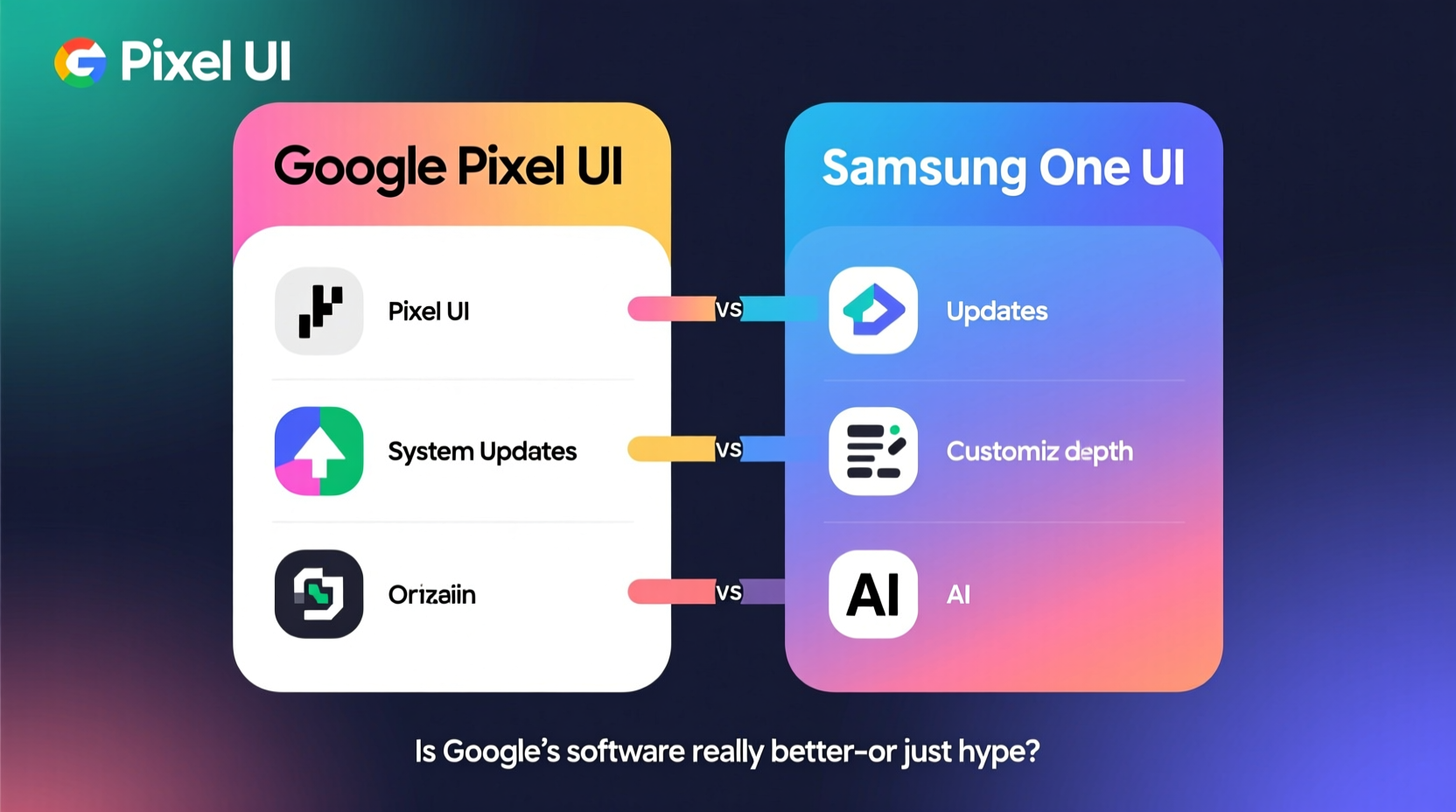
Google’s Pixel UI follows Material Design principles with an emphasis on clarity, consistency, and minimal visual clutter. There are no flashy animations, redundant apps, or deeply nested menus. The home screen is sparse by default, notifications are cleanly formatted, and settings are logically grouped. This approach reduces cognitive load and appeals to users who value efficiency over ornamentation.
Samsung’s One UI takes a different path. It embraces a feature-first mindset, offering extensive personalization options—from icon packs and themes to advanced display and navigation settings. One UI also introduces gesture-based interactions optimized for large screens, such as shifting content toward the bottom for easier reach. While this can feel overwhelming at first, experienced users often appreciate the depth it provides.
Performance and System Fluidity
On paper, Pixel phones often have lower RAM and less powerful chipsets than flagship Galaxy devices. Yet, many users report that Pixels feel snappier in day-to-day use. Why? Because Pixel UI runs closer to stock Android, with fewer background processes and bloatware. Google optimizes its software tightly with its own hardware, resulting in faster app launches and smoother transitions—even on mid-tier models like the Pixel 7a.
One UI, by contrast, includes Samsung’s ecosystem services—such as Bixby Routines, Secure Folder, and DeX—which consume resources even when idle. However, recent Exynos and Snapdragon chips have narrowed the performance gap significantly. On high-end models like the Galaxy S24 Ultra, One UI delivers fluid performance despite its complexity.
Real-world testing shows that while Pixel devices boot faster and deliver quicker camera wake-up times, Samsung phones maintain stability during prolonged multitasking and gaming sessions thanks to aggressive thermal management and memory allocation.
Software Updates and Longevity
This is where Pixel UI gains one of its strongest arguments. Google promises three years of OS updates and five years of security patches for most Pixel devices—a benchmark few manufacturers meet. Updates arrive on the same day they’re released globally, often within hours of rollout.
Samsung has improved dramatically in recent years. The company now offers seven years of OS updates for select Galaxy devices (S23 and later), matching or exceeding Apple’s iPhone support window. However, update delivery is staggered by region and carrier, meaning delays of weeks—or even months—are common.
“Timely updates aren’t just about new features—they’re critical for security and app compatibility.” — David Kim, Mobile Security Analyst at TechShield Labs
If you prioritize staying current without hassle, Pixel holds a clear advantage. But if you plan to keep your phone beyond three years, Samsung’s extended support may offer greater long-term value.
Feature Comparison: Pixel UI vs One UI
| Feature | Pixel UI | One UI |
|---|---|---|
| Customization | Limited (wallpapers, dark mode, fonts) | Extensive (themes, icons, always-on display, navigation styles) |
| Bloatware | Nearly none | Moderate (Samsung apps preinstalled) |
| OS Update Speed | Same-day global rollouts | Delayed by region/carrier |
| Camera Experience | Best-in-class computational photography | More manual controls, versatile zoom |
| Battery Optimization | Adaptive Battery learns usage patterns | Precise per-app control and power-saving modes |
| Ecosystem Integration | Tight with Google services (Photos, Assistant) | Deep with Samsung (Galaxy Watch, Buds, Dex) |
User Experience Case Study: A Week with Both Devices
Consider Sarah, a freelance photographer who tested the Pixel 8 Pro and Galaxy S24+ side-by-side for a week. Her workflow involved editing photos, managing client emails, and using cloud storage daily.
She found the Pixel excelled in automatic photo enhancements and quick sharing via Google Photos. The seamless integration with her Chromebook made file transfers effortless. However, she missed having native RAW editing tools and dual-SIM flexibility—features readily available on the Galaxy.
Switching to the S24+, she appreciated the multi-window layout and ability to pin reference images while editing. The customizable quick panel saved time accessing her favorite tools. But she noticed occasional lag when switching between heavy apps and disliked the delayed March security patch compared to her Pixel’s immediate update.
Sarah concluded: “The Pixel feels like a well-tuned instrument—simple but precise. The Galaxy is like a Swiss Army knife: packed with tools, but sometimes overkill.”
Should You Switch? A Practical Checklist
Choosing between Pixel UI and One UI depends on your priorities. Use this checklist to guide your decision:
- ✅ I want the fastest access to Android updates → Choose Pixel UI
- ✅ I rely heavily on Google services (Gmail, Drive, Photos) → Pixel UI integrates best
- ✅ I prefer a clean, distraction-free interface → Pixel UI wins
- ✅ I use multiple Samsung devices (watch, earbuds, tablet) → One UI offers deeper synergy
- ✅ I want maximum customization and multitasking → One UI is more flexible
- ✅ I plan to keep my phone for 4+ years → Samsung’s 7-year update promise may be safer
- ✅ I shoot a lot of video or use telephoto zoom → Galaxy cameras offer more versatility
Frequently Asked Questions
Is Pixel UI really smoother than One UI?
Yes, in most everyday scenarios. Due to lighter software overhead and tighter hardware-software integration, Pixel UI generally feels more responsive, especially during app launches and system animations. However, on flagship Galaxy devices, the difference is subtle and may not be noticeable to casual users.
Can I get a stock Android experience on a Samsung phone?
You can install a third-party launcher like Nova or use Samsung’s “Basic” theme to mimic stock Android, but core system behaviors—such as notification handling, battery optimization, and background app management—remain governed by One UI. True stock-like behavior is only guaranteed on Pixel devices.
Does Samsung bloatware slow down the phone?
Preinstalled apps like Samsung Health, Galaxy Store, and Bixby Voice cannot be uninstalled (only disabled), which uses minor storage and memory. In practice, this rarely impacts performance on devices with 8GB+ RAM. However, users who value minimalism may find it frustrating.
Conclusion: Beyond the Hype
The debate between Pixel UI and One UI isn’t about which is objectively better—it’s about alignment with your lifestyle. Google’s software shines through reliability, speed, and purity. It’s ideal for users who want a smartphone that works seamlessly out of the box, with minimal tinkering and maximum privacy focus.
One UI, meanwhile, rewards those who want control. Its rich toolkit, cross-device capabilities, and long-term support strategy make it a compelling choice for power users and Samsung ecosystem loyalists.
Rather than chasing brand loyalty or online hype, assess what matters most: Do you value peace of mind with instant updates, or do you crave granular control and multitasking prowess? The right answer depends not on specs, but on how you actually use your phone.




 浙公网安备
33010002000092号
浙公网安备
33010002000092号 浙B2-20120091-4
Comments
No comments yet. Why don't you start the discussion?