
The Samsung Galaxy Note 4 was a flagship powerhouse in 2014. For many power users—especially those who relied on its S Pen and robust multitasking—it wasn’t just a phone; it was a tool. Fast forward two years, and Google entered the hardware arena with the Pixel XL in 2016, promising a pure Android experience, top-tier camera quality, and seamless integration with Google services. For long-time Note 4 owners considering an upgrade, the decision wasn’t just about specs—it was about whether the new generation truly delivered a meaningful leap.
This article breaks down the real-world differences between these two devices, evaluates the tangible benefits of upgrading, and answers the core question: Was moving from the Note 4 to the Pixel XL actually worth it?
Performance and Hardware Evolution
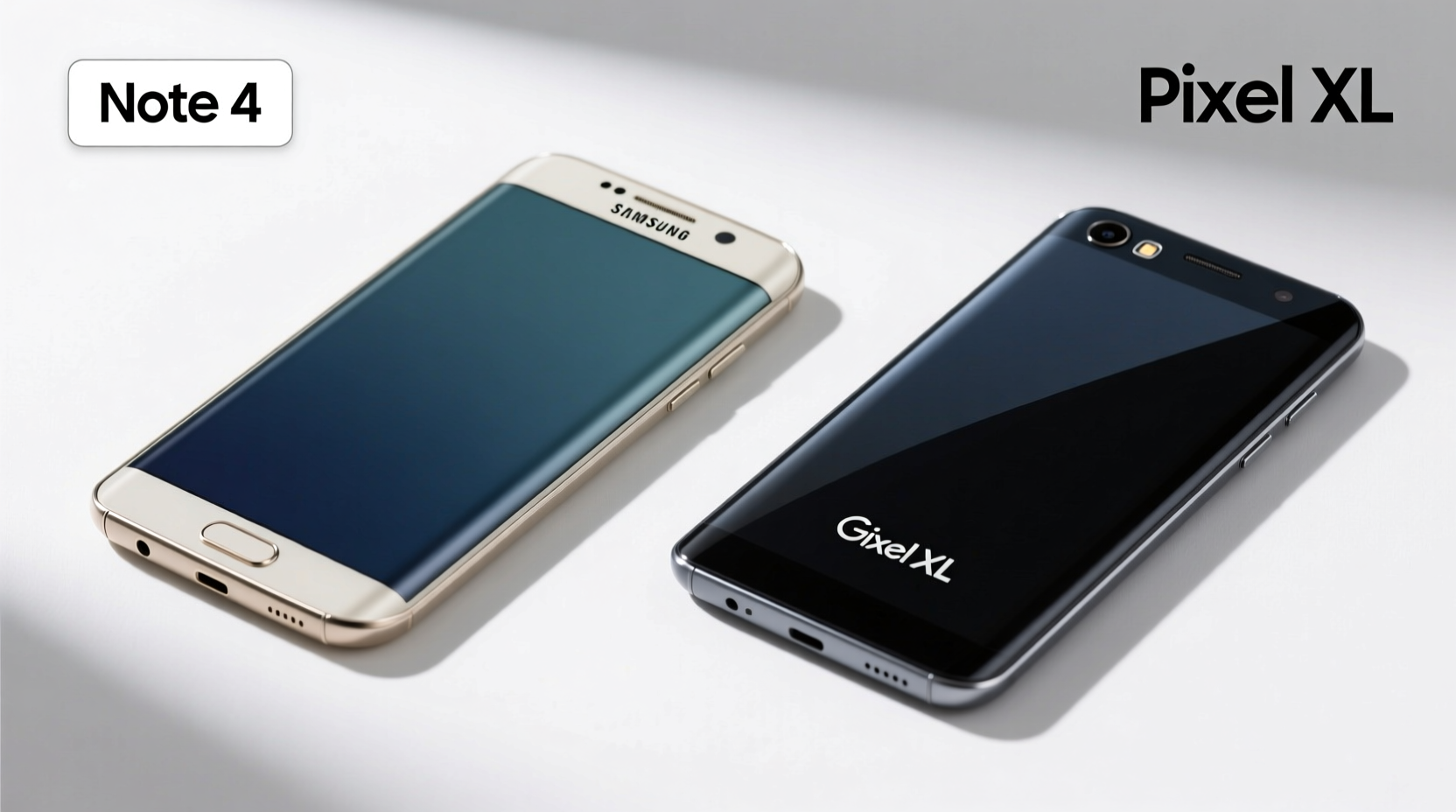
The Note 4 ran on either a Snapdragon 805 or Exynos 5433, depending on region, paired with 3GB of RAM. At launch, it handled multitasking, gaming, and productivity with ease. By 2016, however, that hardware began showing its age, especially when newer apps demanded more memory and processing power.
In contrast, the Pixel XL arrived with the then-flagship Snapdragon 821, 4GB of RAM, and storage options up to 128GB. The jump in CPU and GPU performance was significant—up to 30–40% faster in benchmark tests. But more importantly, daily operations like app switching, photo editing, and loading web pages felt noticeably smoother.
Battery life tells a mixed story. The Note 4 had a 3,220mAh battery, while the Pixel XL came with a slightly larger 3,450mAh unit. However, due to the higher-resolution AMOLED display (1440p vs 2560x1440) and more power-hungry components, actual endurance was comparable. Both phones lasted a full day under moderate use, but the Pixel XL’s fast charging support gave it a practical edge for quick top-ups.
Camera: From Competent to Class-Leading
This is where the Pixel XL didn’t just improve—it redefined expectations. The Note 4’s 16MP rear camera was strong for its time, producing sharp images in good light, but struggled significantly in low-light conditions and lacked advanced software processing.
The Pixel XL introduced computational photography to the mainstream with its 12.3MP sensor. Despite fewer megapixels, it consistently outperformed nearly every smartphone in 2016 thanks to Google’s HDR+ technology, superior noise reduction, and real-time image stabilization. Night shots were dramatically cleaner, dynamic range was wider, and color accuracy was more natural.
For users who took photos regularly—whether for social media, family memories, or creative projects—the camera alone justified the upgrade. Google’s promise of “the best camera in a smartphone” wasn’t marketing fluff; it was verified by independent reviewers like DxOMark, which rated the Pixel XL at 88, far ahead of the Note 4’s estimated 75.
“Google’s investment in machine learning and image processing changed the game. The Pixel proved that software could elevate hardware.” — David Imel, Mobile Photography Analyst
User Experience and Software: A Fundamental Shift
The Note 4 shipped with Android 4.4 KitKat and Samsung’s TouchWiz UI—a heavily customized interface known for bloatware and inconsistent updates. While feature-rich, TouchWiz often felt sluggish and cluttered, and official Android updates were slow or nonexistent after 2016.
The Pixel XL launched with Android 7.1 Nougat and offered a clean, stock Android experience. This meant faster animations, less system lag, and immediate access to new features. More critically, Pixel users received guaranteed monthly security updates and three years of major OS upgrades—something Samsung didn’t standardize until years later.
For professionals and tech-savvy users, this shift meant reliability and longevity. No longer did you have to wait months for critical patches or new Android versions. You got them the same day Google released them.
However, the trade-off was losing some of the Note 4’s signature features. The S Pen enabled unique workflows—note-taking, screen-off memos, air commands—that the Pixel XL couldn’t replicate. If you used your phone as a digital notebook or sketchpad, that loss was significant.
| Feature | Samsung Galaxy Note 4 | Google Pixel XL |
|---|---|---|
| Processor | Snapdragon 805 / Exynos 5433 | Snapdragon 821 |
| RAM | 3GB | 4GB |
| Display | 5.7\" Quad HD Super AMOLED | 5.5\" Quad HD P-OLED |
| Rear Camera | 16MP, f/2.2 | 12.3MP, f/2.0, HDR+ |
| Software Support | Limited beyond Android 6.0 | 3 years of OS updates |
| Premium Features | S Pen, IP67 water resistance* | Google Assistant, unlimited photo backup (original quality) |
*Note: Note 4 not officially IP-rated; some markets had water-resistant variants.
Real-World Upgrade Experience: A Mini Case Study
Take Mark, a freelance graphic designer who used his Note 4 daily for client communication, mood board creation, and on-the-go sketches. He held onto it for over two years, squeezing every bit of utility from the S Pen and multi-window mode. But by late 2016, apps started crashing, the camera couldn’t keep up with client photo reviews, and Android updates were a distant memory.
He upgraded to the Pixel XL primarily for the camera and software reliability. Initially, he missed the S Pen deeply—especially during client meetings where quick annotations helped clarify feedback. But within weeks, he adapted. He started using Google Keep with voice notes and handwriting input, and leveraged Google Photos’ search functionality to organize assets by color, location, or object.
The turning point came during a weekend trip. His Pixel XL captured stunning sunset shots that required no editing—something his Note 4 never achieved without post-processing. That single experience made him realize the upgrade wasn’t just about speed or design; it was about capturing life more authentically.
For Mark, the answer was clear: yes, the upgrade was worth it—even without the stylus.
Checklist: Is Upgrading from Note 4 to Pixel XL Right for You?
Before making the switch, consider your priorities. Use this checklist to evaluate your needs:
- ✅ Do you value camera quality above all else?
- ✅ Are you frustrated by slow or missing Android updates?
- ✅ Do you rely heavily on Google services (Photos, Assistant, Drive)?
- ✅ Are you okay with losing the S Pen and related productivity tools?
- ✅ Do you prefer a clean, minimalist interface over feature-heavy skins?
- ✅ Is long-term software support important to you?
If four or more apply, the Pixel XL likely offers a meaningful upgrade. If you’re deeply invested in Samsung’s ecosystem or depend on stylus input, staying with a Note-series successor might be wiser.
Frequently Asked Questions
Could the Pixel XL replace the productivity features of the Note 4?
Not entirely. While the Pixel XL excelled in communication, cloud integration, and media creation, it lacked native stylus support and split-screen utilities powered by the S Pen. Users had to adapt by using third-party note apps and relying more on voice input or typing.
Was the build quality better on the Pixel XL?
Subjectively, yes. The Pixel XL featured an aluminum frame and a glass back, giving it a more premium feel than the Note 4’s plastic-and-metal hybrid. However, the glass back was more prone to smudges and scratches, requiring a case for protection.
Did battery life improve significantly?
No. Both phones delivered around one day of moderate use. The Pixel XL benefited from faster charging and better power management via Android optimizations, but heavy users still needed to recharge by evening.
Conclusion: A Worthy Leap for Most Users
Upgrading from the Note 4 to the Pixel XL wasn’t just a hardware refresh—it represented a shift in philosophy. Samsung focused on versatility and customization; Google prioritized simplicity, intelligence, and long-term relevance.
For users who valued timely updates, exceptional cameras, and seamless integration with AI-driven tools like Google Assistant, the Pixel XL was a substantial improvement. It modernized the smartphone experience in ways raw specs couldn’t capture.
Yes, you lost the S Pen. Yes, the price was higher. But if your goal was a reliable, future-proof device that worked smarter—not just harder—the upgrade was absolutely worth it.




 浙公网安备
33010002000092号
浙公网安备
33010002000092号 浙B2-20120091-4
Comments
No comments yet. Why don't you start the discussion?