
If your Polaroid camera is flashing an orange light, it’s trying to tell you something. Unlike a steady green or white indicator, an orange flash typically signals a malfunction or system alert. Whether you're using a modern Polaroid Now, Polaroid Lab, or another model in the I-Type series, this behavior can interrupt your instant photography experience. The good news: most causes are fixable without professional repair. This comprehensive guide breaks down the most common reasons behind the flashing orange light and provides clear, actionable steps to resolve them.
Understanding the Orange Flash: What It Means
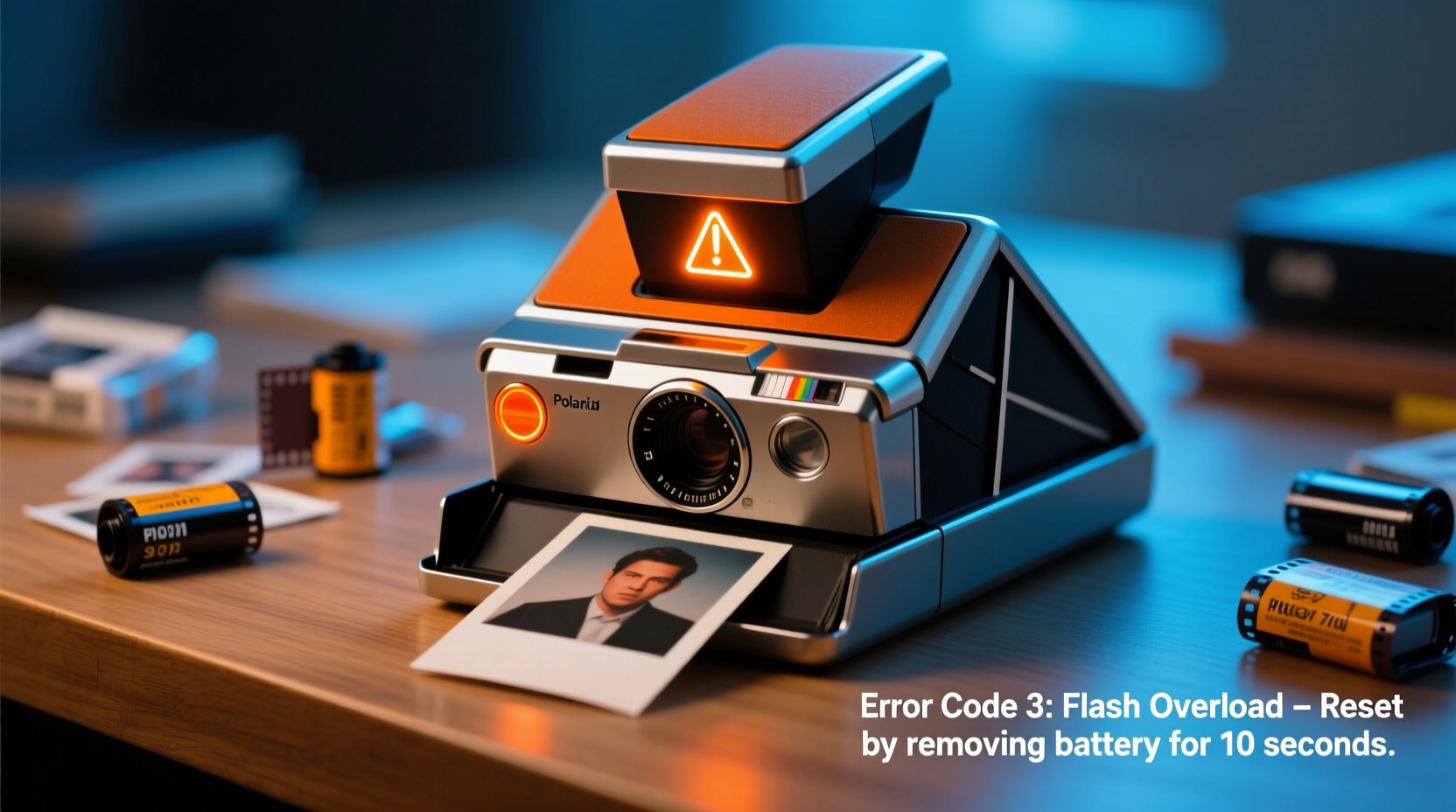
Polaroid cameras use LED indicators to communicate their status. An orange or amber light—especially when blinking—is not a normal operating signal. Instead, it usually points to one of several issues:
- Power supply problems
- Film jam or ejection failure
- Camera misalignment or sensor error
- Overheating
- Firmware glitches
Unlike older analog models, modern digital instant cameras like the Polaroid Now+ or Polaroid Go rely on internal diagnostics. When a component fails self-checks during startup or operation, the camera triggers the orange flash as a warning. Identifying which phase the light appears in—power-on, after pressing the shutter, or during film ejection—is key to narrowing down the cause.
Common Causes and How to Fix Them
1. Insufficient Battery Charge
The most frequent trigger for an orange flash is low battery voltage. Modern Polaroid cameras use rechargeable lithium-ion batteries that degrade over time. If the voltage drops below operational thresholds, the camera may power on briefly but fail to eject film, resulting in an orange warning blink.
Solution: Fully charge the camera using the original USB-C cable and a reliable 5V/1A power source. Avoid charging via low-output ports (e.g., laptops in sleep mode). Allow at least 2–3 hours for a full charge, even if the light turns solid sooner.
2. Film Jam or Ejection Failure
If the camera attempts to eject a photo but encounters resistance, the motor will stall. This triggers a safety protocol that halts operation and activates the orange light. Jams commonly occur when:
- Film pack is inserted incorrectly
- Previous photo didn’t eject fully
- Dirt or debris blocks the exit slot
Solution: Turn off the camera, remove the film pack, and inspect the ejection path. Use a soft brush or compressed air to clear obstructions. Reinsert the film pack firmly until it clicks. Do not force film through manually.
3. Faulty or Incompatible Film
While Polaroid cameras are designed for specific film types (600, i-Type, SX-70), using expired, damaged, or third-party film can confuse the camera’s internal sensors. Some counterfeit films lack proper calibration, leading to inconsistent power draw and communication errors.
Solution: Replace the film with a fresh, genuine Polaroid pack. Check expiration dates and storage conditions—film stored in heat or humidity may swell or short-circuit contacts.
4. Overheating Protection
Extended use, especially in warm environments, can cause the internal temperature to rise. Polaroid cameras include thermal sensors that disable operation when overheated, indicated by rapid orange flashes.
Solution: Power off the camera and let it cool for 30–60 minutes in a shaded, well-ventilated area. Avoid direct sunlight or hot cars. Resume use only after the casing feels room temperature.
5. Firmware or Software Glitch
Digital models with Bluetooth or app connectivity (e.g., Polaroid Now+) may experience software hiccups. Failed updates or corrupted settings can cause erratic LED behavior.
Solution: Perform a factory reset if available. For Polaroid Now+, hold the power button for 15 seconds until the light cycles. Reconnect via the Polaroid app to reconfigure settings.
Troubleshooting Checklist
- Charge the camera fully using the original cable and adapter.
- Remove and reinsert the film pack, ensuring correct orientation.
- Inspect the film exit slot for blockages or debris.
- Replace with a new, authentic Polaroid film pack.
- Power off and allow the camera to cool if recently used extensively.
- Reset the camera by holding the power button for 10–15 seconds.
- Test in a different environment (avoid extreme temperatures).
- Contact Polaroid support if the issue persists after all steps.
Do’s and Don’ts: Handling Your Polaroid Camera
| Do’s | Don’ts |
|---|---|
| Use genuine Polaroid film packs | Insert film while the camera is powered on |
| Charge regularly and avoid full discharge | Expose the camera to moisture or sand |
| Clean the lens and ejection rollers gently with a microfiber cloth | Force a stuck photo out with sharp objects |
| Store in a cool, dry place away from direct sunlight | Leave the camera in a hot car or near radiators |
| Update firmware via the official Polaroid app when prompted | Use third-party batteries or chargers without certification |
Real-World Example: A Wedding Photographer’s Recovery
Jamie, a mobile event photographer, relied on her Polaroid Now+ for guest photos at outdoor weddings. During a summer festival, the camera began flashing orange mid-event, refusing to eject any images. Guests grew impatient, and Jamie feared losing the gig.
She recalled the camera had been in direct sun for over an hour. She immediately powered it off, moved to a shaded tent, and removed the film pack. After waiting 45 minutes for cooling, she reinserted a fresh film pack and restarted. The camera resumed normal operation. Jamie now keeps a backup camera and uses a small insulated pouch during daytime shoots.
“Thermal management is just as important as battery life in instant cameras. A few minutes of prevention saves hours of frustration.” — Diego Mendez, Professional Instant Photographer & Workshop Instructor
When to Contact Support
If you’ve completed all troubleshooting steps and the orange light persists, the issue may be hardware-related. Internal faults such as a failed motor, damaged circuit board, or defective sensor require professional attention. Polaroid offers a one-year limited warranty on most models.
Contact Polaroid customer service with:
- Your model number (found on the bottom or battery compartment)
- Proof of purchase
- A video showing the orange flash behavior
In some cases, they may offer a replacement unit rather than repair, especially for newer consumer models.
Frequently Asked Questions
Why does my Polaroid flash orange when I press the shutter?
This usually indicates a failed ejection attempt. Check for film jams, ensure the pack is seated correctly, and verify the battery is sufficiently charged. If the camera buzzes but no photo comes out, a mechanical obstruction is likely.
Can I use expired Polaroid film?
Technically yes, but performance degrades over time. Expired film may cause color shifts, incomplete development, or electrical issues that trigger error lights. For reliable results, use film within 1–2 years of manufacture.
Does the orange light mean my camera is broken forever?
Not necessarily. Most flashing orange issues stem from user-fixable causes like low power, overheating, or film problems. Only after exhausting all basic fixes should permanent damage be suspected.
Final Steps: Restore Your Instant Experience
A flashing orange light doesn’t have to end your Polaroid adventures. With systematic troubleshooting, most issues can be resolved in under an hour. Start with the simplest explanations—battery and film—before moving to environmental or software factors. Treat your camera with care, follow best practices, and keep spare film and a charger handy for peace of mind.




 浙公网安备
33010002000092号
浙公网安备
33010002000092号 浙B2-20120091-4
Comments
No comments yet. Why don't you start the discussion?