
When it comes to staying powered on the go, portable chargers—also known as power banks—are essential. But a common question arises: does a portable charger with multiple USB ports charge devices faster than one with a single port? The answer isn’t as straightforward as it seems. While having more ports offers convenience, it doesn't automatically mean faster charging. In fact, under certain conditions, multi-port chargers may actually charge slower per device than their single-port counterparts.
The truth lies in understanding how power distribution works, the role of output specifications, and how user behavior affects performance. This article breaks down the technical and practical differences between single and multi-port portable chargers, helping you make an informed decision based on your actual charging needs.
How Power Output Works in Portable Chargers
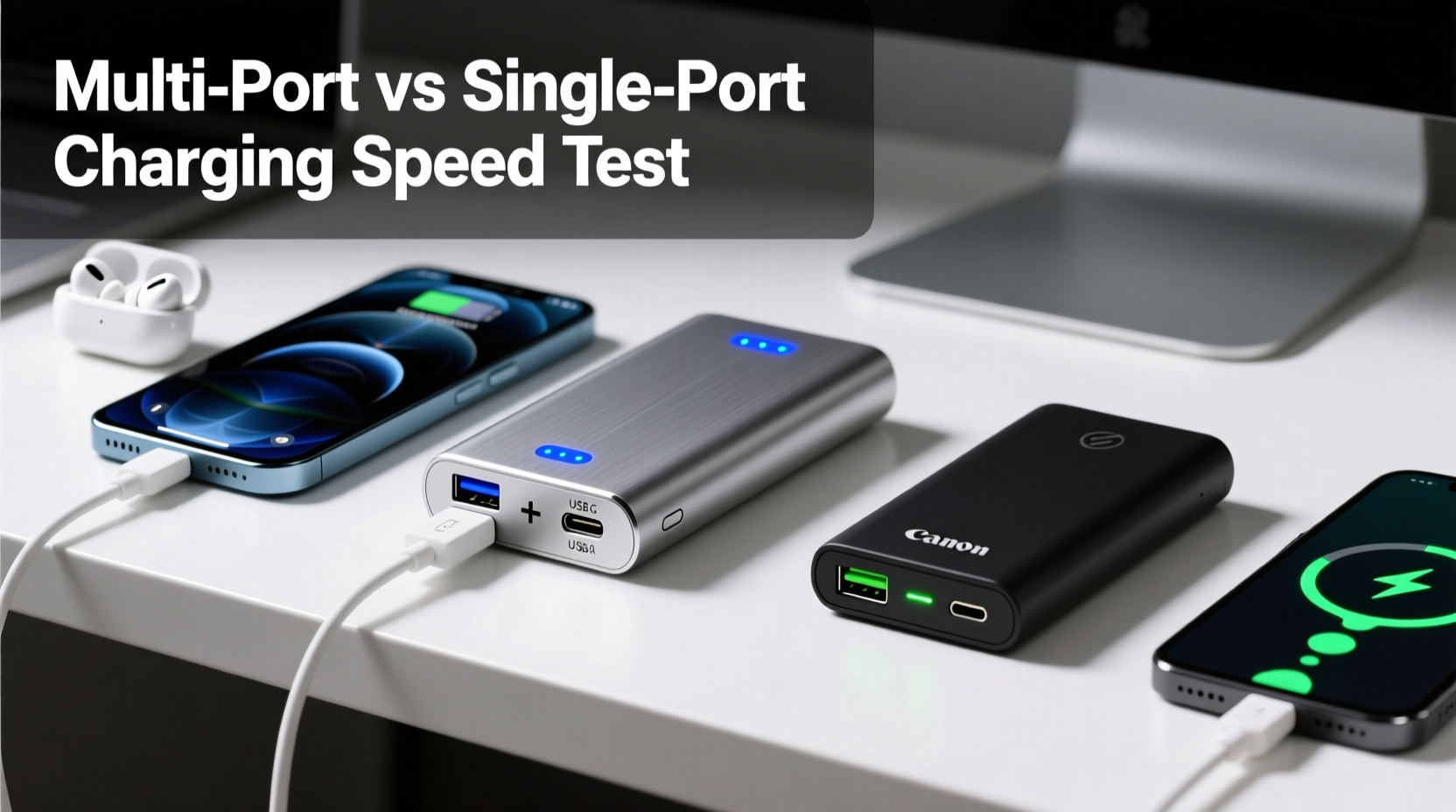
Every portable charger delivers power measured in volts (V), amperes (A), and watts (W). Most consumer devices operate at 5V, so wattage is typically calculated as voltage multiplied by current (W = V × A). For example, a 5V/2.4A output equals 12W of power.
Manufacturers label their chargers with total battery capacity (measured in milliampere-hours, or mAh) and output ratings (in A or W). However, what matters most for charging speed is not just total capacity but how much power each port can deliver—and whether that output changes when multiple devices are connected.
Single-port chargers usually dedicate their full output capability to one device. A 20,000mAh power bank with a 12W (5V/2.4A) output will consistently deliver that rate to the connected device. Multi-port models, however, must share available power across all active ports, often reducing individual charging speeds unless they feature smart allocation technology.
Multi-Port vs Single-Port: Performance Comparison
To compare real-world performance, consider two scenarios using similarly sized 20,000mAh chargers—one with a single 12W USB-A port and another with three ports (USB-C, USB-A, and micro-USB) offering combined 18W output.
| Charger Type | Max Output Per Port | Total Max Output | One Device Charging | Two Devices Charging |
|---|---|---|---|---|
| Single-Port (12W) | 12W | 12W | Full 12W delivered | Only one device supported |
| Multi-Port (18W total) | Up to 12W per port (dynamic) | 18W shared | Can deliver up to 18W via USB-C | Each gets ~9W if both draw equally |
In this example, the multi-port charger can potentially charge a single compatible device *faster* than the single-port model if it supports higher-wattage protocols like Power Delivery (PD) or Quick Charge. But when two devices are plugged in, the total output is divided, resulting in slower charging per device.
This means that while multi-port chargers offer flexibility, they do not inherently charge faster—especially when used to their full port capacity. Speed depends on load distribution and circuit design.
Smart Power Allocation: The Game Changer
Advanced multi-port chargers come equipped with intelligent IC (integrated circuit) chips that detect connected devices and allocate power dynamically. These models optimize output based on device requirements. For instance, a phone might receive 5W while a tablet draws 12W, maximizing efficiency without overloading the system.
Without smart allocation, many budget multi-port chargers default to splitting power evenly—say, 5W per port when two devices are connected—even if one device could accept more. This inefficiency reduces overall charging speed and frustrates users expecting fast results.
“Not all multi-port chargers are created equal. The presence of adaptive power management makes the difference between convenience and compromise.” — David Lin, Senior Electronics Engineer at PowerEdge Labs
Real-World Example: Travel Day Charging Challenge
Consider Sarah, a digital nomad traveling through Southeast Asia. She carries a smartphone, noise-canceling headphones, and a tablet. Her itinerary includes long bus rides with no access to outlets.
Last year, she used a single-port 10,000mAh charger. It fully recharged her phone once but left her other devices uncharged. This year, she upgraded to a 20,000mAh 3-port model with 30W total PD output. Now, she can plug in her phone via USB-C (receiving 18W) and her headphones via USB-A (receiving 5W) simultaneously. The phone charges rapidly while the smaller device trickles charge in parallel.
Although neither device receives the full 30W, the intelligent distribution allows her to maintain productivity without juggling cables. In her case, the multi-port charger improved usability—not raw speed, but effective time management.
However, if Sarah only needed to charge her phone quickly before a meeting, the single-port high-output charger would have done it faster by dedicating full resources to one device.
Factors That Influence Charging Speed
Several variables determine whether a multi-port or single-port charger performs better in terms of speed:
- Output per port: Check maximum current (A) and wattage (W) ratings for each port individually and collectively.
- Simultaneous output limit: Some chargers reduce per-port output when multiple devices are connected.
- Charging protocol support: Look for Power Delivery (PD), Quick Charge (QC), or Samsung Adaptive Fast Charging compatibility.
- Battery capacity: Higher mAh doesn’t mean faster charging—it means more total energy, not higher speed.
- Cable quality: Poor cables limit current flow regardless of charger capability.
- Device input limits: Your phone may only accept up to 18W, even if the charger offers 30W.
Do More Ports Mean Slower Charging?
Generally, yes—if you're charging multiple devices at once. Most multi-port chargers have a capped total output. When multiple devices draw power simultaneously, the available wattage is distributed, lowering the speed per device.
For example, a 30W multi-port charger powering two devices will likely deliver around 15W each. If one device supports only 10W, the remaining 20W might not be fully utilized due to circuit limitations. Meanwhile, a dedicated 30W single-port charger feeding only the high-power device would complete the charge significantly faster.
Therefore, if your priority is **maximum speed for one device**, a high-output single-port charger is superior. If you value **charging multiple devices efficiently**, a well-designed multi-port model with smart allocation wins.
Step-by-Step Guide: Choosing the Right Charger for Your Needs
Follow this sequence to select the optimal portable charger based on your usage patterns:
- Assess your typical device load: Do you usually charge one phone, or multiple gadgets at once?
- Determine required output: Check your primary device’s max input (e.g., iPhone 15 supports 20W PD; Samsung Galaxy S24 supports 25W).
- Evaluate port configuration: Choose a single high-wattage port if speed is key; opt for dual/multi-ports if versatility matters.
- Verify simultaneous output specs: Look for labels like “Total Output: 30W” or “Shared Max: 18W” in product descriptions.
- Prioritize smart features: Select models with auto-detection, temperature control, and overload protection.
- Check certifications: Ensure compliance with safety standards (CE, FCC, RoHS) and genuine capacity claims.
- Test real-world performance: Read reviews focusing on multi-device scenarios and sustained output over time.
Frequently Asked Questions
Does a multi-port charger always split power evenly?
No. Lower-end models may divide power equally, but modern chargers with smart ICs adjust output based on device demand. For example, a phone needing 5W and a tablet needing 12W will receive appropriate levels without unnecessary throttling.
Can a single-port charger be faster than a multi-port one?
Yes, especially when comparing high-output single-port chargers (e.g., 30W) against multi-port units where total output is shared. If you’re charging just one device, concentrating all available power into a single port typically yields faster results.
Is it safe to charge multiple devices at once?
Yes, provided the charger has built-in protections (overcurrent, overvoltage, short-circuit, and thermal regulation). Reputable brands include these safeguards. Avoid no-name brands lacking clear technical documentation.
Expert Checklist: What to Look for Before Buying
Use this checklist to ensure you get a charger that balances speed, safety, and functionality:
- ✅ Total output clearly specified (e.g., “20W max per port, 30W total”)
- ✅ Supports fast-charging protocols (PD 3.0, QC 4+, etc.)
- ✅ Includes at least one USB-C input/output port
- ✅ Built-in safety mechanisms (thermal, surge, and short-circuit protection)
- ✅ Realistic capacity rating (avoid exaggerated mAh claims)
- ✅ Compact size and weight suitable for daily carry
- ✅ Positive user feedback on sustained multi-device performance
Final Verdict: Speed vs. Convenience
The debate isn’t about which type is universally better—it’s about matching the tool to the task. A single-port portable charger excels in delivering maximum speed to one device, making it ideal for professionals who need a quick top-up during breaks or travelers relying on one critical gadget.
On the other hand, a well-engineered multi-port charger provides unmatched convenience for families, students, or frequent travelers managing several devices. With intelligent power distribution, these models can maintain near-optimal speeds across multiple connections, minimizing downtime without sacrificing too much velocity.
If you prioritize raw charging speed above all else, choose a single-port charger with high wattage output. If you value flexibility and simultaneous charging, invest in a premium multi-port model with robust power management and verified performance metrics.
“The future of portable charging isn’t just about capacity—it’s about intelligence. The best chargers adapt to your habits, not the other way around.” — Dr. Lena Torres, Consumer Tech Analyst at GadgetInsight
Conclusion
Understanding the difference between portable chargers with multiple ports versus single ports reveals a nuanced reality: more ports don’t guarantee faster charging. In fact, they often result in slower per-device speeds when multiple gadgets are connected. True performance depends on total output, power-sharing logic, and device compatibility.
Instead of defaulting to whichever looks more advanced, evaluate your actual needs. Are you optimizing for speed, or for convenience? Once you clarify that, the choice becomes clear. Whether you go single-port for peak performance or multi-port for versatility, always prioritize quality, safety, and transparent specifications.




 浙公网安备
33010002000092号
浙公网安备
33010002000092号 浙B2-20120091-4
Comments
No comments yet. Why don't you start the discussion?