
Accessing the Powerball website from an Android device should be straightforward, especially for users interested in checking results, purchasing tickets, or verifying jackpot details. However, many users report being unable to load the site, encountering error messages, or facing complete blocks. This issue can stem from technical, geographic, or policy-related causes. Understanding the root reasons—and knowing how to resolve them—is essential for uninterrupted access.
Why Is the Powerball Website Blocked on Android?
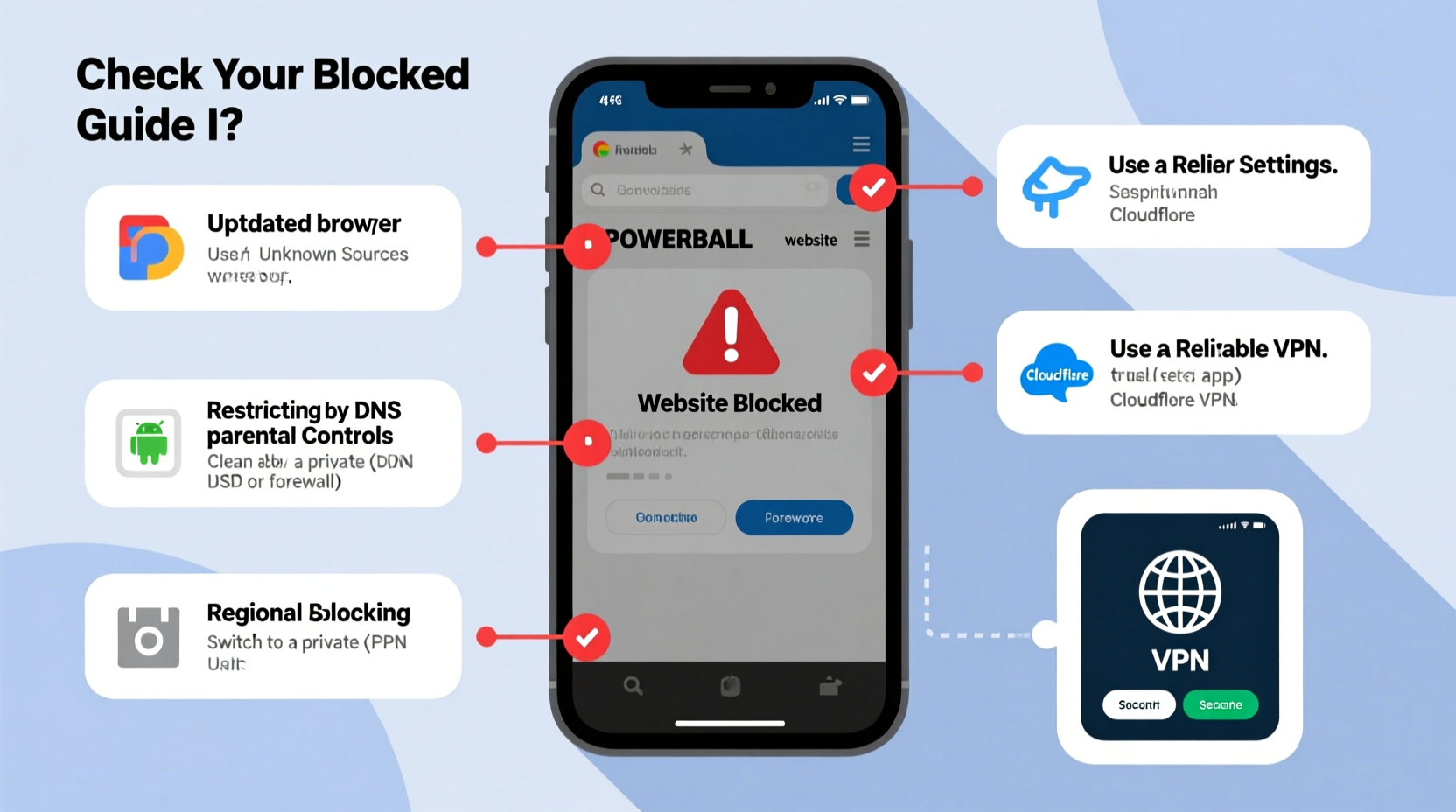
The inability to access the Powerball website on an Android device isn't always due to a single cause. It often results from a combination of network restrictions, regional laws, device settings, or third-party interference. Below are the most common reasons behind the block:
- Geographic Restrictions: Powerball is a U.S.-based lottery operated by the Multi-State Lottery Association (MUSL). Many states restrict access to their lottery websites based on IP location. If you're outside the U.S., your connection may be automatically denied.
- ISP or Network Filtering: Some internet service providers or public Wi-Fi networks (such as those in schools, workplaces, or cafes) use content filters that block gambling-related sites, including official lottery platforms.
- Android Browser Settings: Overly strict privacy settings, ad blockers, or DNS filtering apps (like Blokada or DNS66) may prevent the site from loading, mistaking it for a risky domain.
- Website Downtime or Maintenance: Occasionally, the official Powerball or state lottery sites undergo maintenance, leading to temporary unavailability.
- Security Software Interference: Antivirus or parental control apps installed on your Android device might flag the site as high-risk and block access proactively.
“Many users assume the site is down when in fact their local network or device settings are enforcing access restrictions.” — David Lin, Network Security Analyst
Step-by-Step Guide to Fix Powerball Website Access Issues
Follow this structured approach to diagnose and resolve the blockage efficiently. Each step targets a different potential cause.
- Verify Internet Connection
Ensure your Android device has a stable internet connection. Try loading other websites to confirm connectivity. If nothing loads, restart your router or switch between Wi-Fi and mobile data. - Clear Browser Cache and Data
Corrupted cache can prevent proper page rendering. Go to: Settings > Apps > [Your Browser] > Storage > Clear Cache & Clear Data. Then relaunch the browser and try accessing powerball.com. - Try a Different Browser
Sometimes, the default browser may have compatibility issues. Install an alternative browser like Firefox, Chrome, or Brave from the Google Play Store and test access. - Disable Ad Blockers and Privacy Extensions
If you’re using browsers with built-in ad blockers (e.g., Brave) or extensions like uBlock Origin, disable them temporarily. These tools sometimes misidentify legitimate sites as trackers. - Check for Parental Controls or Security Apps
Review any installed security software. Apps like Norton, Kaspersky, or Google Family Link may block gambling-related domains. Temporarily disable them to test access. - Switch DNS Servers
DNS filtering can block specific domains. Change your Android’s DNS settings:
- Go to Wi-Fi settings
- Long-press your connected network > Modify Network
- Switch to IP Settings: Static
- Enter DNS 8.8.8.8 (Google) or 1.1.1.1 (Cloudflare)
- Save and reconnect. - Use a Trusted VPN Service
If the block is geo-based, a reliable Virtual Private Network (VPN) can help. Connect to a U.S.-based server to obtain a domestic IP address, allowing access to region-restricted content.
Do’s and Don’ts When Troubleshooting Access
| Action | Do | Don't |
|---|---|---|
| Using a VPN | Choose a well-reviewed provider with U.S. servers | Use unknown or free proxy apps that log user activity |
| Changing DNS | Use trusted public DNS like Google (8.8.8.8) or Cloudflare (1.1.1.1) | Edit settings without understanding implications |
| Installing Tools | Download apps only from Google Play Store or official sites | Side-load APKs from unverified sources |
| Testing Access | Try multiple methods systematically | Assume the site is permanently down after one failed attempt |
Real Example: Maria Regains Access While Traveling
Maria, a U.S. citizen living temporarily in Portugal, wanted to check her Powerball numbers after a recent draw. She opened Chrome on her Samsung Galaxy S23 but received an error: “This site can’t be reached.” Initially frustrated, she followed troubleshooting steps methodically.
First, she confirmed her internet was working by loading news sites. Next, she cleared her browser cache—no change. She then tried Firefox, where the site partially loaded but wouldn’t allow login. After reading online forums, she realized her Portuguese ISP likely blocked the domain. She downloaded ProtonVPN, connected to a New York server, and successfully accessed powerball.com within seconds. Her numbers weren’t winners, but she appreciated the clarity and restored access.
This case highlights how geographic filtering impacts even legitimate users and how a simple solution like a secure VPN can restore functionality.
Essential Checklist to Unblock Powerball Website
Use this checklist to quickly identify and fix the issue:
- ✅ Confirm internet connection is active
- ✅ Test another website to rule out general connectivity issues
- ✅ Clear browser cache and cookies
- ✅ Try a different browser (Chrome, Firefox, etc.)
- ✅ Disable ad blockers or tracker protection features
- ✅ Check if security or parental control apps are blocking the site
- ✅ Change DNS to 8.8.8.8 or 1.1.1.1
- ✅ Use a trusted U.S.-based VPN service
- ✅ Verify the official URL: https://www.powerball.com
- ✅ Contact your ISP if the issue persists across devices
Frequently Asked Questions
Is it legal to use a VPN to access Powerball.com from abroad?
Using a VPN is legal in most countries, including the U.S. However, while accessing informational content like draw results is generally acceptable, purchasing lottery tickets from outside the U.S. may violate state laws. Always review the terms of service before attempting transactions.
Why does Powerball block international users?
Powerball operates under strict U.S. state regulations. Ticket sales must comply with local gambling laws, tax reporting, and identity verification. To prevent fraud and ensure compliance, access is restricted to verified U.S. locations.
Can I buy Powerball tickets online from my Android phone?
Yes, but only through authorized state lottery apps or websites (e.g., Illinois Lottery, California Lottery) if you’re physically located within that state. Third-party reseller sites exist but come with risks and higher fees. Never enter payment details on unofficial or suspicious domains.
Final Recommendations
Blocked access to the Powerball website on Android is rarely permanent and usually solvable with the right approach. Start with basic troubleshooting—clearing cache, switching browsers, or disabling overzealous privacy tools. If those fail, consider network-level solutions like DNS changes or a reputable VPN. Always prioritize security: avoid sketchy apps or unsecured proxies that could expose your personal information.
Remember, the official Powerball site is a legitimate platform for results, rules, and authorized ticket purchases. Temporary blocks are typically technical, not punitive. By understanding the causes and applying safe fixes, you can stay informed and engaged with the game no matter where you are.




 浙公网安备
33010002000092号
浙公网安备
33010002000092号 浙B2-20120091-4
Comments
No comments yet. Why don't you start the discussion?