
QR codes—those pixelated squares once dismissed as futuristic clutter—are now essential tools in both professional and personal environments. From restaurant menus to contactless payments, they bridge the physical and digital worlds seamlessly. Their adoption surged during the pandemic, but their utility has only grown since. Today, businesses leverage them for smarter marketing, while individuals use them to simplify daily routines. Understanding how to create, deploy, and optimize QR codes can give you a tangible edge—whether you're running a small café or organizing a family event.
Why QR Codes Matter Now More Than Ever
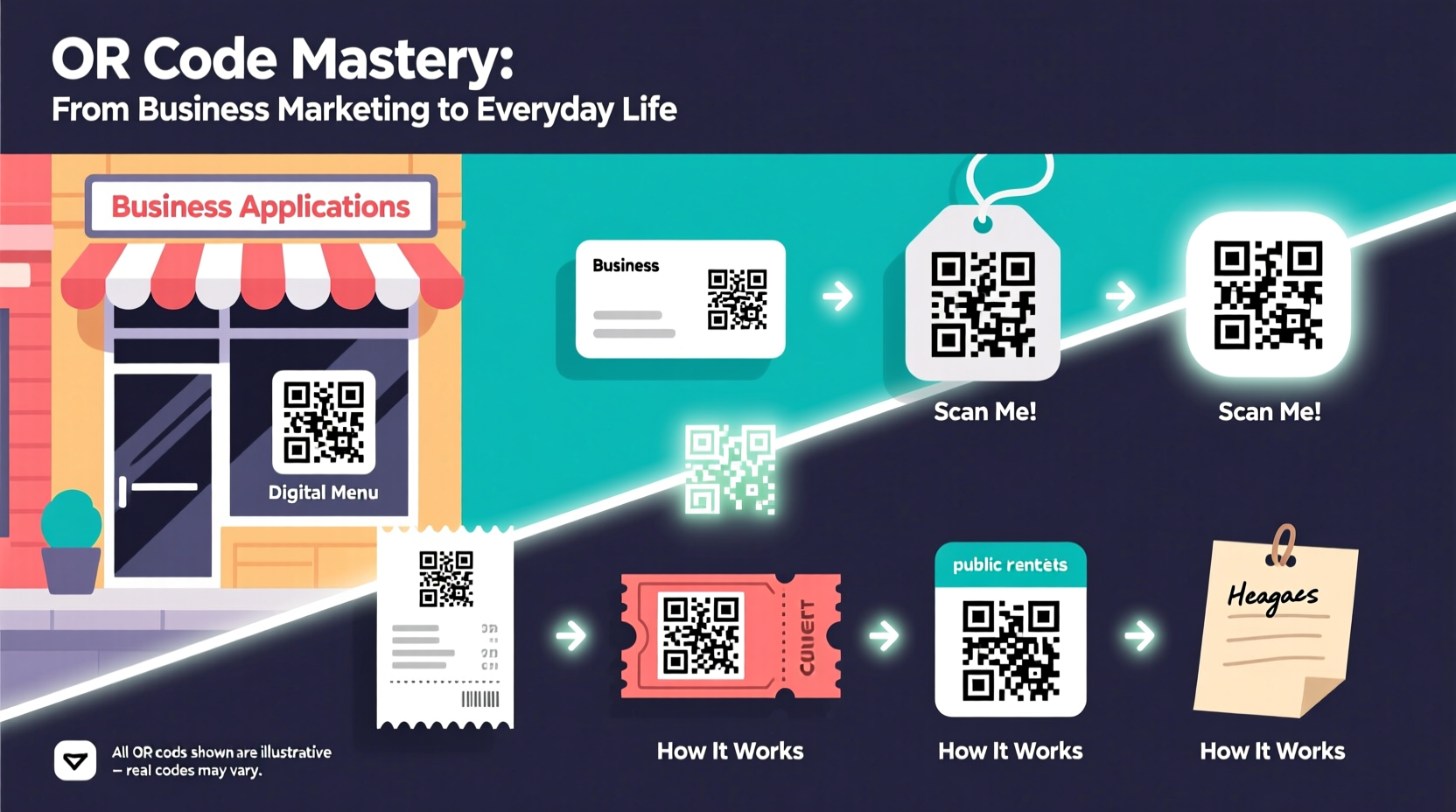
Smartphone penetration is near-universal, and scanning technology is built directly into most camera apps. This eliminates the need for third-party scanners, making QR code interaction faster and more intuitive than ever. For businesses, this means instant access to websites, promotions, or feedback forms without typing URLs. For individuals, it translates to effortless sharing of Wi-Fi passwords, contacts, or event details.
According to Statista, over 60% of smartphone users in the U.S. have scanned a QR code in the past year—a number that continues to climb. The key to effective use lies not just in generating a code, but in integrating it meaningfully into real-world contexts.
How to Use QR Codes in Business Marketing
Businesses across industries—from retail to real estate—are embedding QR codes into their customer touchpoints. When used strategically, they increase engagement, reduce friction, and provide measurable data on user behavior.
1. Link to Digital Menus and Product Catalogs
Restaurants and cafes print QR codes on tables that direct customers to online menus. Retailers place them on product tags linking to detailed descriptions, reviews, or video demos. This reduces printing costs and allows for instant updates.
2. Drive Social Media Engagement
Place QR codes on packaging, flyers, or storefronts that lead directly to your Instagram profile, Facebook page, or TikTok. This turns passive observers into followers with one scan.
3. Enable Contactless Payments and Donations
Small vendors, food trucks, and nonprofit organizations use static or dynamic QR codes for instant payments via PayPal, Venmo, or Stripe. Churches and charity drives include donation links, simplifying contribution without cash handling.
4. Collect Feedback and Reviews
After a service interaction—like a haircut or oil change—send a receipt with a QR code that opens a short Google Form or review page. Incentivize responses with discounts on future visits.
“QR codes are the silent salespeople of the digital age—they work 24/7, cost nothing to maintain, and convert curiosity into action.” — Marcus Lin, Digital Marketing Strategist at GrowthLoop
Everyday Uses of QR Codes for Personal Life
While businesses benefit greatly, individuals often overlook how QR codes can simplify personal organization and communication.
Share Wi-Fi Passwords Effortlessly
Create a QR code containing your home Wi-Fi credentials. Print it and stick it on your router or fridge. Guests scan and connect instantly—no more shouting passwords across rooms.
Digital Business Cards
Instead of handing out paper cards, generate a QR code that stores your vCard (name, phone, email, LinkedIn). Scan once, and all your details populate directly into someone’s phone.
Event Invitations and RSVPs
For birthdays, weddings, or reunions, embed event details (date, time, location, map) into a QR code. Include an RSVP link so guests can confirm attendance digitally.
Emergency Medical Information
Elderly individuals or those with medical conditions can wear a wristband with a QR code linking to a secure page listing allergies, medications, and emergency contacts. First responders can access critical info within seconds.
Step-by-Step Guide to Creating Effective QR Codes
Generating a functional, reliable QR code takes more than a quick online search. Follow these steps to ensure long-term usability:
- Define Your Purpose: Determine whether the code leads to a website, PDF, contact info, or app download.
- Choose a Dynamic QR Code Generator: Tools like QRCode Monkey, Bitly, or QRStuff allow edits even after printing. Static codes cannot be changed.
- Customize for Branding: Add your logo, adjust colors, or frame the design to match your brand—but avoid over-designing, which can impair scanability.
- Test Across Devices: Scan using iPhones, Android phones, and different lighting conditions.
- Track Performance: Use analytics-enabled generators to monitor scans by location, time, and device type.
- Print with Adequate Size and Contrast: Minimum size should be 2x2 cm (0.8x0.8 in). Ensure high contrast between code and background.
Do’s and Don’ts of QR Code Usage
| Do’s | Don’ts |
|---|---|
| Use dynamic codes for flexibility | Use low-resolution images that blur the code |
| Include a clear call-to-action (e.g., “Scan for Menu”) | Place codes where lighting is poor or angles make scanning hard |
| Monitor scan analytics regularly | Link to slow-loading or non-mobile-friendly pages |
| Update content behind dynamic codes as needed | Assume everyone knows how to scan—provide brief instructions if necessary |
Real-World Example: How a Local Bakery Increased Sales
Sunrise Bakes, a family-owned bakery in Portland, placed QR codes on their takeout bags linking to a loyalty program. Each scan added a digital stamp; after ten purchases, customers received a free pastry. They also included a second QR code on receipts leading to a recipe video using their bread.
Within three months, their email list grew by 40%, social media follows increased by 25%, and repeat visits rose significantly. The owner attributed much of this growth to the frictionless nature of QR integration—customers didn’t need to remember URLs or sign up manually.
Frequently Asked Questions
Can QR codes work offline?
No. QR codes themselves are just encoded data, but the content they link to (websites, videos, forms) requires an internet connection to load. However, some information types—like vCards or Wi-Fi credentials—can be processed locally once scanned.
Are QR codes secure?
They can be, but caution is advised. Malicious actors sometimes distribute fake codes leading to phishing sites. Always use trusted generators and educate users to verify URLs after scanning. On the business side, avoid storing sensitive data directly in the code.
How long do QR codes last?
Physically, they last as long as the material they’re printed on. Digitally, static codes never expire. Dynamic codes may require a subscription with certain providers, but the link remains active as long as the service is maintained.
Maximizing Long-Term Value
The true power of QR codes lies in their adaptability. A single code on a business card can redirect to new campaigns, updated portfolios, or seasonal offers—all without reprinting. This makes them ideal for evolving marketing strategies and personal use cases alike.
Consider integrating QR codes into recurring workflows: monthly newsletters with scannable event calendars, rental agreements with maintenance request forms, or school projects where students present research via linked presentations.
Conclusion: Turn Scans Into Actions
QR codes are no longer a novelty—they’re a practical gateway between the tangible and digital worlds. Whether you're streamlining customer experiences, reducing administrative overhead, or simply making life easier at home, a well-placed QR code can deliver outsized results with minimal effort.




 浙公网安备
33010002000092号
浙公网安备
33010002000092号 浙B2-20120091-4
Comments
No comments yet. Why don't you start the discussion?