
Managing monthly bills is a necessary part of adult life, yet it remains one of the most common sources of financial stress. Missed due dates, duplicate payments, and disorganized records can lead to late fees, damaged credit, and unnecessary anxiety. The good news is that with a thoughtful, personalized system, organizing your bills doesn’t have to be overwhelming. By identifying what works for your lifestyle—whether digital, physical, or hybrid—you can streamline the process, save time, and gain peace of mind.
Assess Your Current Bill Management System
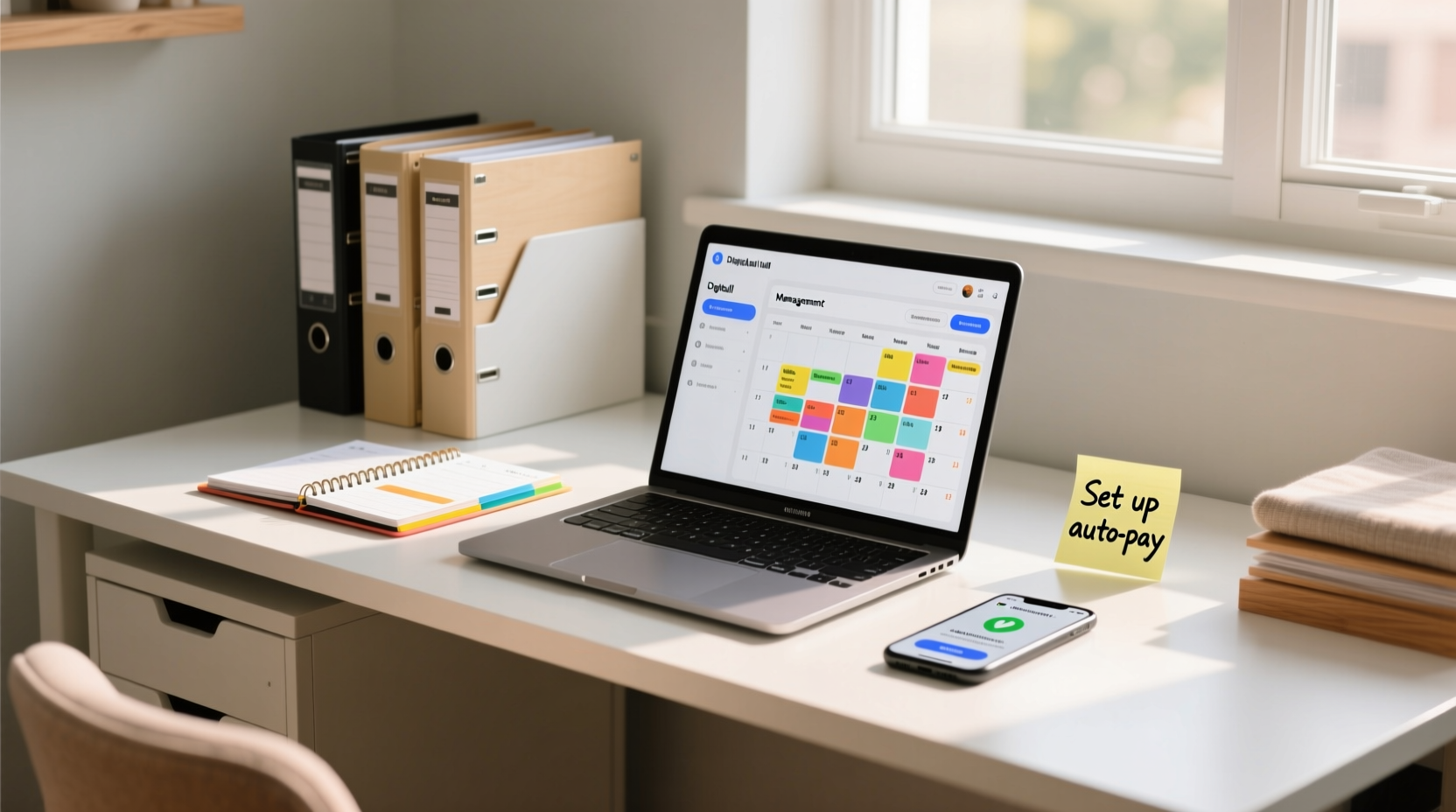
Before implementing a new strategy, take stock of how you currently handle your bills. Are you receiving paper statements? Do you pay everything online but forget due dates? Understanding your current habits helps identify pain points and opportunities for improvement.
Start by gathering all recent bills—credit card statements, utilities, rent or mortgage, insurance, subscriptions—and categorize them by frequency (monthly, quarterly, annually) and payment method (automatic, manual). This audit reveals patterns such as recurring late fees or overlapping due dates that could be rescheduled.
Create a Personalized Bill Organization Strategy
There is no one-size-fits-all solution when it comes to managing bills. The “best” system depends on your personality, tech comfort level, and daily routine. Some people thrive on digital automation, while others prefer tactile control over physical documents. The key is alignment with your natural behavior.
Consider these three foundational models:
- Digital-Only: All bills are received and paid electronically via email alerts, banking portals, or finance apps like Mint or YNAB.
- Physical-Only: Paper bills are filed in labeled folders or binders, with payments made by check or mail.
- Hybrid: A mix of digital tracking with physical backups or vice versa, offering redundancy and flexibility.
For example, if you’re frequently on the go, a mobile-friendly digital system with push notifications may prevent missed deadlines. If you're more methodical and enjoy hands-on organization, a color-coded filing cabinet with envelopes for each month might feel more satisfying and reliable.
Step-by-Step Guide to Building Your Bill System
Follow this timeline to build a sustainable, efficient bill management process tailored to your needs.
- Week 1: Audit & Consolidate
Gather all active accounts. Cancel unused subscriptions. Switch paper statements to electronic where possible. - Week 2: Schedule & Sync Due Dates
Contact providers to adjust billing cycles so they don’t cluster at month-end. Aim for even distribution across the month. - Week 3: Choose Tools & Set Up Automation
Select a central platform (e.g., online banking dashboard or budgeting app). Enable autopay for fixed-amount bills like internet or insurance. - Week 4: Organize Records & Test Workflow
Set up folders (digital or physical) labeled by category or month. Run through two billing cycles to test reliability. - Ongoing: Monthly Review Routine
Reserve 30 minutes monthly to reconcile payments, update budgets, and scan for errors or fraud.
“People who align their financial systems with their behavioral tendencies are twice as likely to stay consistent.” — Dr. Lena Patel, Behavioral Finance Researcher at Northwestern University
Essential Tools and Features for Efficiency
The right tools reduce friction and increase accuracy. Whether you opt for analog or digital, ensure your system includes the following features:
| Feature | Digital Solution | Physical Alternative |
|---|---|---|
| Due Date Reminders | Calendar sync (Google/Outlook), app alerts | Hanging wall calendar with color-coded stickers |
| Payment Tracking | Budgeting apps (Mint, EveryDollar) | Monthly ledger or spreadsheet printout |
| Document Storage | Cloud folders (Google Drive, Dropbox) | Filing cabinet with labeled manila folders |
| Backup Security | Two-factor authentication, encrypted vaults | Fireproof safe or locked drawer |
When choosing software, prioritize ease of integration with your bank and credit cards. Look for automatic categorization, customizable alerts, and exportable reports for tax season.
Mini Case Study: From Overwhelmed to Organized in 30 Days
Sarah, a freelance graphic designer, used to juggle over a dozen subscription services, client invoices, and personal bills across sticky notes, text reminders, and scattered emails. She missed two credit card payments in six months, resulting in $75 in late fees and a dip in her credit score.
She implemented a hybrid system: she consolidated all subscriptions into a single spreadsheet linked to her Google Calendar, enabled autopay for fixed expenses, and created a physical “Bill Basket” on her kitchen counter for any incoming paper mail. Each Sunday evening, she spent 20 minutes reviewing upcoming payments using her banking portal.
Within a month, Sarah eliminated late fees entirely, reduced subscription spending by canceling forgotten services, and reported feeling “in control for the first time in years.”
Common Pitfalls and How to Avoid Them
Even well-designed systems fail when undermined by small oversights. Watch out for these frequent mistakes:
- Over-relying on autopay without monitoring: Autopay prevents late fees but can mask rising costs or billing errors.
- Ignoring digital clutter: Unsorted inbox folders or untagged PDFs make retrieval difficult during audits.
- Failing to update after life changes: Moving, marriage, or job shifts alter income and expenses—your system should too.
- Not backing up data: A crashed hard drive shouldn’t erase years of financial history.
Checklist: Launch Your Efficient Bill System
Use this checklist to ensure nothing is overlooked when setting up your new organization method:
- ☐ List all recurring bills and their due dates
- ☐ Switch to paperless statements where available
- ☐ Enroll in autopay for predictable bills (with low balances)
- ☐ Sync due dates into a master calendar
- ☐ Choose a primary tool (app, spreadsheet, binder)
- ☐ Set up folder structure (digital or physical)
- ☐ Establish a weekly or monthly review time
- ☐ Share access with a partner if applicable (securely)
- ☐ Back up critical documents offsite or in cloud storage
- ☐ Test the system for two full billing cycles
FAQ
How do I remember to review my bills if I’m not naturally organized?
Anchor your review to an existing habit—like checking your email on Sunday mornings or brewing coffee on the first of the month. Habit stacking increases consistency. You can also set a recurring alarm labeled “Bill Check-In” until it becomes routine.
Is it safe to store all my bills digitally?
Yes, provided you use secure platforms with encryption and strong passwords. Avoid storing sensitive data on personal devices without protection. Use dedicated financial apps or password-protected PDFs stored in trusted cloud services with two-factor authentication enabled.
What should I do with old bills?
Keep tax-related documents (like medical expense receipts or home office costs) for at least seven years. Utility and credit card statements can typically be shredded after 12 months unless needed for warranties or disputes. Always shred physical copies securely.
Take Control of Your Financial Flow
Organizing your bills isn’t about perfection—it’s about creating a system that works consistently for you. The goal isn’t to spend more time managing money, but less. With a clear structure in place, you’ll reduce mental clutter, avoid costly mistakes, and build confidence in your financial decisions.
Start small. Pick one change—like switching to paperless billing or setting up a shared calendar reminder—and build from there. Within weeks, you’ll notice fewer last-minute scrambles and more breathing room in your budget and mind.




 浙公网安备
33010002000092号
浙公网安备
33010002000092号 浙B2-20120091-4
Comments
No comments yet. Why don't you start the discussion?