
Losing access to your physical credit card doesn’t have to derail important transactions. Whether you’re booking a last-minute reservation, verifying identity for a service, or updating payment details online, there are legitimate and secure methods to retrieve your credit card information—even when the card itself isn’t within reach. The key is knowing how to do it safely, minimizing exposure to fraud, and avoiding risky shortcuts that could compromise your financial data.
This guide outlines reliable, practical approaches backed by security best practices and real-world usability. From digital wallets to bank portals and customer service channels, you’ll learn how to regain access to essential card details without putting your identity at risk.
Use Your Bank’s Mobile App or Online Portal
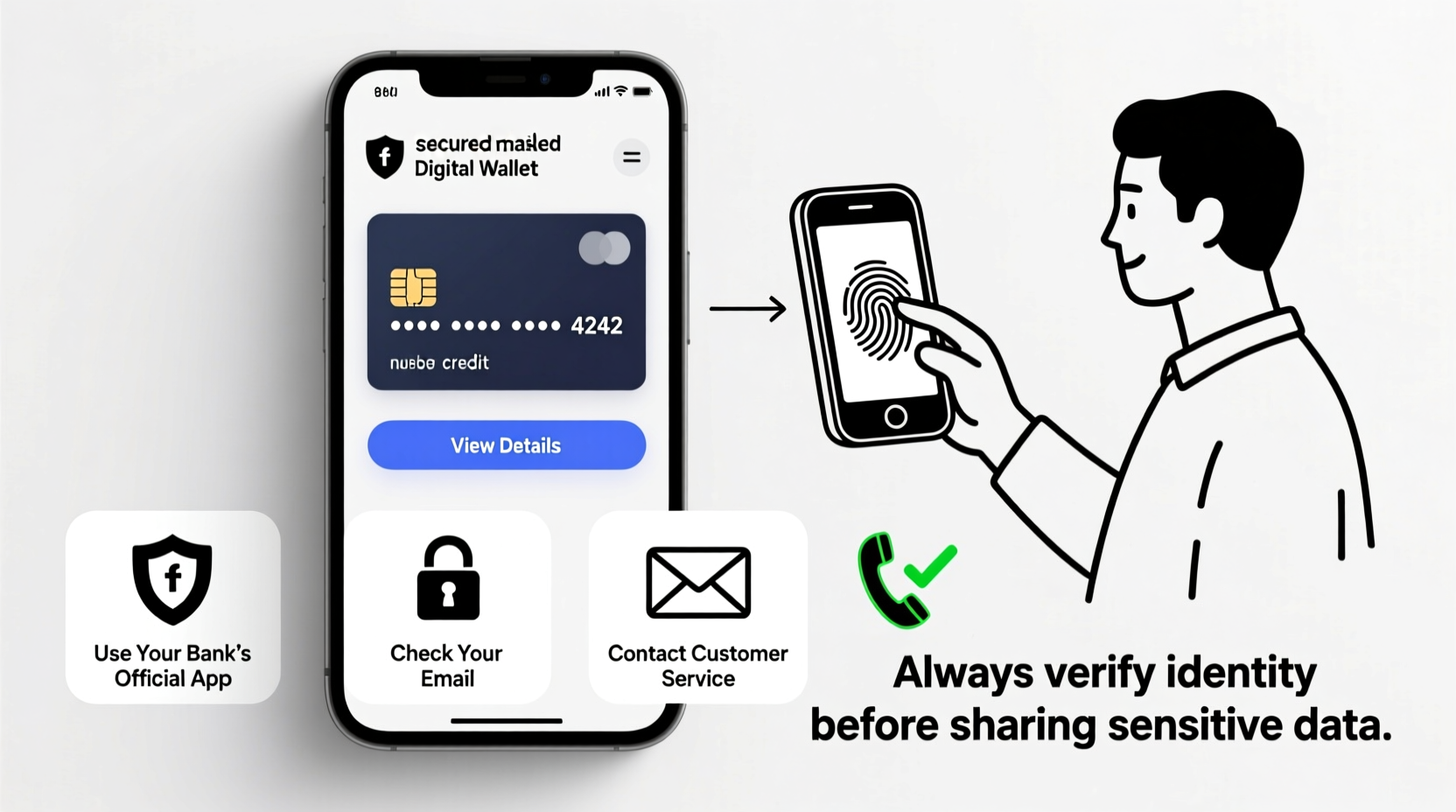
Most major banks and credit card issuers provide full account access through secure mobile apps and online banking platforms. These services allow you to view masked or partially hidden card numbers, expiration dates, and CVV codes—often with an extra layer of authentication required to reveal sensitive digits.
For example, many apps display only the last four digits of your card by default. To see the full number, you may need to:
- Log in using multi-factor authentication (MFA)
- Verify your identity via biometrics (fingerprint or facial recognition)
- Click a “Show Card Number” button that requires re-authentication
Once verified, the full 16-digit number, expiration date, and sometimes even the CVV will be temporarily visible. This method is among the most secure because it relies on encrypted connections and device-level protections.
Leverage Digital Wallets Like Apple Pay or Google Pay
Digital wallets store tokenized versions of your credit card rather than the actual number. However, some services allow you to view limited card details under certain conditions.
In Apple Pay:
- Open the Wallet app
- Select your card
- Tap the ⓘ icon in the corner
- Authenticate with Face ID or Touch ID
- View the last four digits and expiration date
While the full card number isn’t displayed directly in Apple Pay or Google Pay for security reasons, this information can help confirm which card you’re using. More importantly, if you’ve added the card to your wallet, you likely already had access to the full number during setup—which means you might find it stored securely elsewhere, such as in a password manager.
Contact Customer Service with Verified Identity
If digital tools fail or you're locked out of your account, contacting your card issuer directly is a valid fallback. But simply calling and asking for your full card number won't work without proper verification.
Credit card companies follow strict protocols to prevent unauthorized access. When you call customer service, expect to answer several identity-verification questions, such as:
- Last four digits of your Social Security number
- Date of birth
- Recent transaction amounts and merchants
- Security questions set during account creation
After successful verification, a representative may either:
- Mail a new card with updated details
- Provide the card number over the phone (rarely done due to risk)
- Send a secure message through your online banking portal
“Financial institutions prioritize security over convenience. If someone can easily obtain a full card number over the phone, the system has failed.” — James Lin, Cybersecurity Analyst at FinTrust Labs
Check Secure Storage Locations You Control
Many people unknowingly store their own card information in places they later forget. Before panicking, consider these secure personal storage options:
| Storage Method | Pros | Cons |
|---|---|---|
| Password Manager (e.g., Bitwarden, 1Password) | Encrypted, searchable, syncs across devices | Requires prior setup; master password needed |
| Encrypted Notes App (e.g., Standard Notes) | Lightweight, easy to use | Less robust than dedicated vaults |
| Physical Safe or Locked Drawer | No digital exposure | Risk of loss or damage; not accessible remotely |
If you've ever taken a photo of your card for record-keeping, check encrypted cloud backups (like iCloud with Advanced Data Protection enabled) or local device storage. Just ensure any images are deleted immediately after retrieval to reduce exposure.
Step-by-Step Guide: How to Retrieve Card Info Safely
Follow this sequence to minimize risk while regaining access to your card details:
- Attempt login to your bank’s app or website – Use strong authentication to check if card details are viewable.
- Review digital wallet entries – Confirm which card is linked and extract partial info for reference.
- Search your password manager – Look for saved payment profiles under finance or identity sections.
- Call customer support – Have identifying details ready and request secure delivery of information.
- Request a replacement card if necessary – Especially if long-term access is needed and other methods fail.
Mini Case Study: Recovering Card Details During Travel
Sophie, a freelance designer, was abroad when her hotel requested her credit card number to hold a reservation. She had misplaced her wallet but remembered linking the card to Apple Pay.
She opened her iPhone’s Wallet app, selected the card, and used Face ID to view the last four digits and expiration date. With that, she logged into her bank’s mobile app, where she found the full card number under \"Card Settings\" after completing two-factor authentication.
She provided the number to the hotel through a secure portal and later reported her card as lost via the same app, triggering a replacement delivery to her temporary address. No sensitive data was exposed, and no fraudulent charges occurred.
Common Mistakes That Compromise Security
Avoid these dangerous practices when trying to recover your card information:
- Asking someone else to photograph their screen showing your card in their app
- Storing full card numbers in unencrypted spreadsheets or text messages
- Using public computers or Wi-Fi networks to log into banking sites
- Sharing card details over email or messaging apps like WhatsApp or SMS
The convenience of quick access should never outweigh the cost of a potential breach. Once compromised, recovering from credit card fraud can take weeks—and emotional tolls are often high.
Frequently Asked Questions
Can I see my full credit card number on my bank statement?
No. Bank statements and transaction histories typically show only the last four digits of your card number for privacy and security reasons.
Will my credit score be affected if I lose my card and get a new one?
No. Replacing a lost or stolen card with the same account number (even with a new expiration date or CVV) does not impact your credit history or score. The underlying account remains unchanged.
Is it safe to store my card number in a note on my phone?
Only if the note is protected by encryption and biometric locks. Most default note apps lack end-to-end encryption. Use a dedicated password manager instead.
Final Thoughts and Action Steps
Being without your physical credit card doesn’t mean you’re cut off from using it. With the right tools and habits, you can securely retrieve essential details when needed. The foundation of this ability lies in proactive preparation—setting up secure digital access before emergencies arise.
Take action today: log into your banking app, verify that your card is visible under secure settings, and store that information in an encrypted vault. Enable biometric login and two-factor authentication across all financial accounts. These small steps build resilience against future disruptions.




 浙公网安备
33010002000092号
浙公网安备
33010002000092号 浙B2-20120091-4
Comments
No comments yet. Why don't you start the discussion?