
The holiday season is increasingly becoming a showcase of creativity, technology, and personal expression. Among the most eye-catching transformations are homes adorned with synchronized, color-shifting, and rhythmically pulsing Christmas lights. Behind these dazzling displays are programmable Christmas light controllers—devices that allow users to choreograph their lighting setups down to the millisecond. For beginners, the idea of diving into this world can feel overwhelming. Is it worth the effort? The answer depends on your goals, technical comfort, and how much you value customization over convenience.
While pre-programmed string lights from big-box stores offer plug-and-play simplicity, they lack flexibility. Programmable systems, by contrast, open doors to unique animations, music synchronization, and even integration with home automation platforms. But they come with a learning curve. This article breaks down what programmable controllers are, who should consider using them, and whether investing time in learning them pays off for someone just starting out.
Understanding Programmable Christmas Light Controllers
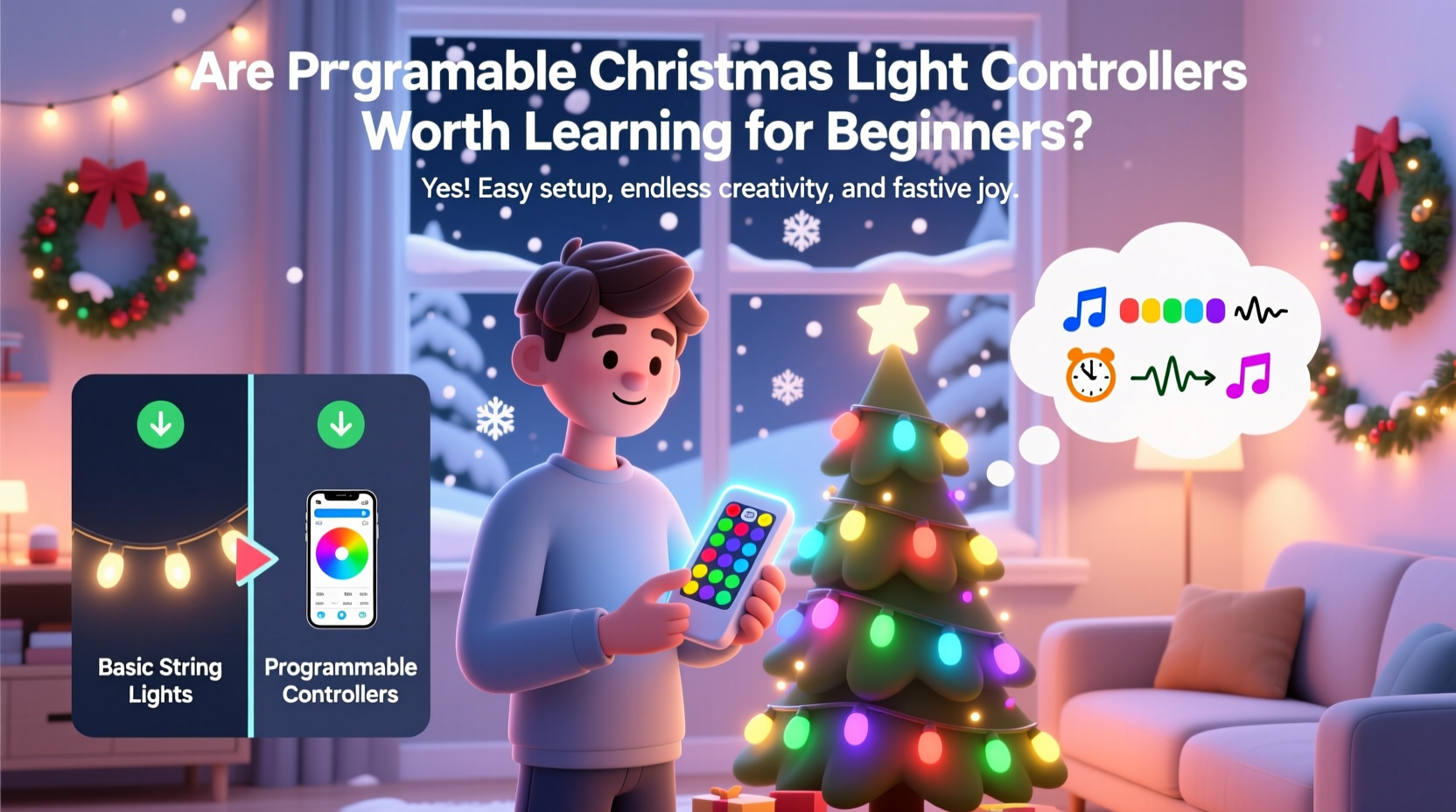
At their core, programmable Christmas light controllers are hardware devices that manage the behavior of connected LED lights. They interpret digital instructions—often created via software—and translate them into precise sequences of brightness, color, timing, and effects. These systems typically support addressable LEDs like WS2811 or WS2812B strips, where each individual bulb can be controlled independently.
Controllers vary widely in complexity. Entry-level models may connect via USB to a laptop and support basic sequencing through free software. Advanced setups involve multiple controllers managing hundreds of channels, networked over Ethernet or Wi-Fi, and synchronized to audio tracks with frame-perfect accuracy.
Popular platforms include:
- Falcon F16v3 – A professional-grade controller supporting up to 16 universes of DMX data.
- ESP8266/ESP32-based boards – Low-cost microcontrollers often used with XLights or WLED.
- Light-O-Rama (LOR) – Industry standard for hobbyists, offering both hardware and proprietary software.
The key advantage of these systems is control. Instead of generic twinkling or fading, you can design patterns that pulse with music, simulate fireworks, or tell a visual story across your roofline, trees, and yard.
Benefits for Beginners: Why It Might Be Worth the Effort
Despite the initial complexity, programmable controllers offer tangible benefits—even for first-time users.
Customization Beyond Off-the-Shelf Options
Pre-made light sets follow fixed routines. With programming, you decide every detail: speed, direction, color transitions, and special effects. Want red-to-green waves that move left to right across your eaves? You can build it. Need a gentle snowfall effect on your tree? That’s possible too.
Music Synchronization
One of the most popular uses is syncing lights to holiday music. Using software like XLights or Vixen Lights, beginners can map beats, melodies, and crescendos to specific lighting actions. When done well, the result feels like a mini concert visible from the street.
Cost Efficiency Over Time
While the upfront cost of controllers and cabling may exceed that of store-bought strings, programmable systems are reusable and modular. Once you own the gear, you’re not buying new lights every year—you're reprogramming the same setup with fresh themes.
Skill Development
Learning to use these tools builds valuable skills in logic, problem-solving, and basic electronics. Many users report that setting up their first display helped them understand concepts like voltage drop, data signals, and network configuration—knowledge applicable far beyond the holidays.
“Every great display starts with a single pixel. The barrier to entry has never been lower.” — Dan Kammas, Founder of Holiday Coro, a community-driven holiday lighting group
Challenges Beginners Should Expect
It's important to approach programmable controllers with realistic expectations. The learning process involves more than just plugging in wires.
Software Complexity
Most programming environments—such as XLights or LOR Sequence Editor—are designed for precision, not simplicity. Interfaces can appear cluttered, timelines dense, and terminology unfamiliar (e.g., “channels,” “universes,” “frames per second”). Beginners often spend hours just figuring out how to create a basic chase effect.
Hardware Setup and Troubleshooting
Wiring errors, power issues, and signal interruptions are common. Addressable LEDs require stable 5V or 12V power supplies, proper grounding, and clean data lines. A single faulty pixel can disrupt an entire string. Diagnosing these problems demands patience and attention to detail.
Time Investment
Creating a 2-minute synchronized sequence can take 10–20 hours for a beginner. Mapping lights to a house layout, aligning beats, testing effects—all are time-consuming. If your goal is a quick decoration, this may not be the right path.
Limited Immediate Gratification
Unlike hanging traditional lights and seeing instant results, programmable systems often require weeks of work before the final payoff. The reward comes later, but the journey is part of the experience.
Step-by-Step Guide to Getting Started
If you're ready to begin, follow this structured approach to minimize frustration and maximize progress.
- Define Your Scope
Start small. Plan to control one strand of 50 LEDs or a single tree. Avoid full-house projects initially. - Choose Your Hardware
Purchase a beginner-friendly controller. The ESP8266 with WLED firmware is affordable (~$10) and supports Wi-Fi control. Pair it with a 5-meter WS2812B strip (30 LEDs/m). - Set Up Power and Wiring
Connect the data line (usually green), power (red), and ground (white) carefully. Use a 5V 10A power supply for longer runs. For best results, inject power at both ends of long strips. - Install Control Software
Flash WLED onto your ESP board using a tool like WLED Flasher. Alternatively, use XLights for PC-based sequencing if you prefer desktop control. - Configure and Test
Access the controller via its IP address in a browser. Test built-in effects like “Rainbow Cycle” or “Twinkle.” Confirm all LEDs respond uniformly. - Create Your First Sequence
In WLED, use the “Playlist” or “Effects” tab to schedule changes. In XLights, import an audio file, assign your strip to a model, and use the timeline to apply effects beat-by-beat. - Deploy and Refine
Mount your lights outdoors (ensure weatherproofing), power up, and observe. Adjust brightness, timing, or colors based on real-world visibility.
Comparison: Programmable vs. Traditional Lights
| Feature | Programmable Lights | Traditional Lights |
|---|---|---|
| Customization | Full control over color, pattern, timing | Limited to preset modes |
| Setup Time | High (hours to days) | Low (minutes) |
| Initial Cost | Moderate to high ($50–$300+) | Low ($10–$30 per set) |
| Reusability | High – reuse and reprogram yearly | Moderate – limited to original function |
| Learning Curve | Steeper, requires technical understanding | Negligible |
| Entertainment Value | Very high – music sync, storytelling | Moderate – static or simple motion |
Real Example: Sarah’s First Display
Sarah, a middle-school teacher in Ohio, had always admired elaborate holiday homes but assumed they required professional help. Inspired by a neighbor’s display, she decided to try a small programmable setup on her porch railing. She bought an ESP32, a 2-meter LED strip, and followed a YouTube tutorial to install WLED.
Her first attempt failed—half the strip flickered randomly. After reading forum posts, she realized she hadn’t grounded the data line. A quick fix with a 100-ohm resistor solved the issue. She then spent two evenings building a playlist that cycled through festive colors and pulsed gently to Mariah Carey’s “All I Want for Christmas Is You.”
The result wasn’t Broadway-level, but her kids loved it, and neighbors began stopping by. Encouraged, she plans to add a second controller and synchronize her roofline next year. “I didn’t think I could do this,” she said. “But once you get past the first hurdle, it’s surprisingly satisfying.”
Checklist: Getting Started with Programmable Lights
- ☐ Define your project size (start small)
- ☐ Choose a beginner-friendly controller (e.g., ESP8266 + WLED)
- ☐ Buy compatible addressable LEDs (WS2812B recommended)
- ☐ Obtain proper power supply (check amperage needs)
- ☐ Install control software (WLED, XLights, or similar)
- ☐ Test indoors before outdoor installation
- ☐ Weatherproof connections (use silicone sealant or enclosures)
- ☐ Create a backup of your configurations
Frequently Asked Questions
Can I use programmable lights if I’m not tech-savvy?
Yes, but expect a learning curve. Many users with no prior electronics experience succeed by following step-by-step guides and joining online communities like r/ChristmasLighting on Reddit or the Holiday Lighting Forum. Tools like WLED have simplified interfaces that make basic control accessible.
Do I need a computer to run the lights after setup?
Not necessarily. Once programmed, many controllers (especially Wi-Fi-enabled ones like ESP32) can operate independently. You can schedule shows to run automatically at certain times without a connected PC.
Are programmable lights safe for outdoor use?
Yes, provided you use weather-rated components and protect electrical connections. Seal splices with heat shrink tubing and waterproof boxes. Always use GFCI-protected outlets for added safety.
Final Verdict: Are They Worth It for Beginners?
The value of learning programmable Christmas light controllers hinges on your definition of “worth.” If your priority is speed, simplicity, and minimal effort, then no—this isn’t the right choice. Stick with traditional or smart plug-in lights.
But if you enjoy hands-on projects, appreciate creative control, or dream of putting on a neighborhood show, then yes—the investment pays off. Modern tools have lowered barriers significantly. Free software, affordable hardware, and supportive online communities mean that even absolute beginners can achieve impressive results within a single season.
The real reward isn’t just the lights—it’s the sense of accomplishment. There’s pride in knowing you built something unique, pixel by pixel, sequence by sequence. And when families slow down to watch your display, when children point and smile, that moment makes the late nights and troubleshooting worthwhile.
“The joy isn’t just in the lights—it’s in the making.” — Anonymous contributor, DIY Christmas Forums
Take the Next Step
You don’t need to transform your entire yard on day one. Start with a single strand. Learn how to make it breathe, fade, or chase. Master one effect, then build from there. The world of programmable lighting is vast, but every expert was once a beginner standing in their garage, holding a soldering iron and wondering if it would work.




 浙公网安备
33010002000092号
浙公网安备
33010002000092号 浙B2-20120091-4
Comments
No comments yet. Why don't you start the discussion?