
When it comes to decorating for the holidays, lighting sets the mood. But behind every twinkling strand is a decision that can make or break your festive experience: how to control it. The two most common options—programmable Christmas light controllers and manual timers—offer different levels of convenience, flexibility, and ease of use. While both get the lights on and off, one may be far simpler depending on your lifestyle, technical comfort, and decorating goals.
The choice isn’t just about turning lights on at dusk and off at dawn. It’s about reliability, adaptability, and whether you want to fiddle with settings every year—or not. Let’s explore what each system offers, where they shine, and which truly earns the title of “simpler” for the average homeowner.
Understanding the Basics: What Each System Does
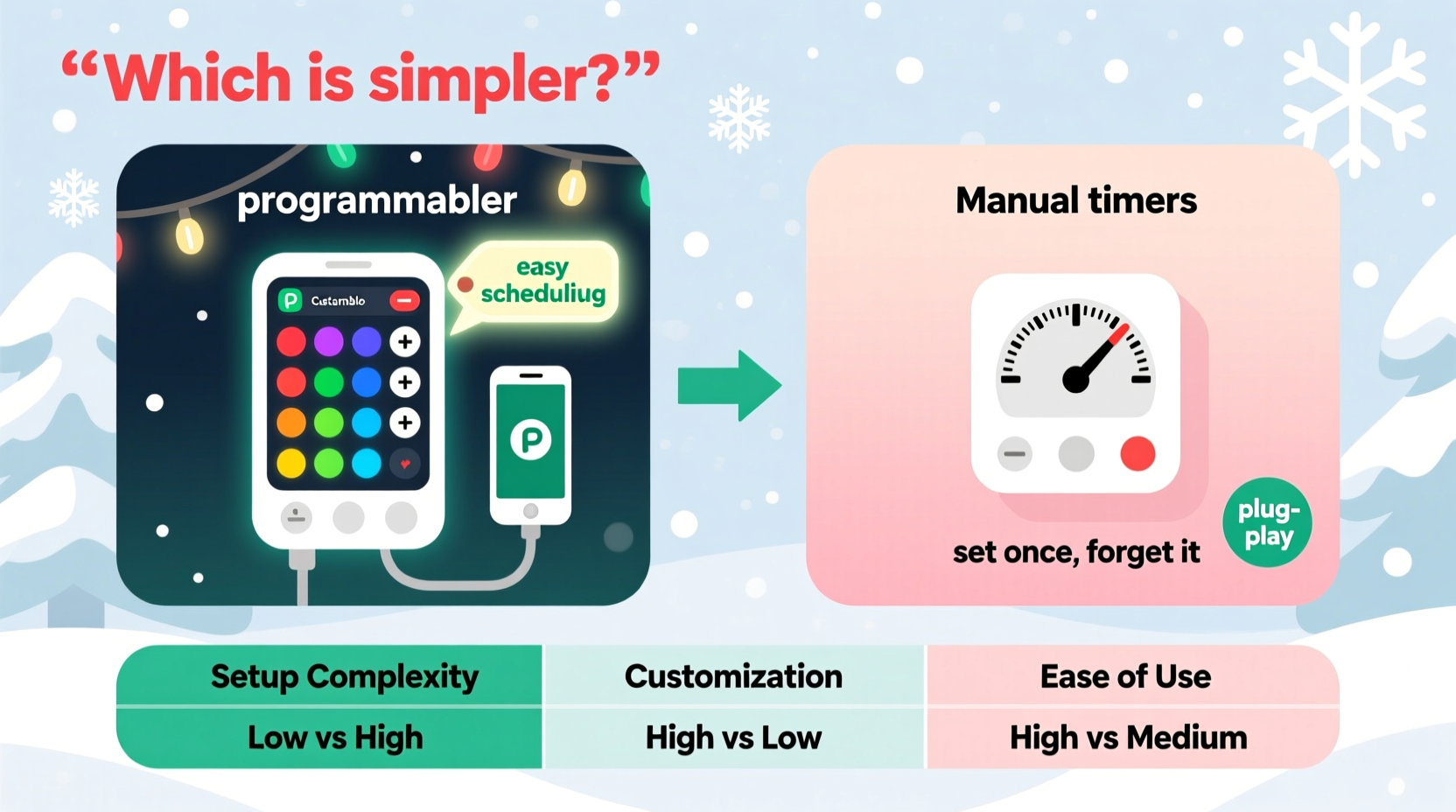
Before comparing simplicity, it’s essential to understand what each device actually does.
Manual timers are mechanical or basic digital devices that plug into an outlet. You set a schedule using dials or simple buttons—typically start and end times—and the timer cuts power accordingly. These are often found in hardware stores during the holiday season and are widely used due to their low cost and straightforward function.
Programmable controllers, on the other hand, go beyond simple on/off cycles. Many are Wi-Fi-enabled, app-controlled, and capable of complex sequences—like dimming, color changes, syncing to music, or adjusting schedules based on sunset times. Some even integrate with smart home systems like Alexa or Google Assistant.
At first glance, the manual timer seems simpler: plug in, set time, done. But simplicity isn’t just about initial setup—it’s also about long-term maintenance, reliability, and how well the device adapts to real-life changes.
Setup and Initial Configuration
Setting up a manual timer is undeniably fast. Most models require no internet connection or smartphone. You simply rotate a dial or press buttons to select when the lights should turn on and off—say, 5:00 PM to 11:00 PM. Once set, it repeats daily.
However, this simplicity comes with limitations:
- If daylight saving time shifts occur, the relative timing changes—your lights may come on too early or too late unless you manually adjust.
- Dial-based timers often lack precision; some only allow 15- or 30-minute increments.
- They don’t account for seasonal variations in sunset times, meaning your display might be dark for hours before activation in December.
Programmable controllers typically require more initial effort. You’ll need to connect to Wi-Fi, download an app, pair the device, and configure schedules. This process can take 10–20 minutes and may feel intimidating to users unfamiliar with smart devices.
But once configured, many programmable systems offer automatic adjustments:
- Sunset/sunrise tracking ensures lights turn on at dusk regardless of the date.
- Remote access allows changes from anywhere—no need to step outside in the cold to reset a schedule.
- Vacation modes or temporary overrides can be activated with a tap.
Long-Term Usability and Maintenance
Simplicity over time matters more than simplicity at setup. A device that saves five minutes today but requires weekly tweaks may be less simple overall.
Manual timers demand recurring attention. If you forget to adjust them after DST or return from vacation, your lights could be off-schedule for days. They also lack feedback—you won’t know if the timer failed unless you notice the lights are off (or on) unexpectedly.
In contrast, programmable controllers often send notifications if a device goes offline or fails to activate. Schedules can persist across seasons, and some apps let you view real-time status. You can even group multiple controllers and manage entire displays from one interface.
Still, complexity increases with features. A user who only wants lights on from 6 PM to 10 PM every day may find app updates, password resets, or Wi-Fi dropouts more trouble than they’re worth.
“Many people assume smart means complicated, but for repetitive tasks like holiday lighting, automation often reduces cognitive load over time.” — David Lin, Smart Home Integration Specialist
Comparison Table: Key Features at a Glance
| Feature | Manual Timer | Programmable Controller |
|---|---|---|
| Initial Setup Time | 2–5 minutes | 10–25 minutes |
| Daylight Adjustment | Manual adjustment required | Automatic (sunrise/sunset) |
| Remote Access | None | Yes, via smartphone |
| Weather Resistance | Varies; often minimal | Generally higher (designed for outdoor use) |
| Cost (Average) | $8–$15 | $25–$60 |
| Multi-Zone Control | No | Yes (on advanced models) |
| Reliability Over Time | High (fewer failure points) | Moderate to high (depends on network stability) |
Real-World Example: The Johnson Family’s Holiday Display
The Johnsons have decorated their home for Christmas for over 15 years. Their setup includes roofline lights, tree illumination, and pathway markers—totaling six separate circuits.
For years, they used manual plug-in timers. Each November, someone had to climb a ladder to plug in each string, set six different dials, and hope they all worked. Twice a season, they’d receive neighbor complaints: once when lights came on too early in November, and again when they stayed on past midnight after a forgotten adjustment.
Last year, they invested in a set of Wi-Fi programmable controllers. The initial setup took longer—they labeled each circuit, tested connections, and created a unified schedule in the app. But the payoff was immediate.
Now, lights turn on at local dusk and shut off at 11 PM automatically. When Mrs. Johnson realized she’d forgotten to turn on the display during a weekend trip, she opened her phone and toggled it remotely. No drive home. No ladder. Just peace of mind.
Was it simpler? Not at first. But over the course of the season, the family spent fewer minutes managing lights, avoided repeated errors, and enjoyed a more consistent display.
Which Is Simpler? It Depends on Your Definition
There’s no universal answer—only the right fit for your needs.
If you value immediate, hands-off setup and decorate minimally—perhaps one or two strands on a porch—a manual timer is likely simpler. It requires no tech literacy, works independently of your home network, and rarely fails mechanically.
If you prioritize long-term consistency, remote management, and seasonal accuracy, a programmable controller becomes the simpler choice. Yes, there’s a learning curve. But once mastered, it demands almost no ongoing attention.
Consider these questions:
- Do you mind adjusting timers weekly or biweekly?
- Are you comfortable using a smartphone app for household devices?
- Do you travel during the holidays and want to monitor or control lights remotely?
- Do you have multiple circuits or complex lighting zones?
Your answers will guide the better choice.
Step-by-Step: Choosing and Installing the Right Option
- Evaluate your display size. One or two outlets? Manual timer may suffice. Three or more circuits? Consider programmable for centralized control.
- Assess your technical comfort. If you use smart lights or thermostats, a programmable controller will feel familiar. If not, start with a digital (not mechanical) manual timer for easier setting.
- Check your Wi-Fi coverage outdoors. Programmable controllers need a stable signal. Test near your outlet before purchasing.
- Read reviews for weather resistance. Both types must withstand moisture and temperature swings. Look for IP44 or higher ratings.
- Install and test before final placement. Plug in, set schedule, and verify operation for at least 48 hours.
- Label each unit. Especially important for programmable systems—name them by location (e.g., “Front Porch,” “Garage Lights”) in the app.
- Create a backup plan. For programmable systems, note how to operate manually if Wi-Fi fails. For manual timers, keep a spare on hand.
Frequently Asked Questions
Can I use a manual timer outdoors?
Yes, but only if it’s rated for outdoor use and placed in a protective enclosure. Never expose indoor-rated timers to rain or snow. Use a weatherproof outlet cover for added safety.
Do programmable controllers work during power outages?
Most retain settings after a brief outage. However, if the power is out during a scheduled on/off time, the cycle may be missed. Higher-end models sync time via the internet to recover accurately.
Are programmable controllers secure?
Reputable brands use encryption and require authentication. Avoid unbranded or overly cheap models with no app privacy policy. Always use strong passwords and enable two-factor authentication if available.
Action Checklist: Simplify Your Holiday Lighting
- ☐ Audit your current lighting setup—how many circuits do you manage?
- ☐ Decide whether you prefer set-and-forget simplicity or adaptive automation.
- ☐ Choose between manual or programmable based on your lifestyle and tech comfort.
- ☐ Buy devices with outdoor ratings and proper electrical certifications (UL-listed).
- ☐ Test all units indoors before installation.
- ☐ Label and document each controller or timer’s location and settings.
- ☐ Share access (if applicable) with family members who help manage the display.
Conclusion: Simplicity Is Personal—Choose Wisely
The debate between programmable Christmas light controllers and manual timers isn’t about which is objectively better—it’s about which aligns with your definition of simplicity. For some, simplicity means no apps, no passwords, no updates. For others, it means never having to think about it again after setup.
Manual timers win on immediacy and affordability. Programmable controllers win on precision, adaptability, and long-term ease. The best choice depends on how you live, how you decorate, and how much attention you’re willing to give your lights each season.
This holiday season, don’t just pick a timer—pick a solution that reduces stress, not adds to it. Whether you go old-school or go smart, the goal is the same: a beautiful, reliable display that brings joy without hassle.




 浙公网安备
33010002000092号
浙公网安备
33010002000092号 浙B2-20120091-4
Comments
No comments yet. Why don't you start the discussion?