
The magic of the holiday season often shines brightest in twinkling lights adorning homes, trees, and rooftops. While pre-programmed light sets offer convenience, they lack personalization. Enter programmable microcontrollers—compact, affordable, and powerful tools that allow hobbyists and tech-savvy decorators to design truly unique Christmas light displays. From gentle color waves to music-synchronized chases, microcontrollers unlock creative control over every flicker and flash.
These small computing devices process instructions and interact with hardware like LEDs, sensors, and sound modules. When applied to holiday lighting, they enable precise timing, dynamic color transitions, and responsive behaviors that elevate a standard string of lights into a captivating visual performance. With minimal electronics knowledge and some basic coding, anyone can build a display that reflects their personality and style.
Why Use Microcontrollers for Holiday Lights?
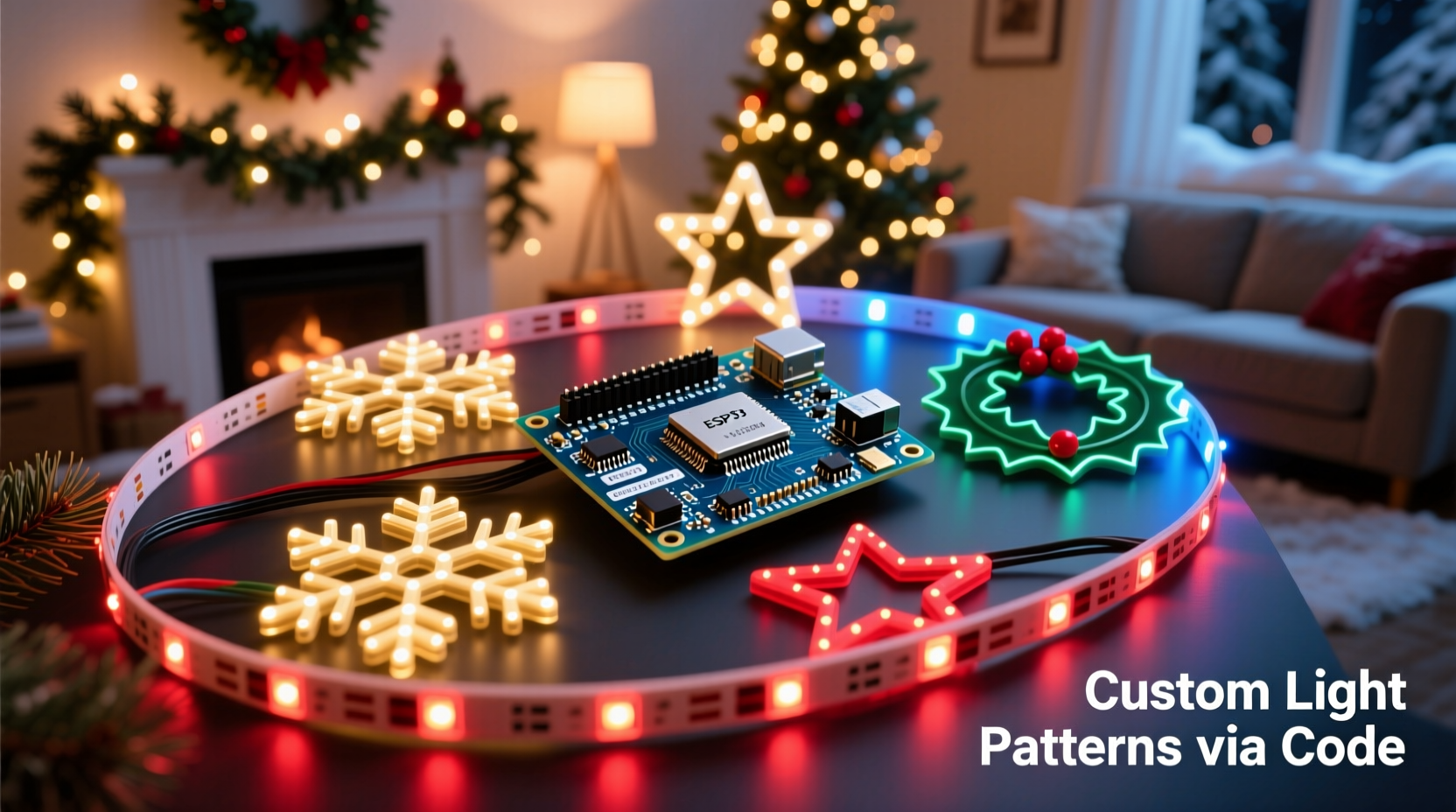
Traditional light strings operate on fixed circuits with limited modes: steady on, slow fade, or random blink. These options grow repetitive quickly. Programmable microcontrollers break those constraints by allowing full customization of brightness, color sequence, animation speed, and even interactivity.
Microcontrollers such as the Arduino, ESP32, and Raspberry Pi Pico are designed for physical computing—connecting digital logic to real-world outputs. In the context of Christmas lights, this means you can:
- Create smooth gradients between colors using addressable LEDs
- Trigger animations based on time of day or ambient sound
- Synchronize multiple strands to act as one cohesive unit
- Program seasonal themes (e.g., snowy white fades, jingle bell pulses)
- Automate power-saving modes during off-hours
Unlike commercial smart lights that rely on proprietary apps and cloud services, microcontroller-based systems run locally. This ensures faster response times, better privacy, and complete ownership over the code and behavior.
Popular Microcontrollers for Light Projects
Not all microcontrollers are equally suited for lighting tasks. Key considerations include GPIO pin availability, memory capacity, clock speed, and software ecosystem support. Below is a comparison of leading platforms used in custom light projects.
| Microcontroller | LED Support | Programming Language | Wi-Fi/Bluetooth | Best For |
|---|---|---|---|---|
| Arduino Uno | Moderate (via libraries) | C++ (Arduino IDE) | No | Beginners, simple animations |
| ESP8266 (NodeMCU) | High (supports hundreds of LEDs) | C++, Lua, MicroPython | Wi-Fi only | Remote control via web interface |
| ESP32 | Very High | C++, MicroPython, JavaScript | Wi-Fi & Bluetooth | Advanced users, audio sync, IoT integration |
| Raspberry Pi Pico | High (dual-core RP2040) | MicroPython, C/C++ | No (but expandable) | Performance-heavy animations |
The ESP32 stands out due to its dual-core processor, ample RAM, and built-in wireless capabilities. It can drive long LED strips while simultaneously hosting a Wi-Fi server for remote configuration. For example, you could adjust animation speed from your phone without touching any wires.
“With an ESP32 and FastLED library, I’ve created a 300-LED tree that reacts to live music—it feels alive.” — Derek Lin, DIY Electronics Enthusiast
Step-by-Step Guide: Building Your First Custom Light Sequence
Creating a programmable light setup doesn’t require engineering expertise. Follow these steps to build a functional prototype capable of running custom patterns.
- Gather Components: Obtain an ESP32 or Arduino board, a strip of addressable RGB LEDs (WS2812B recommended), a 5V power supply (rated for your LED count), breadboard, jumper wires, and a USB cable.
- Install Development Environment: Download the Arduino IDE or use PlatformIO. Install the FastLED or NeoPixelBus library through the Library Manager.
- Wire the Circuit: Connect the data input of the LED strip to GPIO 18 (or another designated pin). Link both microcontroller and LED strip grounds. Power the strip separately if using more than 15 LEDs to avoid brownouts.
- Upload Test Code: Load a sample sketch like \"ColorWipe\" or \"RainbowCycle.\" Verify connections by observing whether the lights respond.
- Customize Animation: Modify delay values, color arrays, or add conditional logic. For instance, change colors at sunset using a real-time clock module or trigger strobes when a microphone detects clapping.
- Deploy Outdoors (Optional): Seal electronics in waterproof enclosures. Use outdoor-rated conduit for wiring. Ensure all connections are insulated against moisture.
This process typically takes under two hours for first-time builders. Once operational, the same system can be expanded to control multiple zones—roofline, porch railing, driveway markers—with coordinated timing.
Designing Creative Light Patterns
One of the greatest advantages of microcontrollers is the ability to invent original light behaviors. Instead of cycling through factory presets, you define exactly how each LED behaves over time.
Common techniques include:
- Fade Transitions: Gradually shift from red to green using PWM-like interpolation across color channels.
- Wave Effects: Simulate ocean-like ripples by shifting hue peaks along the strip.
- Random Sparkles: Randomly illuminate individual LEDs at varying brightness for a starry effect.
- Music Reactivity: Use a sound sensor to map beat intensity to brightness bursts or chase speed.
- Time-Based Themes: Run warm white lights early evening, switch to cool blue after midnight, and activate festive chases only on weekends.
Libraries like FastLED simplify complex math behind color blending and timing loops. For example, the function leds[i] = CHSV(hue, 255, brightness) lets you control hue saturation directly, enabling vibrant rainbows without managing RGB triples manually.
Real-World Example: The Neighborhood Synchronized Display
In Portland, Oregon, a group of neighbors collaborated on a synchronized holiday light show powered entirely by ESP32 microcontrollers. Each home ran independent but coordinated sequences triggered by a central MQTT broker hosted on a Raspberry Pi.
One house controlled roofline LEDs with a pulsing snowfall pattern; another managed a reindeer figurine with animated eyes and hooves. All units synced within 10 milliseconds of each other, creating the illusion of a single, massive installation.
The key was using NTP (Network Time Protocol) to align internal clocks and publishing animation commands over local Wi-Fi. Residents accessed a shared dashboard to start, pause, or change themes. During peak viewing hours, passersby recorded videos set to classic carols—the display went viral on social media.
This project cost under $300 total and required no professional equipment. It demonstrated how accessible technology enables community-scale creativity once reserved for theme parks or commercial events.
Essential Checklist Before Launch
Before powering up your holiday display, ensure reliability and safety with this checklist:
- ✅ Confirm all solder joints or connectors are secure and strain-relieved
- ✅ Double-check polarity on power inputs to prevent damaging LEDs
- ✅ Test animations indoors before final outdoor installation
- ✅ Implement automatic shutoff between 11 PM and 7 AM to conserve energy
- ✅ Label each controller with its zone (e.g., “Front Tree – ESP32 #2”)
- ✅ Add current-limiting resistors or ferrite beads to reduce electrical noise
- ✅ Backup your firmware code in cloud storage or version control
Skipping even one item can lead to flickering, partial failures, or fire hazards. Addressable LEDs draw significant current when fully lit—always verify your power supply exceeds total demand by at least 20%.
Frequently Asked Questions
Can I run these lights year-round?
Absolutely. Many users repurpose their setups for birthdays, holidays, or parties by loading different programs. Just store controllers in dry conditions when not in use.
Do I need to know how to code?
Basic understanding helps, but many templates and drag-and-drop editors (like WLED's web UI) let you customize effects without writing code. Learning simple loops and variables unlocks full potential.
Are these safe for outdoor use?
Yes, provided components are properly sealed. Use IP65-rated LED strips, place circuit boards in junction boxes, and avoid ground-level placement where water pools.
Conclusion: Illuminate with Intention
Programmable microcontrollers transform static holiday decorations into dynamic expressions of artistry and innovation. Whether you're crafting a subtle indoor ambiance or orchestrating a block-wide spectacle, the tools exist to bring imagination to life—one pixel at a time.
Beyond aesthetics, these projects foster valuable skills in electronics, logic, and problem-solving. They invite collaboration, inspire curiosity, and create lasting memories for families and communities.




 浙公网安备
33010002000092号
浙公网安备
33010002000092号 浙B2-20120091-4
Comments
No comments yet. Why don't you start the discussion?