
Lighting has evolved far beyond simple illumination. Today’s designers, hobbyists, and event producers use LED technology to create immersive experiences—ranging from ambient home decor to large-scale stage effects. At the heart of this transformation are two dominant technologies: programmable pixel lights and static LEDs. While both deliver brightness and energy efficiency, their capabilities diverge dramatically when it comes to dynamic lighting and animation. For anyone seeking cooler, more expressive lighting effects, understanding the differences is essential.
The choice between these systems isn’t just about color or brightness—it’s about control, creativity, and future-proofing your setup. Static LEDs offer simplicity and reliability, but programmable pixels unlock a world where light becomes an animated canvas. This article breaks down the technical distinctions, practical applications, and creative potential of each, helping you determine which solution best suits your needs.
Understanding the Core Differences
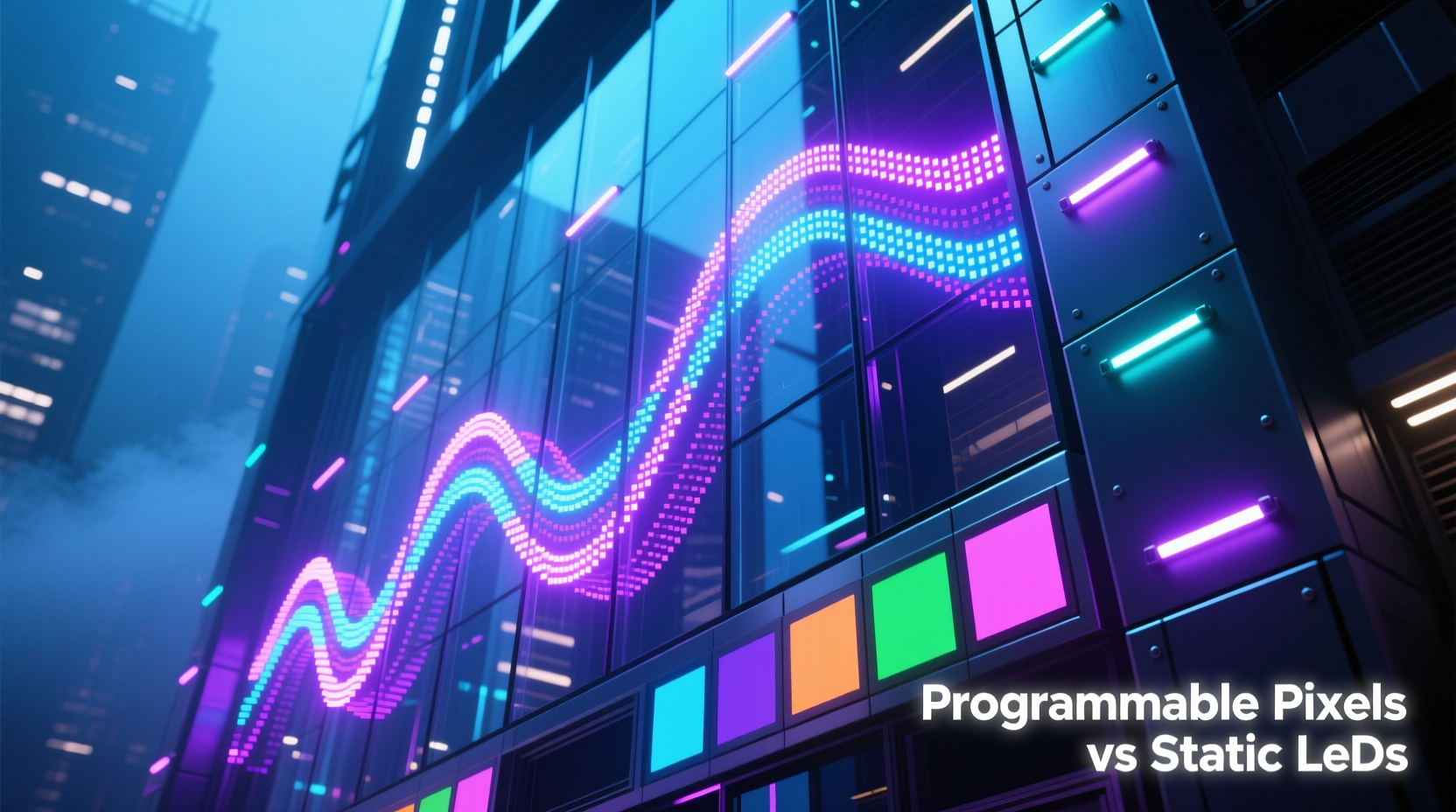
At first glance, both types of lights appear similar—small diodes mounted on strips or nodes, often used in architectural accents, signage, and decorative installations. However, their internal architecture sets them apart fundamentally.
Static LEDs emit a fixed color or white tone. Once manufactured, their output cannot be changed without external filters or physical replacement. They are commonly found in warm white strips under kitchen cabinets or red LEDs in exit signs. These lights are ideal for consistent, non-dynamic illumination where change isn’t required.
In contrast, programmable pixel lights—often referred to as “digital” or “addressable” LEDs—are individually controllable. Each LED (or “pixel”) can be assigned a unique color and brightness via microcontroller signals. This allows complex animations like chasing patterns, color waves, reactive sound displays, and even video-mapped effects across surfaces.
The key enabler behind this capability is integrated circuitry within each pixel. Chips such as the WS2812B (commonly branded as NeoPixel), SK6812, or APA102 embed driver electronics directly into the LED package. This integration allows data to be daisy-chained from one pixel to the next using a single signal line, making large arrays manageable with minimal wiring.
Animation Capabilities: Where Pixels Shine
If your goal is cooler, more engaging lighting effects, programmable pixels are unmatched. Their ability to produce fluid, synchronized animations transforms static environments into living spaces. Consider the difference:
- Static LEDs: Uniform glow across all units; no variation possible without mechanical shutters or multiple circuits.
- Programmable Pixels: Each light point acts independently, enabling gradients, scrolling text, responsive patterns, and time-coded sequences.
For example, imagine lighting the outline of a building for a holiday display. With static LEDs, you could achieve a steady red-and-green border. But with programmable pixels, the same outline can simulate falling snow, pulse with music, transition through seasonal themes, or even display scrolling messages—all from the same hardware.
This level of expression stems from software control. Platforms like Arduino, Raspberry Pi, and dedicated controllers run code that manipulates pixel states in real time. Libraries such as FastLED and Adafruit_NeoPixel simplify development, allowing creators to implement advanced effects with minimal coding.
“Addressable LEDs turned lighting design from decoration into storytelling. We’re no longer just adding light—we’re choreographing it.” — Lena Torres, Interactive Installation Artist
Practical Comparison: Features at a Glance
| Feature | Static LEDs | Programmable Pixel Lights |
|---|---|---|
| Color Control | Fixed per strip | Per-pixel RGB(W) control |
| Animation Support | None (without external dimmers) | Full support (waves, chases, fades, etc.) |
| Installation Complexity | Low (plug-and-play) | Moderate (requires power/data management) |
| Cost per Meter | $5–$12 | $15–$30+ |
| Power Requirements | Simple DC supply | Stable voltage + higher amperage |
| Best Use Case | Ambient lighting, task lighting | Art installations, events, smart homes |
Real-World Application: A Festival Light Upgrade
A small music festival in Portland initially used static LED strips to illuminate its main stage canopy. The effect was clean but unchanging—white light during sets, red during breaks. Attendees described the atmosphere as “functional but forgettable.”
For the following year, the production team replaced the strips with WS2815 programmable pixel lights. Using a Raspberry Pi running custom Python scripts, they synchronized the lights to the audio feed. Now, bass drops triggered radial pulses, high hats produced shimmering sparkles, and transitions between songs were marked by cascading color shifts.
The result? Social media buzz doubled, with attendees posting videos tagged #lightvibes. One fan commented, “It felt like the lights were part of the band.” The upgrade cost 40% more upfront but increased perceived production quality and audience engagement significantly.
This case illustrates a broader trend: audiences now expect sensory immersion. Lighting is no longer background—it’s a co-performer. Programmable pixels make that possible without requiring theatrical rigging or professional lighting consoles.
Step-by-Step Guide to Building Your First Animated Display
Ready to move beyond static lighting? Here’s how to build a basic animated LED setup using programmable pixels:
- Choose Your Pixels: Select a type (e.g., WS2812B for indoor use, SK6812 for better color accuracy, or WS2815 for outdoor durability).
- Determine Length and Power Needs: Calculate total current draw (typically 60mA per pixel at full white). For 100 pixels, you’ll need at least 6A at 5V.
- Pick a Controller: Use an Arduino Uno for small projects or ESP32 for Wi-Fi-enabled control and larger arrays.
- Wire the System: Connect data-in to the controller’s digital pin (e.g., Pin 6), ensure common ground, and inject power at both ends for long runs.
- Install Software: Install the FastLED library in the Arduino IDE and upload a test sketch (e.g., color chase).
- Test and Refine: Start with simple animations, then experiment with sound reactivity or smartphone control via Bluetooth.
- Weatherproof (if needed): Seal connections with silicone gel and use IP65-rated housings for outdoor use.
This process takes a few hours for beginners but opens the door to endless customization. Within days, many users progress from blinking one light to creating responsive art pieces.
Common Pitfalls and How to Avoid Them
Despite their advantages, programmable pixels come with learning curves. The most frequent issues stem from power and signal integrity.
- Voltage drop: Long pixel runs suffer from dimming at the far end. Solution: Inject power every 2–3 meters.
- Data corruption: Electrical noise disrupts timing-sensitive protocols. Use a 330-ohm resistor on the data line near the first pixel.
- Overloading power supplies: Never assume a phone charger can handle 50+ pixels. Use dedicated switching power supplies with adequate headroom.
- Heat buildup: High-density installations (e.g., 60 LEDs/meter) generate heat. Mount on aluminum channels for dissipation.
Expert Checklist: Planning a Pixel Project
Before purchasing materials, go through this checklist to ensure success:
- ☐ Define the animation goal (e.g., ambient mood lighting vs. music sync)
- ☐ Measure total length and calculate pixel count
- ☐ Confirm power requirements and select appropriate supply
- ☐ Choose between 5V (most common) or 12V (for longer runs) pixels
- ☐ Decide on control method (manual, app-based, sound-reactive)
- ☐ Plan physical mounting and cable routing
- ☐ Include spare pixels and connectors for repairs
- ☐ Verify environmental protection (indoor vs. outdoor)
Frequently Asked Questions
Can I mix programmable pixels with static LEDs on the same project?
Yes, but they must be wired separately. You can combine them aesthetically—for instance, using static LEDs for constant backlighting and pixels for animated highlights—but they require different drivers and controls.
Are programmable pixels harder to install than regular LED strips?
Slightly. The wiring is more sensitive due to the data line, and power demands are higher. However, once you understand the basics, installation follows a predictable pattern. Many pre-built kits now simplify the process for beginners.
Do I need to know how to code to use programmable pixels?
Basic animations can be achieved with pre-written code or apps like WLED, which provide user-friendly interfaces. Advanced customization benefits from coding knowledge, but it’s not mandatory to get started.
Conclusion: Embrace the Future of Lighting
The gap between programmable pixel lights and static LEDs isn’t just technical—it’s experiential. Static LEDs serve a purpose, but they belong to an era when lighting was passive. Today’s creators demand interactivity, motion, and emotional impact. Programmable pixels deliver exactly that: the ability to turn walls, furniture, costumes, and facades into dynamic visual instruments.
Whether you're designing a themed room, enhancing a retail space, or producing live events, choosing pixels over static LEDs future-proofs your work. The initial investment pays dividends in versatility, audience engagement, and creative freedom. Cooler animations aren’t just a bonus—they’re the new standard.




 浙公网安备
33010002000092号
浙公网安备
33010002000092号 浙B2-20120091-4
Comments
No comments yet. Why don't you start the discussion?