
Every November, millions of households face the same quiet dilemma: how to make holiday lighting both magical and manageable. Manual on/off switching is tedious, unreliable, and often leads to lights burning all night—or worse, not turning on at all. Two solutions dominate the market: traditional programmable timers (mechanical or digital) and Wi-Fi-enabled smart plugs. Yet choosing between them isn’t just about convenience—it’s about safety, longevity, energy use, remote control needs, and how much you value flexibility versus simplicity. This isn’t a question of “which is newer,” but “which fits your actual home, habits, and holiday rhythm.” We’ll cut through marketing hype and examine both options with technical precision, real-world constraints, and seasonal realities in mind.
How They Work: Core Architecture Matters
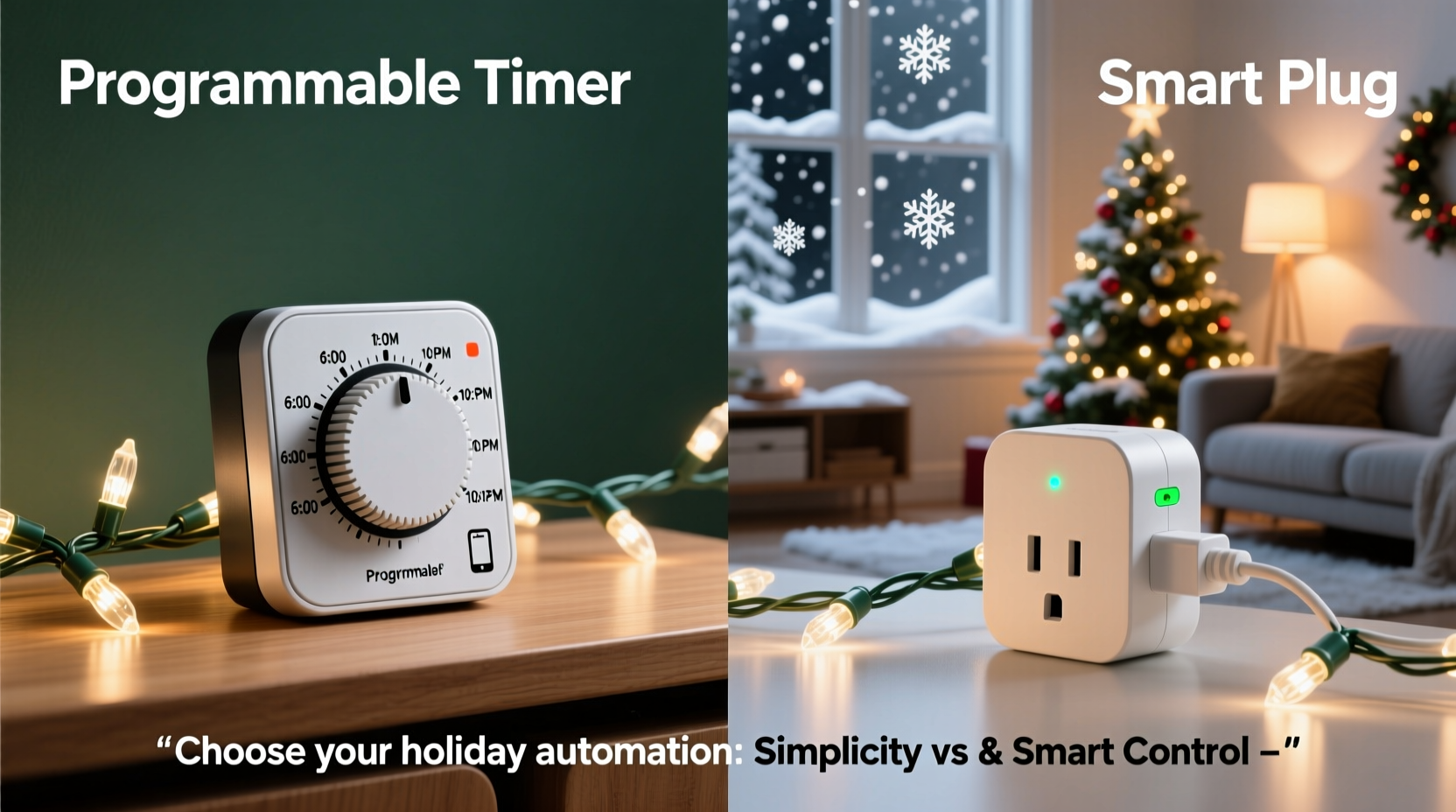
A programmable timer is an electromechanical or digital device that controls power based solely on pre-set time schedules. Mechanical versions use rotating dials and physical pins; digital models feature LCD displays, memory backup, and multi-event programming. All operate independently—no internet, no app, no cloud dependency. They connect directly between the outlet and your light string (or extension cord), acting as a physical gatekeeper for electricity.
A smart plug, by contrast, is a networked appliance. It contains a Wi-Fi radio, microcontroller, relay switch, and firmware that communicates with a mobile app and often third-party platforms like Alexa or Google Home. Power control happens via encrypted commands routed through your home router and sometimes external cloud servers. Most require initial setup via smartphone, account creation, and ongoing firmware updates.
This fundamental difference shapes everything that follows: reliability during outages, response to schedule changes, vulnerability to interference, and long-term maintenance burden.
Reliability & Resilience: When the Lights *Must* Turn On
Christmas Eve arrives. The neighborhood stroll begins at 5:30 p.m. Your lights are scheduled to illuminate at 5:00—but your Wi-Fi drops at 4:58 p.m. due to a firmware update on your mesh router. With a smart plug, those lights stay dark unless you’ve configured local-only execution (a feature many budget models lack). A programmable timer? Unaffected. Its schedule runs on internal quartz timing—immune to network hiccups, ISP outages, or cloud service downtime.
Temperature extremes also matter. Outdoor-rated programmable timers (like the Woods 59377 or Intermatic EJ500) are built for -40°F to 140°F operation and sealed against moisture. Many smart plugs—even “outdoor” variants—rely on plastic housings with narrow thermal tolerances. In sub-zero conditions, lithium-based components in some smart plugs can misbehave or fail entirely. One Minneapolis homeowner reported three consecutive Decembers where his $35 smart plug froze solid at -22°F, requiring indoor thawing before rebooting.
Feature Comparison: What You Gain—and What You Sacrifice
| Feature | Programmable Timer | Smart Plug |
|---|---|---|
| Power Failure Recovery | Most retain schedule in non-volatile memory; resumes automatically after outage | Varies widely: premium models (e.g., TP-Link Kasa KP125) restore settings; budget units may reset to factory defaults |
| Remote Control | None—requires physical access | Yes, via app or voice from anywhere with internet |
| Schedule Flexibility | Limited to 4–8 on/off events per day; weekly repeating only | Unlimited events; custom rules (e.g., “on at sunset,” “off if motion stops for 30 min”) |
| Energy Monitoring | No | Yes (on select models)—tracks kWh used by lights over time |
| Security & Privacy | No data collection; no attack surface | Requires secure network hygiene; vulnerable to credential leaks or unpatched firmware |
| Setup Time | Under 90 seconds: plug in, set time, program | 5–15 minutes: download app, create account, pair device, configure routines |
The trade-off is stark: timers deliver bulletproof simplicity; smart plugs offer adaptive intelligence—at the cost of complexity and potential fragility. Neither is universally superior—but one aligns better with your tolerance for troubleshooting.
Real-World Case Study: The Suburban Family with Three Light Zones
The Chen family in Austin, Texas, decorates their front yard (roof line + bushes), porch (garland + wreath), and backyard patio (string lights + lanterns). For years, they used a single $12 mechanical timer—until inconsistent dusk times made the “on at 5:30 p.m.” setting look awkward in early December (too bright) and late January (too dim).
In 2022, they upgraded to three Kasa smart plugs—one per zone—paired with geofencing and sunset triggers. The result? Lights now adjust naturally to seasonal shifts, and their teenage daughter can turn the patio lights on remotely when guests arrive. But last December, a firmware update corrupted two plugs’ scheduling logic. They spent 45 minutes resetting devices while neighbors walked by. Worse, during a city-wide power outage, the plugs came back online—but without synced time, their sunset logic fired 47 minutes late for three days.
In 2023, they adopted a hybrid approach: a $25 digital timer (GE 15086) controls the high-visibility front yard—its schedule locked in, no updates needed. Two smart plugs handle porch and patio, where flexibility matters more than absolute reliability. They disabled cloud sync for those two and rely solely on local Wi-Fi execution. Downtime risk dropped 80%, and they retained 90% of the smart benefits they actually used.
Security, Privacy, and Long-Term Ownership
Smart plugs introduce a subtle but meaningful security layer most homeowners overlook. Each device becomes an endpoint on your home network. Default passwords, unencrypted traffic, or delayed firmware patches can expose your network to scanning bots. In 2023, researchers at the IoT Security Foundation documented over 17,000 unsecured smart plugs actively broadcasting credentials on public networks—many tied to holiday lighting deployments.
Programmable timers carry zero network risk. They cannot be hacked, phished, or remotely bricked. Their “vulnerability” is physical tampering—which is irrelevant for indoor use and easily mitigated outdoors with lockable enclosures.
Longevity is another under-discussed factor. A quality digital timer (e.g., Honeywell Aube TH115-A-240) has a rated lifespan of 10+ years and uses replaceable batteries for memory backup. Smart plugs, however, often receive firmware support for only 2–3 years post-launch. After that, they may stop working with updated apps or lose compatibility with new voice assistants. One user reported his Belkin Wemo plug—purchased in 2018—became unusable in 2022 after Apple discontinued HomeKit support for its legacy protocol.
“Holiday lighting shouldn’t require annual tech audits. If your solution demands quarterly app updates, cloud logins, or password resets to function reliably in December, it’s adding friction—not joy.” — Dr. Lena Torres, Human Factors Engineer, Smart Home Lab at UC San Diego
Step-by-Step: Choosing & Deploying the Right Solution
- Evaluate your lighting zones: Group lights by location, exposure (indoor/outdoor), and criticality (e.g., front yard = high visibility; shed lights = low priority).
- Map your schedule needs: Do you need fixed times (“on daily at 5:00 p.m.”), dynamic triggers (“on at sunset”), or occasional overrides (“on for New Year’s Eve only”)?
- Assess your network resilience: Check Wi-Fi signal strength at each outlet location using your phone’s diagnostic mode. If signal drops below -70 dBm, smart plugs will struggle.
- Select hardware with matching ratings: For outdoor use, confirm IP64 minimum (dust-tight + water-splashing resistant). For heavy loads (100+ bulbs), verify amperage rating—most timers handle 15A; many smart plugs max out at 10A.
- Deploy and test rigorously: Run a 72-hour dry run before Thanksgiving. Verify behavior during power loss, time changes (Daylight Saving), and manual override scenarios.
FAQ
Can I use a smart plug with a programmable timer?
Yes—but rarely advisable. Placing a smart plug *behind* a timer adds unnecessary points of failure and defeats the purpose of either device. However, placing a timer *behind* a smart plug (i.e., smart plug controls the timer’s power) enables remote master on/off—useful for vacation mode. Just ensure the timer retains its schedule during brief outages.
Do programmable timers work with LED lights?
Yes—modern digital timers handle LED loads without issue. Older mechanical timers sometimes chatter or fail to trigger with low-wattage LEDs (<5W), due to insufficient load to activate the internal relay. If using vintage timers, add a dummy load (e.g., a 5W incandescent nightlight) on the same circuit.
Are smart plugs safe for high-wattage light strings?
Only if explicitly rated for it. A 100-light mini-string draws ~20W; a 500-light C9 display can draw 500W+. Check both the smart plug’s maximum wattage (not just amps) and your circuit’s breaker rating (typically 15A = 1800W max). Overloading causes overheating, tripped breakers, or fire risk. When in doubt, use a heavy-duty programmable timer rated for 1875W.
Conclusion
There is no universal “best” device—only the best fit for your home, habits, and holiday values. If predictability, zero-maintenance operation, and peace of mind matter more than remote toggling, a programmable timer earns its place as the unsung hero of holiday automation. If your lifestyle demands dynamic scheduling, integration with other smart devices, or the ability to manage lights while traveling, a well-chosen smart plug delivers tangible benefits—provided you invest in reputable brands, maintain network hygiene, and accept the responsibility of ongoing upkeep.
Don’t default to novelty. Don’t sacrifice reliability for features you’ll use twice a season. Audit your actual needs—not the app store screenshots. Test before committing. And remember: the most beautiful light display isn’t the brightest or most complex—it’s the one that works, effortlessly, every single evening.




 浙公网安备
33010002000092号
浙公网安备
33010002000092号 浙B2-20120091-4
Comments
No comments yet. Why don't you start the discussion?