
For individuals with ADHD, managing tasks, deadlines, and projects can feel overwhelming. Traditional to-do lists often fall short, leaving important items forgotten or buried under mental clutter. That’s where digital project management tools come in—specifically Notion and Trello. Both platforms offer visual organization, flexibility, and customization, but they function very differently. Choosing the right one isn’t just about features; it’s about cognitive compatibility. For ADHD brains that thrive on clarity, instant feedback, and low friction, the difference between Notion and Trello can mean the gap between consistent productivity and another abandoned system.
The ADHD Brain and Task Management
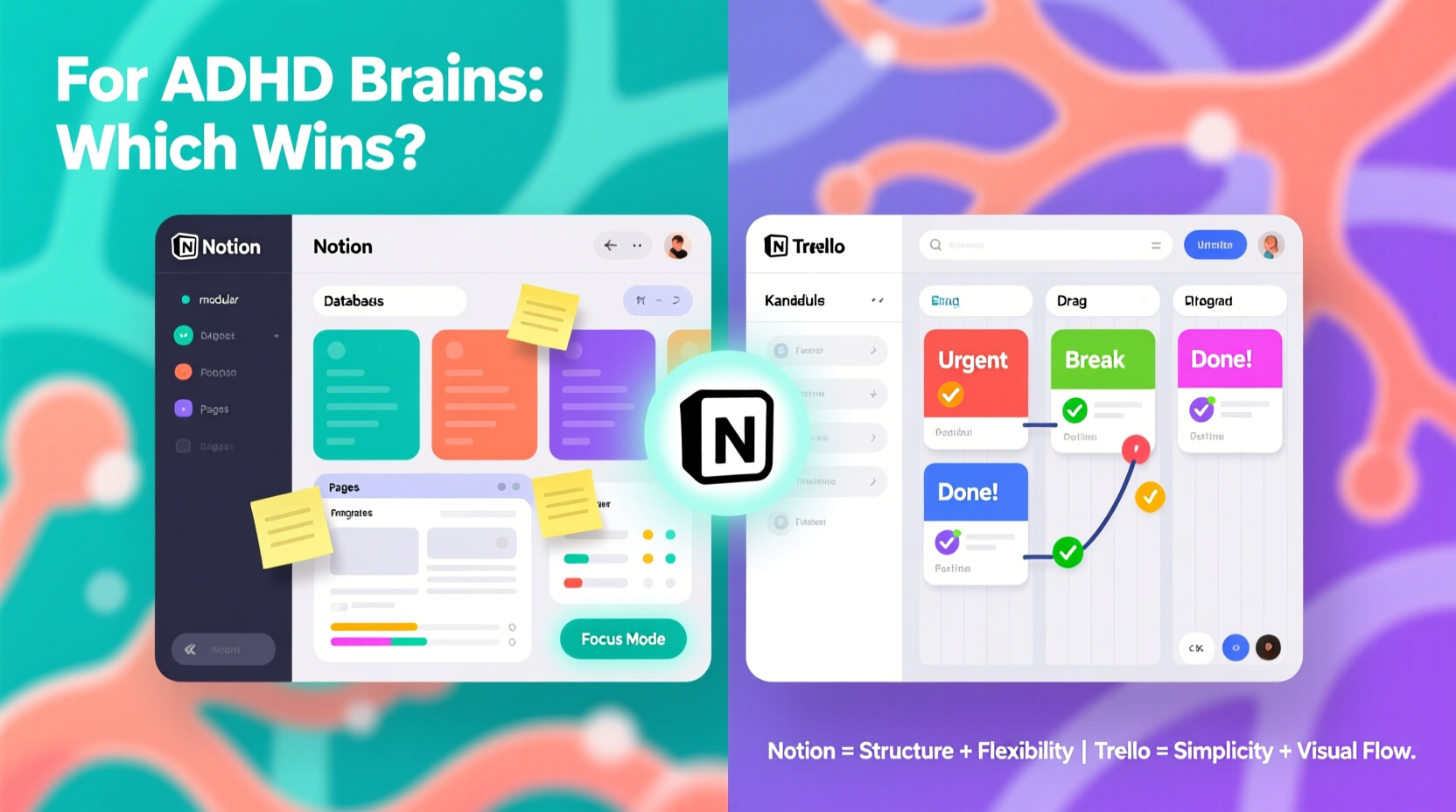
ADHD affects executive function—the brain’s ability to plan, prioritize, initiate, and sustain attention on tasks. Many people with ADHD struggle with working memory, time blindness, and task initiation. A tool that requires complex setup or too many steps before use can become yet another source of frustration. The most effective systems for ADHD are those that reduce cognitive load, provide immediate visual rewards, and make progress tangible.
According to Dr. Ari Tuckman, a clinical psychologist specializing in ADHD, “The best organizational tools for ADHD are ones that are easy to use consistently. If it feels like work to get started, you won’t stick with it.” This insight is crucial when evaluating tools like Notion and Trello—they must not only be powerful but also accessible in moments of low motivation or scattered focus.
“The best organizational tools for ADHD are ones that are easy to use consistently. If it feels like work to get started, you won’t stick with it.” — Dr. Ari Tuckman, Clinical Psychologist
Notion: Power and Flexibility at a Cognitive Cost
Notion is a full-featured workspace that combines notes, databases, tasks, wikis, and calendars into a single platform. It’s incredibly versatile—capable of replacing multiple apps. You can build custom dashboards, link pages, embed files, and create relational databases. For someone who enjoys deep system-building, Notion is exhilarating.
However, this power comes with complexity. Setting up a functional Notion workspace often involves significant upfront effort: designing templates, configuring views, and deciding on structure. For an ADHD brain already prone to distraction and task paralysis, this initial barrier can be prohibitive. The blank canvas may feel less like freedom and more like anxiety.
That said, once set up, Notion excels at reducing context switching. All information—meeting notes, project timelines, personal goals—lives in one place. Its database views (like Kanban, calendar, list, and gallery) allow users to toggle perspectives without losing data integrity. For someone with ADHD who benefits from seeing the big picture while drilling into details, this interconnectedness can be stabilizing.
When Notion Works Best for ADHD
- You need a centralized hub for both professional and personal planning.
- You benefit from linking related ideas (e.g., connecting a meeting note to a task).
- You prefer typing over dragging and dropping.
- You have a support system or coach helping you maintain the system.
Trello: Simplicity, Visual Clarity, and Instant Feedback
Trello operates on a simple premise: cards on boards. Each card represents a task, idea, or project, and can be moved across lists like “To Do,” “In Progress,” and “Done.” The interface is minimal, intuitive, and highly visual. Dragging a card to “Done” provides a satisfying sense of completion—a small dopamine hit that matters for ADHD motivation.
Trello’s strength lies in its immediacy. Creating a card takes seconds. Adding due dates, checklists, labels, or attachments is straightforward. There’s no need to design a system before using it. This low entry barrier makes Trello ideal for ADHD users who need to capture thoughts quickly and act on momentum.
Power-Ups (Trello’s integrations) add functionality like calendars, time tracking, and voting—but they remain optional. The core experience stays clean. This aligns well with ADHD needs: simple by default, expandable when useful.
One limitation is fragmentation. Unlike Notion, Trello doesn’t naturally connect disparate types of information. A board for work projects won’t automatically sync with personal goals unless manually linked. This can lead to siloed planning, requiring extra effort to maintain coherence across areas of life.
When Trello Works Best for ADHD
- You respond well to visual progress (seeing cards move).
- You frequently forget tasks unless they’re in plain sight.
- You want zero setup time before starting.
- You work in fast-moving environments where tasks change rapidly.
Side-by-Side Comparison: Notion vs Trello for ADHD
| Feature | Notion | Trello |
|---|---|---|
| Learning Curve | High – requires time to learn databases and relations | Low – intuitive drag-and-drop interface |
| Setup Time | Long – best with templates or coaching | Near-zero – start immediately |
| Cognitive Load | Higher – more decisions, more fields | Lower – focused on one task per card |
| Visual Feedback | Moderate – progress visible in databases | High – physical movement of cards feels rewarding |
| Flexibility | Extremely high – can model any workflow | Moderate – limited to board/card structure |
| Best For | Deep planners, long-term projects, knowledge workers | Task executors, rapid iteration, visual thinkers |
Real-World Example: Maya’s Shift from Notion to Trello
Maya, a freelance graphic designer with ADHD, spent months trying to make Notion work. She downloaded elaborate templates, created nested pages, and even hired a productivity coach. Initially motivated, she soon found herself spending more time tweaking her system than doing client work. When inspiration struck late at night, she’d open Notion only to freeze—overwhelmed by options. “Which database do I add this to? Should it be a task or a note? Where’s the template for new clients?” The friction killed her momentum.
After abandoning Notion three times, she tried Trello. She created a simple board: “Ideas,” “In Design,” “Feedback,” “Delivered.” When a new concept came to mind, she made a card instantly. Moving it forward felt effortless. Within two weeks, her project completion rate doubled. “Trello doesn’t ask me to think ahead. It meets me where I am,” she says. For Maya, the reduction in decision fatigue was transformative.
Step-by-Step: Building an ADHD-Friendly System in 20 Minutes
Whether you choose Notion or Trello, the key is minimizing setup time and maximizing usability. Follow this timeline to create a functional system today:
- Minute 0–5: Choose Your Tool
Select based on your current energy and needs. If you want speed and simplicity, pick Trello. If you need depth and integration, try Notion—but commit to using a template. - Minute 5–10: Set Up Core Structure
In Trello: Create three lists—“Now,” “Next,” “Done.” In Notion: Import a free ADHD task manager template (search Notion’s template gallery). - Minute 10–15: Add Immediate Tasks
Populate your “Now” list or database with 3–5 things you know you need to do. Keep descriptions short. Use emojis or colors for quick recognition. - Minute 15–18: Enable Reminders
Add due dates to urgent tasks. Turn on mobile notifications so you don’t rely on memory. - Minute 18–20: Test the Flow
Move one task from “Now” to “Done.” Celebrate the action. Notice how it feels. Adjust labels or layout if needed.
This 20-minute investment creates a live system—not a theoretical one. The goal isn’t perfection; it’s activation. Momentum builds from use, not setup.
Action Checklist: Optimizing Your Tool for ADHD
Use this checklist to ensure your chosen tool supports your brain, not fights it:
- ✅ Start with a pre-built template—never from scratch.
- ✅ Limit daily tasks to 1–3 priorities to avoid overwhelm.
- ✅ Use visual cues (colors, icons, stickers) for quick scanning.
- ✅ Enable mobile access and push notifications.
- ✅ Schedule a weekly 10-minute review to archive and reset.
- ✅ Pair task entry with a trigger (e.g., after checking email, update your board).
- ✅ Share your board with an accountability partner if helpful.
Frequently Asked Questions
Can I use both Notion and Trello together?
Yes—and some ADHD users do this effectively. Use Trello for day-to-day task execution and Notion for long-term planning, goal tracking, or reference materials. The key is defining clear roles for each to prevent duplication and confusion.
I keep abandoning my system. How do I stay consistent?
Consistency comes from low friction, not willpower. If you’re not using your tool, simplify it. Reduce the number of boards, lists, or fields. Ask: “What’s the smallest version of this that still helps?” Often, a single list of three tasks works better than a complex dashboard.
Are there better alternatives for ADHD than Notion or Trello?
Some people prefer simpler tools like Todoist (for linear lists), Microsoft To Do, or even pen-and-paper systems. The “best” tool is the one you actually use. Try a 3-day test with each option and track which one reduces mental clutter without adding stress.
Final Thoughts: Match the Tool to Your Brain, Not the Hype
Notion and Trello are both excellent tools—but excellence isn’t universal. For ADHD brains, effectiveness isn’t measured by features, but by usability in real-life conditions: fatigue, distraction, emotional dysregulation, and fluctuating energy. Trello wins on immediacy and sensory feedback, making it ideal for task starters and visual processors. Notion shines for those who need depth, connection, and long-term vision—but only if the initial setup hurdle can be overcome.
The truth is, no tool fixes ADHD. But the right tool can act as an external scaffold—holding structure so your brain doesn’t have to. Whether you choose the minimalist elegance of Trello or the expansive potential of Notion, the goal is the same: to create a system that works with your mind, not against it.




 浙公网安备
33010002000092号
浙公网安备
33010002000092号 浙B2-20120091-4
Comments
No comments yet. Why don't you start the discussion?