
A project presentation is more than just sharing updates—it’s an opportunity to align stakeholders, inspire confidence, and drive momentum. Yet even well-executed projects can fall flat if the message isn’t communicated clearly and compellingly. Whether you’re presenting to executives, clients, or team members, your ability to convey purpose, progress, and potential determines how your work is perceived. The most effective presentations don’t just inform—they engage, persuade, and leave a lasting impression.
Know Your Audience and Define the Objective
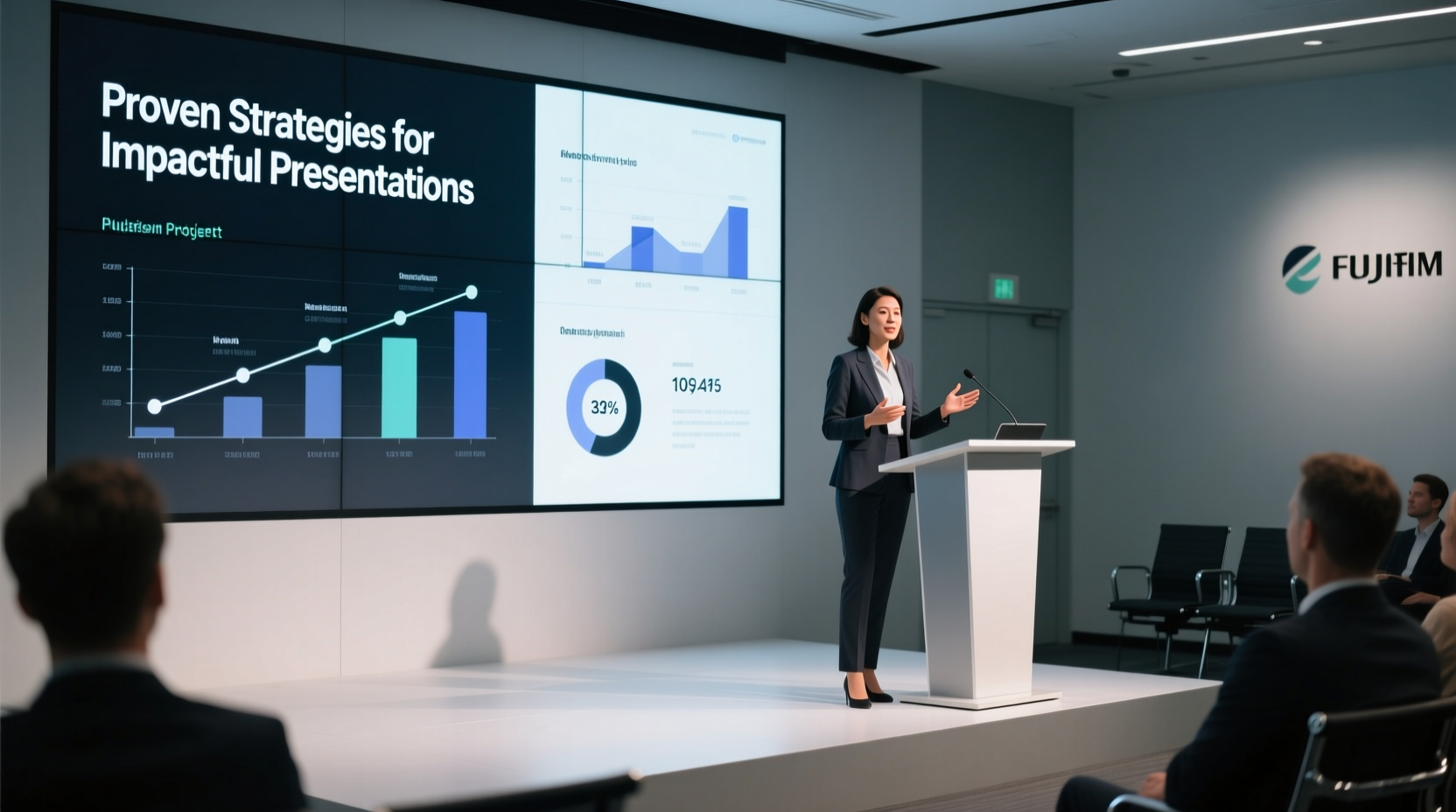
The foundation of any strong presentation begins before you open a slide deck. Ask: Who is listening? What do they care about? And what action should they take after your talk?
Executives may prioritize ROI and timelines. Technical teams need clarity on implementation. Clients often focus on outcomes and value. Tailoring your narrative to these concerns ensures relevance and resonance. Begin by defining a single core objective—approval, feedback, buy-in, or alignment—and structure every element of your presentation around it.
Structure for Clarity and Impact
A disorganized presentation confuses audiences, no matter how strong the content. Use a logical flow that guides listeners from context to conclusion. A proven framework includes:
- Opening Hook: Start with a problem, question, or insight that grabs attention.
- Project Overview: Briefly explain the goal, scope, and why it matters.
- Progress and Findings: Share key milestones, data, or insights achieved so far.
- Challenges and Solutions: Be transparent about obstacles and how they’re being managed.
- Next Steps and Requests: Clearly state what’s coming and what support you need.
This structure creates a narrative arc—setting up tension, showing resolution, and pointing toward future success. It keeps the audience oriented and engaged throughout.
Mini Case Study: Turning a Failing Review into a Win
A product manager at a mid-sized tech firm was scheduled to present quarterly updates to leadership. Previous reviews had stalled due to vague reporting and lack of clear direction. This time, she restructured her approach: she opened with customer pain points driving the project, summarized progress using milestone-based visuals, and ended with two specific requests—budget approval and cross-team collaboration.
The result? Leadership not only approved the request but praised the clarity and decisiveness of the presentation. By focusing on story and substance over status updates, she transformed perception and secured support.
Design Slides That Support, Not Distract
Slides should amplify your message—not compete with it. Avoid text-heavy layouts, flashy transitions, or cluttered charts. Instead, adopt minimalist design principles: one idea per slide, high-contrast visuals, and consistent formatting.
Use visuals strategically: diagrams to explain processes, timelines to show progress, and dashboards to highlight KPIs. When presenting data, simplify. Replace complex spreadsheets with annotated charts that spotlight trends and implications.
| Do | Don’t |
|---|---|
| Use bullet points sparingly (max 5 per slide) | Fill slides with paragraphs of text |
| Label charts clearly with takeaway insights | Show raw data without interpretation |
| Use consistent fonts, colors, and spacing | Mix multiple styles or templates |
| Incorporate white space for readability | Cram information into every corner |
“People forget facts, but they remember stories. If you want your presentation to stick, lead with meaning, not metrics.” — Dr. Lara Simmons, Communication Strategist, Stanford Graduate School of Business
Master Delivery: Presence, Pacing, and Practice
No amount of visual polish compensates for weak delivery. Confidence, eye contact, and vocal variety shape how your message lands. Practice out loud, ideally in front of a trusted colleague who can provide feedback on clarity and tone.
Time yourself to stay within limits. Rushing through content signals poor preparation; going overtime shows disrespect for the audience. Aim to speak at a measured pace, pausing after key points to let them sink in.
Anticipate questions and prepare concise responses. If you don’t know an answer, commit to following up—don’t improvise inaccurately. This builds credibility far more than guessing ever could.
Step-by-Step Guide: Preparing a High-Impact Presentation
- Define the goal: What decision or reaction do you want?
- Analyze the audience: What are their priorities and pain points?
- Outline the narrative: Structure key messages in a logical sequence.
- Create clean slides: One concept per slide, minimal text, strong visuals.
- Rehearse aloud: Practice timing, tone, and transitions.
- Gather feedback: Present to a peer and refine based on input.
- Prepare Q&A: List likely questions and draft clear answers.
- Review logistics: Confirm tech setup, room layout, and materials.
Checklist for a Successful Project Presentation
- ✅ Defined a clear objective for the presentation
- ✅ Researched audience needs and expectations
- ✅ Structured content with a strong opening, middle, and closing
- ✅ Limited text and enhanced visuals on slides
- ✅ Practiced delivery at least twice out loud
- ✅ Anticipated and prepared for key questions
- ✅ Verified all technology works (laptop, projector, remote)
- ✅ Allocated time for Q&A and discussion
Frequently Asked Questions
How long should a project presentation be?
Most effective project presentations last between 10 and 20 minutes, leaving ample time for discussion. Executives often prefer shorter briefings—10 minutes with 10 minutes for questions. Always confirm time limits in advance and respect them rigorously.
What if I get nervous during the presentation?
Nervousness is normal. Combat it with preparation and breathing techniques. Take slow breaths before starting, plant your feet firmly, and focus on delivering value rather than perfection. Remember: your audience wants you to succeed.
Should I share risks and setbacks?
Yes—but frame them constructively. Transparency builds trust, especially when paired with mitigation plans. Instead of saying “We’re behind schedule,” say “We encountered a delay in testing, but we’ve adjusted resources and expect to recover two weeks of timeline.”
Conclusion: Make Every Presentation Count
A powerful project presentation doesn’t require theatrical flair—just clarity, confidence, and care. When you understand your audience, structure your message with purpose, design with restraint, and deliver with authenticity, you turn routine updates into moments of influence. These are the presentations that secure approvals, build trust, and accelerate progress.




 浙公网安备
33010002000092号
浙公网安备
33010002000092号 浙B2-20120091-4
Comments
No comments yet. Why don't you start the discussion?