
Digital watches are marvels of modern engineering—compact, accurate, and packed with features from chronographs to fitness tracking. Yet, despite their durability, many users unknowingly shorten their device’s life through poor maintenance habits. With proper care, a digital watch can last a decade or more, maintaining both function and appearance. The key lies in consistent, thoughtful upkeep that protects against environmental stressors, mechanical wear, and electronic degradation.
This guide delivers actionable, expert-vetted strategies to preserve your digital watch’s performance and longevity. Whether you own a rugged Casio G-Shock, a sleek Garmin fitness tracker, or a multifunctional smartwatch, these principles apply universally.
1. Protect Against Moisture and Water Damage
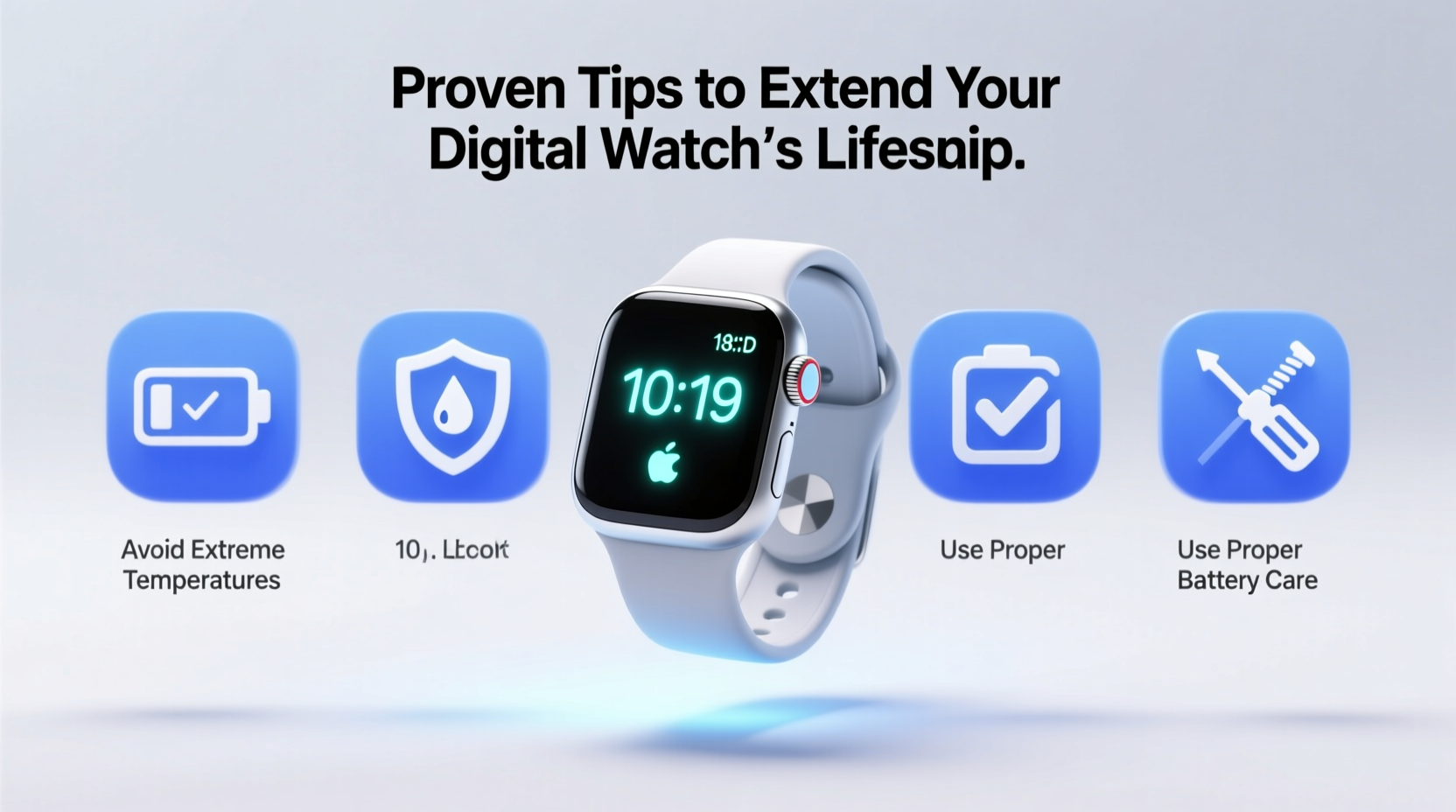
Even water-resistant watches aren’t immune to long-term moisture exposure. While many digital watches boast 50m, 100m, or higher water resistance ratings, these apply under controlled conditions. Real-world use—especially frequent exposure to chlorinated pools, saltwater, or steam—can compromise seals over time.
To prevent internal corrosion and screen fogging:
- Rinse your watch with fresh water after swimming or surfing.
- Avoid pressing buttons underwater unless explicitly designed for it.
- Check gasket integrity every 1–2 years, especially if frequently exposed to water.
- Never expose your watch to hot showers or saunas—heat expands seals, allowing moisture entry.
“Water damage is the second-leading cause of digital watch failure—right after battery neglect. A simple rinse can prevent costly internal corrosion.” — Daniel Reyes, Watch Technician & Repair Specialist
2. Manage Battery Health and Replacement
The battery is the heart of any digital watch. Most standard models use silver-oxide or lithium cells lasting 2–5 years. Smartwatches with constant connectivity may require charging every 1–3 days. Regardless of type, improper battery management accelerates degradation.
For traditional digital watches:
- Replace the battery before it dies completely. A leaking battery can destroy circuitry.
- Use only manufacturer-recommended or high-quality replacements.
- Have the case seal checked during each battery change.
For rechargeable smartwatches:
- Avoid letting the battery drop below 20% regularly.
- Don’t leave it plugged in overnight consistently—overcharging reduces long-term capacity.
- Store at 50% charge if unused for extended periods.
Battery Care Checklist
- Replace batteries proactively
- Store spare batteries in a dry, room-temperature place
- Use OEM or reputable third-party chargers
❌ Don’t:
- Ignore low-battery warnings
- Expose to extreme temperatures while charging
- Use cheap, off-brand batteries
3. Prevent Scratches and Physical Damage
The display and casing of a digital watch endure daily abrasion—from keys in pockets to accidental knocks on desks. Over time, micro-scratches cloud the screen and degrade aesthetics. While some wear is inevitable, proactive protection significantly delays visible damage.
Consider these preventive steps:
- Apply a tempered glass or plastic screen protector designed for your model.
- Choose a silicone or nylon strap instead of metal for high-impact activities.
- Remove the watch when working with heavy machinery or abrasive surfaces.
- Store separately from jewelry or tools to avoid contact scratches.
| Material | Scratch Resistance (Mohs) | Best Protection Method |
|---|---|---|
| Plastic (Acrylic) | 2–3 | Screen protector + soft pouch storage |
| Mineral Glass | 5–6 | Occasional polishing + protective case |
| Sapphire Crystal | 9 | Natural durability; minimal extra protection needed |
4. Clean and Maintain Regularly
Dirt, sweat, and oils accumulate around buttons, under straps, and along seams—creating breeding grounds for bacteria and corrosion. Monthly cleaning prevents buildup and maintains hygiene, especially for fitness-oriented watches worn during workouts.
Step-by-Step Cleaning Guide
- Power off the watch (if applicable) and remove the strap.
- Use a soft-bristled toothbrush dampened with mild soapy water to clean crevices.
- Gently scrub the caseback, buttons, and sensor area (on smartwatches).
- Rinse with a slightly damp cloth—never submerge unless rated for it.
- Dry thoroughly with a lint-free microfiber cloth.
- Let air-dry for 10–15 minutes before reattaching the strap or powering on.
5. Optimize Software and Settings (Smartwatches)
For digital smartwatches, software health impacts hardware longevity. Constant GPS use, bright screens, and background apps strain the processor and battery, generating heat that degrades components faster.
Extend lifespan by optimizing settings:
- Reduce screen brightness to 60–70% in normal lighting.
- Disable always-on display if not essential.
- Turn off unnecessary notifications and background syncing.
- Update firmware regularly—patches often include power efficiency improvements.
- Restart the device weekly to clear memory leaks and temporary files.
Real Example: Marathon Runner’s Watch Longevity
Jessica M., an ultramarathon runner, uses her GPS-enabled digital watch for 10+ hours weekly. Instead of replacing it every two years like peers, hers has lasted six years. Her routine? She disables Bluetooth when not syncing, uses airplane mode during races to save battery, and performs monthly cleanings. She also replaces the silicone strap annually. “It still looks and works like new,” she says. “I treat it like a tool, not just an accessory.”
Frequently Asked Questions
How often should I service my digital watch?
Every 2–3 years for basic models, especially if water-exposed. Include battery replacement, seal inspection, and pressure testing. Smartwatches benefit from annual deep cleaning and software optimization.
Can extreme temperatures damage my watch?
Yes. Temperatures below freezing or above 110°F (43°C) can cause LCD discoloration, battery drain, or condensation. Avoid leaving your watch in cars, near heaters, or in direct sun for prolonged periods.
Is it safe to wear my digital watch while sleeping?
Generally yes, but consider removing it if you notice skin irritation or if the band traps moisture. For smartwatches tracking sleep, ensure the band is breathable and cleaned weekly.
Final Thoughts: Small Habits, Lasting Results
Extending the life of your digital watch doesn’t require drastic measures. It’s the consistency of small actions—cleaning monthly, replacing batteries on time, avoiding extreme environments—that compounds into years of reliable service. These devices are built to endure, but they perform best when treated with respect and attention.
Think of your digital watch as a precision instrument, not just a timepiece. Each button press, charge cycle, and cleaning session shapes its future condition. By applying these proven strategies, you’re not just preserving a gadget—you’re investing in reliability, accuracy, and personal history recorded on your wrist.




 浙公网安备
33010002000092号
浙公网安备
33010002000092号 浙B2-20120091-4
Comments
No comments yet. Why don't you start the discussion?