
The PlayStation 5 brought a wave of excitement with its lightning-fast SSD, ray tracing capabilities, and next-gen design. But for many gamers who built a substantial library on the PS4, a critical question remains: Is upgrading to the PS5 truly necessary if you're mostly playing older titles? Sony made a bold promise—nearly full backward compatibility with PS4 games—but how much does that experience actually improve? The answer isn't as simple as \"yes\" or \"no.\" It depends on what you value in your gaming: convenience, performance, visual fidelity, or simply the joy of revisiting beloved classics.
Backward compatibility isn’t just about whether a game runs—it’s about how well it runs. The PS5 doesn’t just play PS4 games; it enhances them. Understanding the real differences between playing a PS4 title on original hardware versus the PS5 can help determine whether the upgrade is justified purely for legacy content.
How PS5 Backward Compatibility Works
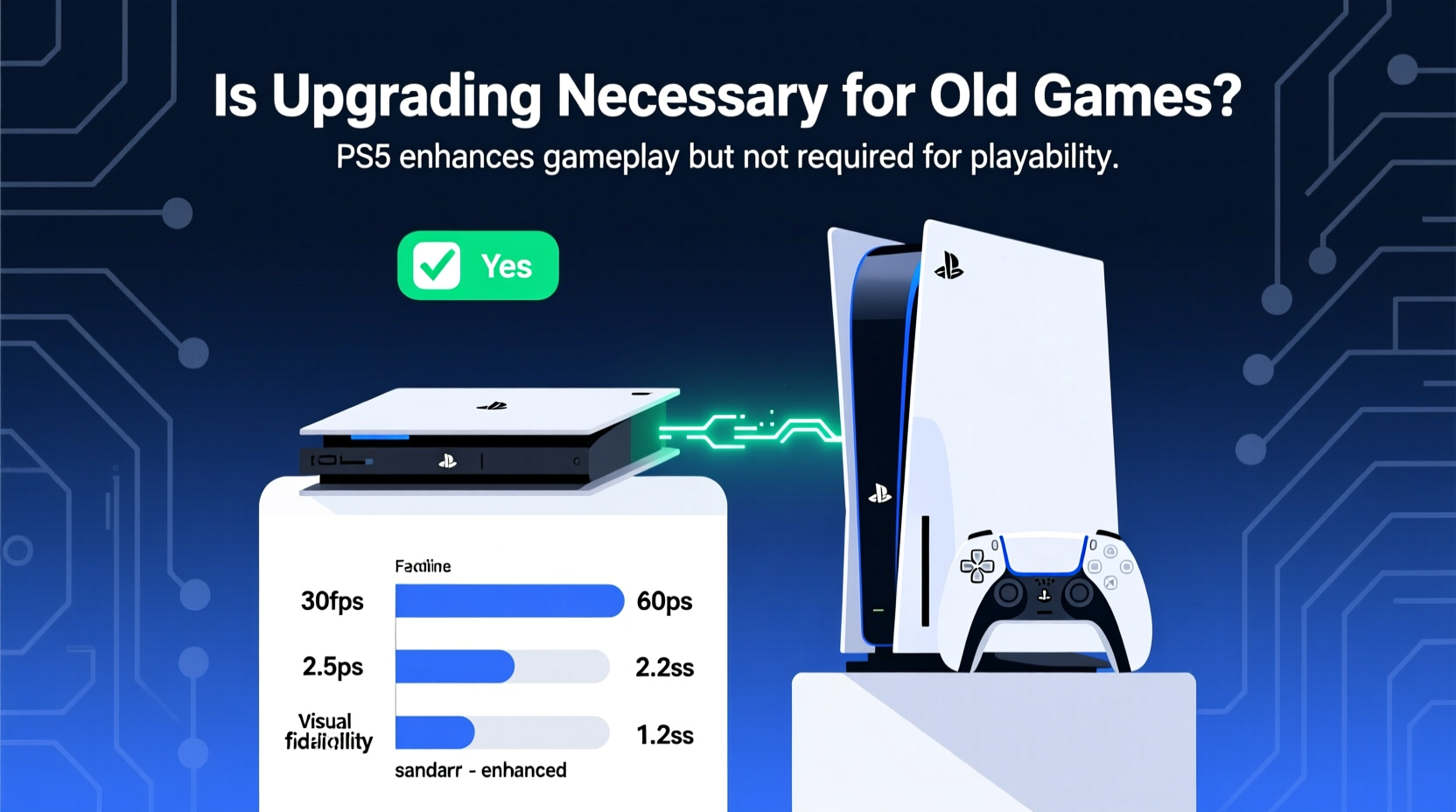
Sony designed the PS5 with an emphasis on continuity. Over 99% of the more than 4,000 PS4 games are playable on the PS5, thanks to hardware-level compatibility and software emulation layers. Unlike previous generations where backward compatibility required complex emulation (as seen with early Xbox Series X support), the PS5 leverages similar x86 architecture, making cross-generation play far more seamless.
When you insert a PS4 disc or launch a digital title on PS5, the system recognizes it and applies default enhancements. These include faster load times, smoother frame rates, and in some cases, higher resolutions—all without developer patches. This is possible because the PS5's CPU and GPU significantly outperform the PS4 and even the Pro model.
“Backward compatibility on PS5 was never just about functionality—it was about transformation. We wanted players to feel the difference instantly, even in games they’ve played for hundreds of hours.” — Mark Cerny, Lead System Architect, PlayStation 5
However, not all games benefit equally. Titles that were already optimized for the PS4 Pro may see fewer gains, while older or less efficient games often experience dramatic improvements.
Performance Gains: What Actually Changes?
One of the most tangible benefits of playing PS4 games on PS5 is performance. Even unpatched titles benefit from the console’s superior processing power. Here’s a breakdown of what typically improves:
- Faster load times: Thanks to the custom 825GB SSD (with effective speeds around 5.5 GB/s), loading screens in games like Marvel’s Spider-Man or The Witcher 3 drop from 30–45 seconds on PS4 to under 2 seconds.
- Stable frame rates: Games that struggled to maintain 30fps on base PS4 hardware often lock in smoothly on PS5, especially in demanding scenes.
- Improved texture streaming: Reduced pop-in and smoother transitions due to faster data access.
- Quick Resume feature: Instantly switch between multiple games without reloading, a feature absent on PS4.
Some developers have also released free “PS5 patches” that unlock higher frame rates or resolution modes for their PS4 titles. For example, Ghost of Tsushima gained a 60fps patch, and Ratchet & Clank: Rift Apart’s predecessor received improved textures and stability.
Visual Improvements: Do Old Games Look Better?
While the PS5 doesn’t magically upscale every PS4 game to native 4K, many do appear sharper and more stable visually. The degree of improvement depends on several factors:
- Dynamic Resolution Scaling: Many PS4 games adjust resolution based on scene complexity. On PS5, these fluctuations are minimized, often holding closer to maximum resolution.
- Higher Frame Rate Modes: Some games offer optional performance modes that prioritize 60fps over resolution. On PS5, these modes are more consistently achievable.
- Texture and Shader Quality: In select titles with adaptive rendering, the PS5’s extra VRAM and bandwidth allow for better texture filtering and anti-aliasing.
For instance, Red Dead Redemption 2 on PS4 frequently dips below 30fps during intense weather or crowd scenes. On PS5, it maintains near-lockstep performance throughout. Similarly, open-world titles like Horizon Zero Dawn benefit from reduced draw distance pop-in and quicker fast-travel transitions.
Comparison Table: PS4 vs PS5 Playing PS4 Games
| Feature | PS4 (Base/Pro) | PS5 (Backward Compatible) |
|---|---|---|
| Load Time (Spider-Man Webbed Travel) | 30–45 seconds | 1–2 seconds |
| Average Frame Rate (Unpatched RDR2) | 25–30 fps (drops common) | Stable 30 fps |
| Resolution (Dynamic Range) | 1080p / up to 1800p (Pro) | Holds max res more consistently |
| Fast Travel Pop-In | Noticeable delay | Minimal to none |
| Controller Feedback (DualShock vs DualSense) | ||
| Standard rumble | Adaptive triggers, haptics (if supported) | |
| Game Switching | Manual restart required | Instant resume via UI |
Note: Adaptive triggers and advanced haptics only work in select PS4 titles that have been updated to support DualSense features. Most legacy games use standard vibration feedback.
Real-World Example: A Gamer’s Experience
Consider Alex, a long-time PS4 owner with over 80 games in his library, including The Last of Us Part II, Detroit: Become Human, and God of War (2018). He held off on upgrading to PS5 until late 2023, skeptical about whether the leap was worth it for someone not chasing brand-new exclusives.
After purchasing a PS5 and transferring his games via LAN cable, he noticed immediate changes. Loading into Midgard in God of War took less than five seconds—a stark contrast to the 40-second wait he’d grown used to. During combat sequences, the camera panned more smoothly, and enemy spawns felt more responsive. While the core gameplay didn’t change, the experience felt more immersive and less interrupted by technical limitations.
Most surprisingly, he found himself replaying Uncharted 4—a game he’d completed twice—just because it felt fresh with instant traversal and consistent performance. “It’s like I’m playing remastered versions of my favorite games,” he said. “I didn’t realize how much the loading times and stutters were affecting my enjoyment until they were gone.”
When Upgrading Makes Sense (And When It Doesn’t)
Upgrading solely for backward compatibility can be justified, but it depends on your usage patterns and expectations. Consider the following checklist to evaluate your needs:
- ✅ Do you frequently replay PS4 games?
- ✅ Are long loading times frustrating?
- ✅ Do you value smooth frame rates and visual stability?
- ✅ Do you own a 4K TV or high-refresh-rate display?
- ✅ Have you finished most major PS5 exclusives or plan to?
- ❌ Are you satisfied with current PS4 performance?
- ❌ Is budget a primary concern?
- ❌ Do you rarely revisit old games?
If most of your answers align with the positive indicators, the PS5 offers meaningful quality-of-life upgrades. However, if you’re content with your PS4 setup and don’t mind occasional lag or longer loads, waiting for deeper discounts or future bundles might be smarter.
Limitations and Caveats
Despite its strengths, PS5 backward compatibility has limits:
- No universal 4K output: Only games patched for PS5 or those using dynamic scaling reach higher resolutions.
- Limited DualSense integration: Most PS4 titles don’t support adaptive triggers or advanced haptics unless specifically updated.
- Disc authentication: PS5 requires online verification for disc-based backward compatibility, which can be problematic during outages.
- Storage constraints: The PS5’s internal SSD fills quickly, especially when importing large PS4 libraries. External HDDs help but don’t support PS5 games.
Additionally, some early backward-compatible titles had bugs—such as audio glitches in Shadow of the Tomb Raider at launch—but these were largely resolved through system updates.
Frequently Asked Questions
Can I play all my PS4 games on PS5?
Yes, over 99% of PS4 games are compatible with PS5, both digitally and physically. A small number of titles require patches or have minor issues, but Sony maintains an official list of incompatible games (which includes only a handful).
Do I need to repurchase my PS4 games for PS5?
No. All digital purchases linked to your PlayStation Network account transfer automatically. Physical discs work too, though PS5 disc drives are required for disc-based games. Some publishers offer free PS5 upgrades for specific titles (e.g., Ghost of Tsushima Director’s Cut).
Does backward compatibility include VR games?
Yes, PSVR games are playable on PS5, but require the PS Camera adapter (provided free by Sony) and the original PS Camera. The upcoming PSVR2 is not backward compatible with PSVR1 titles.
Conclusion: Is the Upgrade Worth It?
For gamers deeply invested in their PS4 libraries, the PS5 isn’t just a gateway to new experiences—it revitalizes the old ones. The combination of near-instant loading, stabilized performance, and subtle visual refinements transforms how we interact with familiar games. It’s not merely about playing the same content faster; it’s about removing friction and rekindling immersion.
Upgrading isn’t mandatory, but it is transformative. If you find yourself replaying classics, sharing them with new players, or simply valuing a smoother, more responsive experience, the PS5 delivers tangible benefits—even without touching a single next-gen title.




 浙公网安备
33010002000092号
浙公网安备
33010002000092号 浙B2-20120091-4
Comments
No comments yet. Why don't you start the discussion?