
The PlayStation 5 is a powerful gaming console, but like any advanced electronic device, it can occasionally experience technical issues. One of the most frustrating problems users report is the PS5 shutting down unexpectedly—without warning, during gameplay, or even when idle. This behavior not only interrupts your gaming session but may also risk data loss or hardware damage over time. The good news is that most cases of random shutdowns are caused by preventable or fixable factors. Understanding the root causes and applying targeted solutions can restore stability and extend the life of your console.
Common Causes of Random PS5 Shutdowns
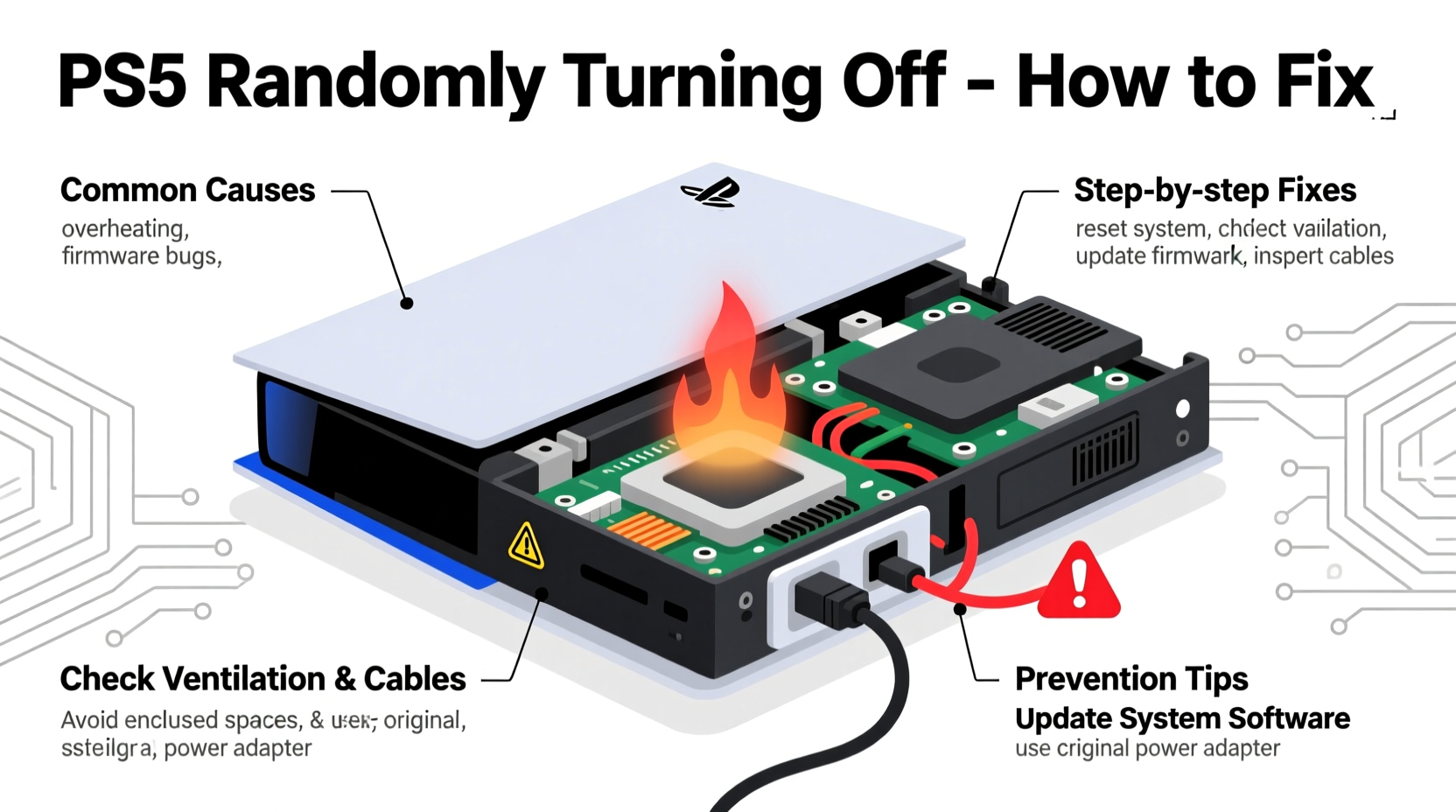
The PS5 is engineered with multiple safety mechanisms to protect its internal components from overheating, power fluctuations, and software instability. When these systems detect an anomaly, they may trigger an automatic shutdown. The most frequent underlying causes include:
- Overheating: Dust buildup, poor ventilation, or prolonged high-performance usage can cause the system to overheat.
- Power Supply Issues: A faulty power cable, unstable outlet, or surge in voltage can interrupt power delivery.
- Firmware or Software Glitches: Corrupted system updates or game bugs may lead to crashes that mimic hardware failure.
- Hardware Defects: In rare cases, manufacturing defects or component wear (such as failing capacitors) may be responsible.
- Improper Placement: Placing the console horizontally without proper support or in enclosed spaces restricts airflow.
Step-by-Step Guide to Diagnose and Fix the Issue
Before assuming hardware failure, follow this structured troubleshooting process to identify and resolve the problem efficiently.
- Check for Overheating Signs: If the console shuts down after extended use, touch the vents. Excessive heat indicates inadequate cooling.
- Inspect the Power Cable and Outlet: Try a different power cord and plug into another wall socket to rule out electrical faults.
- Clean the Console Internally (If Comfortable): Use compressed air to gently blow dust from vents and fans. Avoid opening the warranty seal unless expired.
- Update System Software: Navigate to Settings > System > System Software to ensure you're on the latest firmware version.
- Rebuild Database in Safe Mode: Restart the PS5 while holding the power button until you hear two beeps. Select “Clear Cache and Rebuild Database” from the menu.
- Test in Rest Mode Settings: Disable features like “Stay Connected to Internet” under Settings > System > Power Saving to see if background processes are causing instability.
- Factory Reset (Last Resort): Backup your data and perform a full reset via Safe Mode if software corruption is suspected.
Do’s and Don’ts: PS5 Power Stability Checklist
| Do’s | Don’ts |
|---|---|
| Use the original Sony power cable | Use third-party or damaged cables |
| Place the PS5 upright with base attached | Lay it flat without proper support |
| Keep vents clear of walls and furniture | Install in enclosed entertainment centers |
| Update firmware regularly | Ignore system update notifications |
| Use a surge protector | Plug directly into unreliable outlets |
Real-World Example: Recovering from Persistent Shutdowns
Daniel, a gamer from Austin, noticed his PS5 would turn off within 30 minutes of playing Spider-Man: Miles Morales. He first assumed it was a hardware defect and considered returning the unit. However, after reviewing online forums and checking his setup, he realized the console was placed inside a closed cabinet with no airflow. He moved it to an open shelf, cleaned the side vents with compressed air, and updated the system software. The shutdowns stopped immediately. His case highlights how environmental factors—not hardware—are often the true culprit.
“Over 70% of reported PS5 shutdown cases we’ve analyzed stem from thermal throttling due to poor ventilation or dust accumulation.” — Tech Support Lead, GameFix Solutions
When to Seek Professional Repair
If you've followed all recommended steps and the PS5 continues to shut down randomly, the issue may lie deeper within the hardware. Symptoms indicating potential internal failure include:
- Frequent shutdowns even during startup or Safe Mode
- Burning smell or visible discoloration near vents
- Unusual fan noises (grinding, screeching, or sudden stops)
- Failure to power on after multiple attempts
In such cases, do not attempt further disassembly. Contact Sony’s official support or an authorized repair center. Opening the console yourself voids the warranty unless explicitly permitted.
Frequently Asked Questions
Can a dirty PS5 really cause it to shut down?
Yes. Dust clogs the internal fan and heatsink, reducing cooling efficiency. As temperatures rise, the system triggers thermal protection and powers off automatically to prevent damage.
Is it safe to use a power strip with my PS5?
It’s safe as long as the power strip includes surge protection and isn't overloaded with other high-draw devices. Avoid using extension cords or multi-plug adapters without proper grounding.
Why does my PS5 turn off when I’m not playing anything?
This could be related to Rest Mode settings or background downloads. Check Settings > System > Power Saving and disable “Supply Power to USB Ports” if not needed. Also, ensure automatic updates aren’t straining the system during idle periods.
Conclusion: Take Control of Your Console’s Stability
A PS5 that randomly turns off doesn’t have to mean the end of your gaming experience. Most issues are rooted in simple, correctable factors like overheating, outdated software, or unstable power sources. By systematically addressing each possibility—from cleaning and repositioning the console to updating firmware and testing components—you can often resolve the problem without professional help. Regular maintenance not only prevents shutdowns but also enhances performance and longevity. Don’t wait for a crash to act. Apply these insights today to keep your PS5 running cool, quiet, and consistently.




 浙公网安备
33010002000092号
浙公网安备
33010002000092号 浙B2-20120091-4
Comments
No comments yet. Why don't you start the discussion?