
When Sony released the PlayStation 5 in late 2020, it set a new benchmark for console gaming—powerful hardware, lightning-fast load times, and an innovative DualSense controller redefined expectations. Fast forward to late 2023, and Sony introduced the PS5 Slim, a refined version of the original with subtle but meaningful changes. For current PS5 owners wondering whether to upgrade—or for newcomers deciding between models—the question arises: is the newer PS5 Slim actually worth switching to?
The answer isn’t as straightforward as “yes” or “no.” While the PS5 Slim doesn’t offer any performance upgrades over the original, it does bring several practical improvements that may matter depending on your setup, lifestyle, and long-term plans. This article breaks down every key difference, evaluates real-world implications, and helps you decide if the Slim is truly worth the switch.
Design and Physical Differences
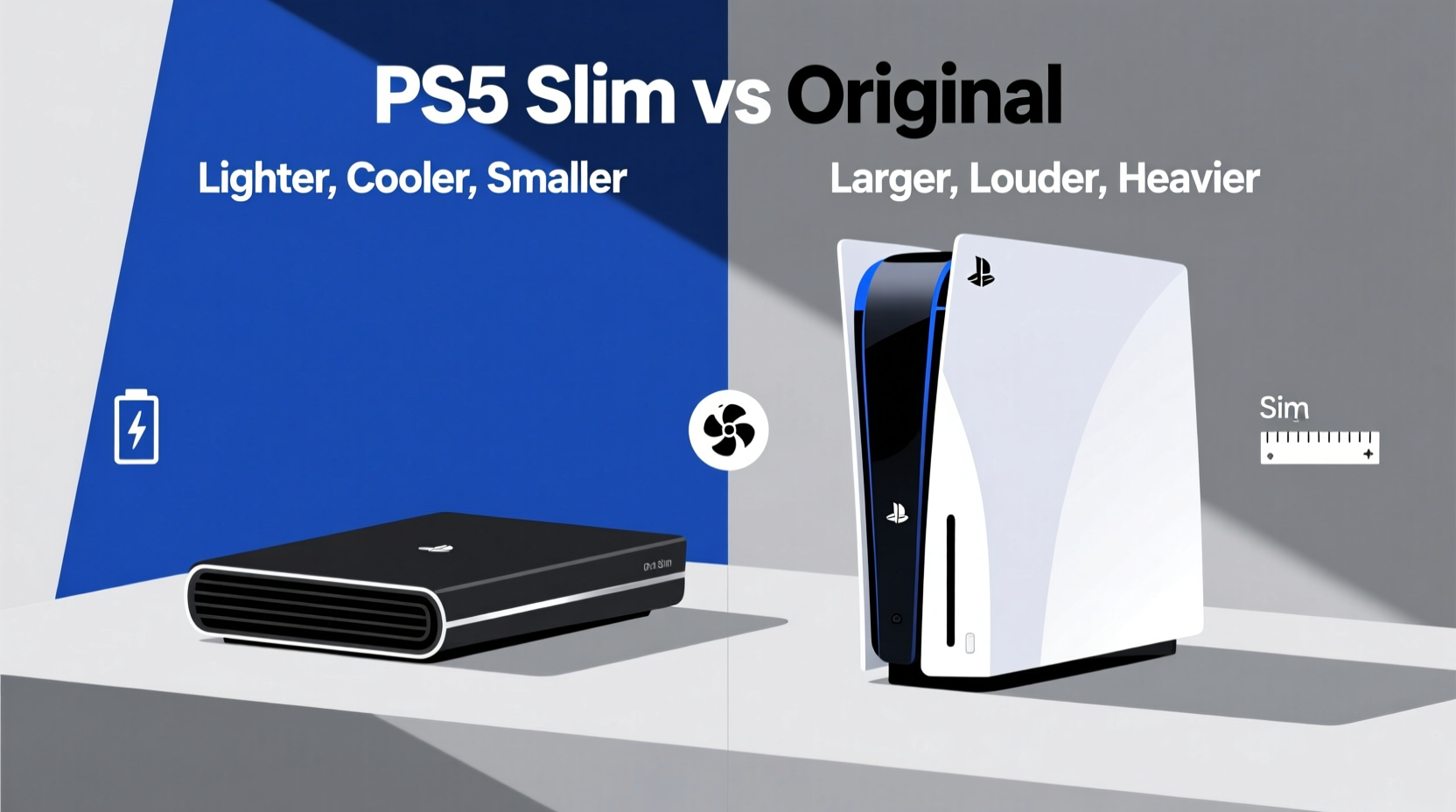
The most noticeable change between the original PS5 and the PS5 Slim lies in its physical footprint. The original model, with its bold white-and-black design and large curved panels, was polarizing—some praised its futuristic look; others found it too bulky. The PS5 Slim addresses the latter concern head-on.
Sony reduced the overall volume by approximately 30%, making the Slim significantly more compact. It’s shorter in height and depth, allowing it to fit more easily into entertainment centers or shelves where space is limited. The horizontal stand is now integrated, eliminating the need for a separate screw-in base—a small but welcome convenience.
Another major design shift is modular storage. The PS5 Slim features removable side panels that snap off without tools, granting easier access to the internal M.2 SSD slot. More importantly, the base unit now comes with two detachable 500GB expansion cards (totaling 1TB), which can be removed and transferred to a new console later. This flexibility is ideal for users who want to keep their game libraries portable or upgrade consoles without lengthy data transfers.
Performance: No Upgrade Under the Hood
One critical point often misunderstood: the PS5 Slim does not offer better performance than the original. Both models are powered by the same AMD Zen 2 CPU, RDNA 2 GPU, and 16GB of GDDR6 memory. Load times, frame rates, resolution output, and ray-tracing capabilities remain identical across both versions.
This means you won’t see smoother gameplay, higher resolutions, or improved graphics on the Slim. Any visual or performance gains will come from game updates or developer optimizations—not hardware differences. If raw power is your priority, neither model holds an edge.
However, thermal efficiency has been slightly improved due to internal component miniaturization and redesigned airflow. Some teardowns suggest the Slim runs marginally cooler under sustained loads, though this hasn’t translated into measurable performance benefits or reduced fan noise in most real-world conditions.
“Console evolution isn’t always about power. Sometimes, refinement, usability, and longevity matter just as much.” — Mark Chen, Senior Hardware Analyst at GameTech Review
Storage Options Compared
Storage capacity has long been a pain point for PS5 users. The original model launched with an 825GB SSD, of which only about 667GB is usable after system files. With modern AAA titles regularly exceeding 100GB, many players quickly run out of space.
The PS5 Slim attempts to solve this with a flexible storage approach:
- Base Model: 1TB SSD (approx. 842GB usable)
- Expandable via two removable 500GB cards
- Supports additional M.2 NVMe SSDs up to 8TB
In contrast, the original PS5 has a single 825GB drive with one accessible M.2 slot for expansion—but no removable internal modules. Once you upgrade, the old drive becomes obsolete unless repurposed externally.
The Slim’s detachable storage is particularly useful for households with multiple consoles. Imagine moving your entire game library from a living room PS5 to a bedroom unit simply by swapping drives—no internet download required. It also simplifies reselling or upgrading, as you can retain your purchased games independently of the console.
| Feature | Original PS5 | PS5 Slim |
|---|---|---|
| Internal Storage | 825GB SSD (~667GB usable) | 1TB SSD (~842GB usable) |
| Removable Internal Drives | No | Yes (two 500GB modules) |
| M.2 Expansion Slot | Yes (1 slot) | Yes (1 slot) |
| External USB Storage Support | Yes (for PS4 games & backup) | Yes (same functionality) |
| Integrated Stand | No (separate screw-in) | Yes (built-in, tool-free) |
Practical Considerations: Should You Upgrade?
For existing PS5 owners, upgrading purely for the Slim’s aesthetic or size reduction may not justify the cost—especially since used original models now trade below MSRP. However, certain user profiles stand to benefit more from making the switch.
Who Benefits Most from the PS5 Slim?
- Space-Constrained Gamers: If your entertainment center is tight or you prefer vertical placement, the Slim’s smaller form factor fits more naturally.
- Frequent Upgraders: Those who anticipate buying next-gen consoles in the future will appreciate the ability to transfer games via removable drives.
- Digital-Only Buyers: The Slim Digital Edition now includes a disc drive add-on option, sold separately. This allows flexibility—you can start digital and add physical media support later.
- New Buyers: Anyone purchasing a PS5 today should lean toward the Slim. It’s the current standard, likely to receive longer support, and offers better long-term versatility.
Who Might Skip the Upgrade?
- Current PS5 owners satisfied with performance and storage.
- Budget-conscious users who can find a discounted original model.
- Those using external SSDs effectively and not bothered by the larger size.
Mini Case Study: Jamie’s Console Dilemma
Jamie, a college student and avid gamer, bought the original PS5 at launch. By 2024, his apartment shelf space was cramped, and he frequently traveled home during holidays. He considered upgrading to the Slim primarily for its smaller size and heard about the removable storage feature.
After researching, Jamie realized he could buy a 2TB external SSD for $120 and transfer his most-played games there—freeing up internal space and avoiding the need to rebuy a console. He also mounted his original PS5 vertically using a third-party stand, saving shelf depth.
Instead of upgrading, Jamie optimized what he had. He concluded that unless he were buying a new console anyway, the Slim didn’t offer enough advantage to warrant replacement. His experience reflects a broader truth: optimization often beats replacement.
Step-by-Step Guide: Deciding Whether to Switch
If you're on the fence, follow this decision-making process:
- Assess Your Current Setup: Measure available space and evaluate how often the PS5’s size causes issues.
- Check Your Storage Usage: Go to Settings > Storage. If you’re consistently above 80% capacity, consider expanding via M.2 SSD before switching consoles.
- Evaluate Upgrade Costs: Compare prices of used original PS5s, new Slim models, and potential accessories like extra drives.
- Determine Future Plans: Will you keep this console for 3+ years? Do you plan to move or share games across devices? These factors influence the value of modular storage.
- Decide Based on Value: If the Slim saves space, simplifies future upgrades, and fits your budget, it’s a smart move. Otherwise, stick with what works.
Frequently Asked Questions
Can I use my old PS5 accessories with the PS5 Slim?
Yes. The PS5 Slim is fully compatible with all original PS5 accessories, including DualSense controllers, Pulse 3D headset, HD Camera, and charging stations. The only exception is the original vertical stand, which doesn’t fit the Slim’s new shape—Sony sells a new one separately.
Is the PS5 Slim quieter than the original?
Not noticeably. While internal components are more densely packed, Sony maintained similar cooling architecture. Fan noise levels are nearly identical under normal and heavy loads. Any perceived difference is likely due to minor firmware optimizations rather than hardware changes.
Does the Slim have better Wi-Fi or Bluetooth?
No. Both models support Wi-Fi 6 and Bluetooth 5.1. There are no connectivity upgrades in the Slim. Online performance depends more on your router and internet plan than console hardware.
Final Verdict: Is the PS5 Slim Worth It?
The PS5 Slim isn’t a generational leap—it’s an evolution. It refines the original design, improves storage flexibility, and reduces bulk without altering the core gaming experience. For new buyers, it’s clearly the better choice: more modern, more adaptable, and built for the long term.
But for existing PS5 owners, the equation shifts. Unless you’re constrained by space, planning frequent hardware changes, or eager to adopt the latest model, upgrading isn’t essential. The original PS5 remains a powerful, capable machine that delivers everything the Slim does—just in a larger shell.
Sony’s move reflects a maturing product line. As the PS5 lifecycle progresses, refinements like the Slim focus on sustainability, usability, and user-centric details rather than raw power. That’s a sign of a platform hitting its stride.
“The best console is the one you already own and enjoy. Upgrades should solve real problems, not imagined ones.” — Lena Patel, Editor-in-Chief, Console Focus Magazine
Conclusion: Make the Switch on Your Terms
The PS5 Slim vs original PS5 debate ultimately comes down to personal needs, not specs. If you're buying your first PS5, go for the Slim—it's smarter, sleeker, and built with tomorrow in mind. But if you already own the original, ask yourself: what problem am I trying to solve? If the answer is \"none,\" then staying put is perfectly rational.
Gaming should be about experiences, not hardware churn. Whether you keep your original PS5 or embrace the Slim, what matters most is the time spent playing, sharing, and enjoying great games. Let practicality guide your decision—not marketing or FOMO.




 浙公网安备
33010002000092号
浙公网安备
33010002000092号 浙B2-20120091-4
Comments
No comments yet. Why don't you start the discussion?