
When it comes to upgrading your tech, the iPad remains a top choice for students, professionals, creatives, and casual users alike. But with prices starting near $300 and climbing past $1,000 for high-end models, many buyers look for ways to save. Enter the refurbished market — promising the same device at a lower price. But is that discount worth the risk? Or are you trading short-term savings for long-term headaches?
The answer isn’t as simple as “yes” or “no.” Refurbished iPads can be smart buys — if sourced correctly. On the other hand, they can also introduce hidden issues like reduced battery life, lack of warranty, or even counterfeit parts. Understanding the nuances between refurbished and new iPads is essential to making a decision that aligns with both your budget and expectations.
What Does \"Refurbished\" Really Mean?
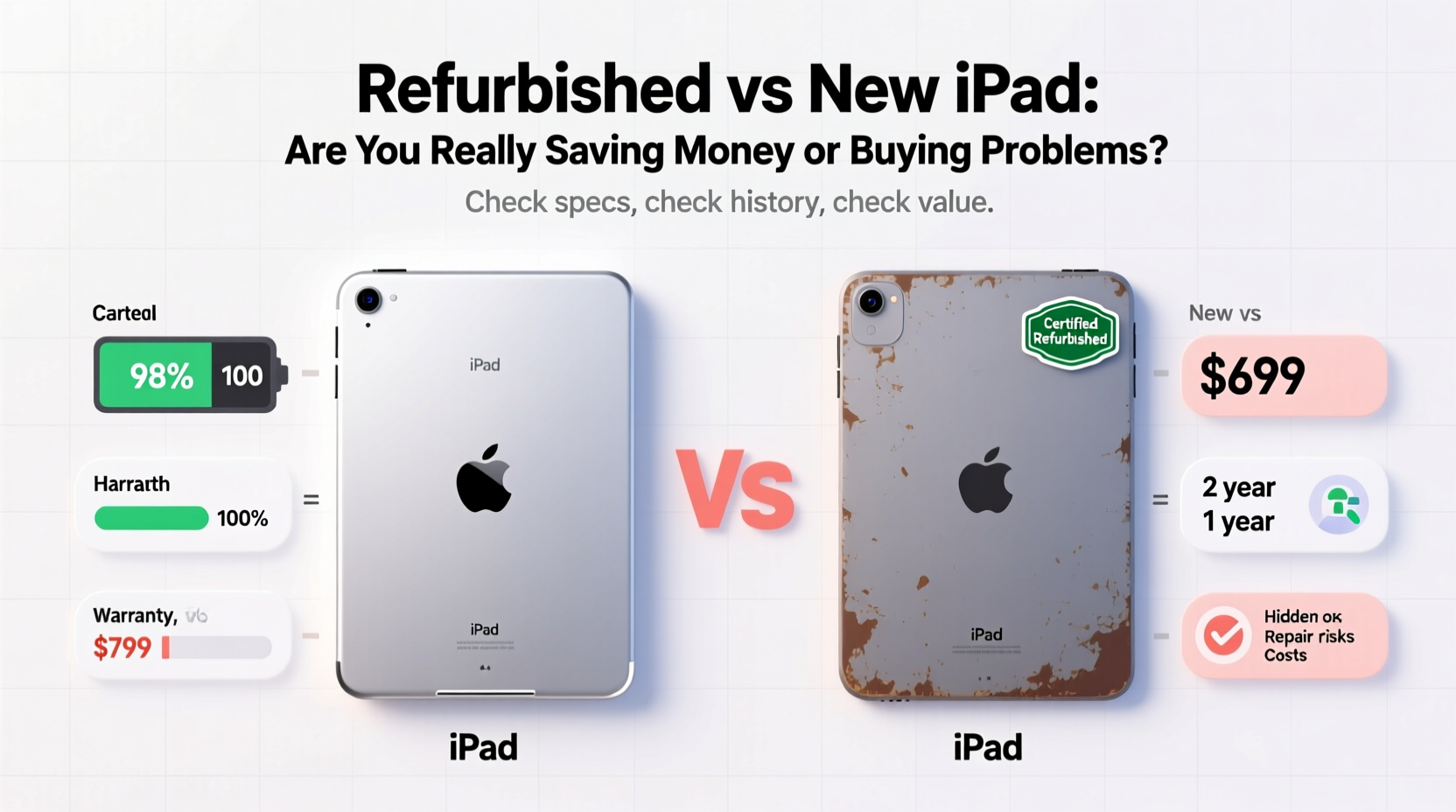
The term “refurbished” is often misunderstood. It doesn’t mean “used” in the traditional sense — like something picked up from a secondhand store with unknown history. Instead, a refurbished iPad has typically been returned to the manufacturer or retailer due to a defect, buyer’s remorse, or minor damage. It’s then inspected, repaired if needed, cleaned, tested, and repackaged for resale.
However, not all refurbishment is equal. There are three main categories:
- Manufacturer-refurbished: Devices restored by Apple or authorized partners. These undergo strict quality control and often come with warranties.
- Retailer-refurbished: Sold by third-party retailers like Amazon Renewed or Best Buy Outlet. Quality varies based on the seller’s standards.
- Third-party refurbished: Restored by independent repair shops or resellers. Often cheaper but carry higher risks.
Apple’s own refurbished program is widely considered the gold standard. Each device is fully tested, given new batteries and outer shells if necessary, and comes with a one-year warranty — the same as a new iPad. You’re essentially getting a like-new product at a discount.
Price Comparison: How Much Can You Actually Save?
One of the biggest draws of a refurbished iPad is the lower price. But how significant is the discount, and does it justify the trade-offs?
Below is a comparison of current pricing (as of mid-2024) for a base-model 10th-gen iPad (64GB, Wi-Fi):
| Condition | Price | Savings vs. New | Warranty | Battery Health |
|---|---|---|---|---|
| New (Apple Store) | $449 | — | 1 year | 100% |
| Apple Refurbished | $379 | $70 (15.6%) | 1 year | ≥95%, often replaced |
| Amazon Renewed (Premium) | $349 | $100 (22.3%) | 90-day | Unknown, likely degraded |
| Third-party Seller (eBay/Marketplace) | $299 | $150 (33.4%) | Limited or none | Varies — often below 85% |
The data shows a clear pattern: deeper discounts come with increased risk. While a $150 saving might seem appealing, it could mean accepting a device with poor battery health, no reliable support, or potential hardware flaws.
“Buying a cheap refurbished iPad can feel like a win until you spend $79 on a battery replacement six months later.” — Jordan Lee, Mobile Device Technician & Repair Shop Owner
Hidden Costs and Long-Term Value
The sticker price isn’t the full story. True value lies in longevity, reliability, and total cost of ownership.
A new iPad offers predictable performance for 5–7 years with regular software updates. Apple supports its iPads with iOS updates for far longer than most Android tablets — often 6+ years. That means your device stays secure, compatible with apps, and functional over time.
With refurbished units, especially older models, you may be closer to the end of that update cycle. For example, an iPad Air 2 sold as “refurbished” today likely hasn’t received an update since 2019. Even if it works now, it won’t support future apps, security patches, or services like banking apps that require modern OS versions.
Beyond software, consider these potential hidden costs:
- Battery degradation: All lithium-ion batteries degrade. A refurbished iPad might have 80% battery health, meaning shorter usage time and possible need for early replacement.
- Screen or hardware wear: Micro-scratches, unresponsive touch areas, or speaker issues may not appear immediately but develop within months.
- Lack of accessories: Many refurbished iPads don’t include chargers, cables, or cases — adding $30–$50 to your real cost.
- No return window: Third-party sellers may offer only 14-day returns, compared to Apple’s 14-day refund policy (even on refurbished).
In contrast, a new iPad comes with full battery life, guaranteed components, and peace of mind. The higher upfront cost may actually result in better long-term value per year of use.
Real-World Example: Two Buyers, Two Outcomes
Consider two people shopping for an iPad in January 2023:
Maria bought a new 10th-gen iPad for $449. She uses it daily for note-taking, reading, and video calls. After 18 months, her battery still holds 92% capacity, she’s received every iOS update, and AppleCare+ covered a cracked screen last summer for $29.
Daniel found a “like new” refurbished iPad 9th-gen on a marketplace site for $269. It looked clean, and the seller had good ratings. By month six, the battery drained in under four hours. He couldn’t update past iPadOS 15 due to model limitations, so his banking app stopped working. When the screen flickered during a class presentation, the seller refused a return. Daniel ended up spending $120 on repairs and eventually bought a new iPad anyway — totaling $389 with no net savings.
Maria spent more initially but gained reliability, support, and fewer disruptions. Daniel saved upfront but paid more in stress, downtime, and unexpected costs.
How to Buy a Refurbished iPad Safely: A Step-by-Step Guide
If you’re set on going the refurbished route, follow this process to minimize risk:
- Determine your needs: What will you use the iPad for? If it's for school, work, or creative apps, prioritize performance and update support. Avoid models more than 3 years old.
- Choose the source carefully: Stick to Apple Refurbished, Amazon Renewed Premium, or Best Buy Refurbished. Avoid unknown sellers on eBay or Craigslist unless they offer strong guarantees.
- Check the model and generation: Use Apple’s model number (e.g., A2696) to confirm exact specs. Older models lack features like Center Stage, USB-C, or landscape front cameras.
- Verify warranty and return policy: Ensure at least a 90-day warranty and 14-day return window. No exceptions.
- Inspect upon arrival: Test the touchscreen, speakers, microphone, camera, charging port, and Wi-Fi. Use Apple’s built-in diagnostics if available.
- Check battery health: Go to Settings > Battery > Battery Health. Anything below 85% indicates significant wear.
- Update immediately: Connect to Wi-Fi and install the latest iPadOS version. This confirms compatibility and security.
Refurbished vs New: Decision Checklist
Still unsure? Run through this checklist before purchasing:
- ✅ Is the iPad model still receiving software updates?
- ✅ Does it come with at least a 90-day warranty?
- ✅ Was it refurbished by Apple or a trusted retailer?
- ✅ Is the battery health above 90%?
- ✅ Does the price difference justify the risk?
- ✅ Do I need the latest features (Apple Pencil support, USB-C, etc.)?
- ✅ Am I comfortable with limited or no customer support?
If you answered “no” to more than two of these, a new iPad is likely the smarter investment.
Frequently Asked Questions
Is an Apple-refurbished iPad as good as new?
Yes, in most cases. Apple replaces faulty parts, installs new batteries when needed, and subjects each unit to rigorous testing. It also comes with a one-year warranty and qualifies for AppleCare+. Functionally, it performs identically to a new device.
Can I trust third-party refurbished iPads?
Proceed with caution. Some reputable third parties do excellent work, but many cut corners. Without standardized testing or consistent warranties, you’re taking a gamble. If the price seems too good to be true, it probably is.
Will a refurbished iPad slow down faster than a new one?
Not inherently. Performance depends on the model and software, not whether it was refurbished. However, older models sold as refurbished may struggle with newer apps simply due to outdated processors or RAM limits — not because of the refurbishment itself.
Final Verdict: Saving Money or Inviting Problems?
The truth is nuanced: some refurbished iPads are excellent deals. Others are ticking time bombs.
An Apple-certified refurbished iPad is nearly identical to a new one — same functionality, same support, just a slightly earlier production date. In that case, you’re genuinely saving money without compromising quality.
But if you're looking at non-certified, deeply discounted units from unknown sources, you're not really saving — you're deferring costs. That $150 discount may vanish quickly with repairs, replacements, or productivity loss from a failing device.
For most users, especially those relying on their iPad for education, work, or creativity, the peace of mind and longevity of a new or Apple-refurbished model outweigh the appeal of a bargain.
“The cheapest tablet is the one you don’t have to replace.” — Lin Zhao, Tech Columnist, *Digital Life Weekly*
Take Action With Confidence
Your iPad should empower you — not frustrate you with crashes, updates failures, or sudden breakdowns. Whether you choose refurbished or new, make the decision based on facts, not just price tags.
If you go refurbished, stick to trusted sources. If you invest in new, recognize it as a long-term tool, not just a gadget. Either way, prioritize reliability, support, and future-proofing.




 浙公网安备
33010002000092号
浙公网安备
33010002000092号 浙B2-20120091-4
Comments
No comments yet. Why don't you start the discussion?