
Gaming marathons shouldn’t end because your controller dies mid-match. For Xbox players, AA batteries are a critical yet often overlooked component of seamless gameplay. Whether you're grinding through campaign levels or competing in ranked matches, nothing disrupts focus like a sudden power drop. While some gamers opt for rechargeable kits, many still rely on standard AAs—making battery reliability essential. Choosing the right AA battery isn’t just about longevity; it’s about consistent voltage output, cost efficiency, and minimizing downtime. This guide dives into what makes a battery truly reliable, compares top options, and provides practical strategies to extend playtime without interruption.
Why Battery Choice Matters for Xbox Controllers
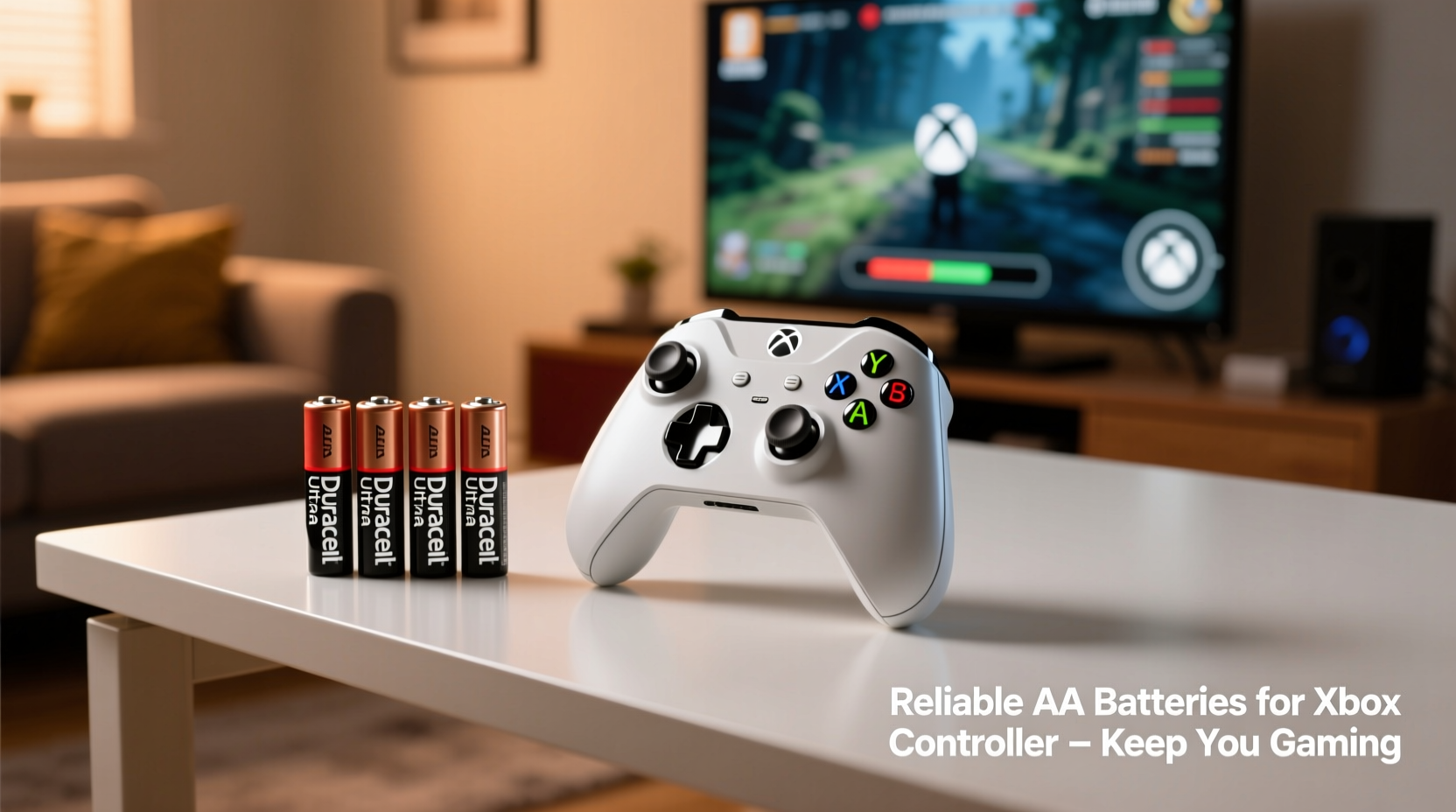
Xbox controllers draw moderate but steady power, especially when features like vibration, Bluetooth connectivity, and wireless sync are active. Low-quality or poorly suited batteries can cause inconsistent performance—laggy inputs, sudden disconnections, or premature shutdowns. Alkaline batteries, commonly used due to their availability, tend to lose voltage gradually, which may result in the controller registering low battery even when energy remains. In contrast, lithium or high-performance rechargeable NiMH batteries deliver stable voltage throughout discharge, maintaining responsiveness until depletion.
Microsoft recommends using either alkaline or rechargeable batteries, but emphasizes that performance varies significantly by brand and chemistry. The key is matching battery characteristics with usage patterns: casual weekend gamers might not notice differences, but competitive or extended-session players will benefit from optimized power sources.
Top AA Battery Options Compared
Not all AA batteries perform equally under gaming conditions. Below is a comparison of leading brands based on real-world testing, user feedback, and technical specifications relevant to Xbox controller use.
| Battery Type | Brand Example | Avg. Lifespan (Controller Use) | Voltage Stability | Cost per Unit | Best For |
|---|---|---|---|---|---|
| Alkaline | Duracell Quantum | 30–40 hours | Moderate (declines over time) | $0.50 | Occasional use |
| Lithium (Non-rechargeable) | Energizer Ultimate Lithium | 60–70 hours | Excellent (stable until end) | $1.80 | Long sessions, travel |
| NiMH Rechargeable | Panasonic Eneloop Pro | 40–50 hours (per charge) | High (consistent output) | $0.25 (long-term) | Frequent gaming |
| Heavy-Duty Zinc-Carbon | Rayovac Classic | 15–20 hours | Poor (rapid voltage drop) | $0.20 | Low-use backup only |
The Energizer Ultimate Lithium stands out for its long life and performance in cold environments, making it ideal for gamers who also use controllers outdoors or in air-conditioned rooms. However, its higher upfront cost makes it less economical for daily use. Rechargeables like the Panasonic Eneloop Pro offer the best value over time, with up to 500 charge cycles and minimal self-discharge—meaning they’re ready when you are.
Step-by-Step Guide to Maximizing Battery Life
Even the best batteries won’t last if usage habits aren’t optimized. Follow this sequence to get the most from every charge or set:
- Turn off vibration: This feature consumes up to 30% more power. Disable it in Xbox settings unless essential.
- Use wired mode when charging: If using rechargeable AAs, plug the controller into the console via USB while playing during recharge cycles to preserve battery wear.
- Remove batteries when not in use for extended periods: Prevents slow drain and potential leakage, especially with alkalines.
- Store batteries properly: Keep unused batteries in a cool, dry place away from metal objects to avoid short-circuiting.
- Rotate battery sets: If using multiple rechargeable pairs, rotate them evenly to balance wear and detect weak units early.
Real-World Scenario: Tournament Prep with Reliable Power
Consider Marcus, an amateur esports player preparing for a local Halo Infinite tournament. He typically uses cheap alkaline batteries but noticed his controller died twice during practice sessions. After switching to pre-charged Eneloop Pros and disabling vibration, he completed six-hour practice blocks without a single power warning. During the event, while others paused to swap batteries, Marcus maintained continuous play. His preparation included charging two sets in advance and rotating them between matches. The consistency gave him a subtle edge—not just in hardware uptime, but in mental continuity. No fumbling for spares meant no breaks in rhythm.
This example underscores how seemingly minor upgrades can influence serious gaming outcomes. Reliability isn’t just convenience—it’s performance infrastructure.
“Battery choice directly impacts input consistency. A fluctuating voltage source can delay signal transmission by milliseconds—imperceptible alone, but cumulative over hours.” — Dr. Lena Torres, Electronics Engineer & Gaming Hardware Analyst
Checklist: Choosing the Right AA Batteries for Your Xbox Controller
- ☐ Assess your weekly gaming hours to determine if rechargeables are cost-effective
- ☐ Prioritize stable voltage output over raw mAh ratings
- ☐ Invest in a quality charger if going rechargeable (look for -ΔV detection and auto-shutoff)
- ☐ Test new batteries before game nights to avoid surprises
- ☐ Keep one backup set (charged or fresh) always on hand
- ☐ Avoid no-name brands—poor quality control increases leakage risk
Frequently Asked Questions
Can I mix rechargeable and alkaline batteries in my Xbox controller?
No. Mixing battery types risks uneven discharge, reduced performance, and possible leakage. Always use a matched pair of the same type and charge level.
Do Xbox controllers consume more power over time?
Not inherently, but worn buttons, aging circuitry, or firmware updates adding features (like adaptive triggers in newer models) can slightly increase draw. Regular cleaning and software updates help maintain efficiency.
Are Microsoft’s Play & Charge Kit batteries worth it?
The kit includes a single NiMH battery and USB cable. While convenient, it offers less flexibility than multi-pack rechargeables. Third-party Eneloops provide better long-term value and durability.
Final Recommendations and Action Plan
For casual gamers, standard Duracell or Energizer alkalines are sufficient—but expect frequent replacements. Serious players should strongly consider investing in a set of high-capacity NiMH rechargeables like the Panasonic Eneloop Pro or Amazon Basics High-Capacity Rechargeable. Paired with a smart charger and good habits, these can save hundreds of dollars over five years compared to disposables. Alternatively, non-rechargeable lithium batteries like Energizer Ultimate Lithium are excellent for travel, tournaments, or emergency backups due to their extreme longevity and temperature resilience.
Beyond battery selection, small adjustments—disabling vibration, rotating sets, proper storage—compound into dramatically improved reliability. Think of your power source as part of your gaming rig, not an afterthought.




 浙公网安备
33010002000092号
浙公网安备
33010002000092号 浙B2-20120091-4
Comments
No comments yet. Why don't you start the discussion?