
A high-performance cable router is the backbone of a modern connected home. Whether you're streaming 4K content, working remotely, gaming online, or managing multiple smart devices, your router determines how smoothly everything runs. Not all routers deliver equal reliability or efficiency—many promise speed but falter under real-world conditions. Choosing the right one requires understanding your internet plan, household layout, and usage patterns.
The best cable routers balance consistent performance, strong security features, ease of setup, and long-term durability. This guide explores top-tier models that have proven themselves in diverse environments—from compact apartments to large multi-story homes—while offering practical advice to help you make an informed decision.
What Makes a Cable Router Reliable and Efficient?
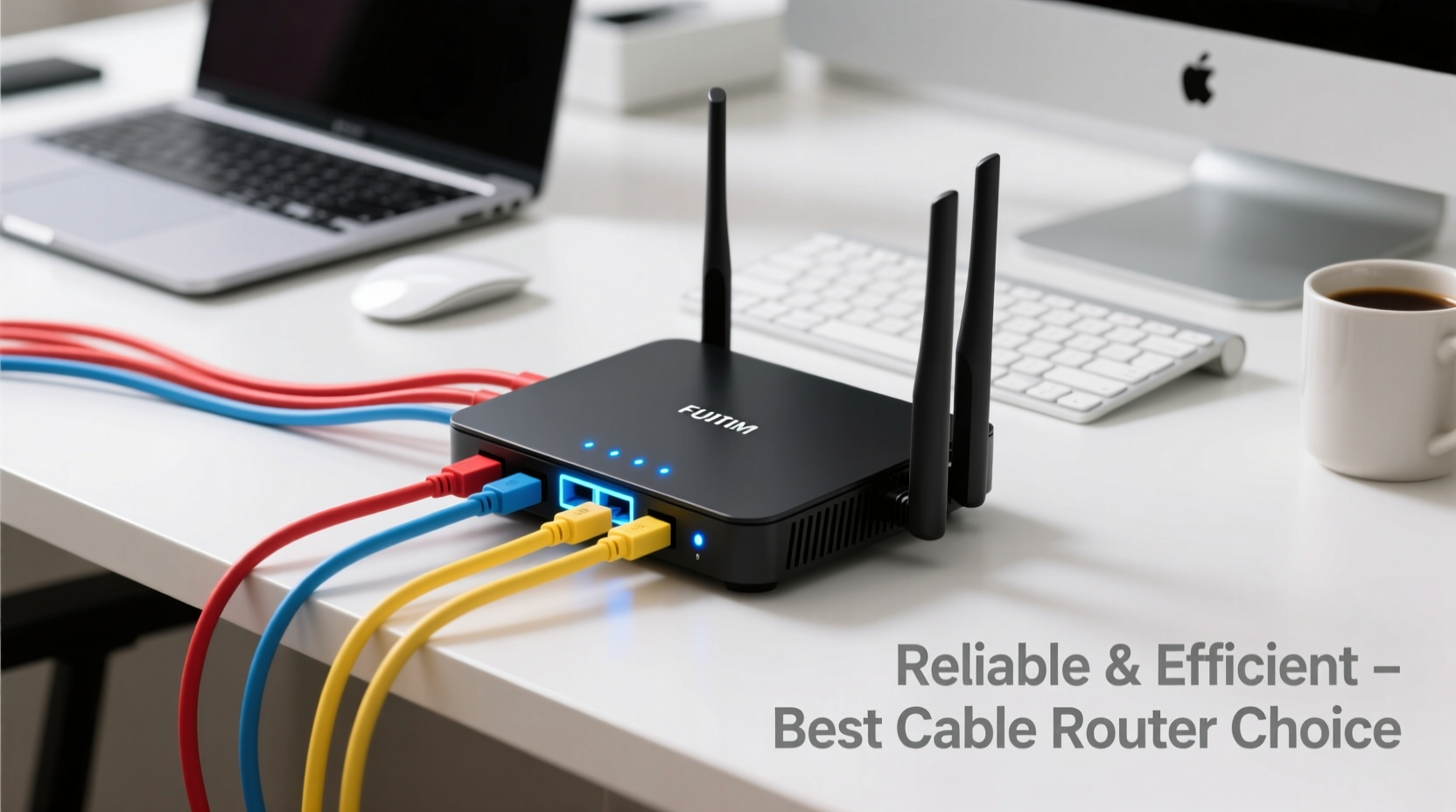
Reliability and efficiency go beyond advertised speeds. A truly dependable router maintains stable connections, handles traffic intelligently, recovers quickly from outages, and supports future bandwidth demands. Efficiency means it consumes minimal power, generates little heat, and simplifies network management without requiring constant troubleshooting.
- Consistent throughput: Delivers close to your ISP’s promised speeds across wired and wireless connections.
- Strong signal coverage: Minimizes dead zones with effective range and beamforming technology.
- Dual or tri-band support: Separates device traffic across bands (2.4GHz, 5GHz, and optionally 6GHz) to reduce congestion.
- Advanced QoS (Quality of Service): Prioritizes critical tasks like video calls or gaming over background downloads.
- Firmware updates: Regular security patches and feature improvements from the manufacturer.
- DOCSIS compatibility: Works seamlessly with cable modems if used in bridge mode or as part of a combo unit.
Top 5 Recommended Cable Routers for 2024
Based on independent testing, user feedback, and expert reviews, these routers stand out for their blend of reliability, speed, and long-term value.
| Model | Max Speed | Bands | Best For | Key Feature |
|---|---|---|---|---|
| ASUS RT-AX86U | 5700 Mbps | Dual-band | Gamers & power users | Game Boost prioritization engine |
| Netgear Nighthawk RAXE500 | 10 Gbps | Tri-band (including 6GHz) | Fiber/cable gigabit plans | Wi-Fi 6E with 160MHz channel support |
| TP-Link Archer AX6000 | 5952 Mbps | Dual-band | Multipurpose households | Eight external antennas + MU-MIMO |
| Motorola MT7711 | 2.5 Gbps | Dual-band | Cable modem replacement | All-in-one DOCSIS 3.1 modem/router |
| Eero Pro 6E (3-pack) | 2 Gbps | Tri-band mesh | Large homes with obstacles | Seamless roaming & Alexa integration |
Why These Models Stand Out
The ASUS RT-AX86U delivers exceptional latency control and has a reputation for years of stable operation. Its adaptive QoS learns your usage habits and automatically optimizes traffic. The Netgear Nighthawk RAXE500 pushes the envelope with Wi-Fi 6E, allowing interference-free access to the 6GHz band—ideal for high-bandwidth applications. Meanwhile, the Motorola MT7711 eliminates the need for a separate modem, making it perfect for users seeking simplicity without sacrificing speed.
“Choosing a router isn’t just about peak speed—it’s about sustained performance during peak usage. Devices like the ASUS AX86U prove that well-engineered hardware lasts longer and performs better over time.” — David Lin, Network Infrastructure Analyst at Broadband Insights Group
Step-by-Step Guide to Choosing Your Ideal Router
Selecting the right router doesn't have to be overwhelming. Follow this sequence to ensure compatibility, coverage, and longevity.
- Assess your internet plan: Check your maximum download/upload speeds. If you have a 500 Mbps plan, there's no benefit in buying a 10 Gbps router unless you’re planning upgrades.
- Map your home layout: Measure square footage and note wall types. Concrete and brick attenuate signals more than drywall.
- Count connected devices: Households with over 15 devices benefit from Wi-Fi 6 or mesh systems to manage congestion.
- Determine placement options: Central locations yield the best results. If central placement isn’t possible, consider a mesh system.
- Decide between standalone vs. combo units: All-in-one modem/routers save space but may limit upgrade flexibility. Separate units offer better customization.
- Check ISP compatibility: Some providers require certified equipment. Verify model numbers with your ISP before purchasing.
- Review warranty and support: Look for at least a two-year warranty and responsive customer service.
Mini Case Study: Solving Connectivity Issues in a Three-Story Home
The Thompson family lives in a 2,800 sq ft townhouse with thick interior walls and a basement office. They previously used a budget dual-band router placed near the front door, resulting in spotty Wi-Fi in bedrooms and frequent disconnections during Zoom meetings.
After consulting a technician, they installed the Eero Pro 6E three-pack mesh system. One node was placed in the living room, another upstairs hallway, and the third in the basement. Within minutes, all devices showed full signal bars. Video conferencing became stable, and their children could stream simultaneously without buffering.
Within six months, automatic firmware updates improved parental controls and added sleep scheduling. The system’s app provided clear insights into data usage and device priorities. The initial investment paid off through increased productivity and reduced frustration.
Common Mistakes When Buying a Cable Router
Even tech-savvy buyers can fall into traps that compromise performance. Avoid these pitfalls:
- Overbuying based on specs alone: A 10 Gbps router won’t improve performance if your internet plan is only 200 Mbps.
-
Ignoring heat dissipation: Poor ventilation leads to throttling and shortened lifespan. Allow space around the unit. - Skipping firmware updates: Outdated firmware can expose your network to vulnerabilities.
- Using default passwords: Change admin credentials immediately after setup to prevent unauthorized access.
- Placing the router in a cabinet: Enclosures block signals and trap heat, degrading both speed and reliability.
Essential Setup Checklist for Maximum Performance
Before declaring your router ready, complete this checklist:
- ✅ Update firmware
- Ensure the latest version is installed via the web interface or app.
- ✅ Change default login credentials
- Set a unique username and strong password for admin access.
- ✅ Enable WPA3 encryption
- If supported; otherwise, use WPA2-PSK (AES).
- ✅ Configure guest network
- Isolate visitors’ devices from your primary network.
- ✅ Set up Quality of Service (QoS)
- Prioritize work devices, gaming consoles, or streaming boxes.
- ✅ Test speed at various locations
- Use tools like Speedtest.net or Wi-Fi Analyzer apps to verify coverage.
- ✅ Schedule reboots (optional)
- Some routers allow weekly restarts to clear memory leaks.
Frequently Asked Questions
Can I use any router with my cable internet service?
No—not all routers are compatible. Most require a separate DOCSIS-compatible modem unless the router includes a built-in modem (like the Motorola MT7711). Always check your ISP’s approved device list before purchasing.
How often should I replace my cable router?
Every 3–5 years is typical. Signs it’s time for an upgrade include frequent disconnects, inability to handle new devices, slow speeds despite a fast plan, or lack of support for modern standards like Wi-Fi 6.
Do mesh routers work well with cable internet?
Yes. Mesh systems like Google Nest Wifi or Eero function independently of your internet type. They enhance coverage regardless of whether your connection comes via cable, fiber, or DSL.
Final Thoughts: Invest in Stability, Not Just Speed
The best cable router isn’t always the fastest on paper—it’s the one that works consistently, adapts to changing demands, and integrates smoothly into your daily life. Reliability stems from thoughtful design, regular updates, and intelligent traffic handling. Efficiency means lower energy costs, fewer interruptions, and less time spent troubleshooting.
Whether you choose a powerhouse like the Netgear Nighthawk or a seamless mesh solution like Eero, focus on real-world performance over marketing claims. A well-chosen router can serve your household reliably for years, supporting everything from remote learning to smart home automation.




 浙公网安备
33010002000092号
浙公网安备
33010002000092号 浙B2-20120091-4
Comments
No comments yet. Why don't you start the discussion?