
With remote work, online learning, and digital entertainment becoming central to daily life, a dependable laptop is no longer a luxury—it's essential. Whether you're managing emails, streaming movies, editing photos, or helping kids with homework, the right device can make all the difference. But navigating the sea of models, specs, and price points can be overwhelming. The good news: there are excellent, reliable, and efficient laptops available at every budget level. From under $400 to premium performers over $1000, this guide delivers real-world tested options that balance performance, durability, and value.
What Makes a Laptop Reliable and Efficient for Home Use?
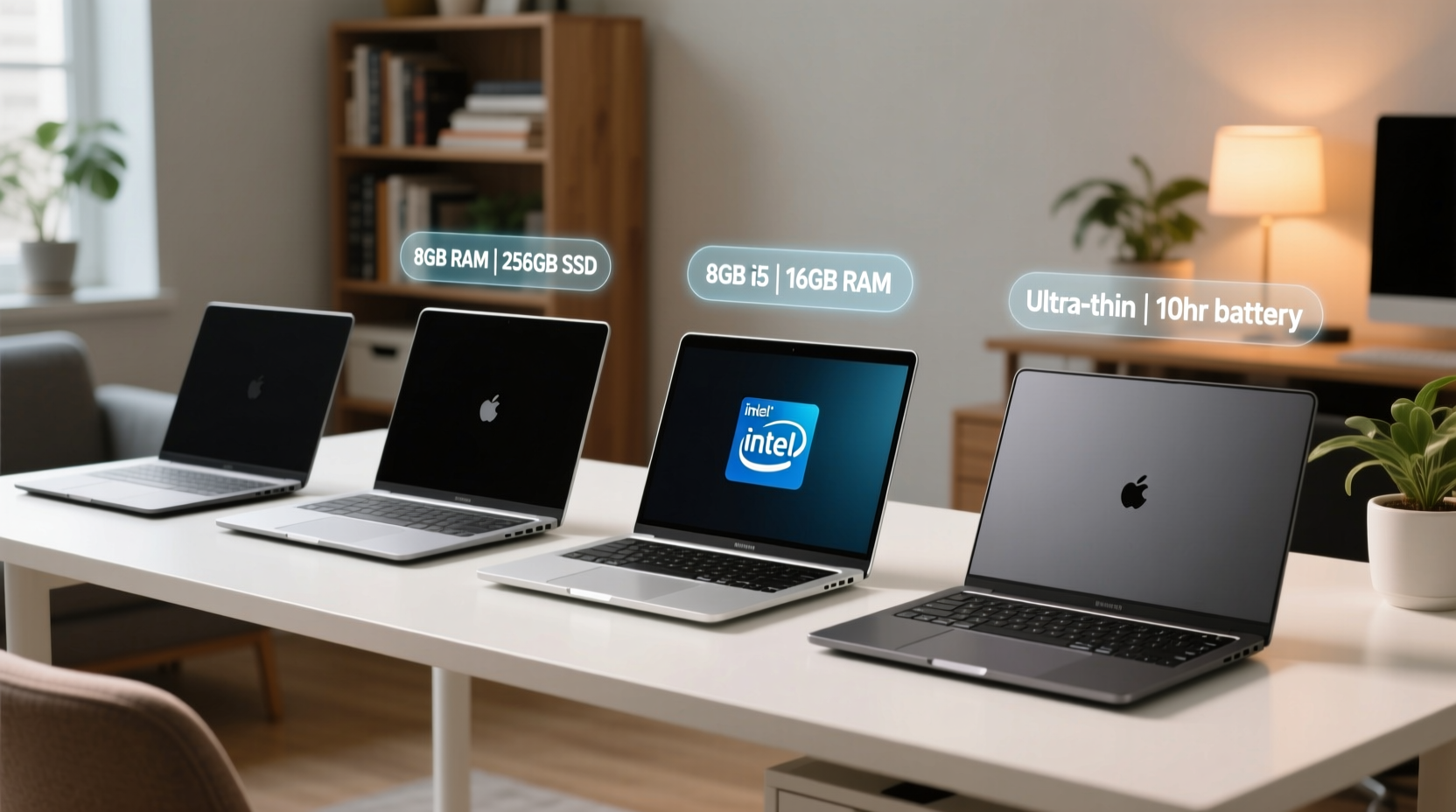
Reliability isn’t just about brand reputation—it’s about consistent performance, build quality, battery longevity, and ease of maintenance. Efficiency, on the other hand, means the laptop handles everyday tasks smoothly without excessive power draw or heat generation. For home users, key factors include:
- Processor (CPU): At minimum, an Intel Core i3, AMD Ryzen 3, or Apple M-series chip for smooth multitasking.
- RAM: 8GB is the sweet spot; 16GB if you run multiple apps or light creative software.
- Storage: 256GB SSD ensures fast boot times and responsive file access.
- Battery Life: Aim for 8+ hours for flexibility during unplugged use.
- Build Quality: Durable hinges, spill-resistant keyboards, and solid chassis matter for long-term use.
- OS & Updates: Choose systems with long-term support—Windows 11, macOS, or Chrome OS with auto-updates enabled.
Laptops Under $400: Budget-Friendly Without Sacrificing Reliability
This range suits students, casual users, and households needing secondary devices. While compromises exist, modern entry-level laptops have improved dramatically thanks to efficient processors and cloud-based workflows.
Top picks include the Acer Aspire 3 (Ryzen 3 7320U, 8GB RAM, 128GB SSD) and the Lenovo IdeaPad 3 (Intel Core i3-1215U). Both offer Full HD displays, decent keyboards, and Windows 11, making them ideal for web browsing, video calls, and document editing.
For families relying on Google Workspace or YouTube, the HP Chromebook x360 14c stands out with its touchscreen, 10-hour battery, and rugged design—perfect for kids’ schoolwork.
“Don’t assume cheap means flimsy. Many sub-$400 laptops now use aluminum lids and shock-absorbing corners.” — David Lin, Tech Hardware Analyst at PC Today
Checklist: What to Verify Before Buying a Sub-$400 Laptop
- ✅ SSD storage (not eMMC)
- ✅ At least 8GB of RAM (soldered or expandable)
- ✅ USB-C port with charging support
- ✅ Backlit keyboard (optional but helpful)
- ✅ Wi-Fi 6 compatibility
Mid-Range Powerhouses: $400–$700 Sweet Spot
This bracket delivers the best value for most home users. You gain better materials, stronger CPUs, and often premium features like fingerprint readers or backlit displays.
The Dell Inspiron 14 Plus (Intel Core i5-1235U, 16GB RAM, 512GB SSD) combines sleek design with robust performance. It handles photo editing, Zoom meetings, and media streaming effortlessly. Meanwhile, the ASUS Vivobook 15 offers a 90% screen-to-body ratio and ErgoLift hinge, improving typing comfort and cooling.
Apple users should consider the MacBook Air (M1, 2020)—still powerful and frequently found within this range secondhand or refurbished. With macOS optimization, it runs quietly, stays cool, and lasts over 14 hours on a charge.
Comparison Table: Top Mid-Budget Laptops
| Model | CPU | RAM / Storage | Battery Life | Price Range |
|---|---|---|---|---|
| Dell Inspiron 14 Plus | Intel i5-1235U | 16GB / 512GB SSD | Up to 10 hrs | $580 |
| ASUS Vivobook 15 | AMD Ryzen 5 7530U | 16GB / 512GB SSD | Up to 11 hrs | $530 |
| MacBook Air M1 (Refurbished) | Apple M1 | 8GB / 256GB SSD | Up to 15 hrs | $650 |
| Lenovo Yoga 7i | Intel i5-1240P | 12GB / 512GB SSD | Up to 12 hrs | $699 |
Premium Performers: $800 and Above
When reliability and efficiency extend into high-performance territory, you’re investing in future-proofing. These laptops handle demanding tasks—video editing, coding, graphic design—with ease, while maintaining quiet operation and excellent thermal management.
The MacBook Air (M2, 2022) leads here with silent fanless design, brilliant Retina display, and industry-leading energy efficiency. Paired with macOS’s optimization, it remains responsive even after years of use.
Windows alternatives like the HP Spectre x360 14 blend convertible functionality with CNC-machined aluminum build and 14-hour battery life. Similarly, the LG Gram 16 weighs under 2.2 lbs despite its massive screen—ideal for those who move between home offices.
For hybrid workloads, the Microsoft Surface Laptop 5 offers a luxurious typing experience and seamless Windows integration, especially useful for Microsoft 365 users.
“The M2 MacBook Air redefines efficiency—using less than 15 watts under load while outperforming many quad-core laptops.” — Sarah Kim, Senior Editor at TechLife Weekly
Real-World Example: A Family’s Upgrade Journey
The Thompson family in Portland had three aging laptops—one for remote school, one for freelance bookkeeping, and a shared device for streaming. All struggled with slow boot times and overheating. After researching, they consolidated into two reliable machines: a refurbished M1 MacBook Air for the parent’s accounting work and an ASUS Vivobook 15 for the teens.
Within weeks, they noticed fewer crashes, faster internet searches, and longer uninterrupted use. “We saved money by buying smarter, not more,” said Jen Thompson. “And I don’t dread turning the laptop on anymore.”
Step-by-Step Guide: Choosing Your Ideal Home Laptop
- Define your primary use: Web/email? Streaming? Photo editing? This determines required specs.
- Set a realistic budget: Include peripherals (mouse, case) and potential repair costs.
- Compare CPU and RAM: Avoid Celeron/Pentium unless strictly for Chromebooks.
- Check upgradeability: Can RAM or storage be expanded later?
- Read user reviews: Focus on long-term durability feedback (12+ months).
- Verify return policy: Test the device thoroughly within the first week.
Frequently Asked Questions
Is a Chromebook sufficient for home use?
Yes—if your needs revolve around web apps, email, YouTube, and Google Docs. Chromebooks are secure, low-maintenance, and often last 5+ years with automatic updates. They’re less suitable for offline-heavy or specialized software.
How long should a home-use laptop last?
A well-maintained laptop should last 5–7 years. SSDs degrade slowly, and modern OS updates support devices for half a decade. Performance may dip over time, but regular cleanups and cloud backups extend usability.
Should I prioritize battery life or processing power?
For stationary use (desk, living room), prioritize CPU and RAM. If moving between rooms or working unplugged often, battery life becomes critical. Look for laptops with adaptive brightness and power-saving modes.
Final Thoughts: Smart Investment, Lasting Value
Choosing a reliable and efficient laptop doesn’t require spending the most—it requires spending wisely. Across every budget tier, manufacturers now deliver capable machines backed by better engineering and longer support cycles. By focusing on core components, real-world performance, and trusted brands, you can find a device that serves your household reliably for years.




 浙公网安备
33010002000092号
浙公网安备
33010002000092号 浙B2-20120091-4
Comments
No comments yet. Why don't you start the discussion?