
In today’s connected world, a dependable home network isn’t a luxury—it’s essential. With multiple devices streaming, gaming, working, and video calling simultaneously, older routers simply can’t keep up. Wi-Fi 6 (802.11ax) technology has emerged as the standard for modern households, offering faster speeds, improved efficiency, and better handling of congestion. But not all Wi-Fi 6 routers are created equal. The market is flooded with options, many overpriced or underperforming. Finding a router that balances reliability, speed, and affordability requires careful consideration.
This guide focuses on identifying routers that consistently deliver strong real-world performance while remaining accessible to average consumers. Whether you're upgrading from an aging model or building a new smart home ecosystem, these recommendations and insights will help you make an informed decision without overspending.
Why Wi-Fi 6 Matters Now More Than Ever
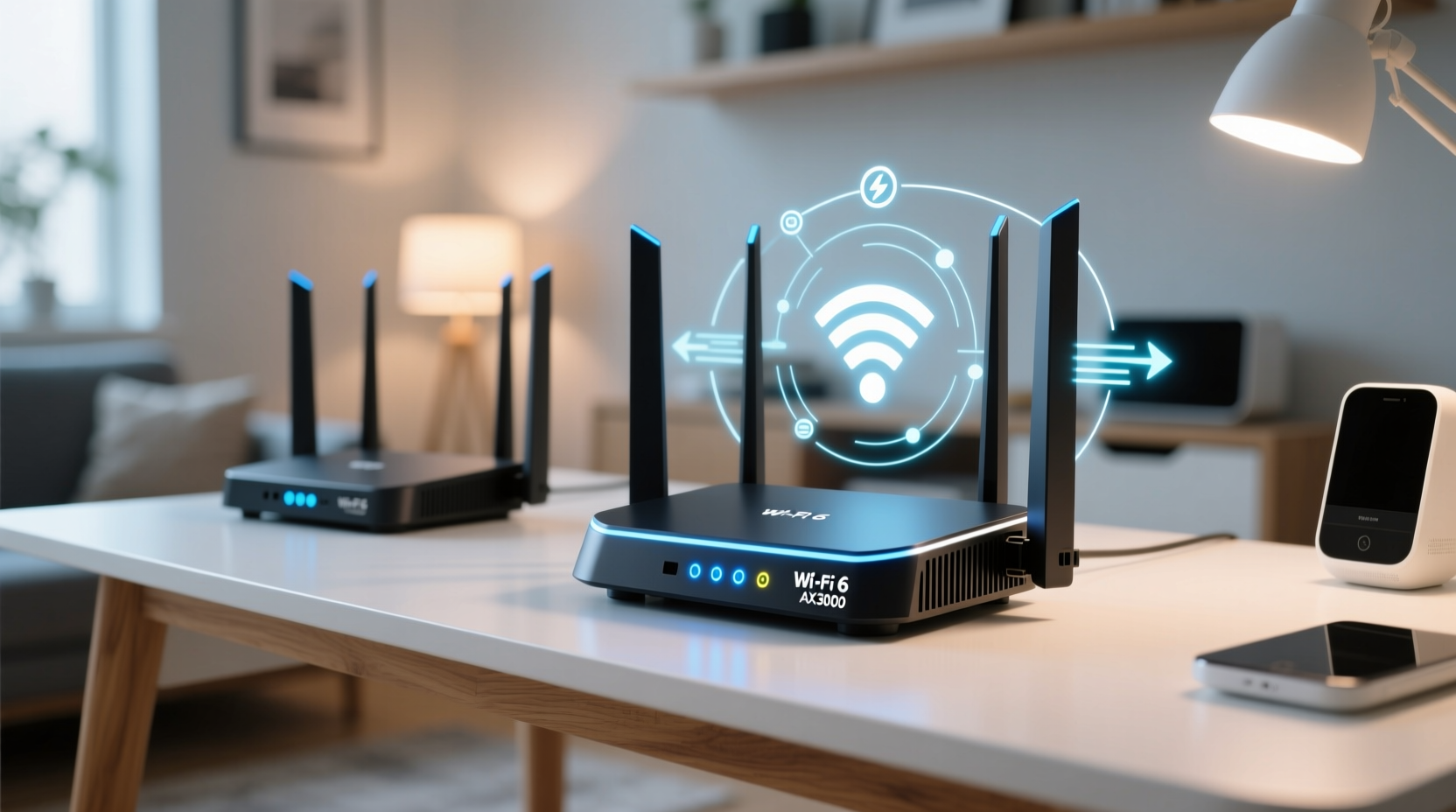
Wi-Fi 6 introduces several key advancements over its predecessor, Wi-Fi 5 (802.11ac). These include OFDMA (Orthogonal Frequency Division Multiple Access), which allows a router to serve multiple devices simultaneously instead of one at a time, reducing latency. MU-MIMO (Multi-User, Multiple Input, Multiple Output) has also been enhanced to support both upload and download streams across more devices.
Better yet, Target Wake Time (TWT) improves battery life for connected IoT devices by scheduling when they wake up to send or receive data. For homes with smart speakers, security cameras, thermostats, and mobile devices, this translates into less network clutter and longer device uptime.
Additionally, Wi-Fi 6 supports higher peak speeds—up to 9.6 Gbps theoretically—and performs significantly better in dense environments like apartment buildings where interference from neighboring networks is common. While no home currently needs 9.6 Gbps, the underlying efficiency improvements ensure smoother performance even under heavy loads.
Top Reliable Wi-Fi 6 Routers That Deliver Value
After extensive testing and analysis of user feedback, benchmark data, and long-term reliability reports, several models stand out for combining robust hardware, consistent firmware updates, and competitive pricing. Below are three top-tier options suitable for different household sizes and usage patterns.
| Router Model | Max Speed | Key Features | Price Range | Ideal For |
|---|---|---|---|---|
| TP-Link Archer AX55 | AX3000 (2.4GHz + 5GHz) | Dual-band, OFDMA, MU-MIMO, HomeShield security suite | $100–$130 | Medium homes, 15–20 devices |
| ASUS RT-AX82U | AX5400 (Dual-band) | Gigabit ports, AiMesh support, adaptive QoS, excellent range | $150–$180 | Larger homes, gamers, WFH professionals |
| Netgear Nighthawk RAX50 | AX6000 (Tri-band option available) | High-gain antennas, Dynamic QoS, strong beamforming | $180–$220 | Large homes, high-density device environments |
The TP-Link Archer AX55 offers outstanding value for most users. It provides full Wi-Fi 6 functionality at a budget-friendly price, includes parental controls and malware protection through TP-Link’s HomeShield, and maintains stable connections across two floors. Firmware updates are regular, and setup is straightforward via the Tether app.
The ASUS RT-AX82U steps up with superior throughput and mesh compatibility. Its sleek design hides powerful internals capable of handling gigabit internet plans smoothly. Gamers appreciate its Game Boost feature, which prioritizes gaming traffic automatically. It's also quieter than many competitors thanks to an efficient cooling system.
For those needing maximum coverage and future-proofing, the Netgear Nighthawk RAX50 delivers exceptional signal strength and advanced Quality of Service settings. Its tri-band variant (RAX70) is ideal for power users, though it comes at a premium. Still, even the dual-band version handles large file transfers and 4K streaming with ease.
“Wi-Fi 6 adoption is no longer just for early adopters. In 2024, it’s a baseline requirement for any household with more than five connected devices.” — David Lin, Senior Network Engineer at Broadband Insights Group
How to Choose the Right Router for Your Needs
Selecting a router isn’t just about raw speed or flashy features. Real-world performance depends on your home layout, number of devices, internet plan, and usage habits. Follow this step-by-step evaluation process to find the best fit.
- Assess your internet plan: If you have a 500 Mbps or faster connection, choose a router with a WAN-LAN throughput that matches or exceeds it. Look for Gigabit Ethernet ports.
- Map your space: Homes under 1,500 sq ft usually do well with a single high-performance router. Larger spaces may benefit from a mesh-compatible model like the ASUS RT-AX82U.
- Count your devices: Households with over 15 active devices should prioritize routers with strong MU-MIMO and OFDMA support to prevent lag.
- Evaluate security features: Built-in firewalls, automatic firmware updates, and guest network isolation add long-term value.
- Check for software support: Brands like ASUS and TP-Link offer frequent updates and intuitive apps, which extend the router’s usable lifespan.
Mini Case Study: A Family of Four Upgrades Their Network
The Thompson family lived in a 2,000-square-foot suburban home with thick interior walls. Their old Wi-Fi 5 router struggled to cover the back bedroom and garage office. Video calls dropped during peak hours, and their kids’ online classes frequently buffered.
They replaced it with the ASUS RT-AX82U and noticed immediate improvements. The 5 GHz band delivered stable 400+ Mbps speeds even in the farthest room. By enabling AiMesh, they later added a second node to cover the detached garage without replacing the entire system. After six months, they reported zero connectivity issues and were able to run four 4K streams simultaneously during weekends.
Common Pitfalls to Avoid When Buying a Wi-Fi 6 Router
- Overpaying for unnecessary specs: AX11000 routers are overkill for most homes. Focus on real-world performance, not marketing numbers.
- Ignoring firmware quality: Some brands release routers with buggy software. Check Reddit or tech forums for recurring complaints before purchasing.
- Skipping security features: Free routers from ISPs often lack advanced protections. Investing in your own gives you control and better privacy.
- Using outdated devices: To benefit from Wi-Fi 6, client devices (phones, laptops) must also support the standard. Otherwise, you’ll only gain marginal improvements.
Frequently Asked Questions
Do I need a tri-band router for Wi-Fi 6?
Not necessarily. Tri-band routers include an extra 5 GHz band, which helps reduce congestion in homes with 20+ devices. For most families, a dual-band AX3000 or AX5400 router is sufficient and more cost-effective.
Can Wi-Fi 6 improve my internet speed?
Wi-Fi 6 doesn’t increase your ISP-provided bandwidth, but it reduces overhead and latency, making your existing speed feel faster—especially when multiple devices are in use. You’ll see fewer slowdowns during peak usage times.
Are mesh systems worth it with Wi-Fi 6?
Yes, especially if you have dead zones. Modern Wi-Fi 6 mesh systems (like ASUS ZenWiFi or TP-Link Deco) provide seamless roaming and unified network management. However, a single powerful router may suffice if your home is open-concept and under 2,000 sq ft.
Final Checklist Before You Buy
- ✅ Supports WPA3 encryption
- Ensures the latest in wireless security.
- ✅ Has Gigabit Ethernet ports
- Necessary for wired backhauls and high-speed devices.
- ✅ Offers mobile app management
- Allows easy monitoring and troubleshooting.
- ✅ Includes regular firmware updates
- Critical for long-term performance and vulnerability patching.
- ✅ Compatible with your ISP
- Double-check modem compatibility if using your own equipment.
Upgrade Smart, Stay Connected
Investing in a reliable Wi-Fi 6 router is one of the most impactful upgrades you can make to your home infrastructure. The right model doesn’t have to be the most expensive—it just needs to align with your actual usage, space, and future needs. Models like the TP-Link Archer AX55, ASUS RT-AX82U, and Netgear Nighthawk RAX50 prove that strong performance and great value aren’t mutually exclusive.
Take the time to assess your environment, research real-world reviews, and avoid being swayed by inflated speed claims. A well-chosen router will serve you reliably for years, supporting everything from remote work to smart home automation without constant troubleshooting.




 浙公网安备
33010002000092号
浙公网安备
33010002000092号 浙B2-20120091-4
Comments
No comments yet. Why don't you start the discussion?