
As holiday lighting grows more sophisticated, so do the tools used to manage it. No longer limited to simple on-off switches, today’s Christmas lights can be synchronized, dimmed, scheduled, and even animated—thanks to modern controllers. Two dominant options have emerged: remote-controlled units and app-based systems. While both offer convenience over traditional setups, they differ significantly in functionality, scalability, and user experience. Choosing between them depends on your goals, technical comfort, and how much control you want over your festive display.
Understanding the Core Differences
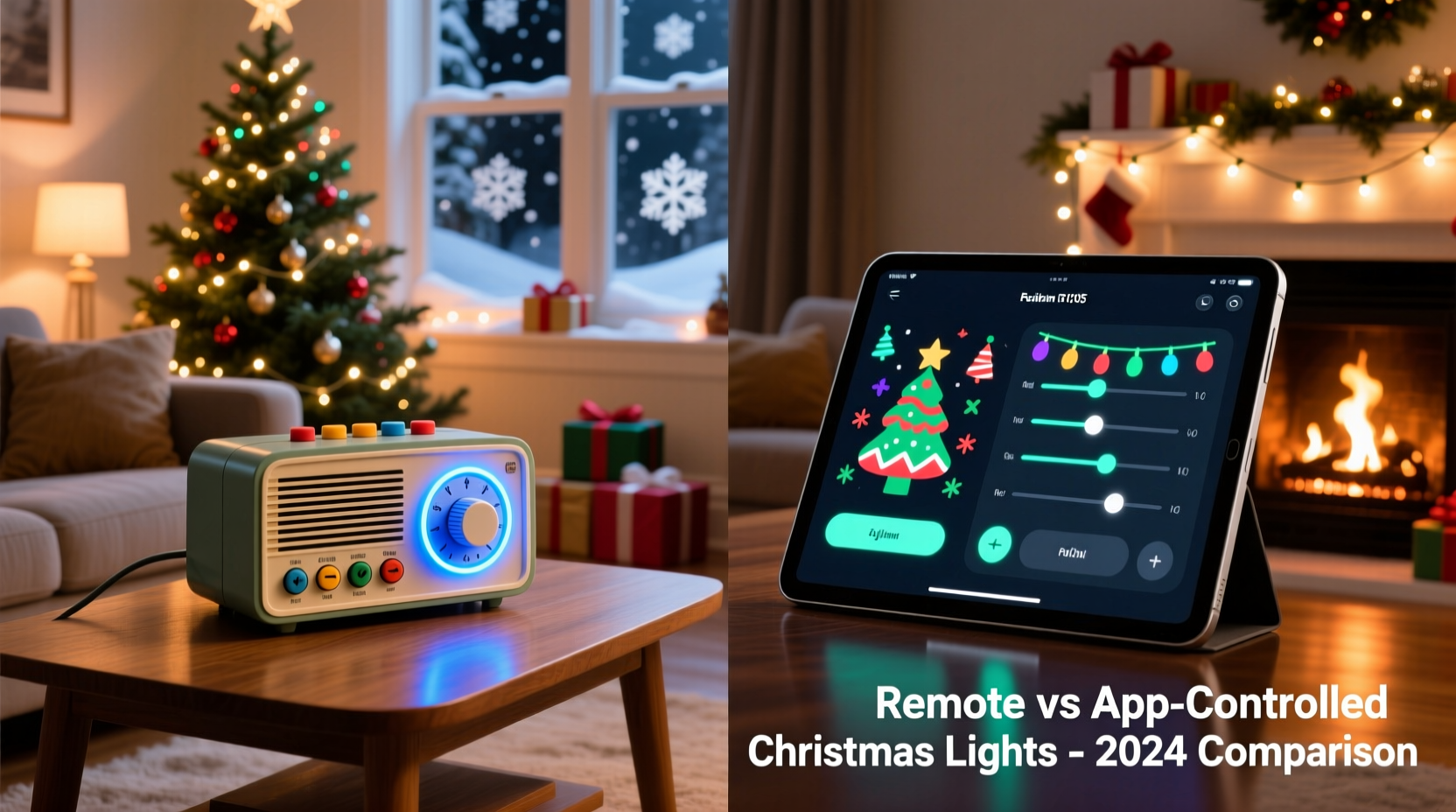
At first glance, remote-controlled and app-based Christmas light controllers appear to serve the same purpose—turning lights on and off with ease. But their underlying technology, interface, and capabilities set them apart.
Remote-controlled controllers use infrared (IR) or radio frequency (RF) signals to communicate with a receiver unit connected to your lights. These are standalone devices, often requiring line-of-sight (for IR) or within a certain range (for RF). They’re typically plug-and-play, need no Wi-Fi, and work independently of your smartphone or network.
App-based controllers, on the other hand, connect to your home Wi-Fi or via Bluetooth and are managed through a dedicated mobile application. This allows for advanced scheduling, cloud-based access, voice assistant integration (like Alexa or Google Assistant), and sometimes multi-zone control from anywhere in the world.
The choice isn’t just about preference—it’s about what kind of experience you want. A simple porch string might only need a basic remote, but a full-house synchronized light show demands the flexibility of an app.
Feature Comparison: Remote vs App-Based Controllers
| Feature | Remote-Controlled | App-Based |
|---|---|---|
| Setup Complexity | Low – plug in and pair | Moderate – requires Wi-Fi and app installation |
| Range | Limited by signal type (IR: ~30 ft; RF: up to 100 ft) | Global – accessible via internet |
| Scheduling | Basic timers only (if available) | Advanced daily/weekly schedules, sunrise/sunset triggers |
| Smart Home Integration | Rare | Common (Alexa, Google Assistant, Apple HomeKit) |
| Multi-Zone Control | Limited to one or two zones per remote | Supports multiple zones, scenes, and groups |
| Animation Effects | Pre-set patterns only | Customizable sequences, music sync, color gradients |
| Reliability | High – not dependent on network | Medium – subject to Wi-Fi drops or app bugs |
| Cost | $15–$30 | $25–$70+ |
This comparison reveals a clear trade-off: simplicity and reliability versus power and customization. For casual decorators, remote controllers may be more than sufficient. For tech-savvy homeowners aiming for a dynamic, interactive display, app-based systems unlock possibilities that remotes simply can’t match.
Real-World Example: The Johnson Family’s Holiday Upgrade
The Johnsons had used the same remote-controlled RGB light strip on their front porch for five years. Each season, they’d point the remote at the eaves and cycle through red, green, and twinkle modes. It worked fine—until their neighbor installed a full-motion, music-synced light show powered by an app-based controller.
Inspired, the Johnsons upgraded to a Wi-Fi-enabled smart controller. They downloaded the companion app, connected it to their 2.4 GHz network, and grouped their existing lights into a single zone. Within minutes, they created a custom schedule: lights turn on at sunset, fade to warm white during dinner hours, then switch to festive red and green at 6 PM. On weekends, they enabled a “party mode” with pulsing animations synced to holiday playlists.
One snowy evening, Mr. Johnson forgot to turn the lights off before bed. From his phone in bed, he opened the app and toggled them off remotely. His wife later joked, “We’re officially part of the smart home revolution.”
The upgrade cost $40 more than a standard remote—but the added control, energy savings, and bragging rights made it worthwhile.
Step-by-Step: Setting Up an App-Based Controller
If you're switching from remote to app-based control, follow this process for a smooth transition:
- Choose a compatible controller: Ensure it supports your light type (e.g., LED strip, C9 bulbs, pixel strings) and voltage.
- Install the mobile app: Search your device’s app store for the brand name (e.g., “Luminai,” “Twinkly,” “Philips Hue”). Download and install it before setup.
- Power down and connect hardware: Plug the controller into an outdoor-rated outlet. Connect your light strands securely to the output ports.
- Enable pairing mode: Most controllers blink an indicator light when ready to pair. Refer to the manual for specific signals.
- Connect to Wi-Fi: Open the app, select “Add Device,” and follow prompts to enter your home network credentials. Use a 2.4 GHz band—most smart controllers don’t support 5 GHz.
- Name and group zones: Assign labels like “Front Porch” or “Tree Top.” Create groups if managing multiple areas.
- Test and schedule: Turn lights on/off via the app. Set a test schedule for 5 minutes from now to confirm timing accuracy.
- Integrate with smart assistants (optional): Link the app to Alexa or Google Home for voice commands like “Turn on Christmas lights.”
Troubleshooting tip: If the device won’t connect, reboot your router, ensure GPS is enabled on Android (some apps require location for Wi-Fi scanning), and double-check password entry.
When to Choose Remote-Controlled Controllers
Despite the rise of smart tech, remote-controlled systems still hold value in several scenarios:
- Simple installations: One or two strands on a balcony or window.
- Outdoor locations without Wi-Fi: Detached garages, garden sheds, or rural properties.
- Budget constraints: Families wanting basic color changes without investing in smart ecosystems.
- Guest or elderly users: Physical buttons are easier to use than smartphones for some.
- Backup control: Use a remote as fallback during internet outages affecting app-based systems.
Modern RF remotes have improved significantly—many now offer 100-foot range, waterproof receivers, and memory functions that retain settings after power loss. For straightforward seasonal decor, they remain a reliable, low-maintenance option.
Expert Insight: Why Connectivity Matters
“App-based controllers aren’t just about convenience—they enable energy efficiency and precision. You can automate shut-off times, monitor usage, and prevent lights from running all night. Over a six-week season, that adds up to real savings.” — David Lin, Smart Lighting Engineer at EcoGlow Systems
Lin emphasizes that while remotes get the job done, they lack data feedback. “With an app, you see how many hours your lights ran, estimate power consumption, and adjust accordingly. That level of insight changes how people decorate.”
Checklist: Choosing the Right Controller for Your Needs
Use this checklist to evaluate which system fits your situation:
- ☐ Do I have stable outdoor Wi-Fi coverage near my display? → Favors app-based
- ☐ Am I comfortable downloading and using a mobile app? → Required for app control
- ☐ Do I want to schedule lights or integrate with Alexa/Google? → Requires app
- ☐ Is this a small, temporary setup? → Remote may suffice
- ☐ Will children or older relatives operate the system? → Remote is simpler
- ☐ Do I plan to expand the display next year? → App-based scales better
- ☐ Am I concerned about internet dependency? → Remote wins on reliability
- ☐ Do I want music synchronization or dynamic effects? → Only possible with app
If you checked three or more items favoring app-based control, investing in a smart system makes sense. Otherwise, a quality remote-controlled unit delivers solid performance with minimal effort.
Frequently Asked Questions
Can I use both remote and app control together?
Some premium systems offer dual control—both a physical remote and a mobile app. This provides redundancy: if your Wi-Fi goes down, the remote still works. Check product specs before purchasing to confirm dual-mode support.
Are app-based controllers secure?
Reputable brands use encrypted connections and require account authentication. Avoid generic, unbranded controllers from unknown sources, as they may lack security updates. Always use strong passwords and enable two-factor authentication if available.
Do I need a hub for app-based controllers?
Most standalone smart light controllers connect directly to Wi-Fi and don’t require a central hub. However, larger installations (e.g., hundreds of pixels) may use Zigbee or Z-Wave protocols needing a bridge. Always verify compatibility with your existing smart home ecosystem.
Final Considerations: Future-Proofing Your Display
The holiday lighting market is shifting toward app-centric solutions. New features like geofencing (lights turn on when you arrive home), weather-responsive dimming, and AI-generated light shows are emerging—all exclusive to app-based platforms.
While remote-controlled units will persist for basic needs, they’re increasingly seen as legacy technology. If you plan to keep upgrading your display over time, starting with an app-compatible system avoids future obsolescence.
That said, technology should serve the experience—not complicate it. There’s no shame in preferring a simple click over a 10-step app login. The best controller is the one you’ll actually use consistently and enjoy throughout the season.
Conclusion: Make Your Lights Work for You
Whether you choose a remote-controlled or app-based Christmas light controller, the goal remains the same: to enhance joy, simplify management, and create memorable displays with less hassle. Remotes offer immediacy and independence; apps deliver intelligence and long-term value.
Assess your priorities—simplicity or sophistication—and let that guide your decision. And if you're unsure, start small: try an affordable app-based starter kit on a single tree or railing. Experience the benefits firsthand before scaling up.




 浙公网安备
33010002000092号
浙公网安备
33010002000092号 浙B2-20120091-4
Comments
No comments yet. Why don't you start the discussion?