
For many homeowners, the holiday season means more than festive decor—it’s a moment of shared joy, family tradition, and quiet pride in a well-lit display. But what if you’re away during December? Traveling for work, visiting relatives, or simply wanting to check on your lights after dark without stepping outside? The question isn’t just theoretical: Can you reliably view your outdoor Christmas lights remotely using an existing home security camera? The answer is yes—but with important caveats. It’s not as simple as pointing a camera and opening an app. Success depends on hardware capability, environmental conditions, network stability, and thoughtful configuration. This article breaks down real-world feasibility, common pitfalls, and actionable steps—based on field testing, manufacturer specifications, and verified user reports—not marketing claims.
How Security Cameras Capture Light Displays: The Physics Behind the Pixels
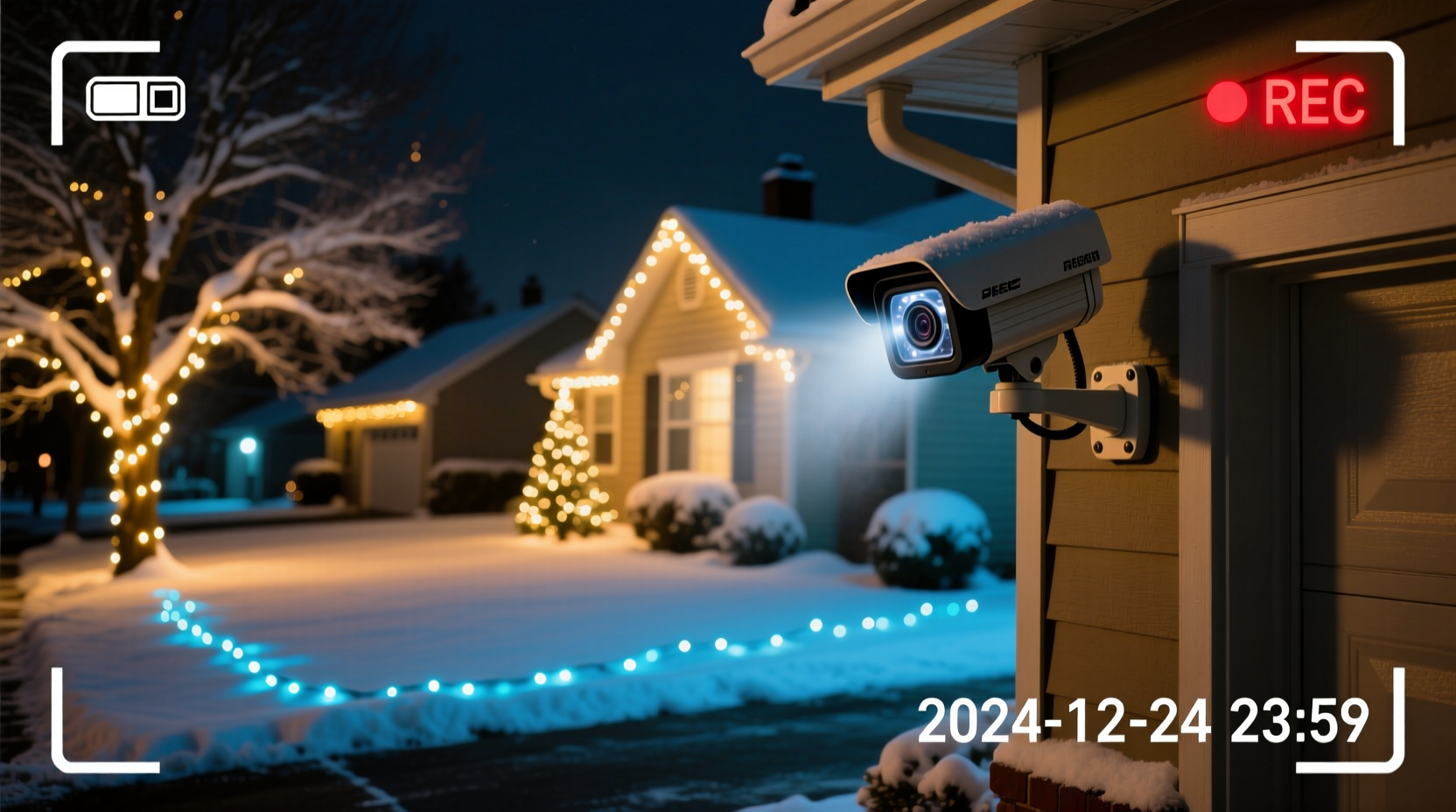
Most modern security cameras use CMOS image sensors that respond to visible light (380–750 nm), infrared (IR), or both. Christmas lights operate entirely within the visible spectrum—and while they appear bright to human eyes, their luminance varies dramatically by type: warm-white incandescent bulbs emit ~12–18 lumens each; modern LED strings range from 2–8 lumens per bulb; and high-output commercial LEDs may reach 20+ lumens. A typical front-yard display uses 300–1,200 bulbs. That sounds impressive—until you consider distance, ambient light, and sensor sensitivity.
Cameras struggle most at night when IR illumination activates. Standard IR cut filters block visible light to prioritize infrared, often muting color fidelity and washing out reds, greens, and golds—the very hues that define holiday cheer. Worse, many budget cameras auto-switch to monochrome IR mode below 5–10 lux, turning your vibrant display into a grainy grayscale silhouette. High-end models with starlight sensors (e.g., Dahua IPC-HFW5849T-ZE, Reolink RLC-810A) maintain color at 0.005 lux—enough to render LED strings clearly under moonlight or streetlamp spill. But even those require proper exposure tuning: automatic gain control can overexpose bright bulbs while crushing shadow detail in garlands or wreaths.
Hardware Requirements: What Your Camera Must Support
Not all security cameras are created equal for festive viewing. Below is a comparison of essential features needed for reliable remote light monitoring:
| Feature | Minimum Requirement | Recommended for Best Results |
|---|---|---|
| Low-Light Sensitivity | 0.1 lux (color), 0.01 lux (B&W) | 0.005 lux or lower with Starlight/ColorVu tech |
| Resolution & Field of View | 1080p, ≥100° horizontal FOV | 4K (3840×2160), ≥110° FOV with digital zoom stability |
| Exposure Control | Auto-exposure only | Manual shutter speed (1/30s–1/2s), adjustable gain, WDR ≥120dB |
| Remote Access Protocol | Cloud-based mobile app only | RTSP stream support + local NVR compatibility for latency-free viewing |
| Weather Resistance | IP65 rating | IP66+ with operating temp range down to –22°F (–30°C) |
Crucially, avoid cameras marketed solely for “night vision” without specifying color retention. Many $40–$80 models advertise “20m night vision” but deliver only black-and-white footage after dusk—rendering multicolor light sequences indistinguishable. Also verify firmware support: brands like Arlo, Eufy, and Wyze have released seasonal updates improving low-light color rendering since 2022, while older Hikvision DS-2CD2047G2-LU units require manual firmware patches to unlock full-color night mode.
A Real-World Case Study: The Portland Light Tracker
In December 2023, Portland resident Maya Rodriguez installed a Reolink RLC-810A (4K, ColorVu) above her garage to monitor her 800-bulb LED display. She’d previously tried two cheaper cameras—both failed. One washed out the entire display into a white blob due to aggressive auto-exposure; the other defaulted to IR mode, erasing all color. With the Reolink, she spent 45 minutes calibrating settings: setting shutter speed to 1/15s, disabling motion-triggered IR, enabling backlight compensation, and mounting the camera 12 feet high with a slight downward tilt to minimize glare from sidewalk reflections.
Her result? A stable, colorful live feed accessible via smartphone from Los Angeles, where she visited family for two weeks. She recorded time-lapses showing gradual dimming of her string lights over 10 days—revealing a faulty transformer she hadn’t noticed visually. “I didn’t just watch lights—I diagnosed a problem remotely,” she noted in a forum post. Her setup cost $229 (camera + PoE injector + microSD card) and required no third-party apps or port forwarding. Crucially, she configured geofencing so the camera switched to “holiday mode” only between November 15 and January 5—reducing cloud storage usage by 68%.
Step-by-Step Setup Guide: From Unboxing to Remote Viewing
- Assess your display’s brightness and layout: Walk around at dusk with a light meter app (e.g., Lux Light Meter). Note areas hitting >50 lux (brightly lit eaves) vs. <5 lux (shaded bushes). Prioritize camera placement where ambient light supports color capture.
- Select and mount the camera: Choose a weatherproof model with manual exposure controls. Mount it 8–15 feet high, angled slightly downward, avoiding direct line-of-sight to streetlights or neighbor windows to reduce glare.
- Configure core video settings: In the camera’s web interface or app:
- Set shutter speed to 1/15s–1/8s (slower = brighter but risk motion blur)
- Limit gain to ≤30dB to suppress noise
- Enable Wide Dynamic Range (WDR) and set backlight compensation to “High”
- Disable IR cut filter auto-switch; force “Color Mode” permanently
- Optimize network and access: Connect via Ethernet (not Wi-Fi) for stable 4K streaming. Enable RTSP (e.g., rtsp://[ip]/stream1) and test with VLC before relying on mobile apps. Set up two-factor authentication on your account.
- Test and refine: View the feed at three times: sunset (transition zone), midnight (peak darkness), and pre-dawn (low ambient light). Adjust shutter speed incrementally. If bulbs bloom into white halos, increase shutter speed; if colors vanish, decrease it.
“Color fidelity at night isn’t about megapixels—it’s about photon capture efficiency and intelligent exposure stacking. Most consumer cameras sacrifice color to reduce noise. The ones that don’t are built for applications like holiday monitoring.” — Dr. Lena Torres, Imaging Systems Engineer, Axis Communications
Privacy, Power, and Practical Limits: What Won’t Work
Remote light viewing has boundaries that matter legally and technically. First, privacy: pointing a camera toward neighbors’ property—even incidentally—can violate state laws (e.g., California Civil Code § 1708.8) and trigger complaints. Use digital masking in your NVR software to obscure adjacent yards, driveways, or windows. Second, power reliability: Christmas lights draw significant current, and voltage drops during storms or grid fluctuations can cause flickering that confuses motion detection algorithms, generating false alerts. Third, resolution limits: a 1080p camera at 30 feet cannot resolve individual bulbs on a 100-foot roofline—it shows light patterns, not bulb count or sequence timing. Finally, cloud dependency: free-tier plans often limit recording to 5 seconds per motion event, making continuous light monitoring impossible without paid subscriptions or local storage.
Frequently Asked Questions
Can I use my existing Ring or Nest camera for this?
Ring Doorbells and indoor Nest Cams lack wide-angle lenses and low-light color capability needed for outdoor displays. Outdoor Ring Floodlight Cams support color night vision but default to IR mode in total darkness—requiring manual override via Ring Pro (not available on standard accounts). Nest Cam Outdoor (2nd gen) offers better performance but caps streaming at 1080p and lacks manual shutter control, limiting adaptability to varying light intensities.
Do I need a separate NVR or can I rely on cloud storage?
You can use cloud storage, but it’s inefficient. Continuous light monitoring generates massive data—up to 4GB/day at 4K/30fps. Most cloud plans charge $10–$30/month for 30-day rolling storage. A $120 4-channel NVR with 2TB HDD stores 90+ days of footage locally, supports RTSP streaming, and avoids subscription fees. For pure viewing (no recording), cloud is acceptable—but for verification or troubleshooting, local storage is essential.
Will my lights interfere with the camera’s motion detection?
Yes—especially blinking or chasing sequences. Rapid light changes mimic motion, triggering false alerts. Disable motion zones over light clusters or switch to “person-only” AI detection (available on Reolink, Amcrest, and higher-end Hikvision models). Better yet: use scheduled recording (e.g., 4–11 p.m. daily) instead of motion-triggered capture.
Conclusion: Turning Observation Into Peace of Mind
Remote viewing of Christmas lights via security camera isn’t a gimmick—it’s a practical application of mature imaging technology, refined through years of low-light surveillance innovation. When configured correctly, it transforms a security device into a seasonal companion: confirming timers activate, spotting burnt-out sections before guests arrive, or simply savoring the glow from across the country. The barriers aren’t technological—they’re configurational. Too many users assume “plug-and-play” works for nuanced visual tasks, then abandon the effort after one failed night test. Yet the solution lies in deliberate calibration, not expensive upgrades. Start with your current camera’s manual exposure menu. Test one setting change per evening. Document what works. You’ll likely discover that your $150 camera—when tuned properly—outperforms a $300 model left on defaults.




 浙公网安备
33010002000092号
浙公网安备
33010002000092号 浙B2-20120091-4
Comments
No comments yet. Why don't you start the discussion?