
When choosing between an iPad and a Samsung tablet, one of the most debated aspects is the screen technology: Apple’s Retina display versus Samsung’s Super AMOLED. Both promise vibrant visuals and sharp clarity, but they achieve them in fundamentally different ways. For consumers weighing long-term value, performance, and visual experience, understanding these differences is crucial. This isn’t just about specs on paper—it’s about how the device performs in real-world use, from streaming movies to taking notes in low light.
Understanding Retina Display and Super AMOLED Technology
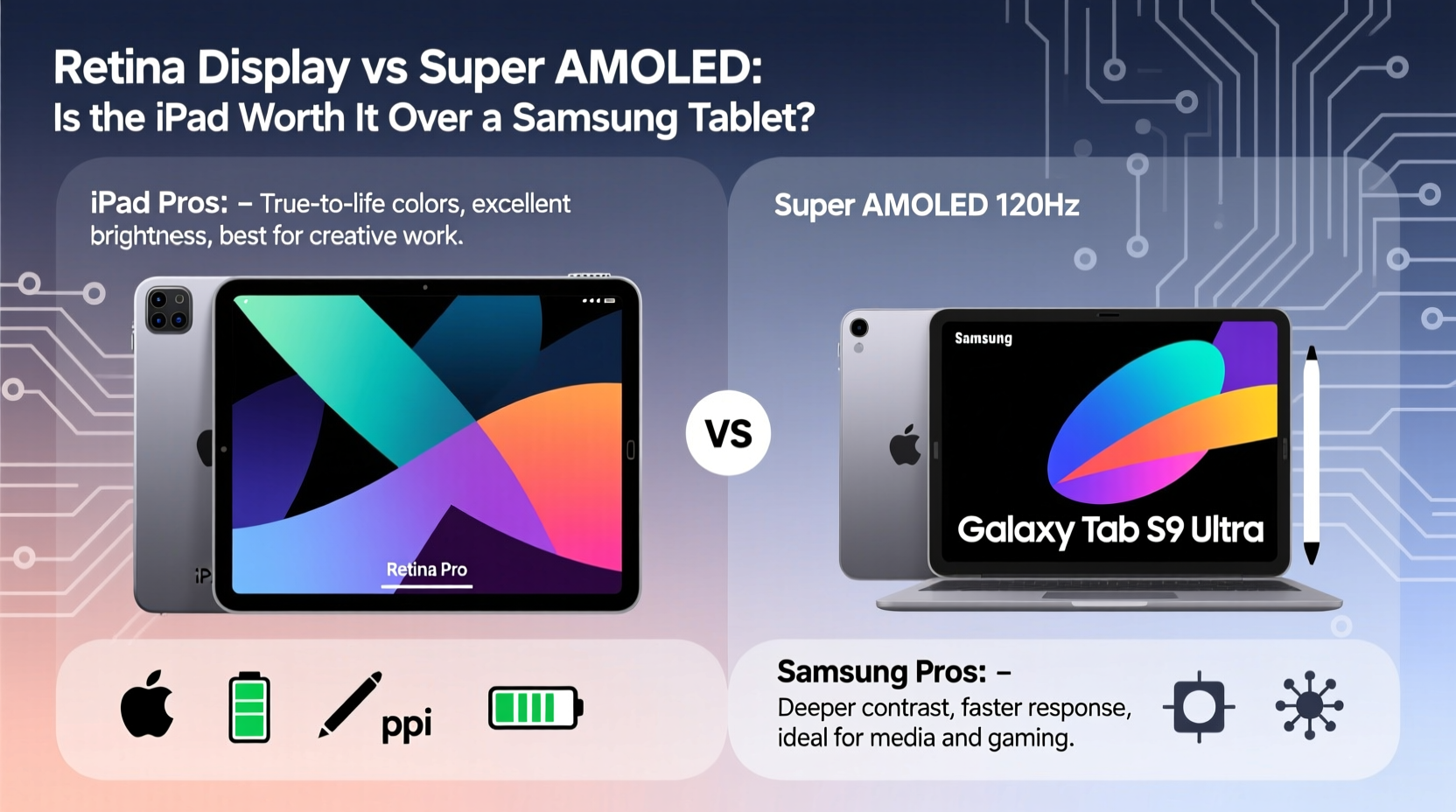
The term “Retina display” is Apple’s marketing label for screens with pixel density so high that individual pixels are indistinguishable to the human eye at normal viewing distances. It’s not a specific technology but rather a standard applied across various LCD (Liquid Crystal Display) panels used in iPads and iPhones. These displays typically use IPS (In-Plane Switching) LCDs, which offer good color accuracy, wide viewing angles, and consistent brightness.
In contrast, Super AMOLED (Active-Matrix Organic Light-Emitting Diode) is a proprietary display technology developed by Samsung. Unlike LCDs, AMOLED screens do not require a backlight. Each pixel emits its own light, allowing for true blacks, infinite contrast ratios, and deeper colors. Super AMOLED integrates the touch sensor into the display layer, making devices thinner and more responsive.
“AMOLED delivers superior contrast and power efficiency in dark mode environments, while Retina LCDs maintain better consistency under direct sunlight.” — Dr. Lena Park, Display Technology Analyst at TechInsight Labs
Display Performance: Brightness, Color, and Battery Impact
Brightness is a key factor, especially for outdoor use. Retina displays on iPads, particularly the Pro models with Liquid Retina XDR, can reach up to 1600 nits in HDR mode, outperforming most Samsung tablets in sustained peak brightness. This makes iPads a strong choice for users who frequently work or watch content outdoors.
Super AMOLED excels in controlled lighting. With per-pixel illumination, black areas consume no power and appear truly black, enhancing cinematic experiences. However, full-screen brightness—especially with white backgrounds—is less efficient and often capped below 1000 nits on mid-tier Samsung tablets like the Galaxy Tab S9 FE.
Color Accuracy and Gamut Comparison
iPads support P3 wide color gamut and undergo factory calibration for professional-grade accuracy—important for designers, photographers, and video editors. Samsung tablets also support DCI-P3 and include adaptive color temperature, but some models exhibit oversaturation in default modes unless switched to \"Natural\" or \"Professional\" color profiles.
Performance and Ecosystem: Beyond the Screen
Hardware doesn’t exist in isolation. The iPad runs iPadOS, a streamlined operating system optimized for touch-first workflows, split-screen multitasking, and Apple Pencil integration. Its app ecosystem includes many pro-level creative tools like Procreate, LumaFusion, and Affinity apps, which are either exclusive to iOS or significantly more refined than their Android counterparts.
Samsung tablets run Android with One UI, offering greater customization, file system access, and support for desktop-like DeX mode. For users already invested in the Samsung or broader Android ecosystem, seamless integration with Galaxy phones, watches, and Buds enhances convenience.
| Feature | iPad (Retina) | Samsung Tablet (Super AMOLED) |
|---|---|---|
| Display Type | LCD (IPS) | Super AMOLED |
| Peak Brightness (HDR) | Up to 1600 nits (Pro models) | Up to 1000 nits (S9+) |
| Contrast Ratio | 1,000,000:1 (typical) | Infinite (per-pixel lighting) |
| Color Accuracy | Fully calibrated, P3 support | Good, adjustable via One UI |
| Stylus Latency | ~9ms (Apple Pencil 2) | ~2.8ms (S Pen) |
| OS Longevity | 5–7 years of updates | 4 years OS, 5 years security |
Real-World Use Case: The Digital Artist’s Dilemma
Consider Maya, a freelance illustrator who uses her tablet daily for client sketches and social media content. She initially chose a Galaxy Tab S8 Ultra for its stunning Super AMOLED screen and ultra-low-latency S Pen. While she loved the vibrant display and precision, she found that Procreate—a cornerstone of digital illustration—wasn’t available on Android. After switching to an iPad Pro, she gained access to a mature creative ecosystem, even though the stylus latency was slightly higher. The trade-off in software availability outweighed the minor hardware advantage.
This scenario highlights a recurring theme: hardware excellence means little without software support. For creatives, students, and professionals relying on niche or optimized apps, the iPad’s ecosystem often proves decisive.
Value for Money and Long-Term Ownership
Pricing is another critical dimension. Entry-level iPads start around $329, using standard Retina displays without advanced features. In contrast, Samsung’s base Galaxy Tab A series uses LCDs, not Super AMOLED—only mid-range and flagship models (S9 series) include the premium display. So, when comparing Super AMOLED to Retina, you’re typically comparing high-end Samsung tablets to similarly priced iPads.
- iPad Air (M2 chip): ~$599, Retina display, excellent performance, 5+ years of updates.
- Galaxy Tab S9: ~$799, Super AMOLED, Snapdragon 8 Gen 2, DeX support.
The iPad offers longer software support—often 6–7 years of OS updates compared to Samsung’s 4-year commitment. Over time, this translates to better resale value and sustained functionality.
Checklist: Choosing Between iPad and Samsung Tablet
- Identify your primary use: media, creativity, productivity, or casual browsing.
- Determine if you need stylus support and evaluate app compatibility (e.g., Procreate, Adobe Suite).
- Assess your existing device ecosystem (iPhone vs. Galaxy phone).
- Compare actual screen type—not all Samsung tablets have Super AMOLED.
- Evaluate long-term software update policies.
- Test both devices in person if possible, focusing on real-world brightness and color rendering.
Frequently Asked Questions
Is Retina display better than Super AMOLED?
It depends on use case. Super AMOLED offers deeper blacks, richer colors, and better power efficiency in dark themes. Retina LCDs provide superior brightness, better sunlight readability, and more consistent color accuracy—ideal for professionals. Neither is universally better; the best choice aligns with your usage patterns.
Do all Samsung tablets have Super AMOLED screens?
No. Only Samsung’s flagship Galaxy Tab S series feature Super AMOLED displays. Budget models like the Tab A series use traditional LCDs. Always verify the display type before purchasing.
Can an iPad replace a laptop?
For many users, yes—especially with the M1/M2 iPad Pros, Stage Manager, external monitor support, and powerful apps. However, full desktop-class workflows (like complex coding or video editing with multiple timelines) still favor traditional laptops. The iPad excels as a hybrid device, blending portability with capability.
Final Verdict: Is the iPad Worth It?
The iPad isn’t inherently superior because of Retina display alone, nor is the Samsung tablet inferior due to software limitations. The decision hinges on your priorities. If you value long-term reliability, a polished app ecosystem, and seamless integration with other Apple devices, the iPad justifies its premium. Its Retina display, while not matching Super AMOLED in contrast, delivers exceptional real-world performance, especially in bright environments.
Conversely, if you prioritize display vibrancy, customization, and a desktop-like experience via DeX, a high-end Samsung tablet with Super AMOLED is compelling—provided you don’t rely on iOS-exclusive apps.
In the end, the “worth it” question isn’t about specs—it’s about fit. Evaluate your daily needs, workflow demands, and ecosystem preferences. Both platforms are excellent; the right choice reflects how you plan to use the device, not just how it looks on a spec sheet.




 浙公网安备
33010002000092号
浙公网安备
33010002000092号 浙B2-20120091-4
Comments
No comments yet. Why don't you start the discussion?