
For many gamers, retro titles aren’t just entertainment—they’re time capsules. The pixelated sprites, chiptune soundtracks, and deliberate pacing of classic games evoke memories of childhood afternoons spent hunched over CRT screens. But when it comes to reliving those moments today, a critical question arises: should you use original retro gaming consoles or an emulator-powered PC?
Both approaches have passionate advocates. Purists swear by the tactile feel of real cartridges and controllers. Tech-savvy enthusiasts praise the flexibility and precision of modern emulation. The answer isn’t binary—authenticity depends on what aspect of the experience matters most to you: hardware fidelity, visual and audio accuracy, convenience, or emotional resonance.
The Case for Original Retro Gaming Consoles
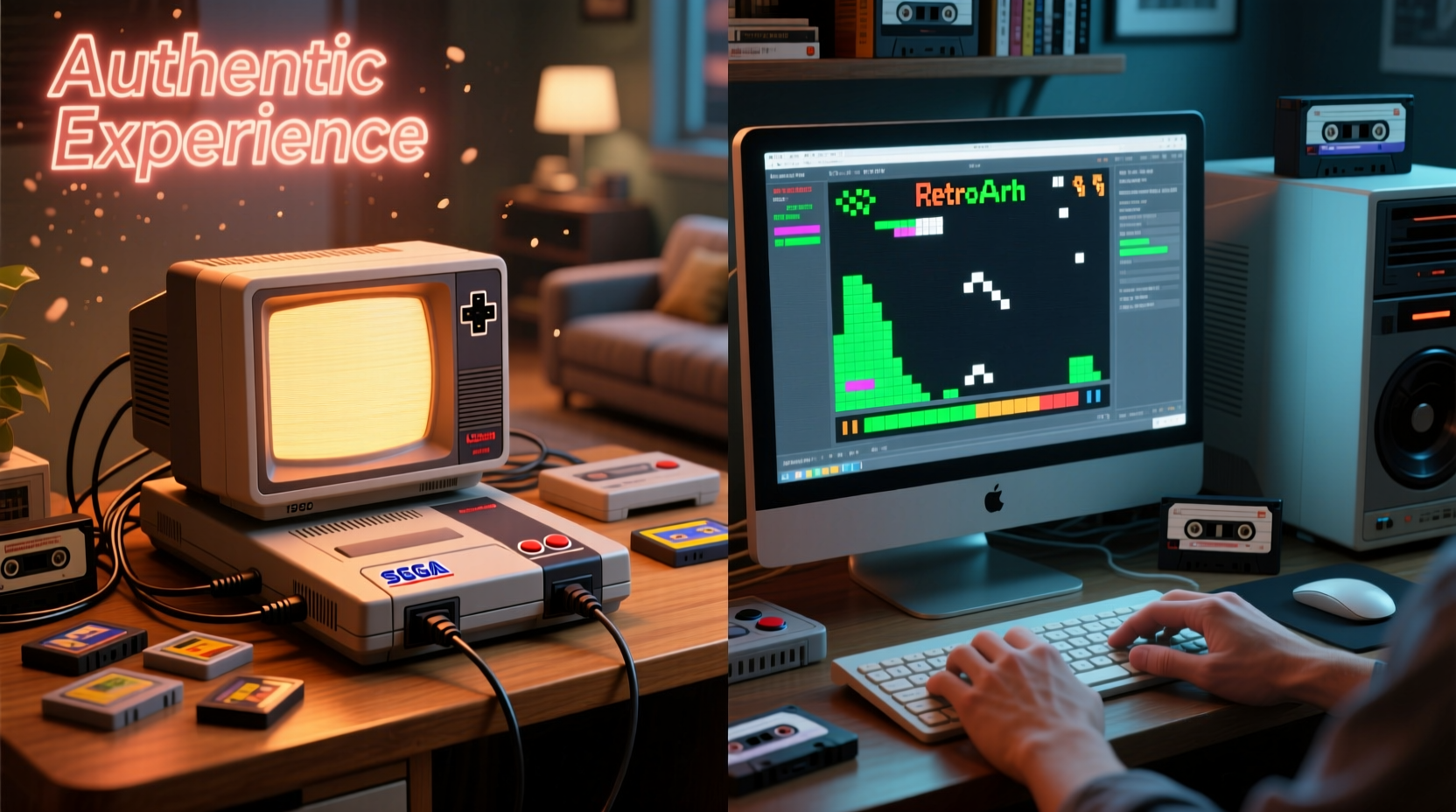
Using an original console—be it a NES, SNES, Sega Genesis, or PlayStation 1—means engaging with gaming history exactly as it unfolded. You insert physical cartridges or discs, power up aging hardware, and interact with systems designed decades ago. This method prioritizes material authenticity above all else.
There’s a sensory dimension that’s difficult to replicate. The click of a cartridge slotting into place, the warm hum of a cathode-ray tube television warming up, the subtle input lag from composite video cables—all contribute to an experience rooted in time and place. For collectors and preservationists, this is non-negotiable.
However, original consoles come with limitations. Hardware degrades over time—capacitors fail, laser lenses cloud, and controller buttons stick. Finding working units in good condition can be expensive. Additionally, playing on modern HDTVs often results in blurry visuals due to scaling issues unless corrected with external devices.
The Rise of High-Fidelity Emulation
Emulator PCs have evolved from crude approximations into near-perfect replicas of vintage systems. Modern emulators like mGBA, bsnes/higan, and DuckStation are developed with cycle-accurate precision, meaning they simulate not just software behavior but also the exact timing of CPU and GPU operations down to individual clock cycles.
This level of accuracy allows for frame-perfect reproduction of gameplay mechanics, including quirks and glitches present in original runs. Some emulators even model analog circuit behaviors, such as the way a Game Boy’s sound chip distorts under low battery conditions.
“Cycle accuracy isn’t about perfection—it’s about preserving intent. When developers coded these games, they relied on specific hardware timings. Replicating that is how we honor their work.” — Andrew Belt, Lead Developer of bsnes
Emulation also enables enhancements impossible on original hardware: save states, rewind functionality, texture filtering, and region-free play. These features improve accessibility without necessarily sacrificing authenticity—especially when configured conservatively.
Comparing Key Experience Factors
| Factor | Retro Console | Emulator PC |
|---|---|---|
| Input Lag | Low (native analog signaling) | Variable (depends on display & config) |
| Visual Accuracy | True CRT scanlines, bloom, phosphor decay | Can simulate CRT effects; requires shaders |
| Audio Fidelity | Analog DAC output, system noise included | Precise digital replication; cleaner than original |
| Game Compatibility | Only official media; region locked | Nearly universal ROM support; region-free |
| Longevity & Maintenance | Degrading hardware; repair needed | Digital files last indefinitely |
| Tactile Feel | Original controllers, physical feedback | Depends on peripherals used |
While the table shows trade-offs, one insight stands out: emulator PCs can match—or exceed—original hardware in technical accuracy, but only if properly configured. Meanwhile, retro consoles offer unmatched physical presence but suffer from inevitable decay.
A Real Example: Playing Super Metroid in 2024
Consider someone sitting down to play Super Metroid today. With an original SNES connected to a CRT TV, the game appears with soft edges, gentle scanlines, and slight color bleed—characteristics once considered flaws, now celebrated as part of its aesthetic. The controller feels chunky and deliberate, each button press requiring firm pressure.
In contrast, running the same ROM via bsnes on a PC with CRT shader enabled, paired with a high-quality HDMI-to-composite converter feeding a CRT, produces a nearly indistinguishable image. Input lag can be reduced below that of the original setup due to optimized buffering. Add a reproduction SNES USB controller, and the tactile experience closely mirrors the past.
Yet something intangible remains different. There’s no flicker from a power switch being flipped, no wait for capacitors to charge. The ritual is streamlined into a mouse click. For some, this efficiency erodes authenticity. For others, it removes barriers to enjoyment without compromising the core experience.
How to Maximize Authenticity on Either Platform
Authenticity isn’t inherent—it’s constructed through attention to detail. Whether using original hardware or an emulator, certain steps elevate the experience beyond mere functionality.
For Retro Console Users:
- Use original controllers whenever possible—aftermarket ones often lack proper weight and resistance.
- Play on CRT televisions or use FPGA-based upscalers like MiSTer for accurate timing.
- Keep systems clean: demagnetize screens, clean cartridge contacts with isopropyl alcohol.
- Avoid modded consoles with HDMI outputs unless they preserve native signal timing.
For Emulator PC Users:
- Use cycle-accurate emulators: bsnes for Nintendo systems, PCSX2 with debug settings for PS2.
- Enable CRT shaders (e.g., crt-geom, slashie’s pack) to simulate curvature, shadow masks, and scanlines.
- Match audio sample rates to original hardware and disable interpolation.
- Disable save states and rewinding to preserve challenge integrity.
- Pair with authentic-style controllers (e.g., 8BitDo SN30 Pro+ or custom-modded originals).
Step-by-Step: Building an Authentic Emulation Setup
- Choose Your Platform: Decide which era/systems you want to emulate (e.g., 8-bit, 16-bit, fifth-gen consoles).
- Select Accurate Software: Install bsnes (for NES/SNES), mGBA (Game Boy), DuckStation (PS1), or SameBoy (Game Boy Color).
- Source ROMs Legally: Dump your own cartridges or use homebrew titles. Avoid pirated downloads.
- Configure Core Settings: Enable “accuracy” mode, disable enhancements like widescreen hacks.
- Apply Visual Filters: Load CRT shaders in your frontend (e.g., RetroArch) and calibrate for screen size.
- Set Up Audio: Use raw PCM output at original sampling rates; avoid reverb or equalization unless period-accurate.
- Test with Known Titles: Play games you remember well—observe sprite flicker, music timing, and menu responsiveness.
- Add Peripherals: Connect a replica or modded controller for tactile familiarity.
When done correctly, this setup doesn’t just mimic old hardware—it reconstructs the conditions under which these games were meant to be played.
FAQ
Is emulation legal?
Emulators themselves are legal software tools. However, downloading copyrighted ROMs without owning the original game violates copyright law. The safest and most ethical approach is to dump ROMs from games you physically own.
Can emulation truly match the “feel” of original hardware?
Yes—but only with careful configuration. Input latency, audio sync, and visual presentation must be tuned precisely. Using inaccurate emulators (like older versions of ePSXe or ZSNES) leads to drift and distortion. Modern, cycle-accurate options eliminate most discrepancies.
Why do some purists reject emulation entirely?
For many, authenticity includes the imperfections: warping tapes, blinking power lights, the smell of aged plastic. They view emulation as archival rather than experiential. To them, pressing a button on a USB-connected replica isn’t the same act as inserting a worn cartridge into a humming console.
Checklist: Choosing Your Path
Choose Original Hardware If:
- You value physical interaction with vintage tech
- You collect or restore retro systems
- You have access to functional CRT displays
- You prioritize historical preservation over convenience
Choose Emulator PC If:
- You want reliable, consistent performance
- You play across multiple systems regularly
- You lack space or budget for full console collections
- You appreciate minor quality-of-life improvements (e.g., save anywhere)
Conclusion: Authenticity Is Personal
There is no universal answer to whether retro consoles or emulator PCs provide the most authentic experience. Authenticity is not a fixed metric—it’s shaped by memory, intention, and context. For a historian restoring a 1987 console lineup, authenticity lies in voltage readings and pin compatibility. For a parent introducing their child to Sonic the Hedgehog, it might mean crisp visuals and frustration-free saves.
The best approach may be integration. Use original hardware when possible, preserving its rituals and textures. Supplement with high-fidelity emulation when hardware fails or access is limited. Both methods keep gaming heritage alive—one through preservation, the other through adaptation.




 浙公网安备
33010002000092号
浙公网安备
33010002000092号 浙B2-20120091-4
Comments
No comments yet. Why don't you start the discussion?