
In recent years, RGB lighting has become a staple in modern gaming setups. From glowing keyboards and mouse pads to illuminated fans and RAM sticks, colorful lighting isn't just an aesthetic trend—it's a cultural hallmark of the gaming community. But as builds grow more elaborate, a common question arises: Does all this light show actually impact system performance, or is it purely cosmetic? The answer isn’t as simple as “it’s just for looks,” but the truth might surprise those worried about frame drops or thermal throttling.
This article dives deep into the engineering, electrical, and psychological aspects of RGB lighting to separate fact from fiction. Whether you're building your first PC or upgrading a high-end rig, understanding what RGB contributes—and what it doesn’t—can help you make smarter decisions without sacrificing style or speed.
The Basics: What Is RGB Lighting?
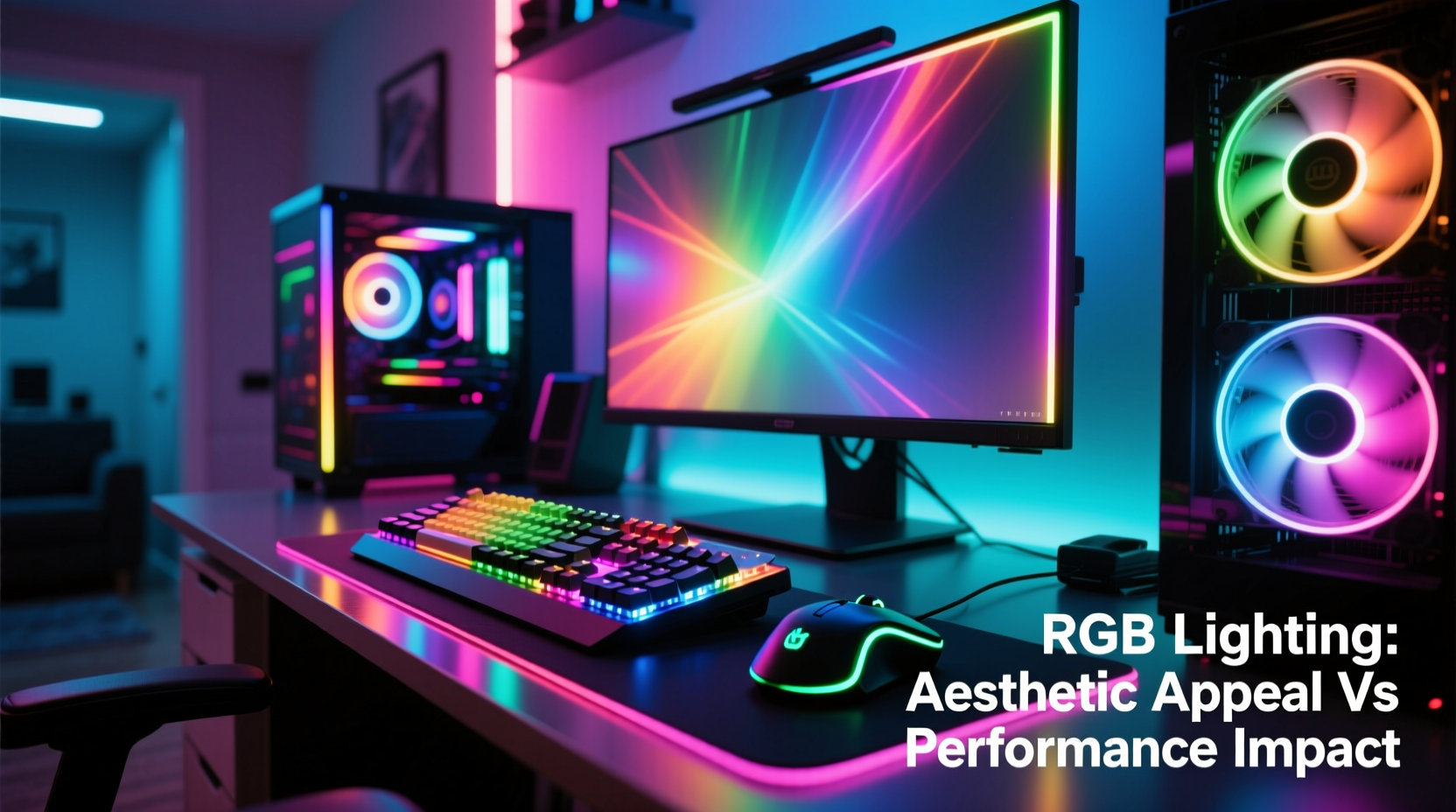
RGB stands for Red, Green, and Blue—the three primary colors of light. By varying the intensity of each color channel, millions of hues can be produced. In a gaming context, RGB components use tiny LEDs (light-emitting diodes) embedded in peripherals or inside the PC case to generate dynamic lighting effects. These can be static, pulsing, reactive to sound, or synchronized across devices using software like ASUS Aura Sync, MSI Mystic Light, or Corsair iCUE.
Modern RGB systems are typically categorized into two types:
- Addressable RGB (ARGB): Each LED can be controlled individually, allowing complex patterns and animations.
- Standard RGB: Lights operate in zones or strips, changing color uniformly across a group.
Both types draw minimal power and connect via dedicated headers on the motherboard or through USB hubs. Despite their visual complexity, the underlying technology is lightweight and highly optimized.
Power Consumption: How Much Electricity Do RGB Components Use?
One of the most persistent myths is that RGB lighting significantly increases power draw, leading to higher electricity bills or strain on the PSU. In reality, RGB lighting consumes very little energy. A typical 12-LED ARGB strip uses between 1.2 and 2.4 watts at full brightness. Even a fully lit mid-tower case with multiple strips, RGB fans, and illuminated peripherals rarely exceeds 15–20 watts total.
To put this in perspective:
| Component | Average Power Draw (Watts) |
|---|---|
| High-end GPU (e.g., RTX 4080) | 320 W |
| CPU (e.g., Ryzen 7 7800X3D) | 120 W |
| RGB Fans (x3, fully lit) | 3.6 W |
| ARGB Strip (60 LEDs) | 6 W |
| Gaming Keyboard (RGB) | 1.5 W |
| Total RGB Load (entire build) | ~18 W |
Even under maximum illumination, RGB lighting accounts for less than 3% of the total power consumption of a high-performance gaming PC. Unless you’re running hundreds of LEDs or using custom liquid cooling loops with extensive lighting, there’s no meaningful impact on your power supply requirements or thermal output.
“RGB lighting is a negligible load. Modern PSUs are designed with headroom, and 20 watts of LEDs won’t push any well-built system to its limits.” — David Lin, Senior Hardware Engineer at Seasonic
Thermal Impact: Can RGB Make Your PC Run Hotter?
Heat generation is directly tied to power consumption. Since RGB LEDs consume so little power, they produce almost no heat. An individual LED generates around 0.1–0.2 watts of heat, which dissipates instantly into the surrounding air. Even dense clusters of LEDs don’t contribute meaningfully to internal case temperatures.
However, there’s an indirect factor worth considering: RGB fans. While the lights themselves don’t heat up, some budget RGB fans may compromise on bearing quality or blade design to accommodate lighting elements, potentially reducing airflow efficiency. Poorly designed fans can lead to inadequate cooling, but the issue lies in mechanical design—not the presence of RGB.
Additionally, dark-colored cases absorb more ambient heat, while white or reflective interiors help disperse it. If you’re concerned about thermals, focus on fan layout, cable management, and component placement rather than disabling RGB.
Real Example: The Overlit Build That Ran Cool
Consider Mark, a content creator who built a fully transparent case with 14 ARGB fans, dual LED light bars, RGB RAM, and a customizable keyboard/mouse combo. He monitored his system over six months using HWiNFO and observed no difference in CPU or GPU temperatures when switching from full RGB to off. Ambient room temperature had a far greater effect than any lighting state. His conclusion? “The lights look amazing during streams, and my temps stayed consistent. I was worried for nothing.”
Performance Myths: Does RGB Slow Down Your System?
Despite viral memes claiming “turning off RGB gains 10 FPS,” there is no technical basis for this. RGB lighting operates independently from core processing units. It doesn’t use CPU cycles, GPU resources, or RAM bandwidth. The control signals are handled by microcontrollers on the motherboard or peripheral firmware, not the main processor.
That said, poorly optimized RGB software *can* cause minor system hiccups. Applications like iCUE or NZXT CAM run in the background and may use 50–150 MB of RAM and occasional CPU bursts when syncing effects. On lower-end systems, this could marginally affect multitasking performance—but not gaming frame rates.
Moreover, some users report BIOS issues when daisy-chaining too many ARGB devices, causing boot delays or instability. This stems from firmware limitations, not the LEDs themselves. Ensuring firmware updates and avoiding overloaded headers resolves most such problems.
Do’s and Don’ts of RGB Integration
| Do | Don't |
|---|---|
| Use motherboards with dedicated ARGB headers | Daisy-chain more than 5–6 ARGB devices per header |
| Update motherboard BIOS and RGB software regularly | Ignore power ratings when connecting multiple strips |
| Optimize lighting zones to reduce unnecessary illumination | Assume RGB causes FPS drops without testing |
| Choose quality fans where lighting doesn’t compromise airflow | Overload USB hubs with RGB controllers and other devices |
The Psychological Edge: Why Looks Matter More Than You Think
If RGB doesn’t boost raw performance, why do professional gamers and streamers invest in it? The answer lies in psychology. Studies in environmental design suggest that personalized, visually stimulating spaces enhance engagement and emotional satisfaction. A 2022 University of Helsinki study found that participants reported higher focus and enjoyment in customized gaming environments—even when hardware performance was identical.
RGB allows players to express identity, set mood (e.g., calming blue vs. energetic red), and create immersive experiences. For streamers, dynamic lighting improves production value and viewer retention. In competitive scenarios, a familiar, well-lit setup can reduce cognitive load and increase comfort during long sessions.
In short: while RGB won’t make your GPU faster, it can make *you* feel sharper, more motivated, and more connected to your machine.
Step-by-Step Guide: Building a Balanced RGB Setup
- Plan Your Zones: Divide your case into lighting zones (front, top, rear, peripherals) for cohesive control.
- Check Header Availability: Ensure your motherboard has enough 3-pin (5V) ARGB and 4-pin (12V) RGB headers.
- Select Quality Components: Prioritize fans with good CFM ratings and reliable LED integration.
- Use Controllers if Needed: Add an RGB hub if you exceed header limits or want centralized management.
- Sync with Software: Install manufacturer apps and synchronize effects across devices.
- Test Stability: Reboot multiple times to ensure lighting doesn’t interfere with startup.
- Optimize for Use: Create profiles (e.g., “Gaming Mode” with vibrant colors, “Night Mode” with dim red).
Frequently Asked Questions
Does RGB lighting reduce the lifespan of my components?
No. LEDs have a typical lifespan of 50,000 hours or more. They degrade far slower than mechanical parts like fans or hard drives. As long as voltage is regulated and heat is managed, RGB will outlast most other components.
Can I mix different brands of RGB devices?
Yes, but with caveats. Many brands support open standards like Razer Chroma Connect or ASRock Polychrome Sync. However, full customization usually requires matching ecosystems. Using adapters or third-party software like OpenRGB can help unify control.
Is it worth turning off RGB to improve performance?
Not for performance reasons. If you're troubleshooting stability issues, temporarily disabling RGB can help isolate faults. Otherwise, the visual benefits outweigh any negligible overhead.
Final Thoughts: Style With Substance
RGB lighting doesn’t enhance raw computing power, nor does it hinder it in any measurable way. Its role is not to overclock your CPU but to enrich your experience. In a world where gaming is both a sport and a form of self-expression, aesthetics are part of the ecosystem.
The real performance gain comes from confidence, comfort, and connection—to your gear and your game. When your setup reflects your personality and responds to your actions, every click feels intentional. That psychological edge, though intangible, is real.
So go ahead: light up your rig, sync your shades, and enjoy the glow. Just remember—your frames per second depend on silicon, not spectrum.




 浙公网安备
33010002000092号
浙公网安备
33010002000092号 浙B2-20120091-4
Comments
No comments yet. Why don't you start the discussion?