
RGB lighting has become a defining feature of modern PC builds. From glowing motherboards to pulsating fans and illuminated RAM, the spectrum of colors can transform a functional machine into a visual centerpiece. But as striking as these lights are, a persistent question remains: does RGB lighting actually affect your PC’s performance, or is it purely for show? The answer isn’t as simple as “yes” or “no”—it depends on context, implementation, and what you mean by \"performance.\" This article breaks down the technical realities, dispels common myths, and helps you decide whether RGB is worth the attention in your next build.
The Aesthetic Appeal of RGB: More Than Just Flash
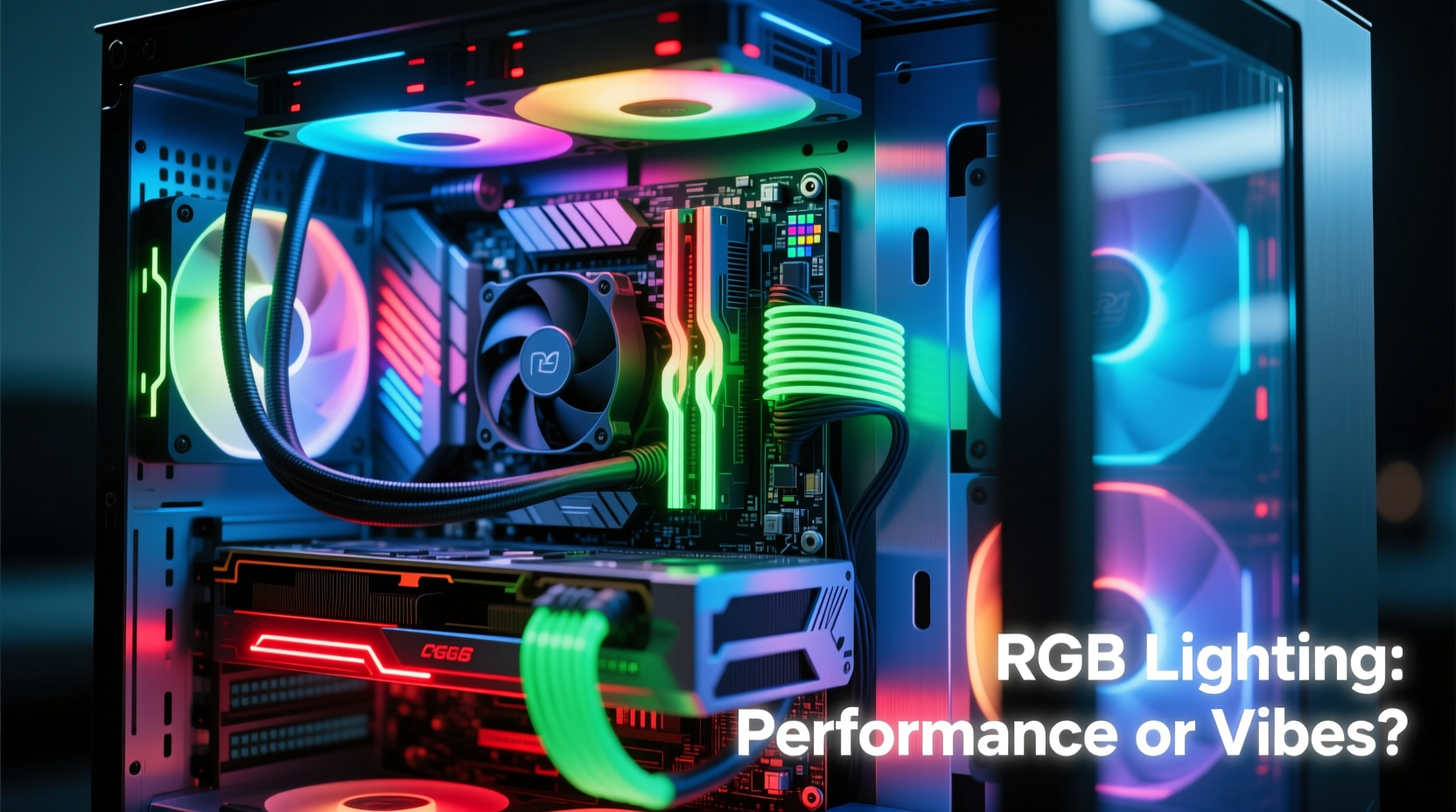
There’s no denying that RGB enhances the visual appeal of a PC. It turns a utilitarian box into a personalized expression of style. Whether you prefer subtle ambient glows or dynamic rainbow wave effects, RGB allows users to customize their setup like never before. Manufacturers have leaned heavily into this trend—almost every component now comes with some form of addressable lighting.
But aesthetics do more than just look good. Studies in environmental psychology suggest that personalized workspaces can improve mood and focus. For many enthusiasts, a well-lit, coordinated build contributes to a sense of pride and satisfaction, which indirectly influences how they interact with their system. In gaming setups, ambient lighting can reduce eye strain in low-light environments and create immersive atmospheres when synced with game events.
Technical Reality: Does RGB Consume System Resources?
To assess whether RGB affects performance, we need to examine three key areas: power consumption, CPU/GPU load, and thermal output.
Power Draw: Negligible but Not Zero
Each RGB LED consumes a small amount of power—typically between 0.05W and 0.1W per diode. A full mid-tower build with multiple RGB strips, fans, and peripherals might have 100–200 LEDs. Even at the upper end, that’s only about 10–20 watts total—less than a single SATA hard drive or a low-power USB hub.
This minimal draw doesn’t strain PSUs or cause voltage fluctuations. Most RGB components run on 5V from the motherboard’s RGB headers or USB-based controllers, drawing power independently of the main processing units.
CPU and GPU Usage: Nearly Undetectable
Some users worry that RGB control software might hog CPU cycles. While it’s true that applications like iCUE or NZXT CAM run in the background, their resource footprint is minimal. On average, these programs use less than 1% CPU and under 50MB of RAM—comparable to having an extra browser tab open.
Modern lighting effects are often handled directly by onboard microcontrollers within the RGB devices themselves. Once configured, the software sends a command, and the hardware executes the effect autonomously. This offloads processing from the CPU and eliminates ongoing performance impact.
Heat Generation: A Non-Issue
LEDs produce very little heat compared to other components. Unlike CPUs or GPUs, which can exceed 80°C under load, RGB LEDs typically operate below 40°C. Even densely packed strips contribute insignificantly to internal case temperatures.
In fact, some high-end RGB fans double as cooling solutions, meaning their presence improves airflow while adding light. The idea that RGB “heats up your PC” is a myth rooted in misunderstanding, not thermodynamics.
“RGB lighting has no measurable impact on computational performance. The energy used is trivial, and the control systems are designed to be efficient.” — Dr. Lena Torres, Electrical Engineer & PC Hardware Analyst
When RGB *Can* Indirectly Affect Performance
While RGB itself doesn’t slow down your system, there are edge cases where poor implementation or user behavior leads to real-world issues.
Poor Cable Management and Airflow
Adding numerous RGB components often means more cables. If not managed properly, tangled wires can obstruct airflow inside the case. Restricted airflow forces fans to spin faster, increasing noise and potentially raising component temperatures. Over time, higher thermal loads may trigger throttling on CPUs or GPUs—especially in compact or poorly ventilated builds.
Buggy Software and System Conflicts
Rarely, RGB control software can cause conflicts. For example, early versions of certain lighting suites were known to interfere with USB polling rates or introduce driver instability. These issues are usually resolved through updates, but they highlight the importance of using stable, well-maintained software.
Overclocking and Power Delivery Myths
A popular internet myth claims that disabling RGB can free up enough power to improve overclocking headroom. This is false. The difference in available power is so small (a few watts at most) that it has zero effect on voltage regulation or stability during overclocking. No reputable benchmark has ever shown improved FPS or reduced latency from turning off RGB.
Real-World Example: The Overlit Office Rig
Consider Mark, a content creator who built a sleek white-themed PC with extensive RGB: 12 addressable fans, LED-lit tubing, a glowing GPU shroud, and customizable keyboard backlighting. After assembly, he noticed his CPU temperatures were 5°C higher than expected.
He initially blamed the RGB, but after investigation, he discovered the issue wasn’t the lights—it was the fan configuration. He had prioritized aesthetics over airflow, placing intake fans at the top of the case and exhausts at the bottom, creating inefficient air circulation. Additionally, excess RGB cables blocked the rear exhaust path.
After reconfiguring the fan layout, cleaning cable clutter, and routing wires behind the motherboard tray, temperatures dropped back to normal—all without disabling a single LED. The lesson? It’s not the RGB causing problems; it’s how you integrate it.
Comparison Table: RGB vs. Non-RGB Builds
| Factor | RGB Build | Non-RGB Build | Verdict |
|---|---|---|---|
| Power Consumption | ~350W base + ~15W RGB | ~350W base | No meaningful difference |
| CPU Usage (idle) | 2–3% with RGB software | 1–2% | Negligible impact |
| Thermal Output | Minimal added heat | None from lighting | No practical change |
| Build Complexity | Higher (more cables, syncing) | Lower | RGB increases setup effort |
| User Satisfaction | Often higher | Varies | Subjective but significant |
Step-by-Step Guide: Building a High-Performance RGB PC Without Compromises
If you want both stunning visuals and optimal performance, follow this sequence to avoid common pitfalls:
- Plan Your Layout First: Sketch your case airflow (intake/exhaust) and component placement before buying any RGB parts.
- Choose Quality Components: Opt for brands with reliable firmware and clean cable designs (e.g., Noctua, Lian Li, Corsair).
- Use Modular Cabling: Where possible, use extension cables or hubs to centralize connections and reduce clutter.
- Route Behind the Tray: Keep all non-essential wiring (including RGB connectors) behind the motherboard tray to preserve airflow.
- Sync Efficiently: Use one ecosystem (e.g., ASUS Aura) to minimize software overhead and ensure compatibility.
- Test Before Finalizing: Boot the system and verify temperatures, fan speeds, and lighting behavior before closing the case.
- Monitor Long-Term: Use tools like HWInfo or MSI Afterburner to track temps and usage over time.
Frequently Asked Questions
Does turning off RGB improve FPS in games?
No. Frame rate is determined by GPU, CPU, RAM speed, and game optimization. RGB lighting has no influence on rendering performance. Any perceived improvement is psychological or coincidental.
Can RGB damage my PC over time?
Not under normal conditions. LEDs have lifespans of 25,000–50,000 hours. As long as you use certified components and avoid water leaks in custom loops, RGB poses no risk to hardware longevity.
Is ARGB better than standard RGB?
Yes, in terms of flexibility. Addressable RGB (ARGB) allows individual LED control, enabling complex patterns and synchronization. Standard RGB typically only supports uniform color changes across the entire strip or device.
Final Verdict: Vibes Over Velocity, But That’s Okay
RGB lighting does not—and cannot—impact the computational performance of your PC in any meaningful way. The electricity it uses is negligible, the software overhead is minimal, and the heat generated is irrelevant compared to your CPU or GPU. Claims that RGB slows down your system belong to the realm of internet folklore, not engineering fact.
However, RGB isn't meaningless. It plays a crucial role in personalization, ambiance, and user experience. For streamers, gamers, and tech enthusiasts, a visually striking build enhances enjoyment and engagement. When implemented thoughtfully, RGB coexists seamlessly with high performance.
The truth is, your PC doesn’t care if it’s bathed in neon blue or left in the dark. But you do. And that emotional connection matters. A machine that inspires pride is more likely to be maintained, upgraded, and cherished. In that sense, RGB doesn’t boost FPS—but it can elevate your entire computing experience.




 浙公网安备
33010002000092号
浙公网安备
33010002000092号 浙B2-20120091-4
Comments
No comments yet. Why don't you start the discussion?