
Choosing the right control system for your Christmas lights isn’t just about convenience—it’s about creative expression, seasonal flexibility, and long-term enjoyment. As LED light technology has evolved, so have the tools that manage them. Today’s market offers two dominant options: the familiar infrared or RF basic remote (often bundled with pre-wired light sets) and the increasingly popular RGBW controller—typically a wall-mounted or plug-in unit with app integration, programmable scenes, and granular channel control. While both turn lights on and off, their capacity for true customization diverges sharply—not incrementally, but fundamentally. This article cuts through marketing buzz to examine real-world performance across five critical dimensions: color fidelity, dynamic effects, scheduling precision, scalability, and future-proof adaptability.
What Each System Actually Controls—and What It Can’t
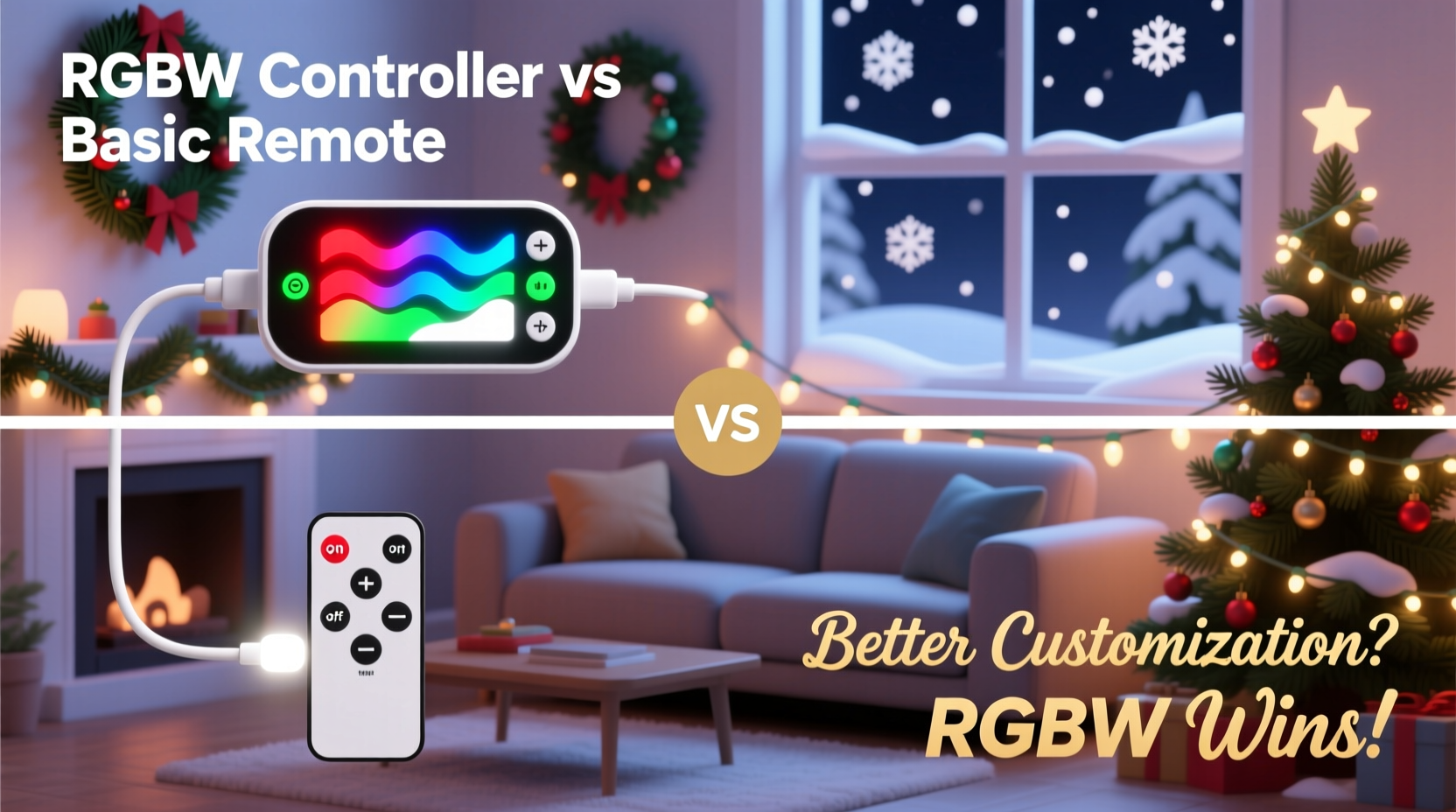
A basic remote is functionally a preset switchboard. Most operate via infrared or short-range RF and offer 3–8 fixed modes: steady white, warm white, cool white, red, green, blue, multicolor fade, and sometimes strobe or twinkle. These modes are hard-coded into the light string’s internal IC chip. You cannot adjust speed, brightness, transition timing, or hue saturation. If your lights are “RGB” (not RGBW), they lack a dedicated white channel—meaning true white light is simulated by mixing red, green, and blue at full intensity, resulting in a cooler, less natural tone with visible color fringing in dimmed settings.
An RGBW controller, by contrast, treats lighting as a four-channel instrument: Red, Green, Blue, and *dedicated* White. That fourth channel is transformative. It enables pure, high-CRI white light at any correlated color temperature (2700K–6500K), independent of color mixing. More importantly, RGBW controllers separate hardware from software logic. They connect to individual light strips or modules via DMX, 0–10V, or proprietary protocols—and interface with apps, timers, or home automation systems. This architecture allows per-channel dimming, custom color palettes, smooth crossfades, and scene sequencing impossible on basic remotes.
Color Accuracy and Consistency: Where RGBW Wins Decisively
Color rendering matters most when lights interact with architecture, landscaping, or interior surfaces. A basic remote’s “white” mode often delivers 5500–6500K light—harsh and clinical—while its “warm white” may be a yellow-tinted approximation with poor consistency across strands. Because all colors are generated by fixed PWM duty cycles in the string’s firmware, there’s no way to calibrate for ambient light conditions, aging LEDs, or batch variations.
RGBW controllers include calibration features. Using companion apps (like LampUX, Govee Home, or proprietary platforms), users can manually adjust each channel’s output curve, set white point presets, and save calibrated profiles. In practice, this means you can match the warm glow of your porch lanterns (2700K), then shift seamlessly to crisp daylight white (5000K) for your front steps—all without changing hardware. One landscape lighting installer in Portland reported reducing client color-matching callbacks by 70% after switching from basic-remote installations to RGBW-controlled systems with on-site white-point tuning.
“Basic remotes treat color like a menu—choose one item and accept what comes. RGBW controllers treat it like a palette—you mix, adjust, and refine until it’s precisely what the space demands.” — Marcus Chen, Lighting Designer & Founder, Lumina Craft Studio
Dynamic Effects and Scene Programming: Beyond Presets
Compare how each system handles animation:
- Basic remote: Offers 3–6 hardcoded animations—fade, jump, flash, strobe, twinkle, chase. Speed is usually adjustable in 1–3 steps; brightness is often fixed per mode. No ability to layer effects, pause mid-sequence, or trigger based on time or sensor input.
- RGBW controller: Enables frame-by-frame sequencing, multi-zone synchronization, audio-reactive modes (via microphone or line-in), sunrise/sunset simulation, and conditional triggers (e.g., “activate ‘Snowfall’ scene only when outdoor temp < 3°C”). Advanced units support up to 16-bit color depth per channel, enabling over 16 million distinct hues with smooth gradients—not stepped transitions.
Consider a real-world example: Sarah K., a school art teacher in Ohio, upgraded her home’s 120-foot roofline display from a $25 basic-remote set to a $149 RGBW controller with addressable strip lights. With the basic setup, her “snowfall” effect was a monotonous blue fade. Using the controller’s timeline editor, she programmed staggered white dot movements down each section of eave, synced to a subtle blue-to-cyan gradient, with randomized 5–8 second pauses between “flakes.” She saved the sequence and scheduled it to run only between 5:30–9:30 p.m., automatically dimming to 30% brightness after 8 p.m. for neighborhood compliance. Neighbors began asking how she achieved “that realistic falling snow”—not because it was flashy, but because it felt intentional and responsive.
Scalability, Integration, and Long-Term Value
Basic remotes scale poorly. Each light string requires its own remote—or worse, a universal remote that loses pairing after battery changes or interference. Adding new strands often means buying identical models to ensure compatibility, limiting design variety. There’s no central management: if one strand fails, troubleshooting requires manual testing of every remote button and power cycle.
RGBW controllers are built for expansion. Most support daisy-chaining up to 20–30 meters of compatible strip (depending on power supply specs) and integrate with smart home ecosystems. Via Matter or HomeKit, you can say, “Hey Siri, set the front yard to cozy amber,” or trigger “Holiday Mode” in your smart hub to simultaneously activate exterior lights, indoor tree lights, and pathway markers—all with synchronized timing and color harmony. Firmware updates add features over time; basic remotes are static after purchase.
| Feature | Basic Remote | RGBW Controller |
|---|---|---|
| Max simultaneous zones | 1 (entire string) | 4–16+ (per controller model) |
| White light quality | Mixed RGB (cool, inconsistent) | Dedicated white channel (2700K–6500K, CRI >90) |
| Custom scene saving | No | Yes (10–100+ scenes) |
| Scheduled activation | No (manual only) | Yes (date/time/day-of-week rules) |
| Smart home integration | Rare (some RF models) | Standard (Matter, HomeKit, Google Home, Alexa) |
| Firmware upgradability | No | Yes (over-the-air or USB) |
Your Customization Roadmap: Choosing and Implementing Wisely
Selecting between these systems isn’t binary—it’s contextual. Follow this step-by-step guide to determine the right solution for your needs and install it effectively:
- Assess your current lights: Check packaging or manufacturer specs for “RGBW,” “addressable,” or “DMX compatible.” If it says “RGB” only or lacks channel specification, a basic remote is likely your only option—or you’ll need to replace the lights.
- Define your priority use case: Ask: Do you want reliable on/off and 3–4 moods (basic remote suffices)? Or do you plan seasonal themes (Halloween purple/black, Easter pastels, Valentine’s rose-gold), respond to weather or time, or integrate with music or security systems? Then RGBW is essential.
- Evaluate physical constraints: Basic remotes require line-of-sight (IR) or proximity (RF). RGBW controllers need AC power near the light run and stable Wi-Fi (for app control) or wired DMX (for commercial setups).
- Calculate total cost of ownership: Add not just controller price, but required accessories: 12V/24V power supplies (with 20% headroom), aluminum mounting channels (for heat dissipation), waterproof connectors (if outdoors), and optional smart plugs for non-dimmable controllers.
- Test before committing: Purchase one RGBW controller and a 5-meter test strip. Program three scenes—“Dawn Warm,” “Midnight Blue,” and “Festive Pulse”—and run them for 72 hours. Note stability, app responsiveness, and color consistency at dawn/dusk. If it meets expectations, scale up.
FAQ
Can I upgrade my existing basic-remote lights to RGBW control?
Generally, no—unless the lights use a standard protocol like DMX or have exposed data/power terminals compatible with external controllers. Most plug-and-play light sets embed the controller IC directly into the string. Retrofitting requires replacing the entire light run with RGBW-addressable strips or modules.
Do RGBW controllers work with non-Christmas lighting—like under-cabinet kitchen strips?
Yes, and this is where their versatility shines. RGBW controllers are agnostic to application. A unit configured for holiday rooflines can later manage bedroom accent lighting, retail display backlighting, or studio photography setups—simply by adjusting color temperature, brightness curves, and timing parameters.
Is Wi-Fi connectivity a security risk for RGBW controllers?
Reputable brands (Nanoleaf, Philips Hue, Govee, LampUX) use TLS 1.2+ encryption, local network-only operation (no cloud dependency unless enabled), and regular security patches. Avoid obscure brands with unencrypted HTTP APIs or default passwords. For maximum security, isolate lighting devices on a guest VLAN within your router settings.
Conclusion
Customization isn’t about having more buttons—it’s about having meaningful control over mood, timing, harmony, and intention. A basic remote serves a single purpose well: turning lights on and off with a handful of decorative flourishes. An RGBW controller transforms lighting into a responsive, adaptive medium—one that can evoke quiet reverence at midnight, energetic celebration at dusk, or serene warmth on a snowy morning. It rewards attention to detail, supports evolving creativity, and pays dividends across seasons and years. If your vision for holiday lighting extends beyond “pretty” to “personalized,” “context-aware,” or “memorable,” the choice isn’t really between two remotes. It’s between accepting presets—and claiming authorship over light itself.




 浙公网安备
33010002000092号
浙公网安备
33010002000092号 浙B2-20120091-4
Comments
No comments yet. Why don't you start the discussion?