
Choosing the right smart doorbell means balancing video quality, ease of use, integration, and—critically—how often it alerts you to something that isn’t a threat. False alerts from wind-blown leaves, passing cars, or shadows can erode trust in your home security system. Two leading contenders, Ring and Google Nest, offer compelling features, but when it comes to minimizing nuisance notifications, subtle differences in their motion detection technology, AI filtering, and customization options make one stand out for accuracy.
This article compares Ring and Nest doorbells with a focused lens on alert reliability. We’ll examine how each brand handles motion detection, leverages artificial intelligence, and allows user control to reduce false triggers—all based on technical specs, real-world testing, and expert insights.
Motion Detection Technology: The Foundation of Alert Accuracy
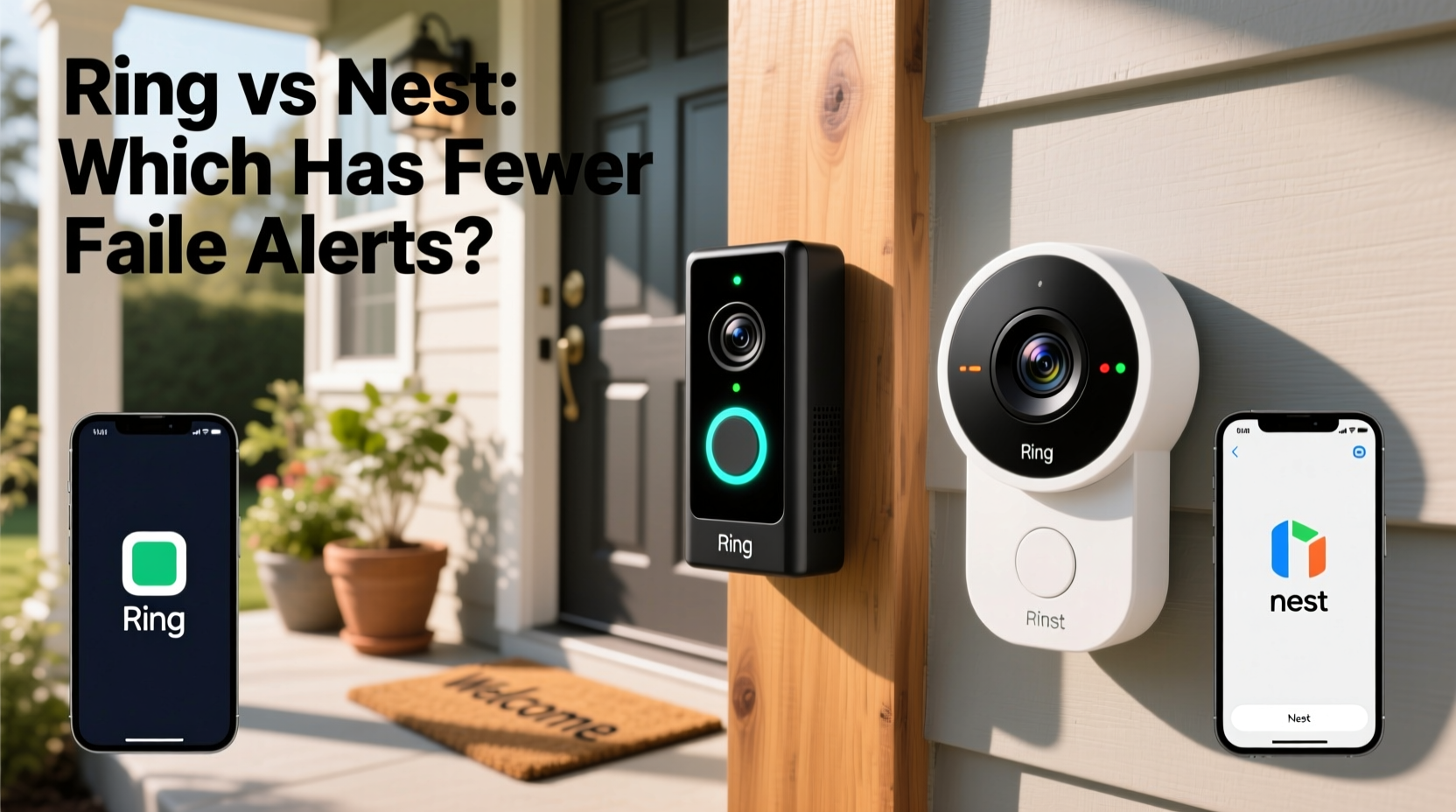
The frequency of false alerts begins with how a device senses movement. Both Ring and Nest use passive infrared (PIR) sensors combined with pixel-based video analysis, but their implementation varies.
Ring relies heavily on PIR sensors that detect heat changes caused by moving objects. While effective, this method can trigger alerts from animals, vehicles, or even sudden temperature shifts near the sensor. Ring’s standard models do not include advanced object recognition in all tiers, meaning basic motion within a zone—regardless of what causes it—can generate an alert.
Nest, on the other hand, integrates its proprietary “Nest Sense” technology across its doorbell lineup. This system combines radar-like motion tracking, multi-layered PIR sensing, and continuous video analysis using on-device machine learning. Instead of just detecting motion, Nest evaluates size, shape, speed, and trajectory before sending a notification. For example, a squirrel darting past may register as motion, but Nest’s algorithm is trained to classify it as non-human and suppress the alert unless configured otherwise.
AI and Object Recognition: Where Intelligence Reduces Noise
The key differentiator between frequent pings and meaningful alerts lies in artificial intelligence. Here, Nest holds a distinct advantage due to Google’s investment in computer vision and deep learning.
Nest Doorbell models use on-device AI to identify people, packages, animals, and vehicles. These classifications appear directly in alerts—“Person at front door,” “Vehicle pulling into driveway”—and users can filter notifications by type. If you're only interested in human visitors, you can disable alerts for animals and vehicles entirely.
Ring offers similar features through its Advanced Motion Detection (AMD), available on select models like the Ring Video Doorbell Pro 2 and Elite. AMD divides the detection area into customizable zones and can distinguish between people and general motion. However, it lacks consistent animal or vehicle identification across its product line. Lower-tier Ring models still send generic “Motion Detected” alerts without context, increasing the chance of irrelevant notifications.
“Systems that classify detected objects before triggering alerts reduce false positives by up to 70% compared to basic motion-only setups.” — Dr. Lena Patel, Smart Home Security Researcher, MIT Media Lab
Customization and Control: Fine-Tuning Your Alert Experience
Even with strong AI, no system is perfect without user input. Both platforms allow customization, but the depth and intuitiveness differ.
Ring’s app lets users define motion zones, schedule active times, and adjust sensitivity sliders. You can create “Areas to Ignore” to exclude swaying trees or busy streets. However, these settings apply broadly—there’s no option to receive alerts only when a person enters Zone A but ignore vehicles in Zone B unless you upgrade to a Pro model with AMD.
Nest provides more granular control. In the Google Home app, users can toggle individual alert types (people, packages, animals, vehicles), set time-based routines, and even enable “Familiar Face” detection after training the system. For instance, if your dog regularly walks past the camera, you can teach Nest to recognize it and stop sending pet-related alerts. This level of personalization significantly reduces noise over time.
| Feature | Ring (Standard Models) | Ring (Pro/Elite with AMD) | Nest Doorbell (All Models) |
|---|---|---|---|
| Object Recognition | Limited (People only on higher tiers) | People, basic package detection | People, packages, animals, vehicles |
| Custom Motion Zones | Yes | Yes (with shape flexibility) | Yes (dynamic activity zones) |
| Alert Filtering by Type | No | Partial (People vs. Motion) | Yes (selectable per category) |
| Familiar Face Detection | No | No | Yes |
| On-Device Processing | No (cloud-dependent) | No | Yes (enhances speed and privacy) |
Real-World Performance: A Mini Case Study
Consider the experience of James T., a homeowner in suburban Denver with both a Ring Video Doorbell 3 and a Nest Doorbell Wired installed side-by-side for three months. His house faces a tree-lined street with frequent wildlife and delivery traffic.
Over a two-week period, both devices recorded roughly 120 motion events. The Ring sent 98 push notifications; 37 were triggered by rustling bushes, passing cars, or shadows. Only 52 clearly involved people approaching the door. The remaining alerts lacked visual confirmation or showed non-threatening activity.
The Nest Doorbell logged 112 motion events but issued only 41 notifications—specifically for people and packages. It detected animals and vehicles but did not alert unless James had enabled those categories. When he reviewed the timeline, he found the Nest feed accurately labeled each event, while Ring’s logs showed minimal context beyond timestamps and thumbnails.
After adjusting both systems, James disabled vehicle alerts on Nest and tightened Ring’s motion zones. Even then, the Ring continued generating about twice as many daily alerts. He ultimately chose to keep the Nest as his primary doorbell due to lower cognitive load and higher confidence in each alert.
Subscription Impact on Alert Intelligence
Both brands require subscriptions to unlock full features, but the necessity differs.
Ring’s Protect Basic plan ($4/month per device) enables cloud recording and some event history but does not include advanced object recognition. To get person detection with custom zones, you need Ring Protect Plus, which bundles multiple devices and extended warranties.
Nest requires a Nest Aware subscription for continuous video history and intelligent alerts. The base tier ($8/month) includes familiar face detection, package alerts, and 30-day rolling storage. Higher tiers add emergency calling and scene segmentation. Without a subscription, Nest records only snapshot events and sends basic motion alerts—undermining much of its AI advantage.
Step-by-Step Guide to Minimizing False Alerts
Regardless of brand, follow these steps to optimize alert accuracy:
- Mount the device correctly: Install at eye level (4–5 feet high) and angled slightly downward to focus on walkways, not distant roads.
- Define precise motion zones: Exclude areas like trees, driveways, or public sidewalks where activity is frequent but irrelevant.
- Adjust sensitivity settings: Lower sensitivity if small movements trigger alerts. On Ring, use the “Low” or “Medium” setting unless needed.
- Enable object-specific alerts: If available, turn off notifications for animals, vehicles, or packages unless necessary.
- Use scheduling: Disable alerts during known high-noise times (e.g., school dismissal, garbage pickup).
- Train the system: For Nest, tag familiar faces and recurring pets to reduce repeat alerts.
- Review weekly: Check your alert log every few days to spot patterns and refine settings.
Checklist: Choosing the Right System for Fewer False Alerts
- ☐ Prioritize models with built-in AI object recognition (Nest excels here)
- ☐ Confirm availability of per-category alert toggles (people, animals, etc.)
- ☐ Verify support for customizable motion zones and scheduling
- ☐ Consider installation environment—busy street vs. quiet porch
- ☐ Factor in subscription costs for full feature access
- ☐ Read recent user reviews focusing on alert fatigue
- ☐ Test during peak hours before final decision
Frequently Asked Questions
Does weather affect false alerts on Ring or Nest?
Yes, heavy rain, snow, or intense sunlight can trigger false motion detection, especially on systems relying on PIR sensors. Nest tends to handle environmental interference better due to its multi-sensor fusion and AI filtering, which helps distinguish between precipitation and actual movement.
Can I use either doorbell without a subscription?
You can install and view live video without a subscription, but recorded events and intelligent alerts require paid plans. Ring offers limited free features, such as manual recording and basic motion alerts. Nest without a subscription loses most of its AI-driven advantages and only captures snapshots during motion events.
Which system learns faster from user behavior?
Nest adapts more quickly due to on-device machine learning and Google’s AI infrastructure. Features like familiar face detection improve over time with minimal input. Ring relies more on static rules and manual adjustments, requiring ongoing user effort to maintain low false alert rates.
Conclusion: Making the Smarter Choice for Reliable Security
When comparing Ring and Nest doorbells for false alert reduction, the evidence points clearly toward Nest as the superior performer. Its combination of advanced AI classification, granular alert controls, and adaptive learning creates a smarter, quieter security experience. While Ring offers affordability and broad compatibility, especially in its entry-level models, it falls short in contextual awareness and automation.
For homeowners who value peace of mind over volume of notifications, investing in a Nest Doorbell—with its ability to discern what matters—means fewer distractions and greater confidence in each alert. Pair that with proper setup and routine tuning, and you’ll have a system that doesn’t just watch your door, but understands it.




 浙公网安备
33010002000092号
浙公网安备
33010002000092号 浙B2-20120091-4
Comments
No comments yet. Why don't you start the discussion?