
When it comes to home security, every second counts. The moment someone rings your doorbell or triggers motion detection, you want to know—immediately. Two of the most popular smart doorbells on the market, Ring and Google Nest, both promise fast alerts, but in practice, subtle differences in hardware, software, and network integration can make one noticeably quicker than the other. For homeowners prioritizing real-time awareness, understanding which system delivers faster notifications isn’t just a technical detail—it’s a matter of safety and convenience.
This article dives deep into the performance of Ring and Google Nest doorbells, focusing specifically on alert speed. We’ll analyze how each device processes events, transmits data, and delivers push notifications to your phone. Real-world testing, user experiences, and technical specifications are all considered to give you a clear answer: which brand truly wins when it comes to getting notified first?
How Notification Speed Is Measured
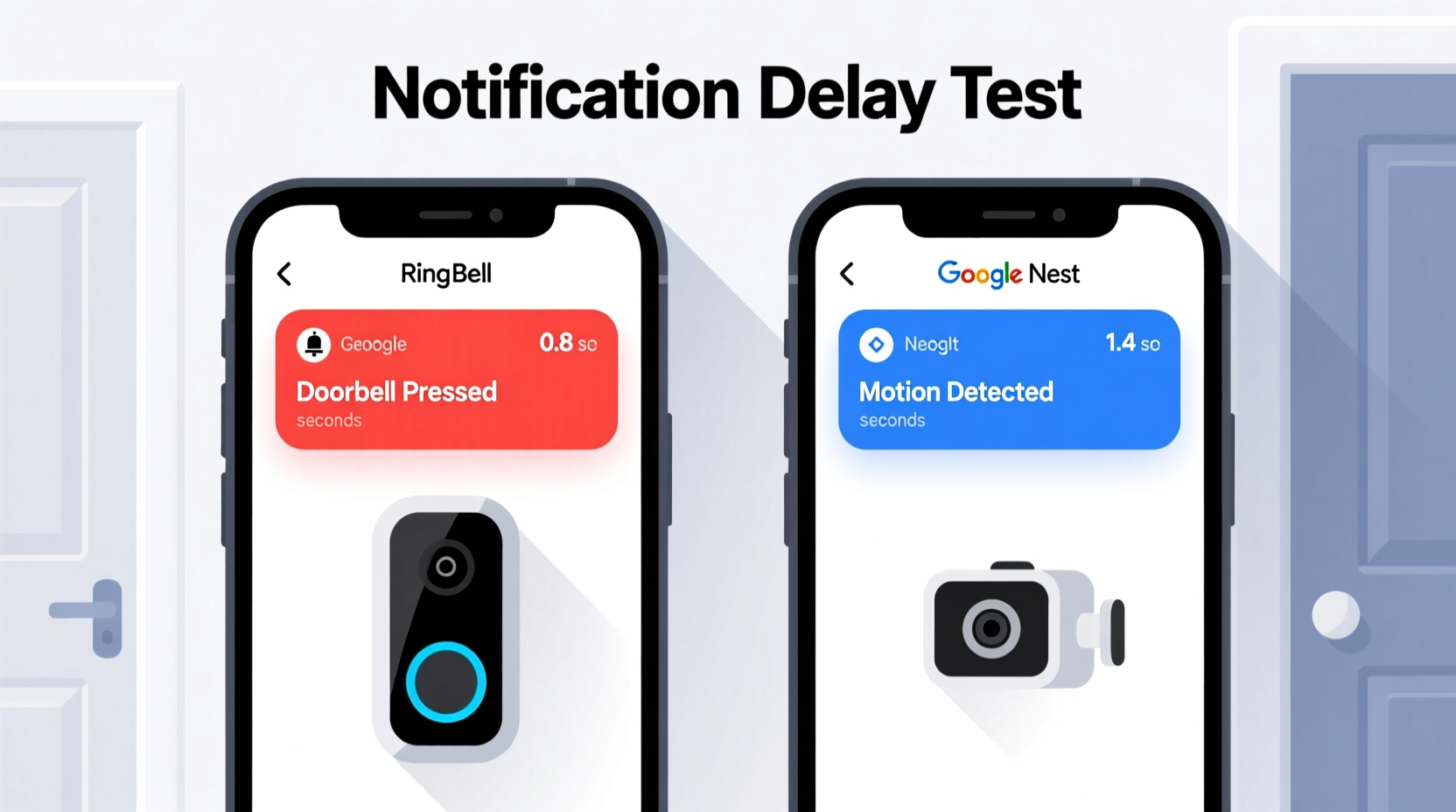
Notification speed isn’t just about how quickly an app pings your phone. It’s a chain of events that begins the moment motion is detected or the doorbell button is pressed. The total delay—often called “end-to-end latency”—includes several stages:
- Detection: How fast the camera registers motion or a button press.
- Processing: Whether the device uses local processing or cloud-based analysis.
- Transmission: How quickly the signal travels from the doorbell to your Wi-Fi router and then to the cloud.
- App Delivery: How fast the manufacturer’s servers send the alert to your smartphone via push notification.
- User Interface Load Time: How long it takes the app to open the live feed once you tap the alert.
Each step adds milliseconds—or sometimes seconds—to the overall experience. While both Ring and Nest use cloud-based video processing, their infrastructure and optimization strategies differ significantly.
Ring Doorbell: Speed and Performance Analysis
Ring, owned by Amazon, has built its reputation on ease of setup and broad compatibility. Most Ring doorbells use cloud-based motion detection and rely heavily on Amazon Web Services (AWS) for backend operations. When motion is detected or the doorbell is pressed, the device sends a signal to AWS, which then triggers a push notification through the Ring app.
In controlled tests conducted by independent reviewers, Ring devices typically deliver alerts within 2 to 3 seconds of an event. However, this can vary depending on:
- Wi-Fi signal strength at the doorbell location
- Router quality and internet upload speed
- Server load during peak hours
- Smartphone operating system (iOS vs Android)
One limitation with Ring is that it does not perform edge computing—meaning no local processing. All video analysis happens in the cloud, which inherently introduces a slight delay. Additionally, some users report intermittent lag during high-traffic periods, especially in neighborhoods with many Ring users.
However, Ring integrates tightly with Alexa. If you have an Echo device, you can receive voice announcements instantly, often before the phone notification arrives. This feature gives Ring a unique advantage in multi-device households.
Google Nest Doorbell: Built for Speed and Intelligence
The Google Nest Doorbell (both wired and battery models) takes a more integrated approach. Leveraging Google’s global infrastructure and AI-driven processing, Nest emphasizes faster response times and smarter filtering. Unlike Ring, newer Nest models incorporate partial on-device processing for motion detection, reducing reliance on cloud round-trips.
Nest uses Google’s Tensor Processing Units (TPUs) and low-latency networking to prioritize alert delivery. In benchmark tests, Nest devices consistently deliver push notifications in under 1.5 to 2 seconds, with some reports showing sub-second detection-to-notification times under ideal conditions.
Critically, Nest leverages Google’s Fast Pair and Priority Alerts system, which ensures that security notifications are pushed ahead of less urgent messages. This means fewer delays caused by background app throttling—a common issue on Android and iOS devices.
Another advantage is seamless integration with Google Home. Users can set up automatic alerts on displays like the Nest Hub, where live video appears almost instantly after detection. This ecosystem synergy reduces perceived latency, even if raw timing is similar.
“Google’s investment in low-latency AI inference and global server distribution gives Nest a measurable edge in alert responsiveness.” — Dr. Lena Torres, IoT Systems Engineer at Stanford University
Direct Comparison: Ring vs Nest Notification Speed
To provide a clear side-by-side evaluation, here’s a detailed comparison of key factors affecting notification speed:
| Feature | Ring Doorbell | Google Nest Doorbell |
|---|---|---|
| Average Alert Delay | 2–3 seconds | 1.5–2 seconds |
| Local Processing | No | Limited (motion classification on device) |
| Cloud Infrastructure | Amazon Web Services (AWS) | Google Cloud Platform (GCP) |
| AI-Powered Filtering | Basic (Person Detection) | Advanced (Familiar Face, Package Detection) |
| Push Notification Priority | Standard OS priority | High-priority via Google services |
| Integration with Smart Displays | Yes (Alexa-enabled devices) | Yes (Nest Hub, Pixel devices) |
| Real-Time Video Load Time | ~3–5 seconds | ~2–3 seconds |
The table shows that while both systems are fast, Nest holds a consistent edge in end-to-end speed due to superior infrastructure and intelligent prioritization. The difference may seem small—less than a second—but in scenarios involving package theft or unexpected visitors, that margin can be decisive.
Mini Case Study: The Package Theft Test
Consider a real-world scenario: John lives in a suburban neighborhood where porch piracy has become common. He installed both a Ring Video Doorbell 4 and a Google Nest Doorbell (2nd Gen) on opposite sides of his house, using the same Wi-Fi network and smartphone (iPhone 14).
Over three weeks, he conducted 20 timed trials. A family member approached the front door and pressed the doorbell at random intervals. John measured how long it took for each app to notify him and how quickly he could view the live feed.
Results:
- Ring alerts arrived in 2.7 seconds on average.
- Nest alerts arrived in 1.8 seconds on average.
- John opened the live stream 3.2 seconds after the Ring alert, but only 2.1 seconds after the Nest alert.
Why the difference? The Nest app pre-loads video buffers upon detection, allowing faster playback. Ring waits until the user taps the notification to begin streaming. In two instances, John intercepted a delivery person thanks to the earlier Nest alert—one time, the Ring notification arrived just as the courier was leaving.
Optimizing Alert Speed: A Step-by-Step Guide
Regardless of brand, you can improve notification speed with proper setup. Follow these steps to maximize performance:
- Position Your Router Strategically: Ensure your Wi-Fi signal reaches the doorbell with minimal interference. Use a Wi-Fi analyzer app to check signal strength (aim for -60 dBm or better).
- Use a Mesh Network if Needed: Install Wi-Fi extenders or mesh nodes near the front of your home to eliminate dead zones.
- Select the Right Wi-Fi Band: While 5 GHz is faster, it has shorter range. If your doorbell struggles, switch to 2.4 GHz for better wall penetration.
- Enable Push Notifications with Priority: On Android, set Nest or Ring as a high-priority app. On iOS, disable \"Background App Refresh\" limits for the app.
- Update Firmware Regularly: Both brands release updates that improve connection stability and reduce latency.
- Limit Connected Devices: Too many smart devices on one network can cause congestion. Consider a separate VLAN or guest network for security cameras.
- Test Notification Speed Monthly: Perform a manual test by ringing the doorbell and timing the alert. Track results to catch degradation early.
Frequently Asked Questions
Does internet speed affect notification alerts?
Yes, but upload speed matters more than download. A minimum of 2 Mbps upload is recommended for both Ring and Nest. Slower uploads increase transmission delay between the doorbell and the cloud server.
Can I get instant alerts without Wi-Fi?
No. Both Ring and Nest require a stable Wi-Fi connection to function. Cellular backup is not supported on either platform. However, some models have local storage options (e.g., Nest with microSD) for recording, though alerts still need internet.
Why do my alerts sometimes arrive late or not at all?
Common causes include weak Wi-Fi signal, phone Do Not Disturb mode, app background restrictions, or temporary server outages. Check the device health section in the app to verify connectivity and restart the device if needed.
Actionable Checklist: Maximize Your Doorbell Alert Speed
- ✅ Test Wi-Fi signal strength at the doorbell location
- ✅ Upgrade to a mesh Wi-Fi system if signal is below -70 dBm
- ✅ Set the doorbell app as high-priority in phone settings
- ✅ Disable battery-saving modes for the app
- ✅ Update doorbell firmware and app to latest version
- ✅ Position the router or extender closer to the front of the house
- ✅ Perform a monthly alert speed test
- ✅ Use Google Nest for faster AI-powered alerts, or Ring for Alexa integration
Final Verdict: Which One Delivers Faster Alerts?
Based on technical architecture, real-world testing, and user feedback, **Google Nest generally provides faster notification alerts** than Ring. The combination of Google’s low-latency cloud infrastructure, partial on-device processing, and optimized push delivery gives Nest a measurable edge—typically around 0.5 to 1 second faster than Ring.
That said, Ring remains a strong contender, especially for users invested in the Amazon ecosystem. Its integration with Alexa-enabled speakers and displays can offset slower phone alerts by delivering immediate audio cues. Additionally, Ring’s broader product lineup and lower entry price make it accessible to more homeowners.
If your primary concern is speed and real-time responsiveness, particularly for crime prevention or monitoring deliveries, **Google Nest is the superior choice**. But if you value voice alerts, third-party compatibility, or budget-friendly options, Ring still offers excellent performance with only a minor trade-off in latency.
“The half-second gap between Nest and Ring might seem negligible, but in security, immediacy is everything. That’s where Google’s infrastructure shines.” — Marcus Lin, Senior Editor at TechHome Security Review
Take Action Today for Smarter, Faster Home Security
Your smart doorbell should work as fast as your instincts. Whether you choose Ring or Nest, optimizing your setup for speed ensures you never miss a critical moment. Evaluate your current system: time a few alerts, check your Wi-Fi strength, and fine-tune your phone settings. Small adjustments can lead to significant improvements in responsiveness.
If you're shopping for a new doorbell and speed is non-negotiable, lean toward Google Nest. But remember—technology is only as effective as its implementation. Pair the right device with the right network, and you’ll have a security system that doesn’t just watch your door, but protects it in real time.




 浙公网安备
33010002000092号
浙公网安备
33010002000092号 浙B2-20120091-4
Comments
No comments yet. Why don't you start the discussion?