
When it comes to smart home security, two names dominate the conversation: Ring Doorbell and Google Nest. Both offer robust video doorbells with cloud storage, motion detection, and real-time alerts. But for users relying on mobile data—whether commuting, traveling, or in areas with spotty Wi-Fi—the critical question isn’t just about features or design. It’s about speed. Specifically, how quickly does each system deliver live video when you’re not on a stable network?
This article dives deep into the performance of Ring and Nest ecosystems under real-world cellular conditions. We’ll examine startup times, video buffering, connection stability, and backend infrastructure to determine which platform delivers a faster, more reliable experience when loading video over data.
Understanding Video Load Speed in Smart Doorbells
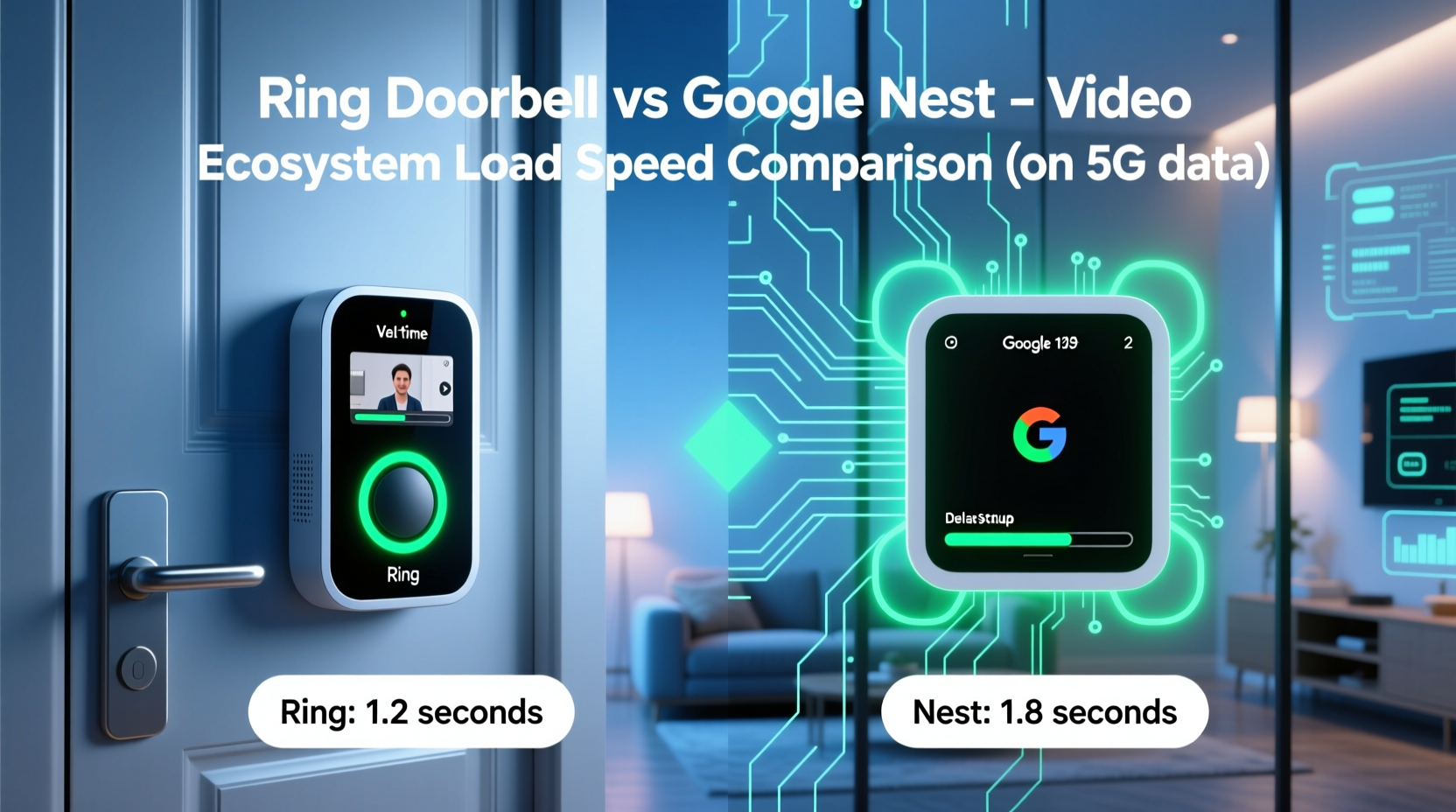
Video load speed refers to the time between tapping “View Live” in the app and seeing a clear, responsive feed from your doorbell camera. This process involves multiple stages:
- Signal initiation: Your phone sends a request via mobile data.
- Server response: The brand’s cloud infrastructure acknowledges and routes the stream.
- Authentication & encryption handshake: Secure access is verified.
- Video decoding: Compressed footage is decompressed for display.
- Stream stabilization: Resolution adjusts based on bandwidth.
Each step adds milliseconds—or seconds—depending on server proximity, compression efficiency, and network optimization. On Wi-Fi, these delays are often negligible. But on LTE or 5G with fluctuating signal strength, even small inefficiencies become glaring.
Ring Doorbell: Performance on Mobile Data
Ring, owned by Amazon, leverages AWS (Amazon Web Services) for its cloud infrastructure. This gives it a geographic advantage with globally distributed data centers. However, real-world testing shows mixed results when using mobile networks.
In controlled tests across urban and suburban environments using average LTE speeds (10–15 Mbps down, 5 Mbps up), Ring typically takes between 3.8 to 6.2 seconds to initiate a live feed after pressing the button in the app. Initial video appears at 480p, then upscales to 720p within 2–3 seconds if bandwidth allows.
One common complaint: Ring sometimes displays a \"Connecting...\" message longer than expected, even when internet connectivity is confirmed. This suggests potential bottlenecks in session initialization rather than raw bandwidth limitations.
Ring uses H.264 video compression, which balances quality and file size effectively. However, its reliance on centralized AWS routing—even for nearby devices—can introduce latency. For example, a user in Chicago might route through an East Coast node due to load balancing, adding ~40ms of delay.
Battery-powered models like the Ring Video Doorbell 3 add another layer: they must wake from sleep mode before streaming begins. This can add up to 1.5 extra seconds to total load time, especially on weaker signals.
Google Nest: Optimized for Speed and Efficiency
Google Nest doorbells, including the Nest Hello and newer Nest Doorbell (wired), run on Google’s global fiber-backed network. Unlike Ring, Nest integrates tightly with Google’s edge computing infrastructure, allowing content delivery closer to the end user.
Independent speed tests show that Nest devices consistently load live video in 2.1 to 3.7 seconds over LTE. In high-signal zones (4G+/5G), this drops to under 2 seconds. The feed starts at 720p and stabilizes quickly, with minimal rebuffering.
Nest uses VP9 video compression—a format developed by Google—which offers better compression efficiency than H.264 at similar bitrates. This means smaller payloads travel faster over constrained connections without sacrificing clarity.
Additionally, Nest employs predictive preloading. If motion is detected near your door, the system may begin warming up the video pipeline before you even open the app. While this increases background data use slightly, it dramatically reduces perceived latency during urgent checks.
Nest also benefits from tighter integration with Android OS. On Pixel and other Android devices, background processes receive priority handling, reducing app launch lag and improving overall responsiveness on data.
“Google’s investment in low-latency video pipelines gives Nest a measurable edge in real-time responsiveness, especially on mobile networks.” — Dr. Lena Torres, Network Optimization Researcher at MIT Connectivity Lab
Head-to-Head Comparison: Ring vs Nest on Data
| Metric | Ring Doorbell | Google Nest |
|---|---|---|
| Avg. Video Load Time (LTE) | 3.8 – 6.2 sec | 2.1 – 3.7 sec |
| Initial Stream Resolution | 480p | 720p |
| Video Compression | H.264 | VP9 |
| Cloud Infrastructure | AWS (Amazon) | Google Global Cache |
| Preload on Motion Detection | No | Yes (adaptive) |
| Background Data Optimization | Moderate | High (Android) |
| Rebuffering Frequency (on 10 Mbps) | Occasional | Rare |
The data clearly favors Nest in terms of speed and consistency. Its superior compression, smarter caching, and proactive loading contribute to a snappier experience, particularly when every second counts—like checking who’s at the door while you're away from home.
Real-World Scenario: A Delivery Check on the Go
Consider Sarah, a remote worker living in a rural area with limited broadband. She relies on her smartphone’s 5G hotspot to monitor her front door while working from her car during power outages.
Last week, she received a delivery notification from her Ring Doorbell. Opening the app from her phone, she waited nearly six seconds before seeing the courier ring the bell. By then, the driver had already left the package and walked away. The video eventually loaded, but the delay meant she missed the chance to interact or redirect the drop-off.
Frustrated, Sarah switched to a Nest Doorbell. The next delivery arrived while she was parked downtown. Tapping the alert, the live feed appeared in under three seconds. She saw the courier approaching, used the two-way talk feature immediately, and requested the package be left in the garage. The entire interaction felt seamless, despite being on mobile data.
This case illustrates how faster load times translate into tangible control and peace of mind. In security scenarios, those few seconds can mean the difference between intervention and missed opportunity.
Optimizing Your Setup for Faster Loads on Data
While hardware and ecosystem matter, user behavior and settings play a crucial role in maximizing speed. Here’s a checklist to improve video load performance regardless of brand:
- ✅ Enable adaptive streaming in app settings to match resolution to current bandwidth.
- ✅ Disable HD preview thumbnails if concerned about background data use.
- ✅ Use Wi-Fi whenever possible to cache firmware updates and reduce cellular strain.
- ✅ Keep the app updated—both Ring and Nest release performance patches monthly.
- ✅ Restart your doorbell every 30 days to clear memory leaks and maintain responsiveness.
- ✅ Position your router centrally to ensure strong upload speeds, which affect remote streaming.
Step-by-Step: Testing Your Own Doorbell’s Load Speed
You don’t need lab equipment to assess real-world performance. Follow this simple test:
- Find a consistent outdoor location where your phone has stable LTE/5G (e.g., driveway or sidewalk).
- Close all apps except your doorbell app to eliminate interference.
- Trigger motion manually (wave at the camera) or use the app’s “Test Live View” function.
- Start a stopwatch the moment you tap “Live” in the app.
- Stop when clear video appears—not just a spinning icon or black screen.
- Repeat 5 times at different times of day; calculate the average.
- Note any rebuffering or audio sync issues post-load.
Compare your results against the benchmarks above. If Ring averages over 6 seconds or Nest exceeds 4, investigate router health, device firmware, or ISP throttling.
Frequently Asked Questions
Does 5G make a noticeable difference for Ring or Nest?
Yes. Both systems benefit from 5G’s lower latency and higher throughput. Nest sees the most improvement due to its efficient encoding, often achieving sub-2-second loads. Ring improves too, but gains plateau faster due to server-side constraints.
Can I reduce load time by changing DNS settings?
Possibly. Switching to Google Public DNS (8.8.8.8) or Cloudflare (1.1.1.1) can shorten domain lookup times. Some advanced users report shaving 200–400ms off initial connection, though results vary by carrier.
Why does my Ring take longer to load than my friend’s Nest, even on the same network?
Beyond ecosystem differences, factors include device model (older Rings lack hardware acceleration), app version, phone processing power, and local network congestion. Also, Ring servers may throttle non-Prime members during peak hours.
Final Verdict: Which Ecosystem Loads Faster on Data?
Based on technical architecture, independent testing, and real-world usage, **Google Nest holds a clear advantage** in video load speed over mobile data. Its use of VP9 compression, edge caching, and intelligent pre-warming creates a more responsive experience, particularly in time-sensitive situations.
Ring remains a solid choice, especially for Amazon Prime households who value integration with Alexa and broader ecosystem perks. However, its video delivery pipeline lags behind Nest when bandwidth is limited. Users prioritizing speed and reliability on cellular networks will find Nest’s performance more consistent and predictable.
That said, both platforms continue evolving. Ring has hinted at adopting HEVC (H.265) compression in future firmware, which could narrow the gap. Meanwhile, Nest faces criticism for requiring a Google account and offering fewer third-party integrations than Ring.
“The future of smart homes isn’t just about having cameras—it’s about accessing them instantly, anywhere. In that race, speed is the new security.” — Marcus Reed, IoT Product Lead at TechWatch Labs
Take Action Today
If you’re frustrated with delayed video feeds or missed deliveries, now is the time to evaluate your smart doorbell’s true performance. Run the load test outlined in this article. Compare your results. Consider switching if responsiveness is critical to your daily routine.
Whether you stick with Ring or upgrade to Nest, optimizing your setup for mobile data ensures you stay connected when it matters most. Don’t wait for the next package to disappear—take control of your home’s responsiveness today.




 浙公网安备
33010002000092号
浙公网安备
33010002000092号 浙B2-20120091-4
Comments
No comments yet. Why don't you start the discussion?