
When choosing between the Ring Doorbell and the Nest Hello, one of the most overlooked yet critical factors is Wi-Fi performance. Both devices offer high-definition video, two-way talk, and intelligent motion detection, but their underlying network demands differ significantly. Understanding which device requires a stronger Wi-Fi connection can prevent frustrating lag, buffering, or disconnections after installation. This guide breaks down the technical requirements, real-world behavior, and environmental variables that affect each system’s connectivity—so you can make an informed decision based on your home’s internet infrastructure.
Understanding Wi-Fi Requirements for Smart Doorbells
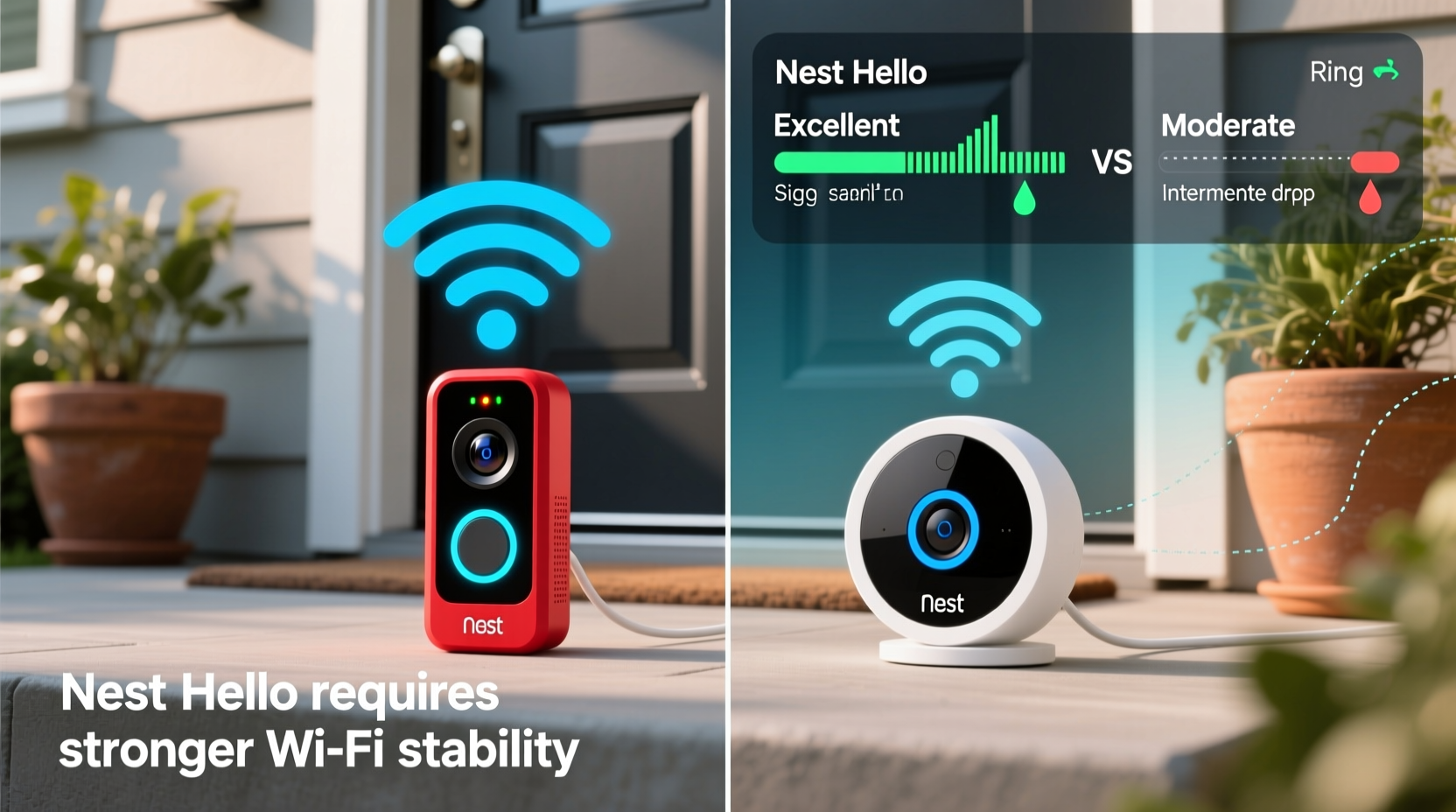
Smart doorbells rely heavily on stable internet connections to stream live video, upload recordings, and send alerts. A weak signal doesn’t just degrade video quality—it can delay notifications or cause the app to disconnect entirely. The key metrics to consider are:
- Minimum upload speed: Needed to send video data from your doorbell to the cloud.
- Signal strength (RSSI): Measured in dBm; closer to 0 is better, but -67 dBm or lower is generally acceptable.
- Band compatibility: Whether the device supports 2.4 GHz, 5 GHz, or both.
- Network congestion: Number of connected devices and interference from walls or appliances.
The Ring Doorbell and Nest Hello are designed with different networking architectures, affecting how they handle bandwidth and signal stability.
Ring Doorbell: Simpler Design, Lower Bandwidth Demands
Ring devices are engineered for broad compatibility and ease of setup, especially in homes with modest internet speeds. Most Ring Doorbell models—including the popular Ring Video Doorbell (3rd Gen), Ring Video Doorbell Pro, and Ring Video Doorbell 4—require only a 2.4 GHz Wi-Fi band. While this limits peak throughput, it improves range and wall penetration, making it more forgiving in homes with thick walls or distant routers.
According to Ring’s official specifications, the minimum recommended upload speed is 2 Mbps per device. However, many users report reliable performance even at 1–1.5 Mbps, particularly when the doorbell is within 15–20 feet of the router with minimal obstructions.
Ring uses adaptive bitrate streaming, meaning it dynamically reduces video resolution during poor connectivity to maintain functionality. For example, under low bandwidth, the feed may drop from 1080p to 720p or lower to avoid freezing. This resilience makes Ring a strong choice for older homes or rural areas where internet infrastructure is less robust.
Nest Hello: Higher Performance, Higher Network Demand
The Google Nest Hello takes a different approach. It supports both 2.4 GHz and 5 GHz bands, allowing faster data transfer when connected to the less congested 5 GHz network. However, this comes at a cost: 5 GHz signals have shorter range and poorer wall penetration. If your router is far from the front door or separated by concrete walls, maintaining a stable 5 GHz connection can be challenging.
Nest recommends a minimum upload speed of 2 Mbps, similar to Ring. But due to its higher default video quality and continuous power delivery (it’s hardwired only), the Nest Hello often consumes more bandwidth during active use. Users frequently report that while the initial setup works fine, live streaming becomes choppy when multiple devices are online simultaneously.
“Nest Hello delivers excellent image clarity and facial recognition, but it expects a premium network environment. In homes with spotty coverage, it’s more prone to timeouts than Ring.” — David Lin, Home Automation Engineer at SmartDwell Labs
Unlike Ring, Nest Hello does not adjust video quality as aggressively under poor conditions. Instead, it may display a “buffering” message or fail to load the live feed altogether if bandwidth drops below threshold levels. This behavior suggests that while both devices list similar minimum specs, Nest Hello performs best on networks with consistent upload speeds above 3 Mbps and strong signal stability.
Comparative Analysis: Key Differences in Connectivity
| Feature | Ring Doorbell | Nest Hello |
|---|---|---|
| Wi-Fi Bands Supported | 2.4 GHz only | 2.4 GHz and 5 GHz |
| Min Upload Speed | 2 Mbps | 2 Mbps |
| Typical Real-World Bandwidth Use | 1.5–2.5 Mbps (adaptive) | 2.5–4 Mbps (less adaptive) |
| Power Source | Battery or hardwired | Hardwired only |
| Signal Range Tolerance | High (better through walls) | Moderate to Low (5 GHz weakens through walls) |
| Video Quality Under Load | Degrades gracefully | May freeze or time out |
| Recommended Router Distance | Up to 30 ft with obstacles | Up to 15 ft without major obstructions |
This comparison reveals a crucial insight: while both devices state a 2 Mbps requirement, the **Nest Hello effectively needs a better Wi-Fi connection** due to its higher operational bandwidth usage and reliance on 5 GHz for optimal performance. If your front door is on the opposite side of a large house or behind metal-reinforced walls, Nest Hello may struggle unless you install a mesh network node nearby.
Real-World Example: Urban Apartment vs Suburban Home
Consider two scenarios:
Case 1 – Urban Apartment: Maria lives in a third-floor apartment with her router near the bedroom, about 40 feet and two walls away from the front door. Her building has thick plaster walls and significant Wi-Fi interference from neighbors. She installs a Ring Doorbell (battery-powered). Despite moderate upload speed (1.8 Mbps), the device connects reliably thanks to its 2.4 GHz-only design and adaptive streaming. Live views load in 3–4 seconds, and alerts arrive instantly.
Case 2 – Suburban Home: James has a newer single-family home with fiber internet (100 Mbps up/down) and a mesh Wi-Fi system. He installs a Nest Hello at his front porch, 25 feet from the nearest mesh node. The 5 GHz connection remains strong, and he enjoys crisp 1080p video, instant alerts, and clear two-way audio. However, when he temporarily disables his mesh node for maintenance, the Nest Hello drops to 2.4 GHz and begins buffering during live streams—something his neighbor’s Ring Doorbell never experienced.
These examples illustrate that hardware capabilities matter less than real-world network conditions. The Nest Hello excels in ideal environments but falters without robust infrastructure. Ring sacrifices some features for broader compatibility.
Actionable Tips for Optimizing Wi-Fi Performance
No matter which doorbell you choose, optimizing your Wi-Fi setup increases reliability. Follow these steps before and after installation:
- Test signal strength at the doorbell location: Use a Wi-Fi analyzer app (like NetSpot or Wi-Fi Analyzer) to check RSSI. Aim for -67 dBm or higher.
- Upgrade to a mesh network: Systems like Google Nest Wifi, Eero, or TP-Link Deco place access points throughout your home, eliminating dead zones.
- Assign static channels: Log into your router settings and set your 2.4 GHz band to channel 1, 6, or 11 to reduce interference.
- Limit background traffic: Schedule large downloads or backups for off-peak hours to free up bandwidth.
- Use Ethernet backhaul for mesh nodes: If possible, connect your mesh satellites via Ethernet for maximum stability.
Step-by-Step: How to Test Your Doorbell's Network Suitability
Before purchasing or installing either device, verify your network can support it:
- Check your internet speed: Run a test at speedtest.net using a device near your front door. Note the upload speed.
- Scan Wi-Fi signal: Use a smartphone app to measure signal strength where the doorbell will be mounted.
- Determine wiring availability: Nest Hello requires constant power (hardwired). Ring offers battery options, giving more placement flexibility.
- Map your network layout: Identify whether your router is centrally located or isolated from entry points.
- Simulate load: Stream HD video on another device while testing live view latency in the Ring or Nest app.
- Decide accordingly: If upload speed is below 2 Mbps or signal is weak, go with Ring. If your network is strong and modern, Nest Hello unlocks superior features.
Frequently Asked Questions
Can I use Nest Hello with only 2.4 GHz Wi-Fi?
Yes, Nest Hello supports 2.4 GHz networks. However, performance may suffer during high-traffic periods since 2.4 GHz is more prone to interference from microwaves, cordless phones, and neighboring networks.
Does Ring Doorbell work without Wi-Fi?
No. Ring Doorbell requires Wi-Fi for all core functions—live view, alerts, recording, and two-way talk. Without Wi-Fi, it cannot connect to the app or cloud services.
Which doorbell uses more data?
The Nest Hello typically uses more data due to higher average bitrates and lack of aggressive compression under stress. Over a month, a frequently triggered Nest Hello can consume 20–40 GB, compared to 10–25 GB for a comparable Ring model.
Final Recommendation: Choose Based on Your Network Reality
If your primary concern is reliability on a less-than-perfect Wi-Fi network, the **Ring Doorbell is the more resilient option**. Its 2.4 GHz-only design, adaptive streaming, and tolerance for lower bandwidth make it ideal for apartments, older homes, or locations with marginal connectivity.
The **Nest Hello delivers richer features—like familiar face detection and sharper video—but only if your Wi-Fi can keep up**. It thrives in homes with modern mesh networks, high upload speeds, and short distances between access points and the front door. Without those advantages, you risk frequent disconnections and user frustration.
In essence, Nest Hello doesn’t technically require faster internet on paper—but in practice, it demands a more stable, higher-quality connection to deliver on its promises. Ring, meanwhile, is built to work well even when conditions aren’t perfect.
“The best smart home device isn’t the one with the most features—it’s the one that works consistently every day.” — Lena Patel, IoT Product Consultant
Conclusion: Make the Right Choice for Your Home
Selecting between Ring Doorbell and Nest Hello isn’t just about price or features—it’s about matching the device to your home’s digital foundation. A powerful processor and HD camera mean little if your Wi-Fi can’t sustain the stream. By evaluating your actual upload speed, signal strength, and network layout, you can avoid post-installation disappointment and enjoy seamless security monitoring.




 浙公网安备
33010002000092号
浙公网安备
33010002000092号 浙B2-20120091-4
Comments
No comments yet. Why don't you start the discussion?