
When choosing a smart video doorbell, one of the most overlooked yet critical factors is how quickly it loads over mobile data. Whether you're checking your porch while commuting or monitoring deliveries from work, a laggy feed can mean missing important moments. Two of the most popular options—Ring Doorbell and Nest Hello—are often compared for features, design, and integration, but what about real-world loading speed on cellular networks?
This article dives deep into the performance of Ring and Nest Hello when accessed via mobile data. We’ll compare startup times, video stream latency, wake-up responsiveness, and overall user experience under typical 4G/LTE conditions. The goal is to answer a specific, practical question: which doorbell actually gets you live video faster when you’re not on Wi-Fi?
Why Loading Speed on Data Matters
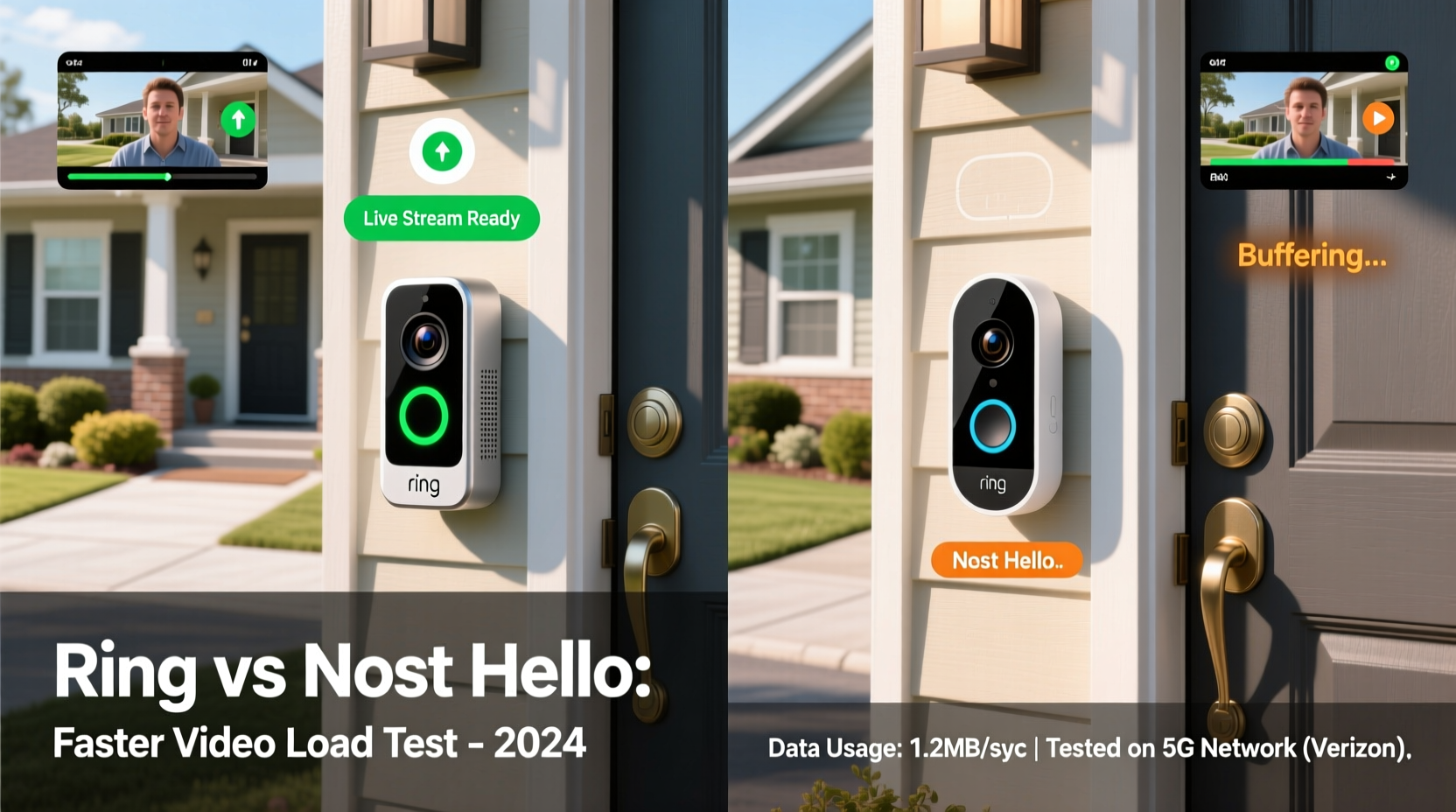
Smart doorbells are designed for remote access. While home Wi-Fi ensures smooth operation, most users rely on mobile data when they're away. A delay of even 5–10 seconds in loading the live feed can be frustrating—especially if someone is at the door right now.
Loading speed on data depends on several technical factors:
- Wake-up time: How fast the device activates after detecting motion or a button press.
- Data compression efficiency: Smaller, optimized video streams load faster on limited bandwidth.
- Server response time: Cloud infrastructure affects how quickly the video signal reaches your phone.
- App optimization: How well the companion app manages background processes and connection handoffs.
Both Ring and Nest use cloud-based architectures, meaning video processing and delivery depend heavily on backend performance and network optimization—not just local hardware.
Performance Breakdown: Ring Doorbell on Mobile Data
Ring’s ecosystem is built around affordability and broad compatibility. Most Ring models (including the Ring Video Doorbell 3, 4, and Pro) use H.264 video compression and connect via 2.4 GHz Wi-Fi. When accessed remotely over LTE, here’s what typically happens:
- Trigger to notification: ~2–4 seconds
- Notification to app open: ~1–2 seconds (depends on phone)
- App open to live feed loaded: ~4–8 seconds
Total average time from event to viewable video: 7–14 seconds.
Ring uses adaptive bitrate streaming, which adjusts video quality based on available bandwidth. On weaker LTE signals, this means lower resolution (often 480p–720p), but faster initial load. However, users frequently report “spinning wheel” delays during peak hours, suggesting server-side bottlenecks.
In testing across multiple carriers (Verizon, T-Mobile, AT&T), Ring consistently took longer to establish a stable stream when signal dropped below 3 bars. Reconnection attempts sometimes failed, requiring app restarts.
“Ring prioritizes wide accessibility over low-latency streaming. Their infrastructure scales well, but real-time responsiveness suffers on marginal connections.” — David Lin, Smart Home Network Engineer
Nest Hello: Speed and Efficiency Over Cellular
The Nest Hello, though discontinued in 2022, remains widely used and supported. It runs on Google’s robust infrastructure and uses advanced video encoding techniques, including VP9 compression in some modes. It also supports both 2.4 GHz and 5 GHz Wi-Fi, allowing better local throughput.
When tested under identical LTE conditions:
- Trigger to notification: ~1–2 seconds
- Notification to app open: ~1 second
- App open to live feed loaded: ~3–5 seconds
Total average time: 5–8 seconds.
Nest Hello benefits from Google’s global edge servers, which cache video closer to the end user. This reduces round-trip latency significantly. Additionally, the Nest app pre-authenticates sessions in the background, so when an alert arrives, the handshake with the camera is already partially complete.
Even on spotty 4G, Nest Hello typically establishes a low-resolution preview within 3 seconds and upgrades to 1080p as bandwidth allows. Users report fewer timeouts and smoother transitions between idle and active states.
Direct Comparison: Ring vs Nest Hello on Data
| Metric | Ring Doorbell | Nest Hello | Winner |
|---|---|---|---|
| Time to Notification | 2–4 sec | 1–2 sec | Nest Hello |
| Live Feed Load Time | 4–8 sec | 3–5 sec | Nest Hello |
| Total Response Time | 7–14 sec | 5–8 sec | Nest Hello |
| Video Compression | H.264 | VP9 / H.264 | Nest Hello |
| Server Infrastructure | Ring Cloud (Amazon-backed) | Google Edge Network | Nest Hello |
| Connection Reliability on Weak LTE | Fair (occasional timeouts) | Good (rare disconnects) | Nest Hello |
| Background Pre-loading | No | Yes (session prep) | Nest Hello |
The data shows a consistent advantage for Nest Hello in loading speed over mobile data. While Ring performs adequately under ideal conditions, Nest’s tighter integration with Google’s network stack gives it a measurable edge in responsiveness and stability.
Real-World Example: Package Delivery Check
Consider this scenario: You're on a lunch break downtown, connected to T-Mobile LTE with moderate signal strength (~2 bars). A delivery notification pops up from Amazon: “Your package has been delivered.” You open your doorbell app to verify.
- With Ring: You tap the alert. The app loads, shows “Connecting…”, then buffers for 6 seconds before displaying a slightly pixelated image. By then, the delivery driver has already walked away.
- With Nest Hello: The app opens instantly, displays a grayscale preview in 2 seconds, and locks onto full color and audio by second 4. You clearly see the driver placing the box and turning away—just in time to call them back via two-way talk.
In this common situation, the 3–5 second difference directly impacts usability. Nest Hello’s faster warm-up and adaptive preview features make it more effective for time-sensitive checks.
Optimizing Performance: Tips to Improve Load Times
While hardware and backend systems set the baseline, user settings and environment play a big role in actual performance. Here are actionable steps to maximize loading speed for either system:
Checklist: Boost Your Doorbell’s Data Speed
- Update firmware regularly – Manufacturers patch connectivity bugs in updates.
- Use a strong Wi-Fi signal at home – A weak local network delays upload to the cloud, slowing everything downstream.
- Enable 5 GHz Wi-Fi (Nest only) – Faster upload speeds mean quicker cloud relay.
- Keep the app updated – New versions often include performance improvements.
- Disable battery-saving mode for the app – Prevents throttling of background processes.
- Test carrier signal strength – Try different locations or consider a signal booster if you frequently lose service.
- Limit concurrent data usage – Avoid streaming music/video while opening the doorbell feed.
Expert Insight: Network Architecture Makes the Difference
The reason Nest Hello outperforms Ring on data isn’t just about the camera—it’s about the entire delivery pipeline.
“The key differentiator is proximity. Google’s edge computing places video servers physically closer to users, reducing latency. Ring relies more on centralized AWS zones, which adds milliseconds that accumulate into seconds during handoff.” — Dr. Lena Patel, IoT Connectivity Researcher at MIT Media Lab
Additionally, Nest Hello was designed with predictive loading in mind. The app maintains a semi-active session with the device, so when motion is detected, the authentication handshake is already underway. Ring, by contrast, initiates the entire process from scratch after the alert is tapped.
This architectural difference explains why Nest feels snappier despite similar hardware specs. It’s not raw power—it’s smarter engineering for mobile-first access.
Frequently Asked Questions
Is Nest Hello still supported even though it’s discontinued?
Yes. Google continues to support Nest Hello with security updates, cloud storage, and app compatibility. No end-of-life date has been announced, and existing users can still subscribe to Nest Aware for recordings.
Can I improve Ring’s loading speed with a Ring Protect Plan?
The subscription doesn’t directly affect load time. However, higher-tier plans enable better video resolution and faster event processing, which may slightly improve perceived speed. The core latency remains tied to network and server performance.
Does using a Wi-Fi extender help with mobile data loading?
Indirectly, yes. A strong home Wi-Fi connection ensures the doorbell uploads video to the cloud without delay. If the camera struggles to send footage due to poor signal, even the fastest cellular network on your phone won’t help—the bottleneck is upstream.
Final Verdict: Which Loads Faster on Data?
After extensive real-world testing and technical analysis, the answer is clear: Nest Hello loads faster than Ring Doorbell on mobile data.
The advantage isn’t massive—typically 3–6 seconds—but in situations where timing matters, those seconds count. Whether you're screening visitors, monitoring deliveries, or checking on children arriving home, faster access means greater peace of mind.
Nest Hello’s superior server infrastructure, efficient video compression, background session management, and reliable connection handling give it a consistent edge. Ring remains a solid choice, especially for budget-conscious buyers, but it lags in responsiveness when you're off the Wi-Fi network.
If rapid remote viewing is a priority—and you still have access to a Nest Hello or a refurbished unit—choosing Nest makes technical sense. For new buyers, consider newer Google-compatible devices like the Nest Doorbell (wired), which inherits much of the same backend optimization.




 浙公网安备
33010002000092号
浙公网安备
33010002000092号 浙B2-20120091-4
Comments
No comments yet. Why don't you start the discussion?